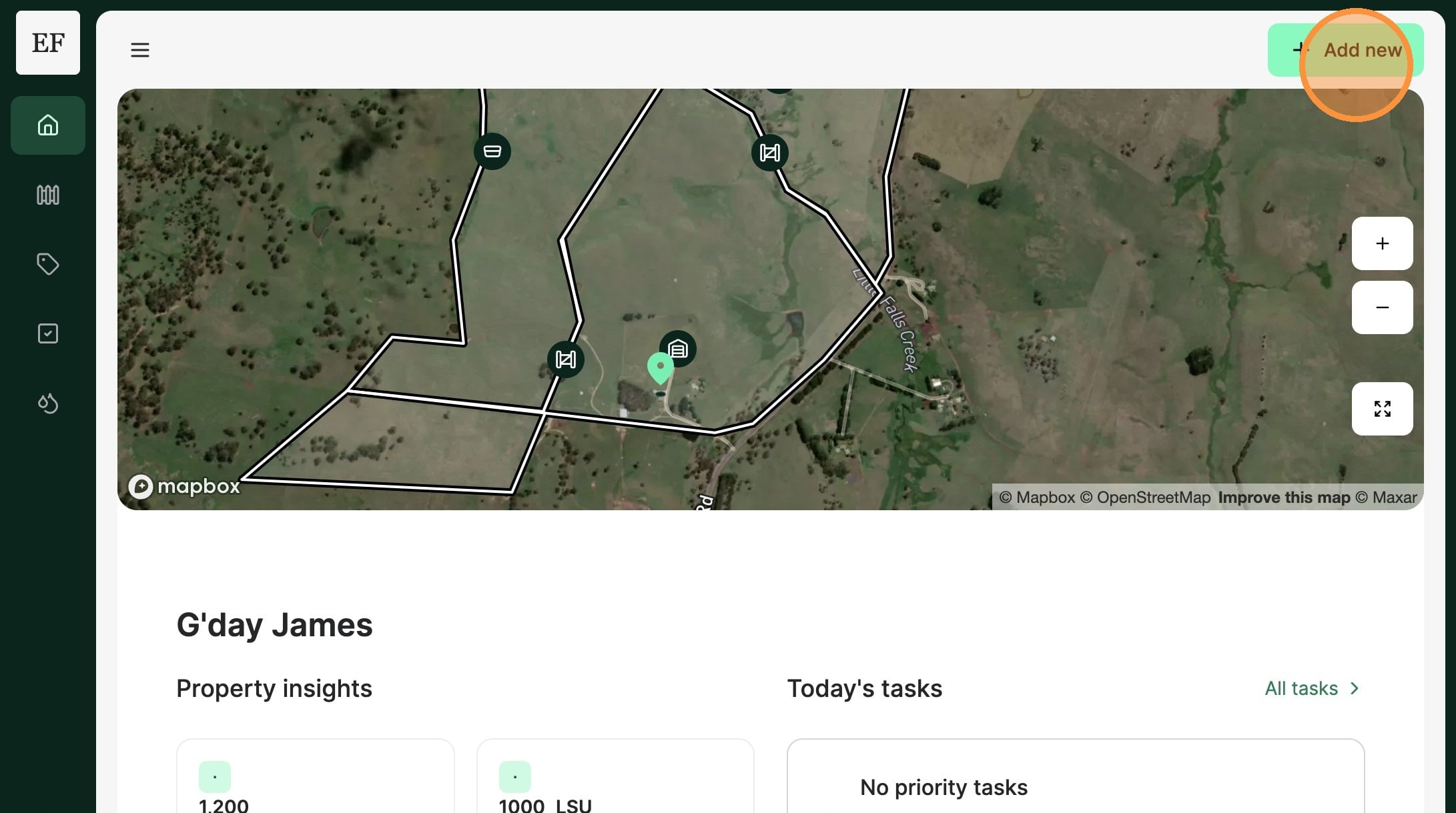
1. From the Home Dashboard Select "Add new"
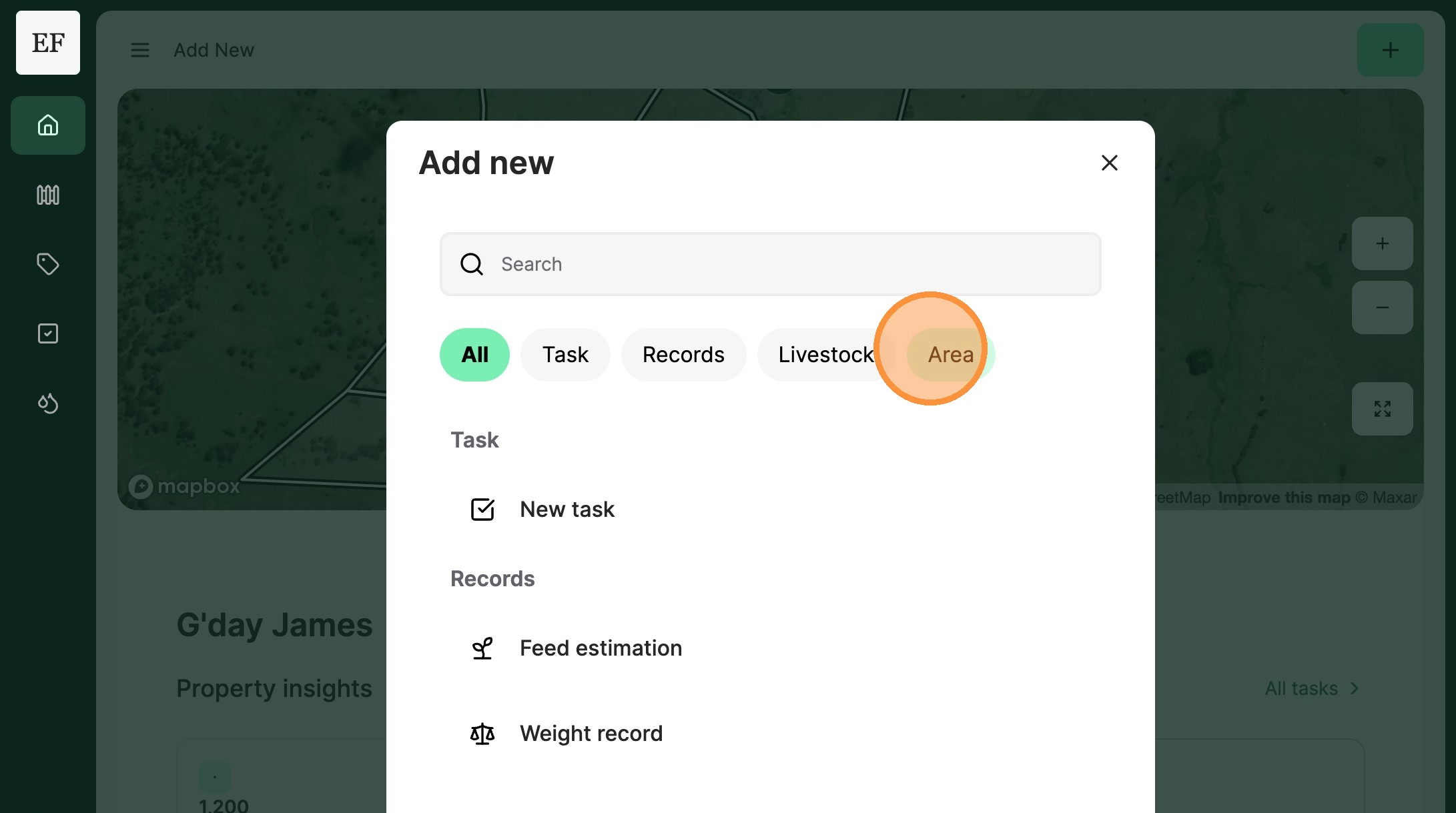
2. Select "Area"
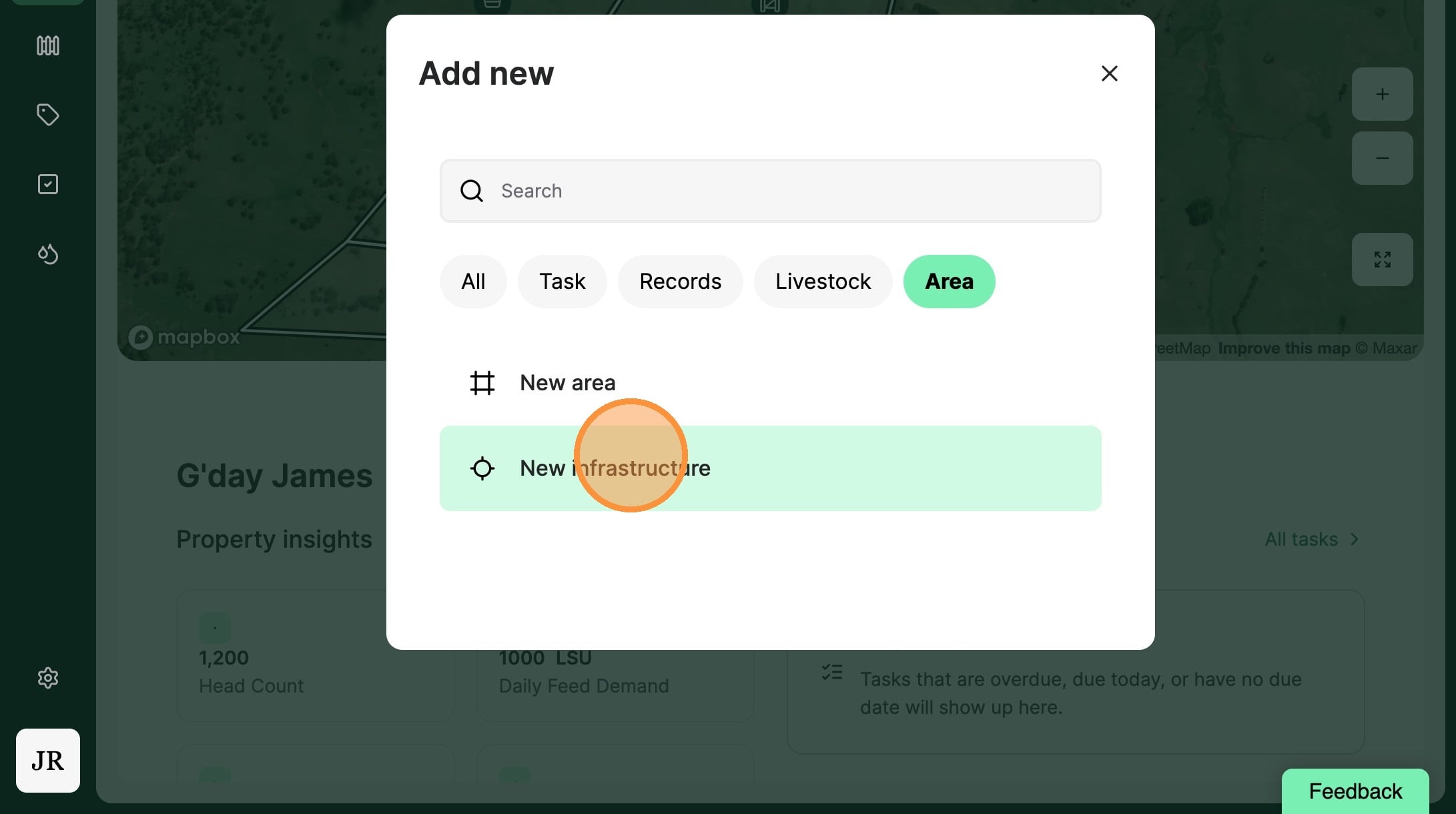
3. Select "New infrastructure"
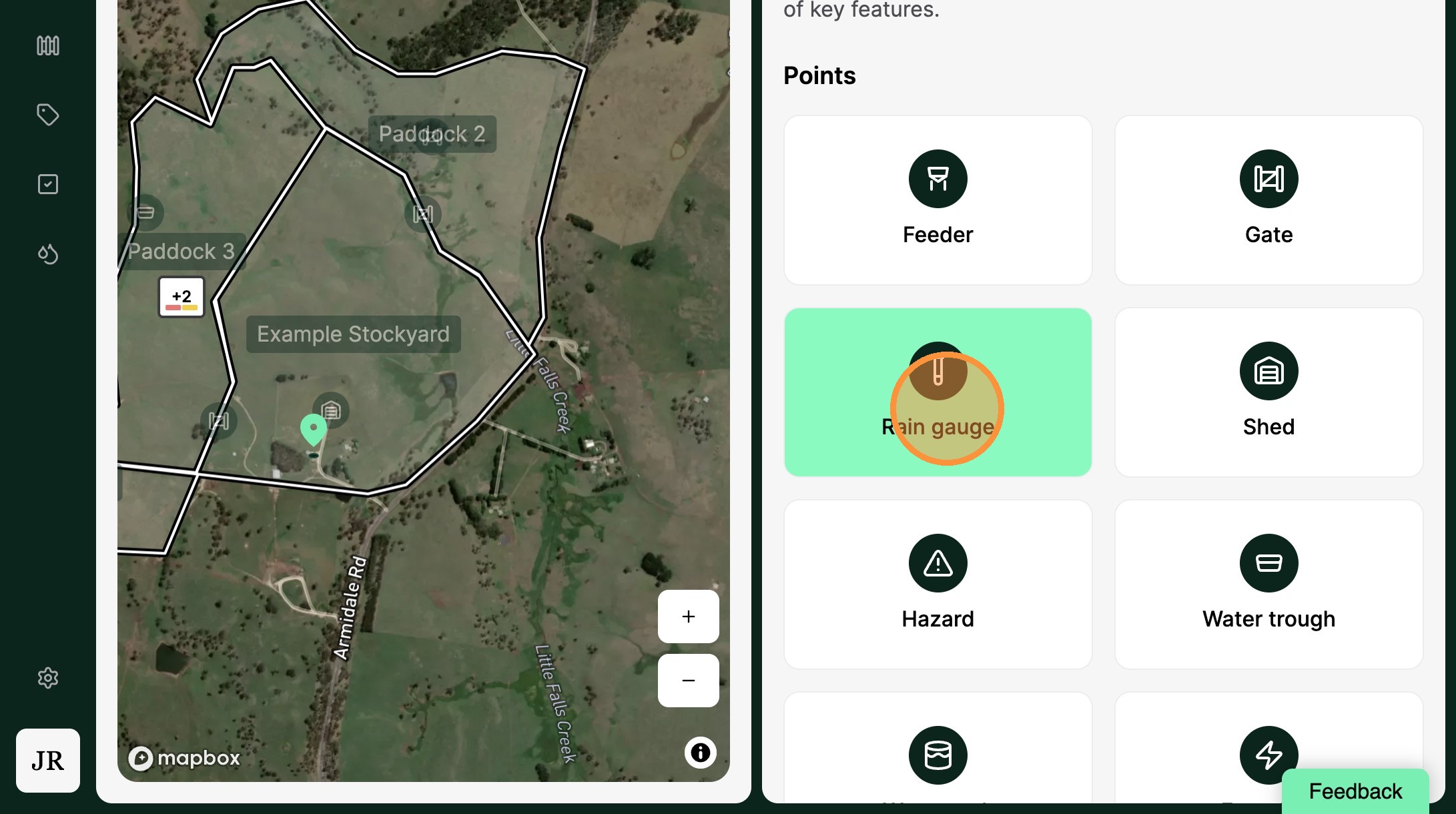
4. Select "Rain gauge"
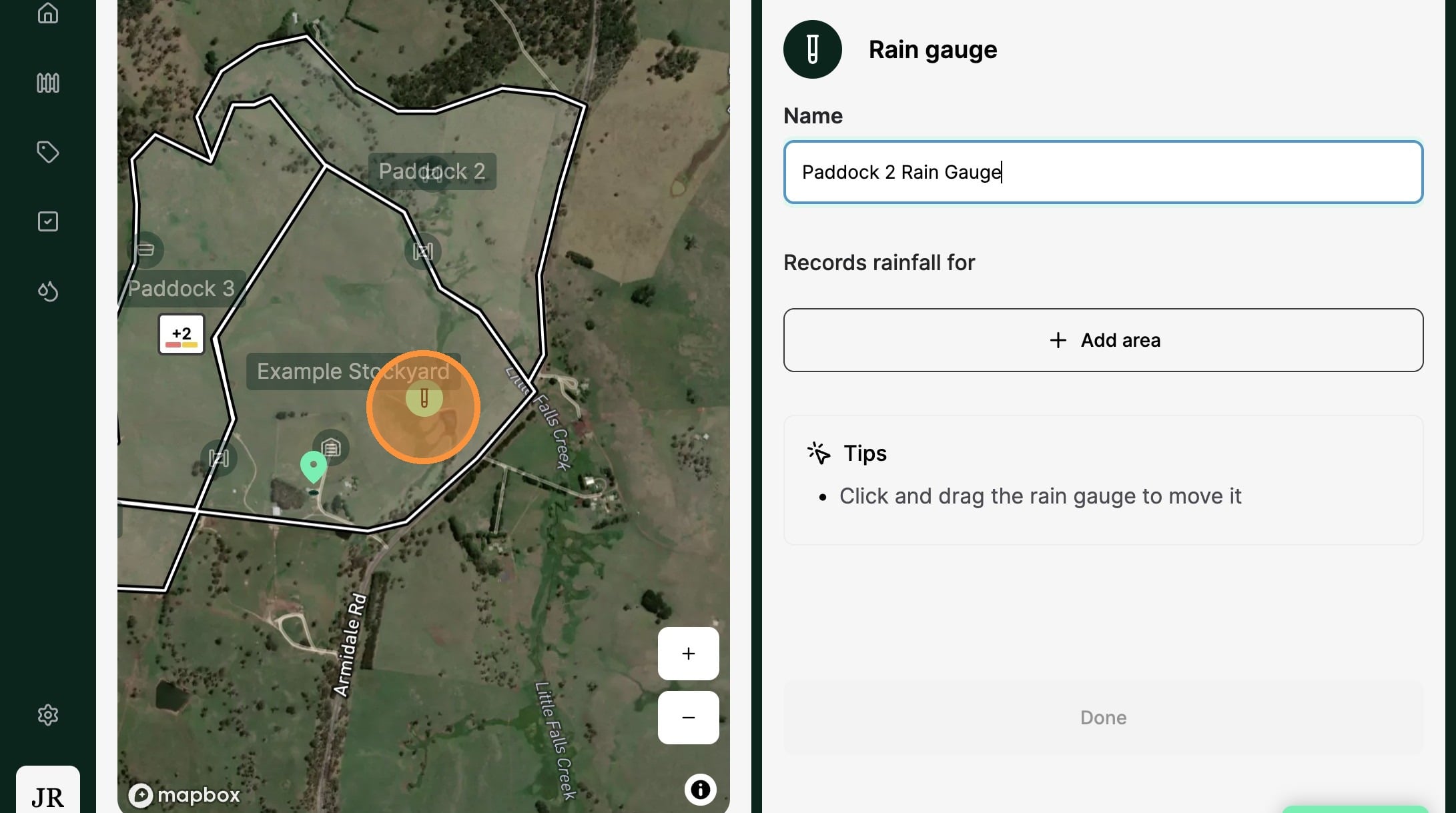
5. Give your Rain Gauge a name and adjust the location of the icon on the map to your desired location
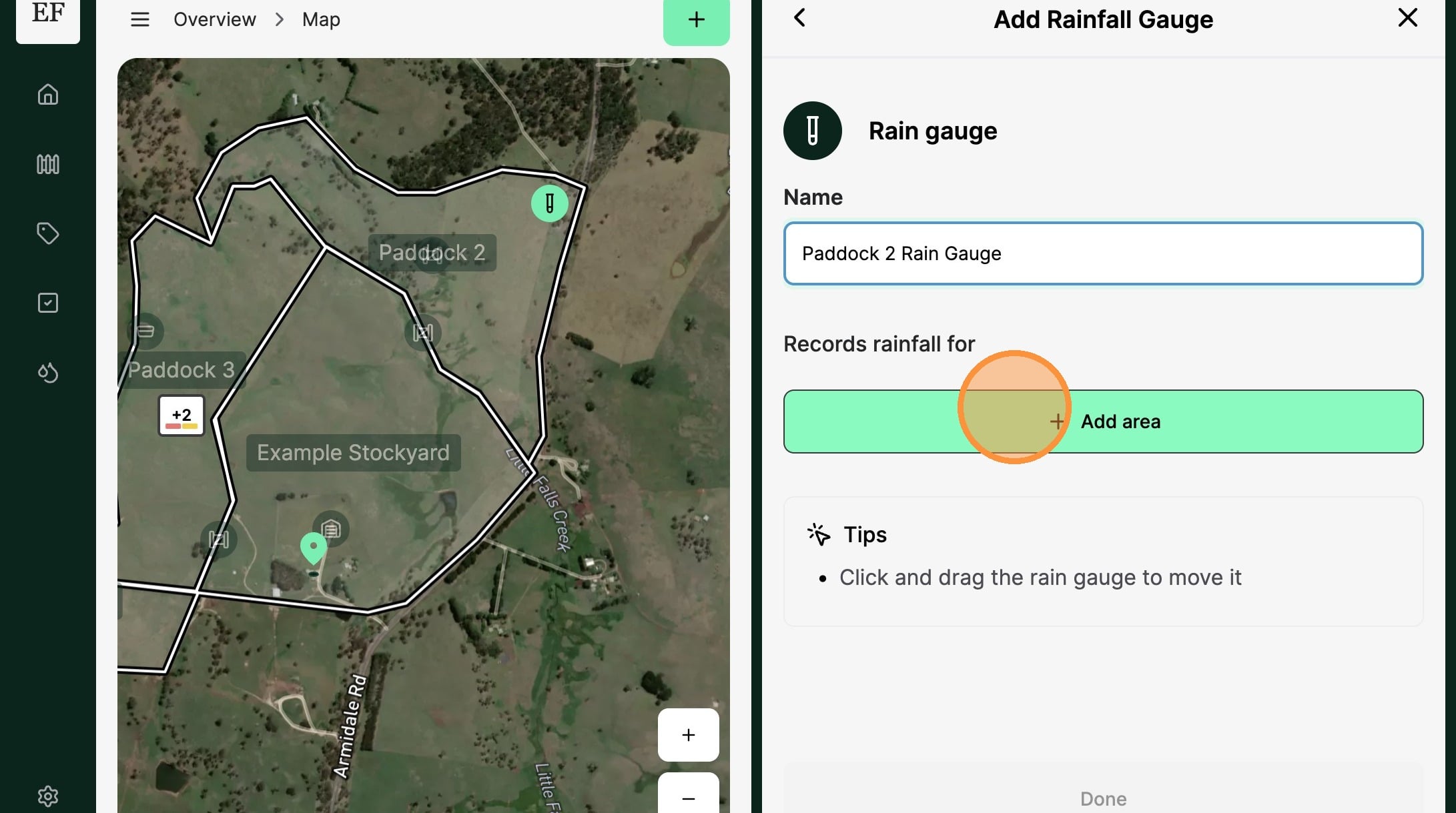
6. Select "Add area"
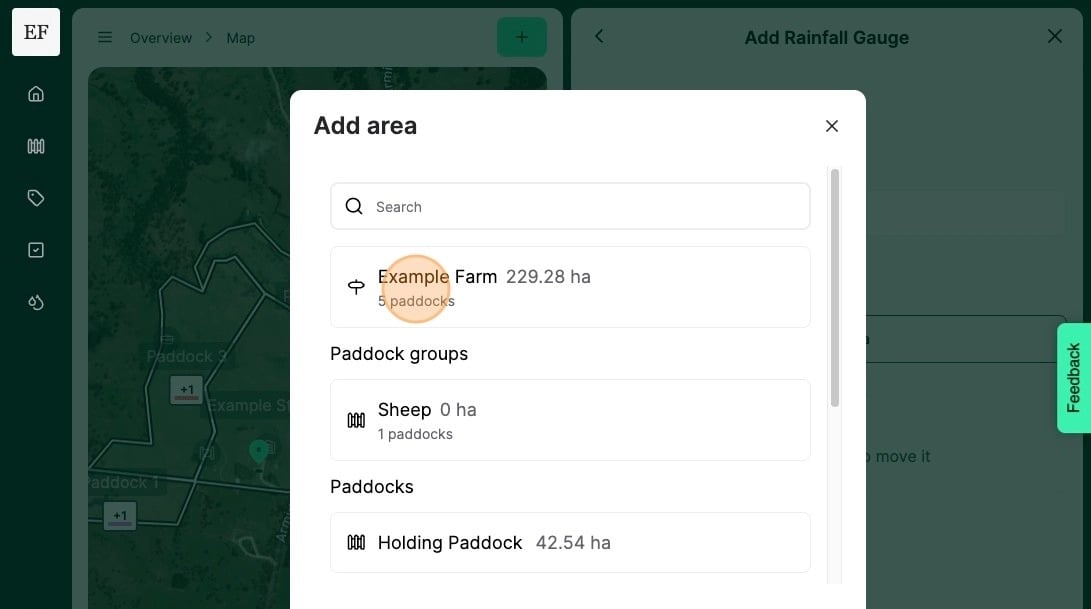
7. Select from existing paddock groups, individual paddocks or stockyards the rain gauge is located in
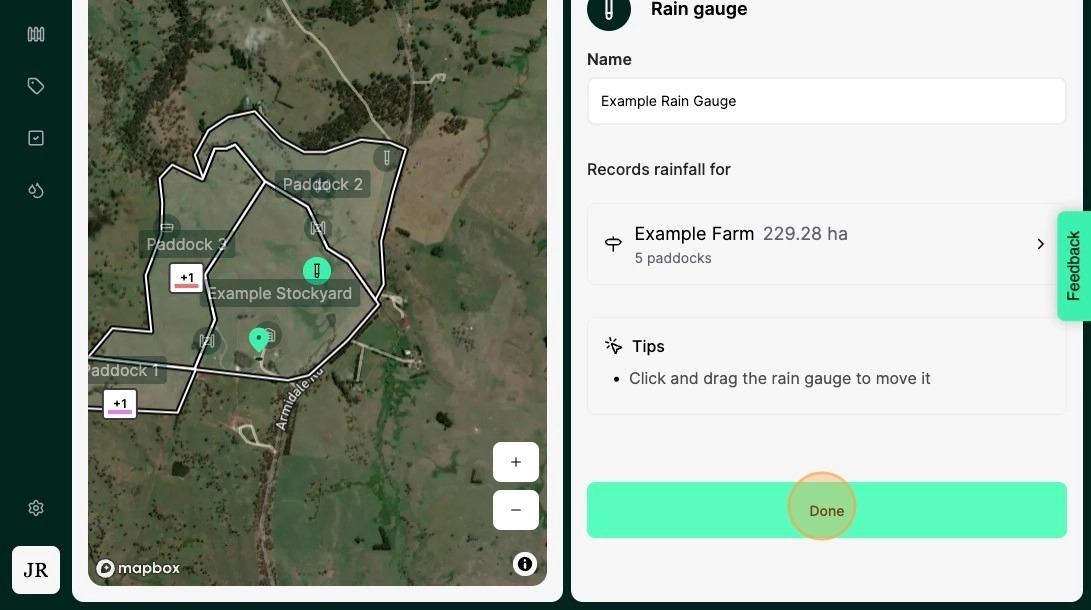
8. Select "Done"