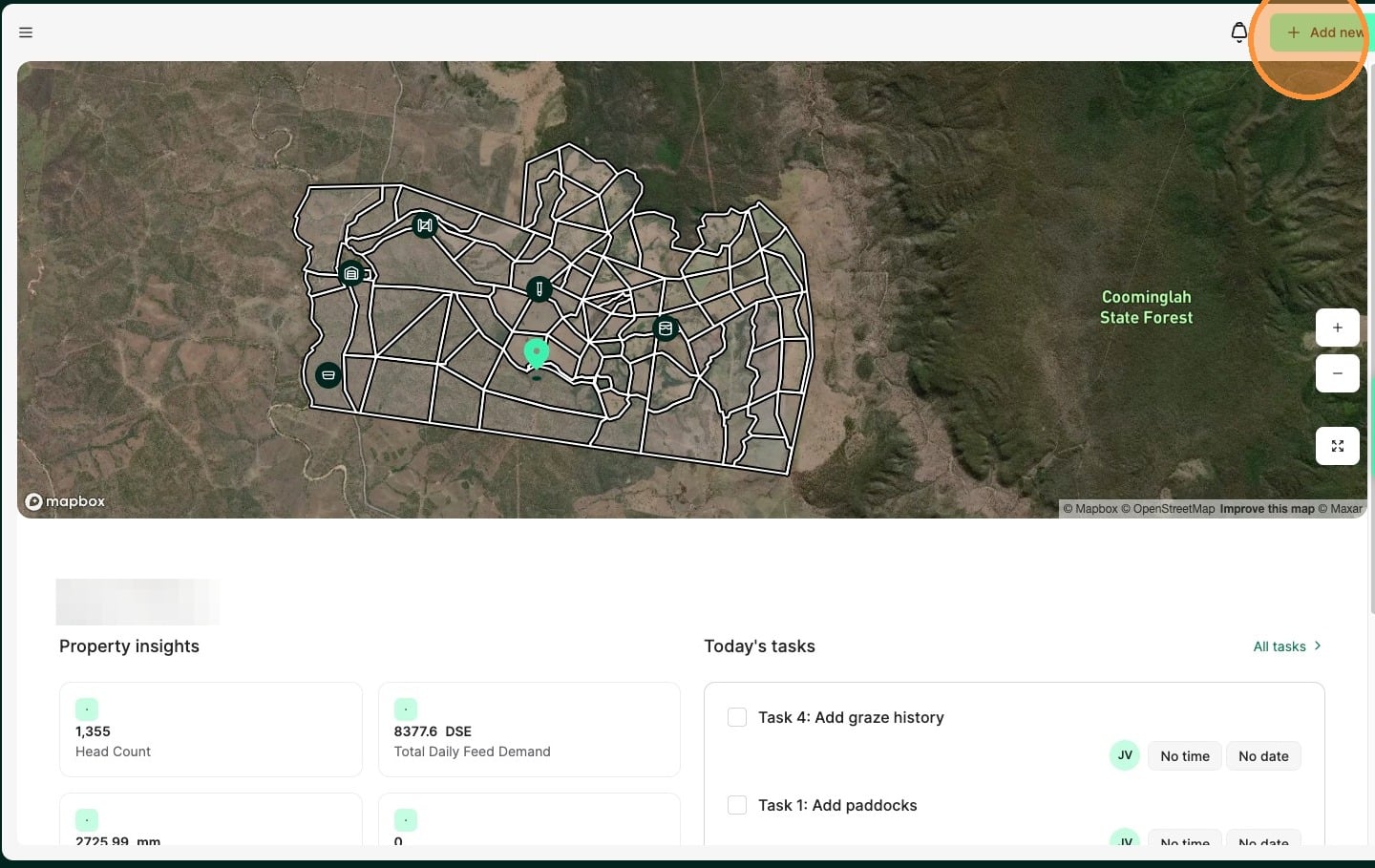
1. From the Home Dashboard select "Add new"
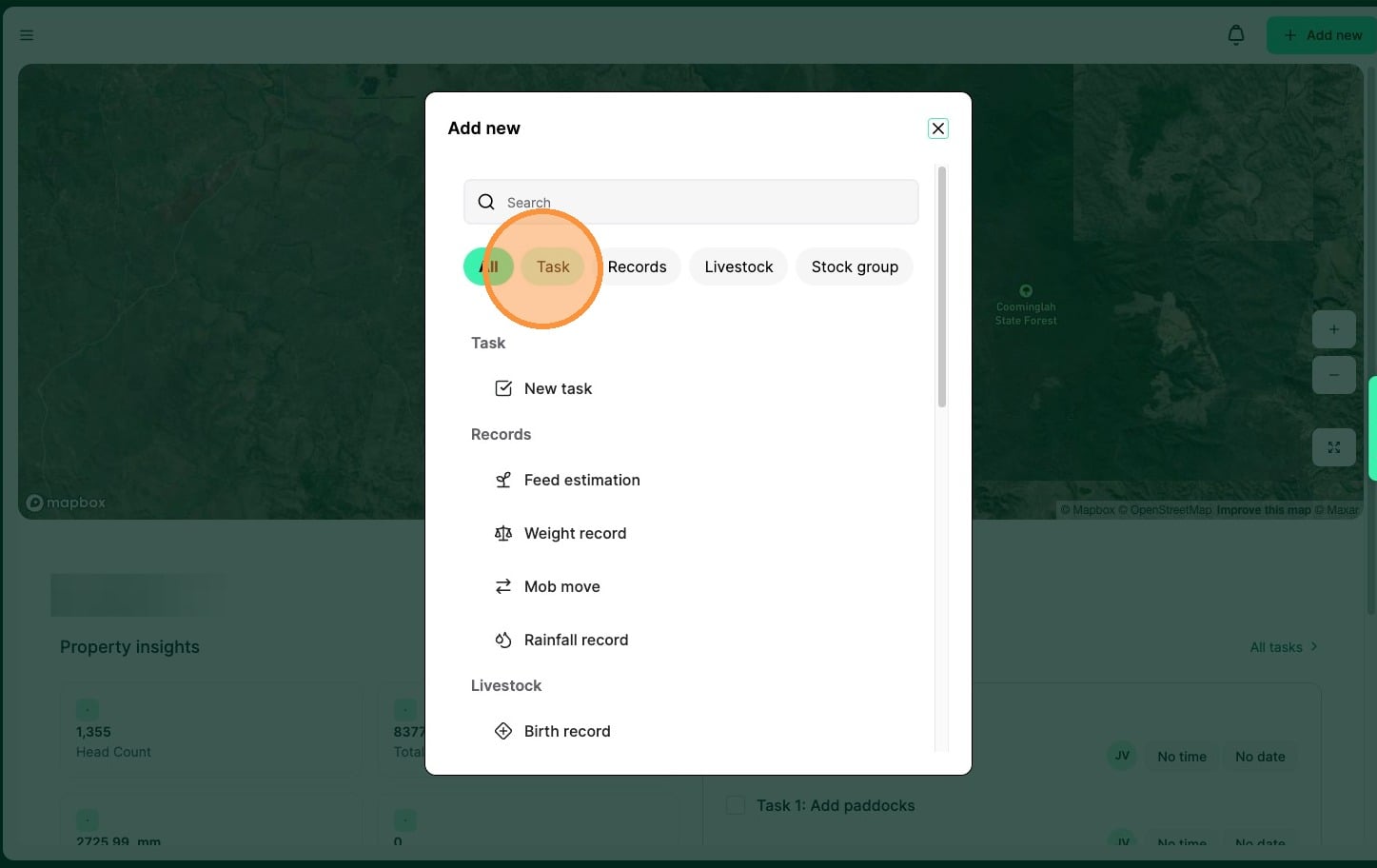
2. Select "Task"
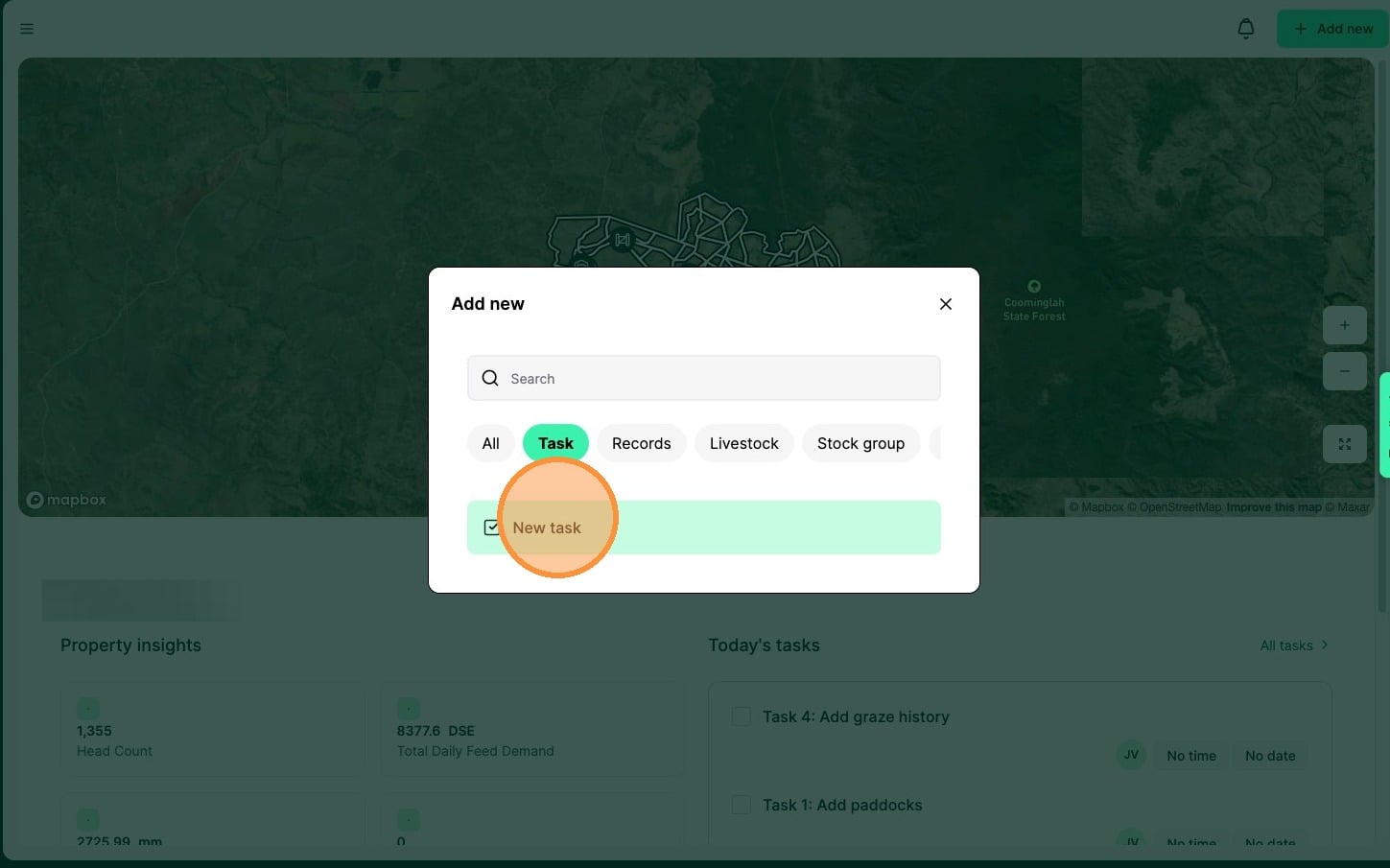
3. Select "New task"
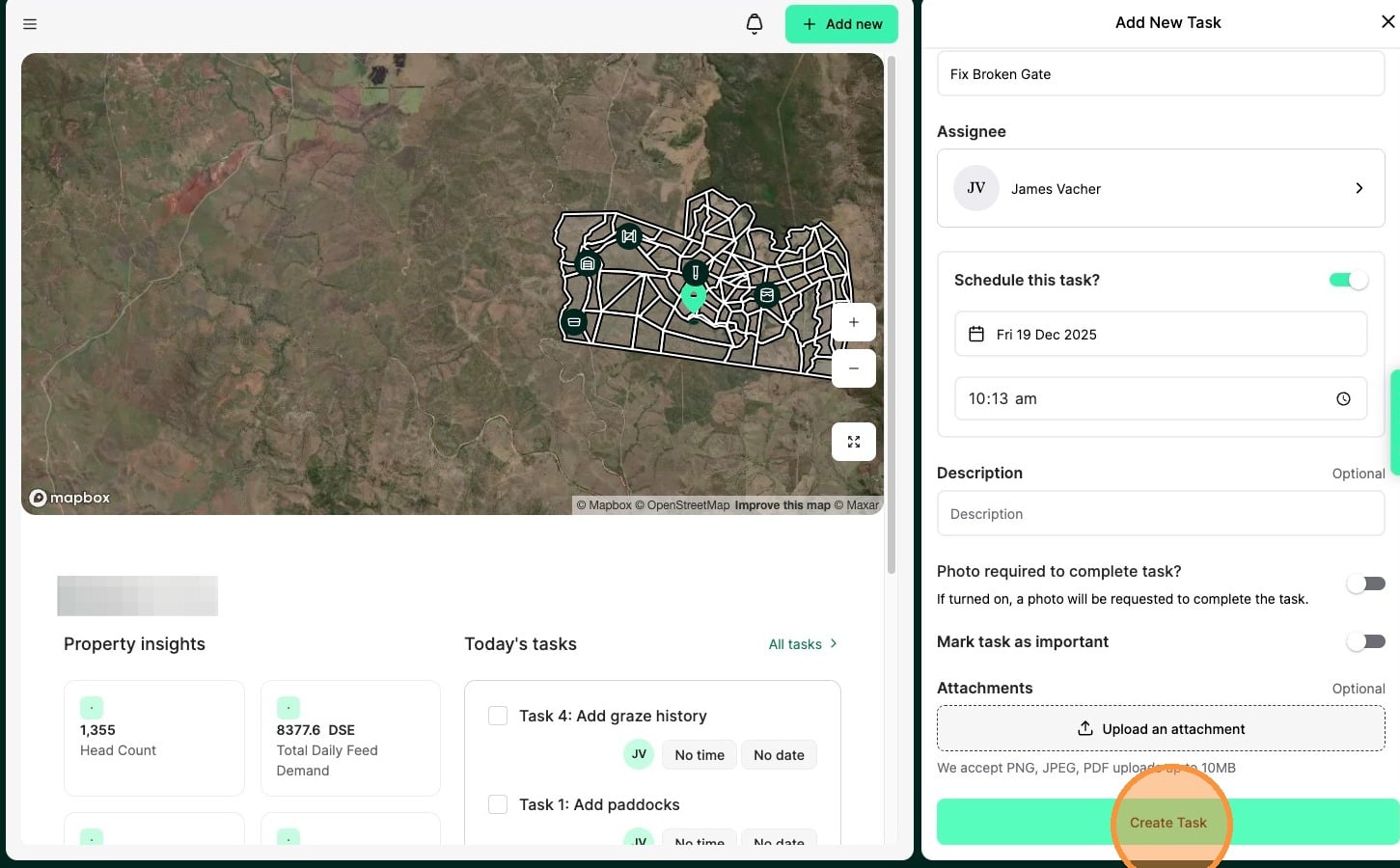
4. Record the "Task name"
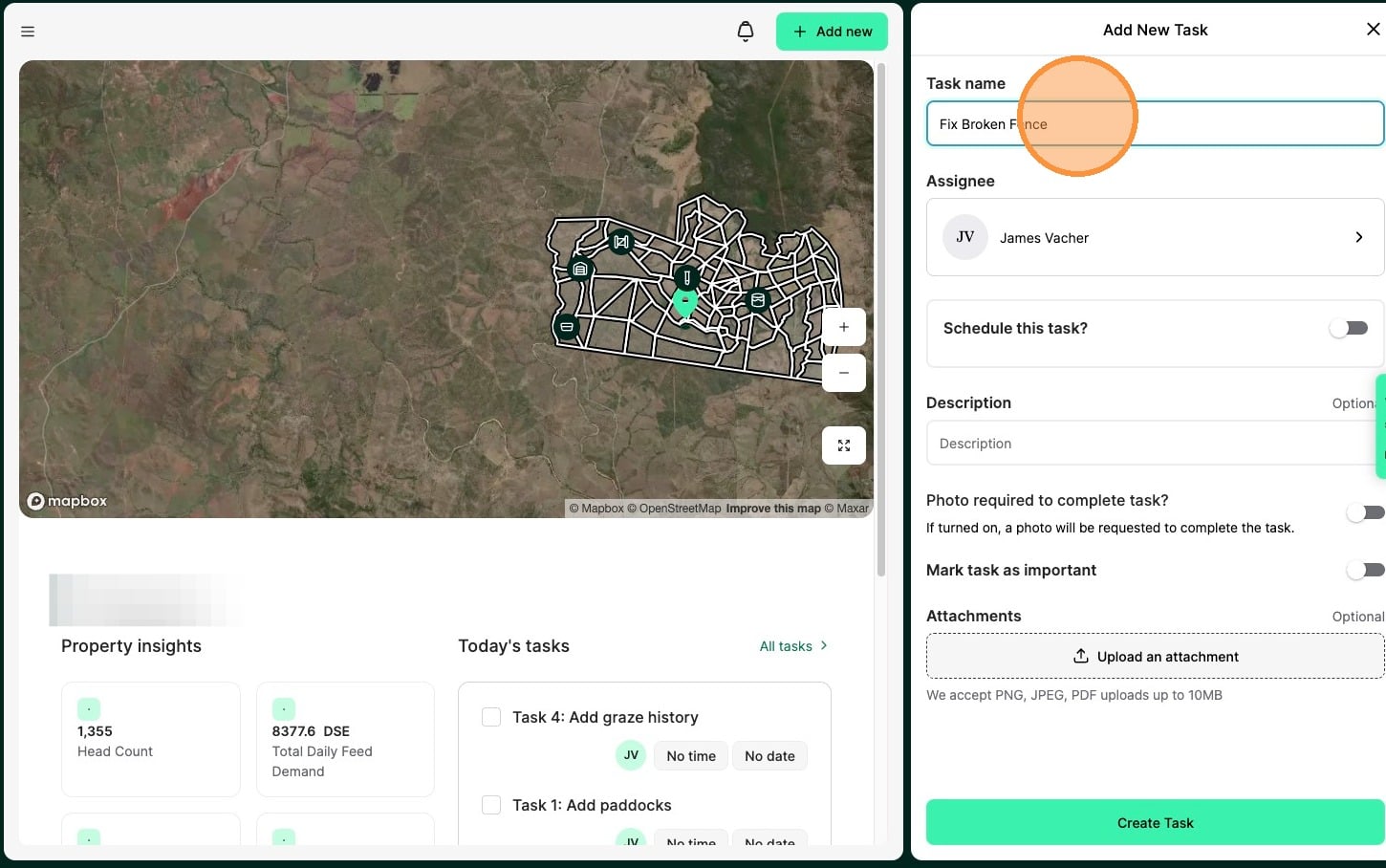
5. Assign the task to a user
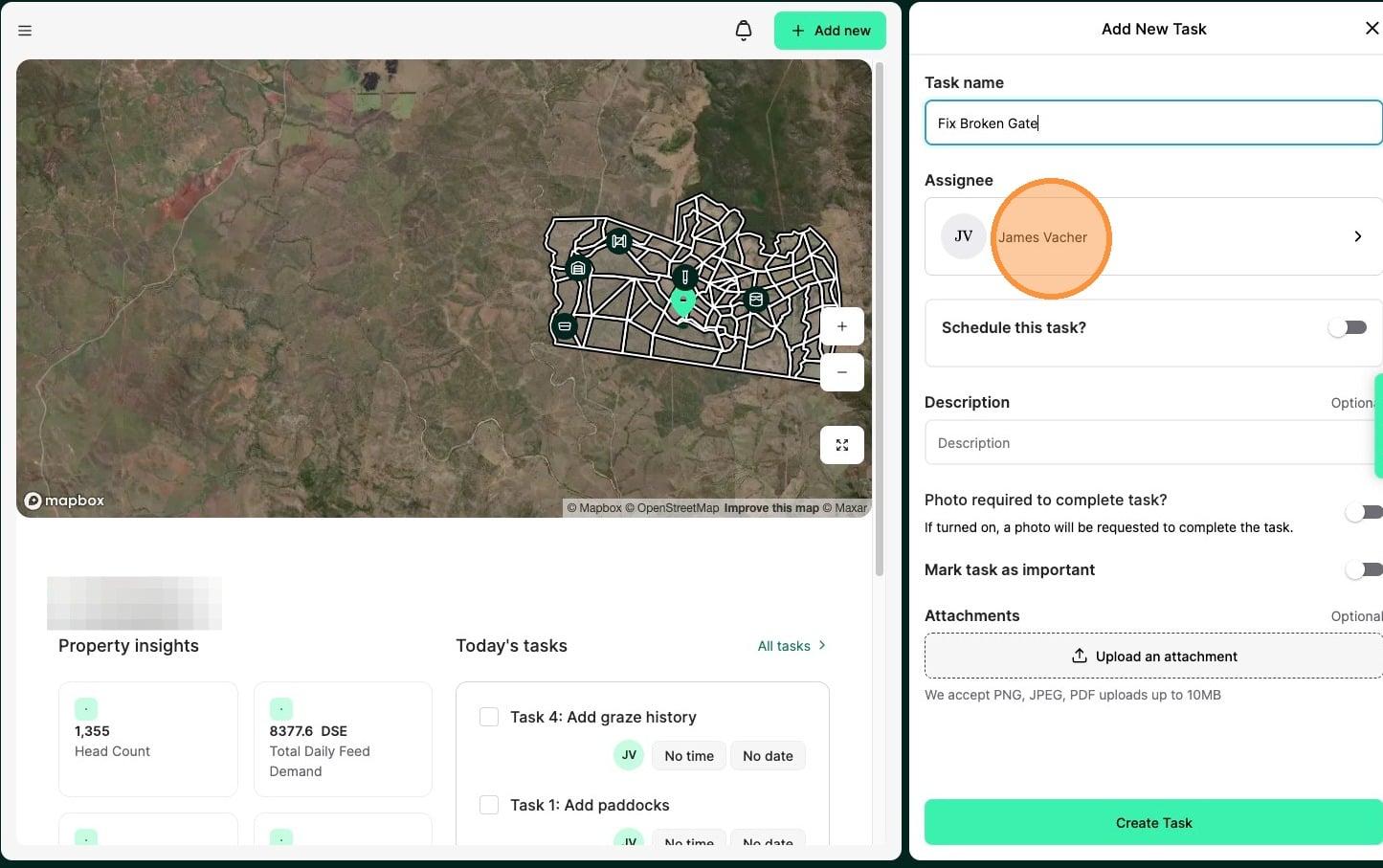
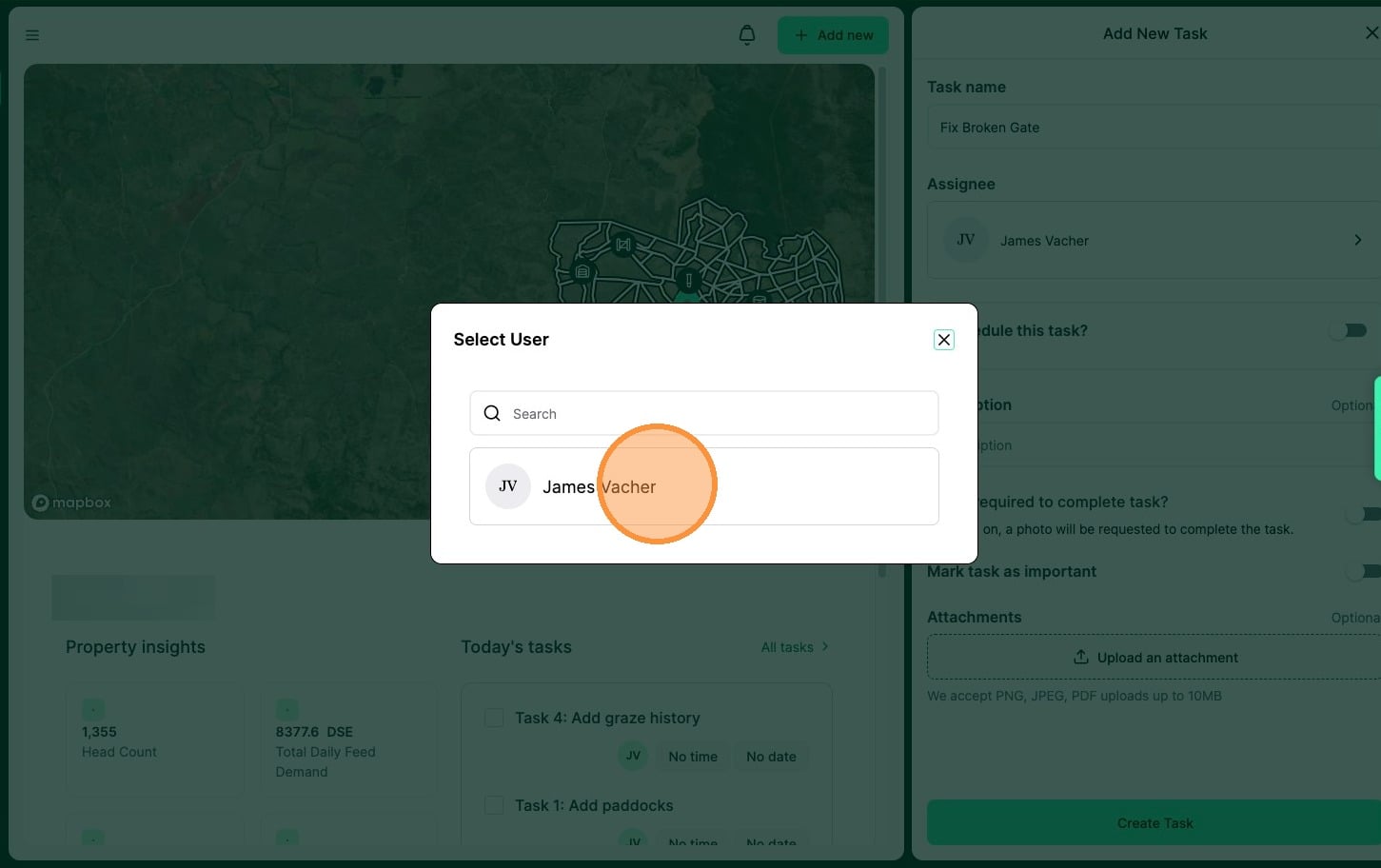
6. Select or search from available users
7. Select if you would like to "schedule the task"
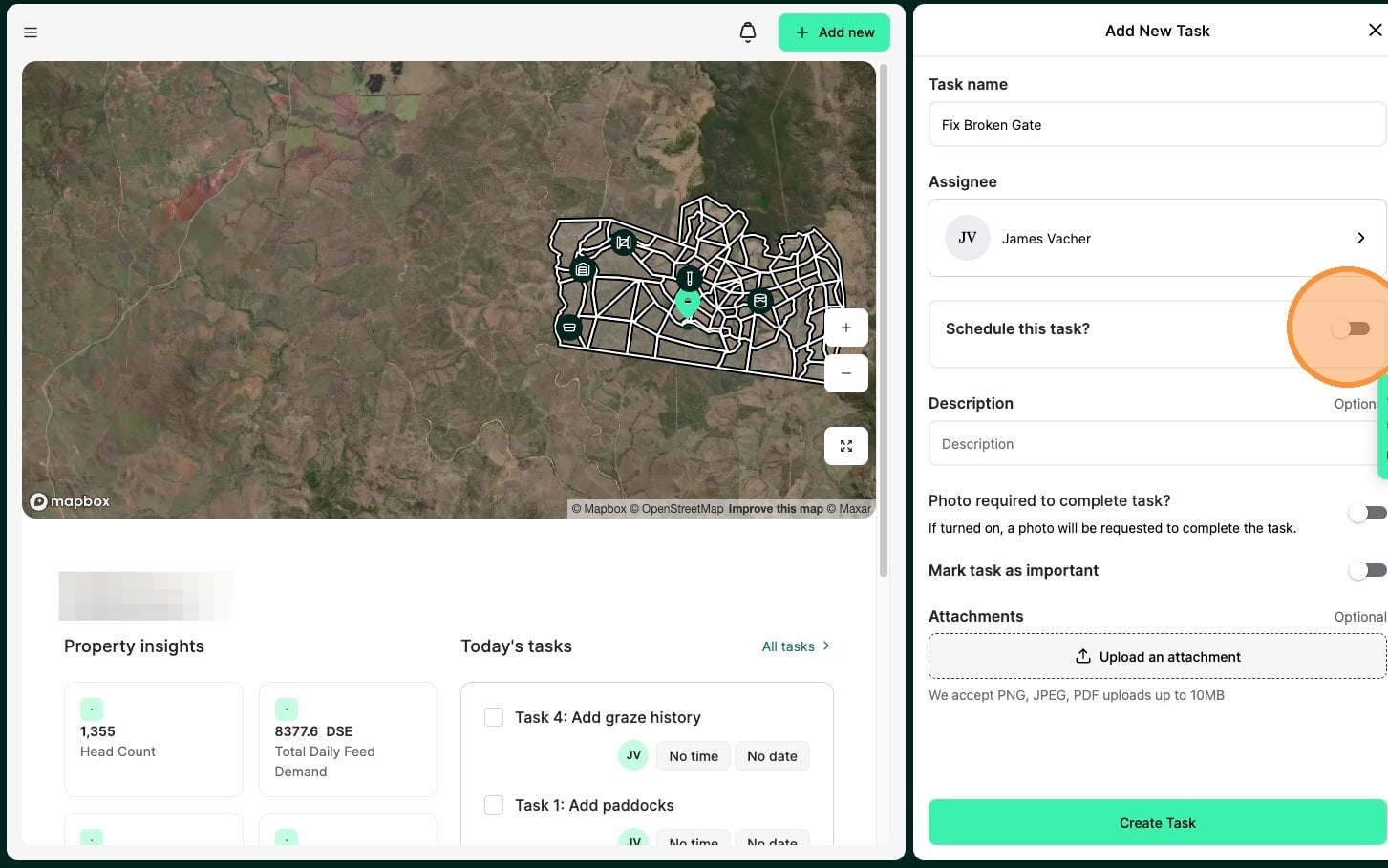
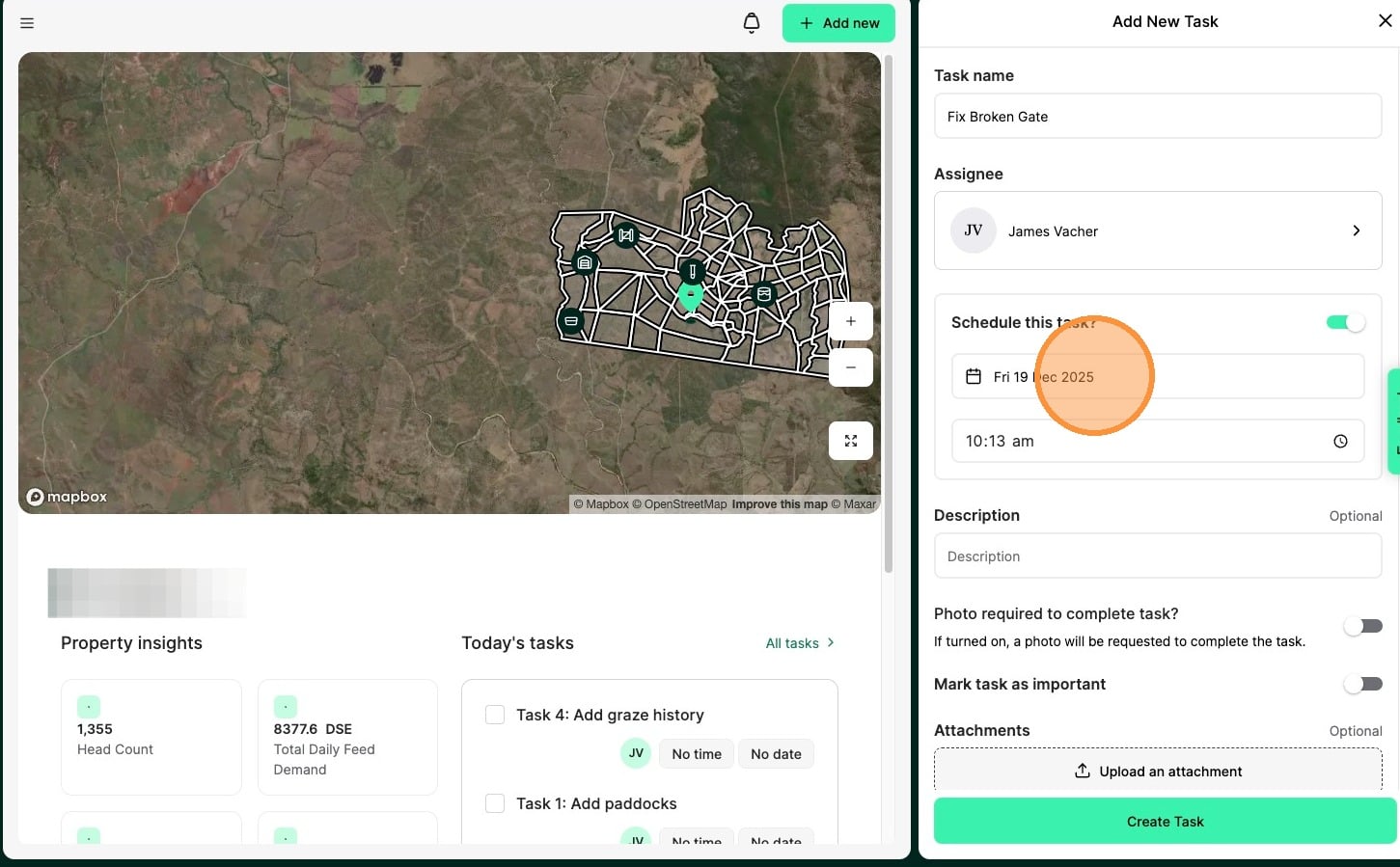
8. Schedule the required completion of a task by selecting the "date" & "time".
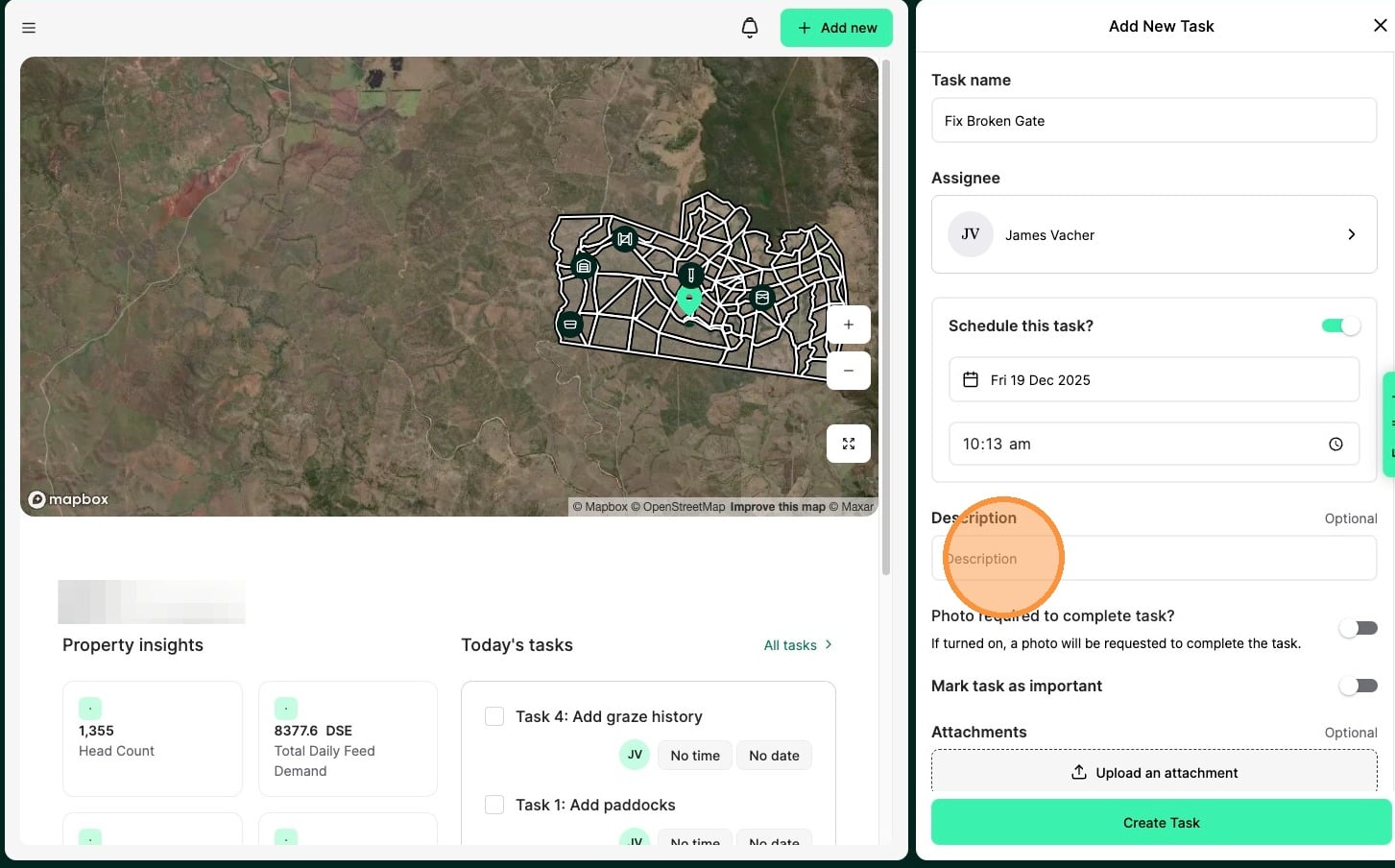
9. Include a description or notes if applicable
For example, if the task Name is “Repair Fence Hole in southern boundary”, then the description might be “use high tensile barbed wire”
Tip: Tip! [[Use the toggles to require a photo before completion or flag the task as high priority.]]
10. Upload and attach a photo if applicable. A photo on completion is useful to ensure a task is accurately done.
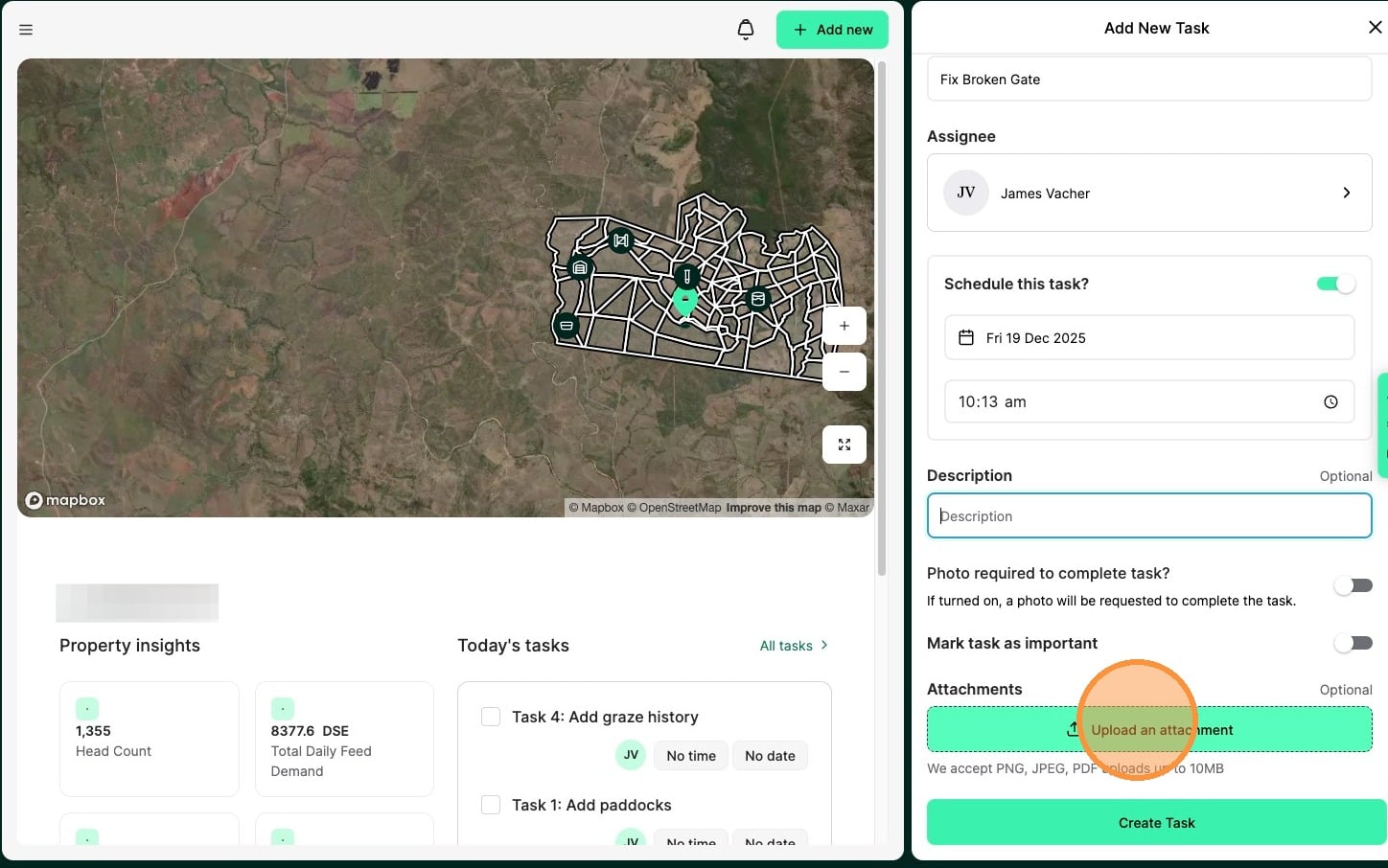
11. Select "Create Task" to complete