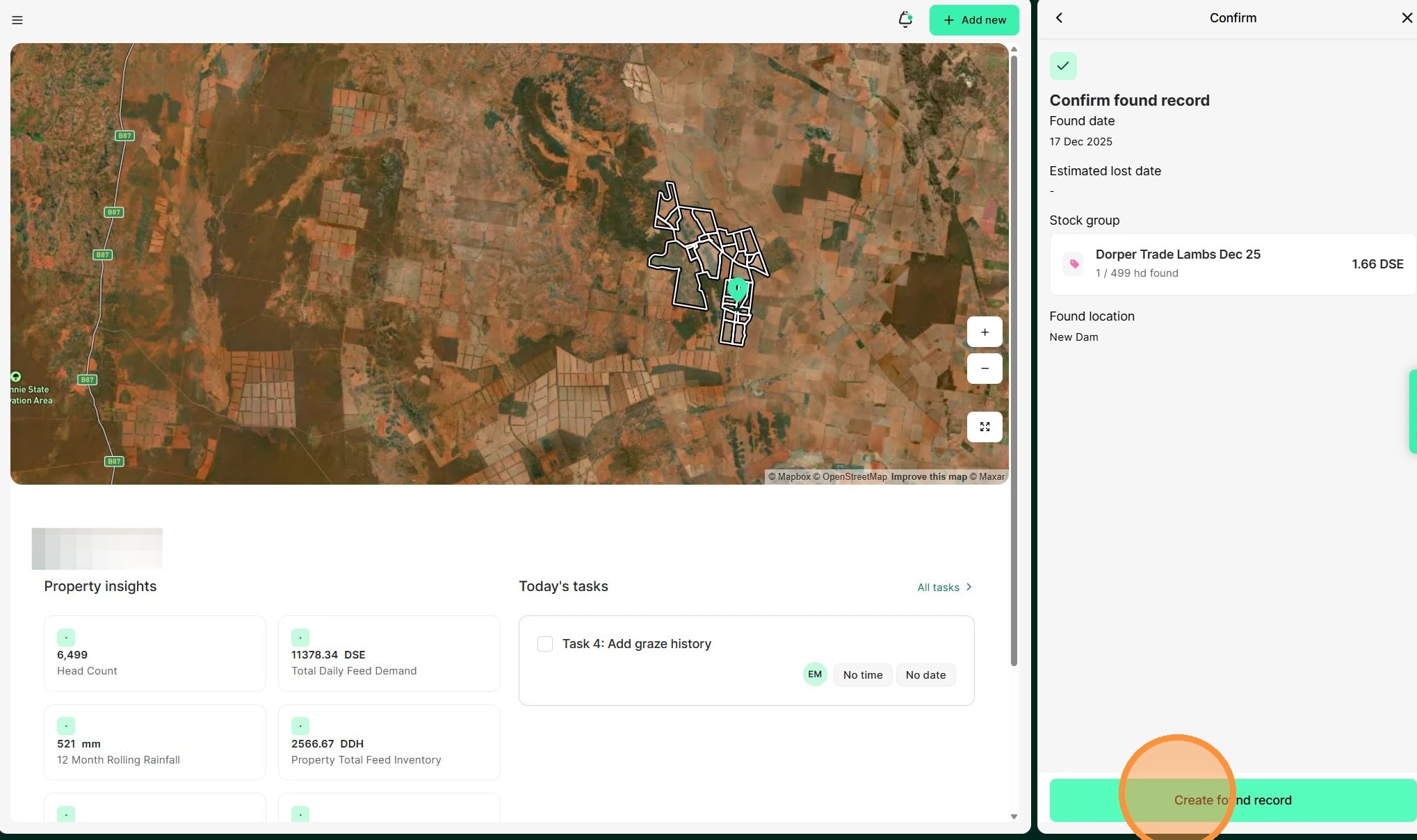
Tip: Keeping livestock inventory up to date for records and reporting is easy with Atlas Grazing. Found records are used when you need to increase the number of head in a mob from stock that is unexpectedly located on the property.
→ Use a found record when you want to account for animals that you have discovered on the property that belong in an existing stock group in the mob.
→ Use a found record if you bring animals in to draft and then find there are more in the mob than you thought.
Note. In the instance where you have discovered neighbours stock on your yard, use a purchase record (for $0). This will allow their demand / impact to the paddock (including recovery dates) to be accounted for.
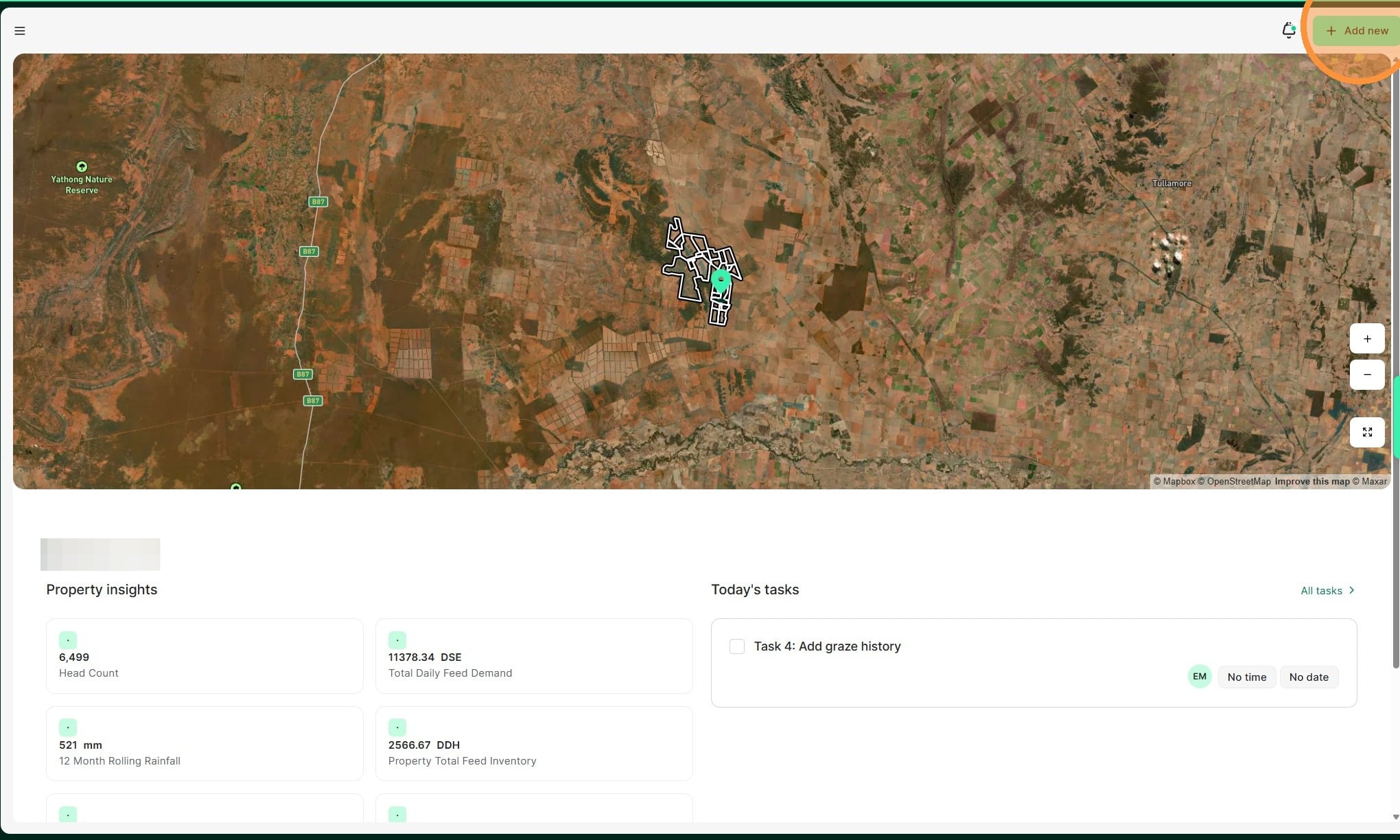
1. From the Home Dashboard select "Add new"
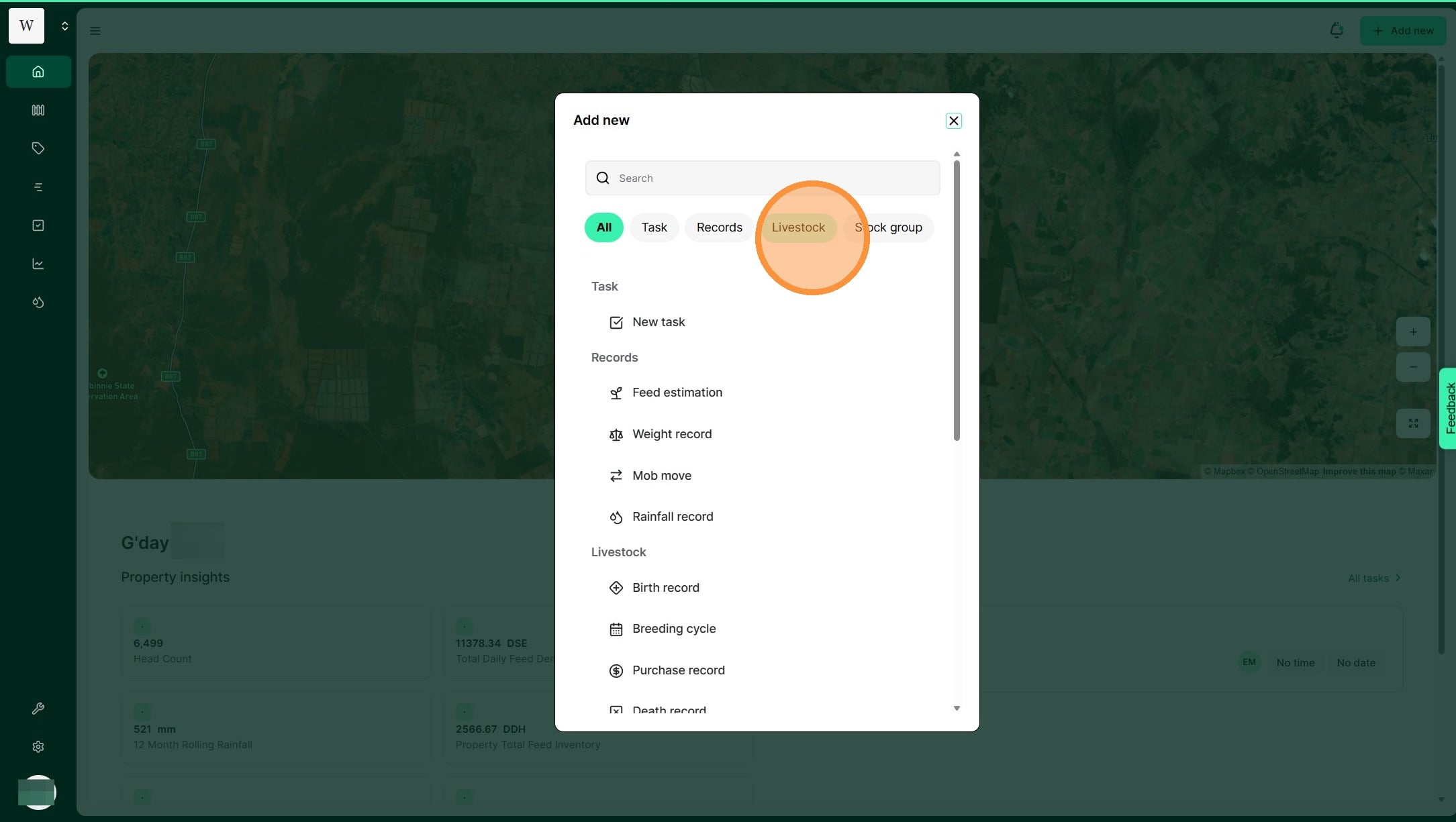
2. Select "Livestock"
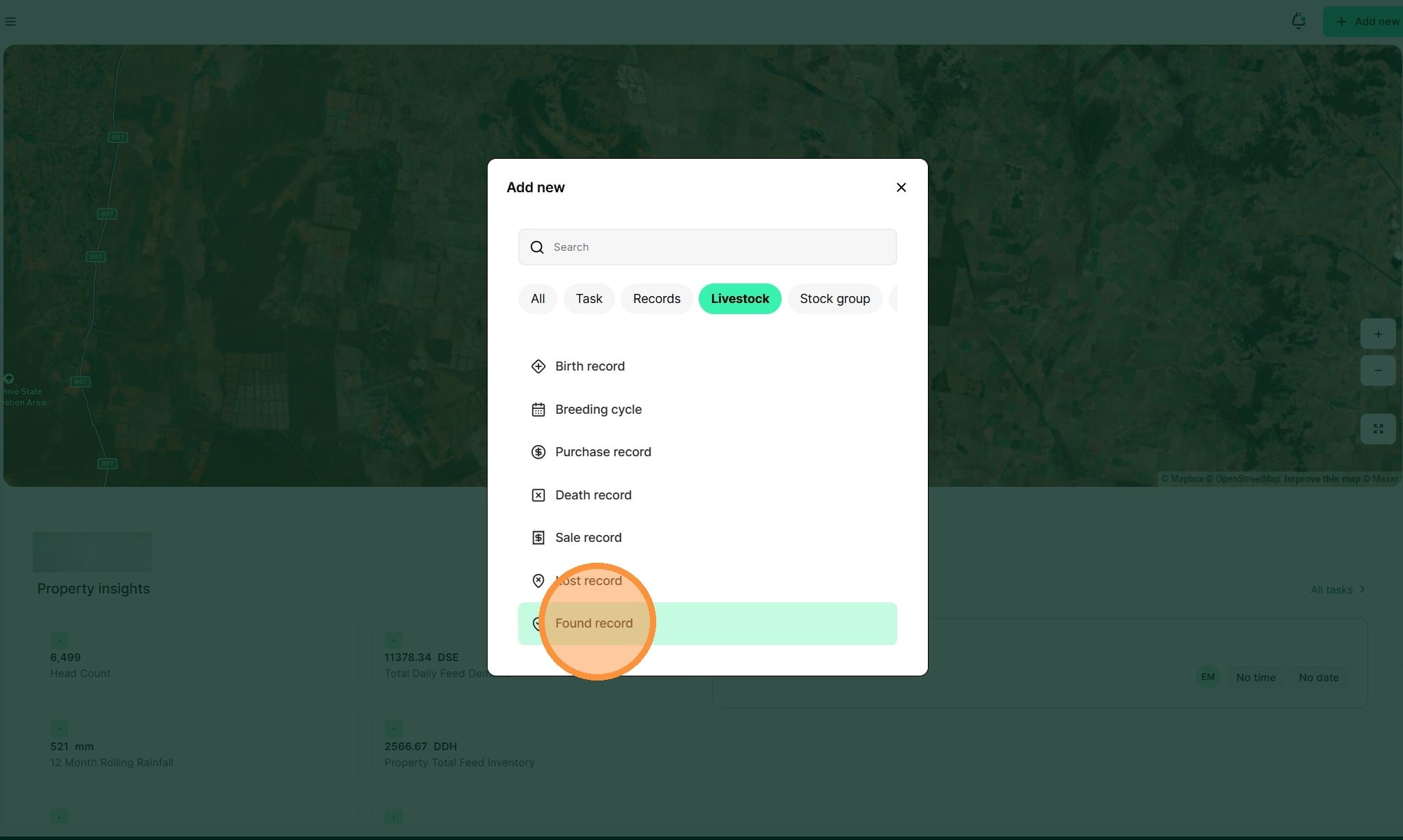
3. Select "Found record" under the Livestock category
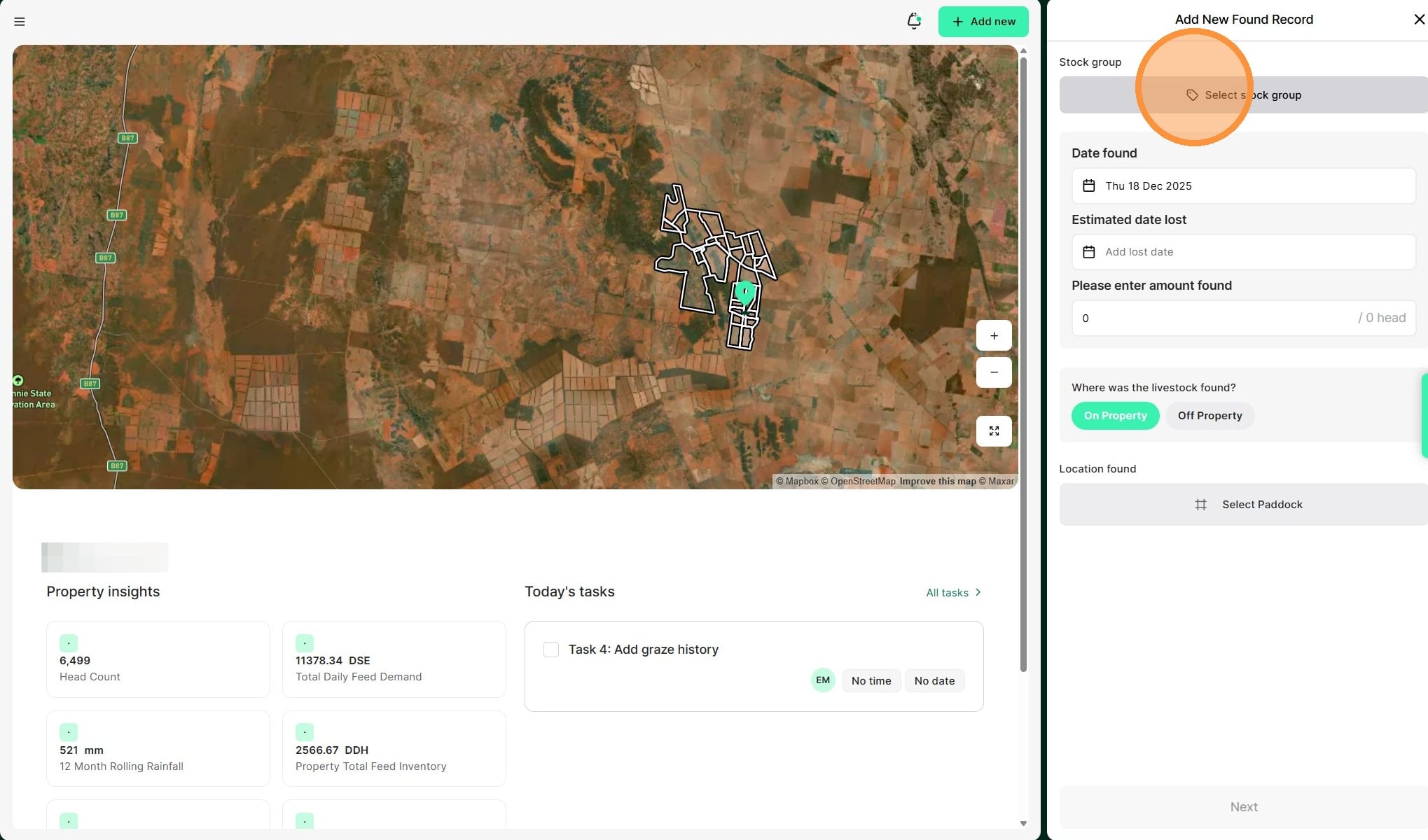
4. Select the "Stock group" you wish the found record registered in. If you have previously registered a “LOST” record you will have the option to reconcile this with the found record. Otherwise, select “ALL”.
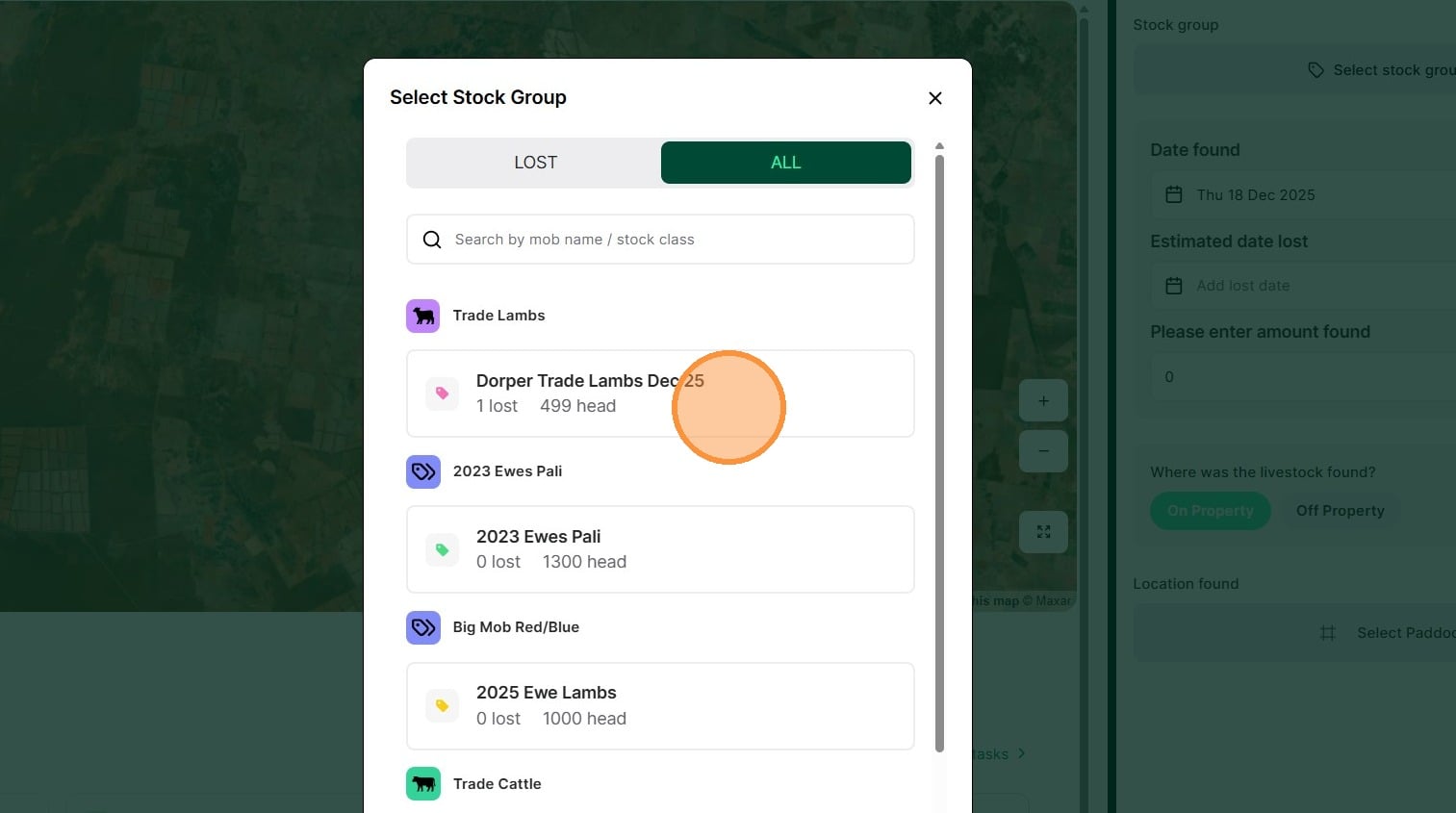
5. Select the relevant stock group
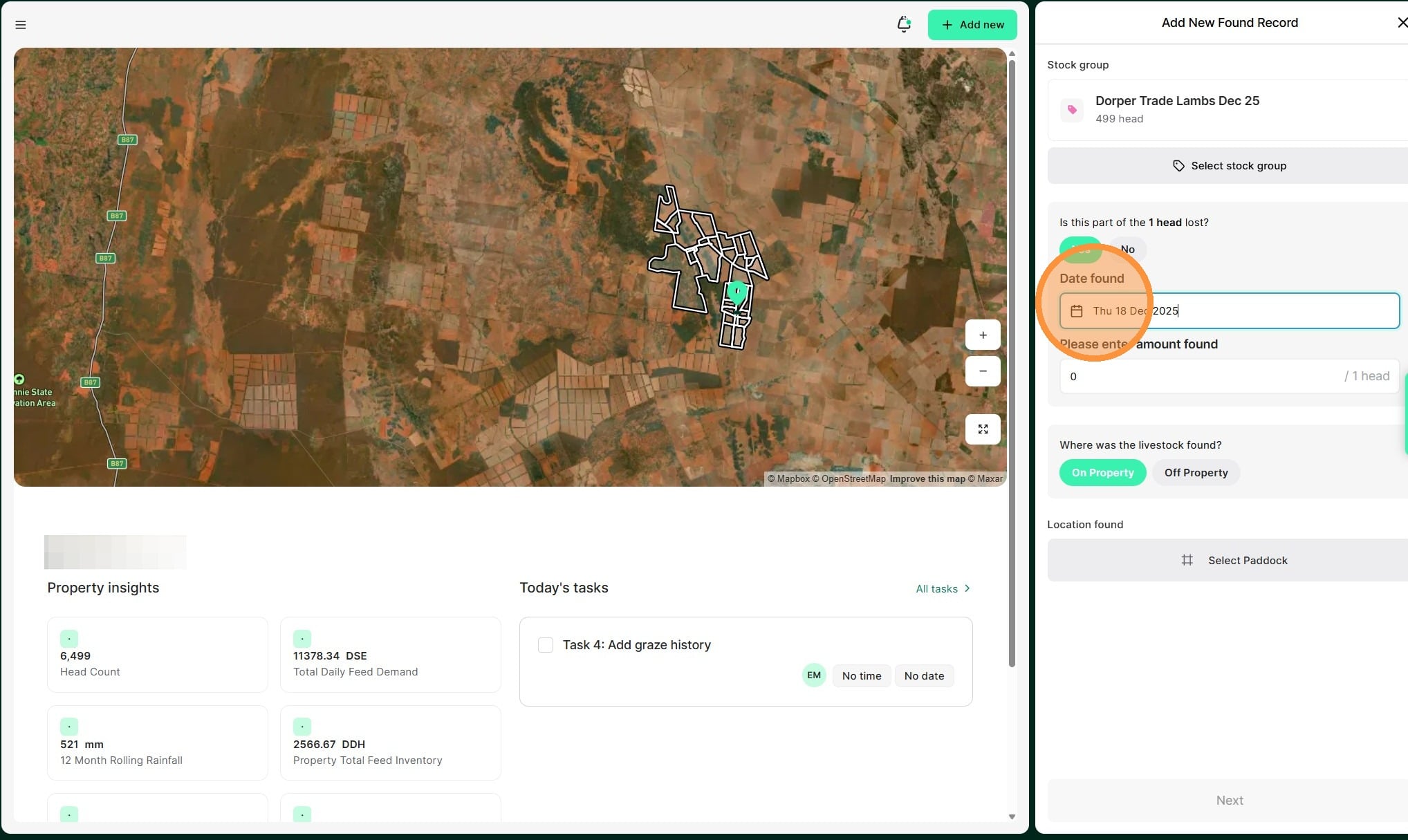
6. Select the date of the found record
7. Enter the number of animal found and the estimated lost date
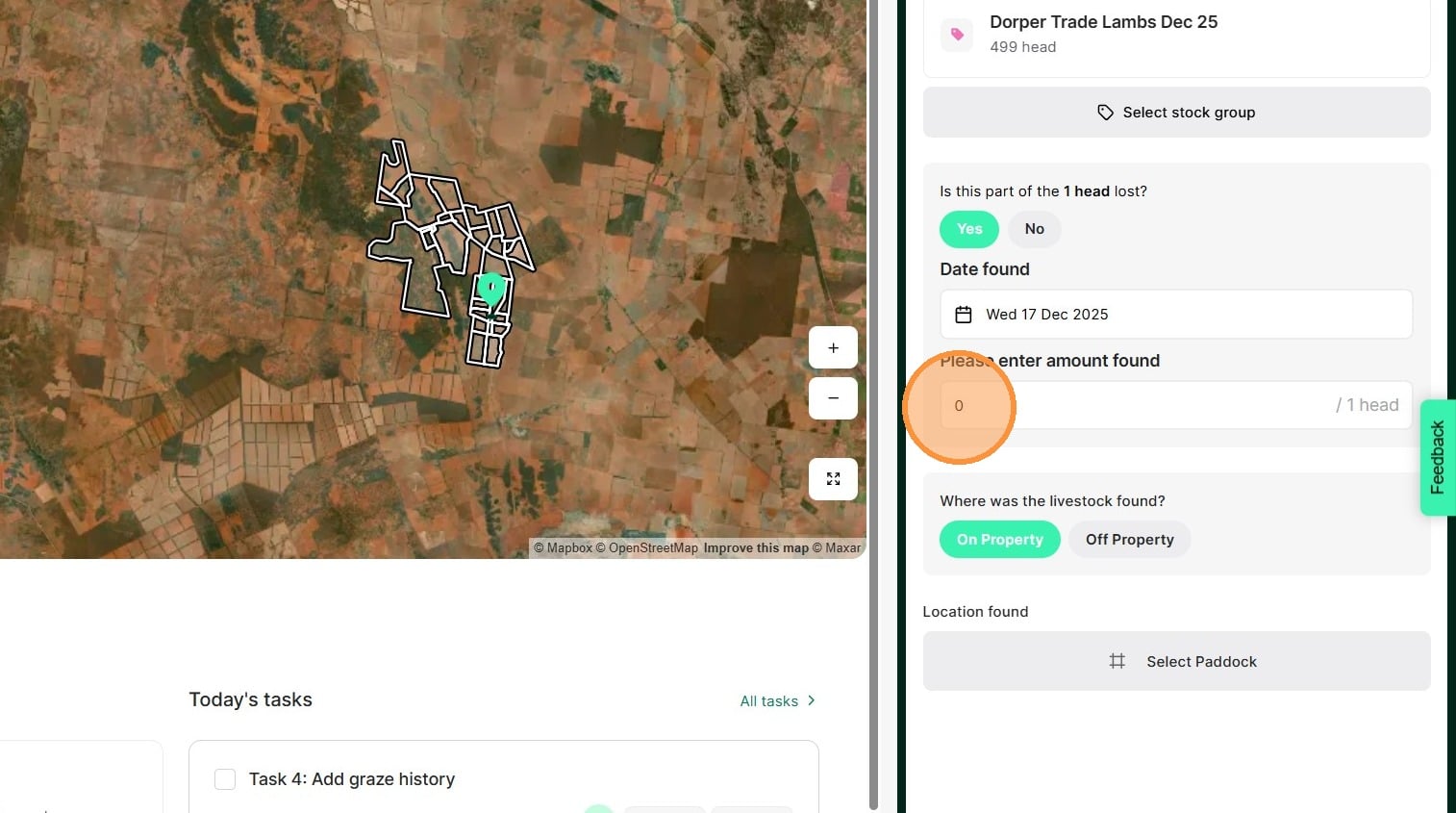
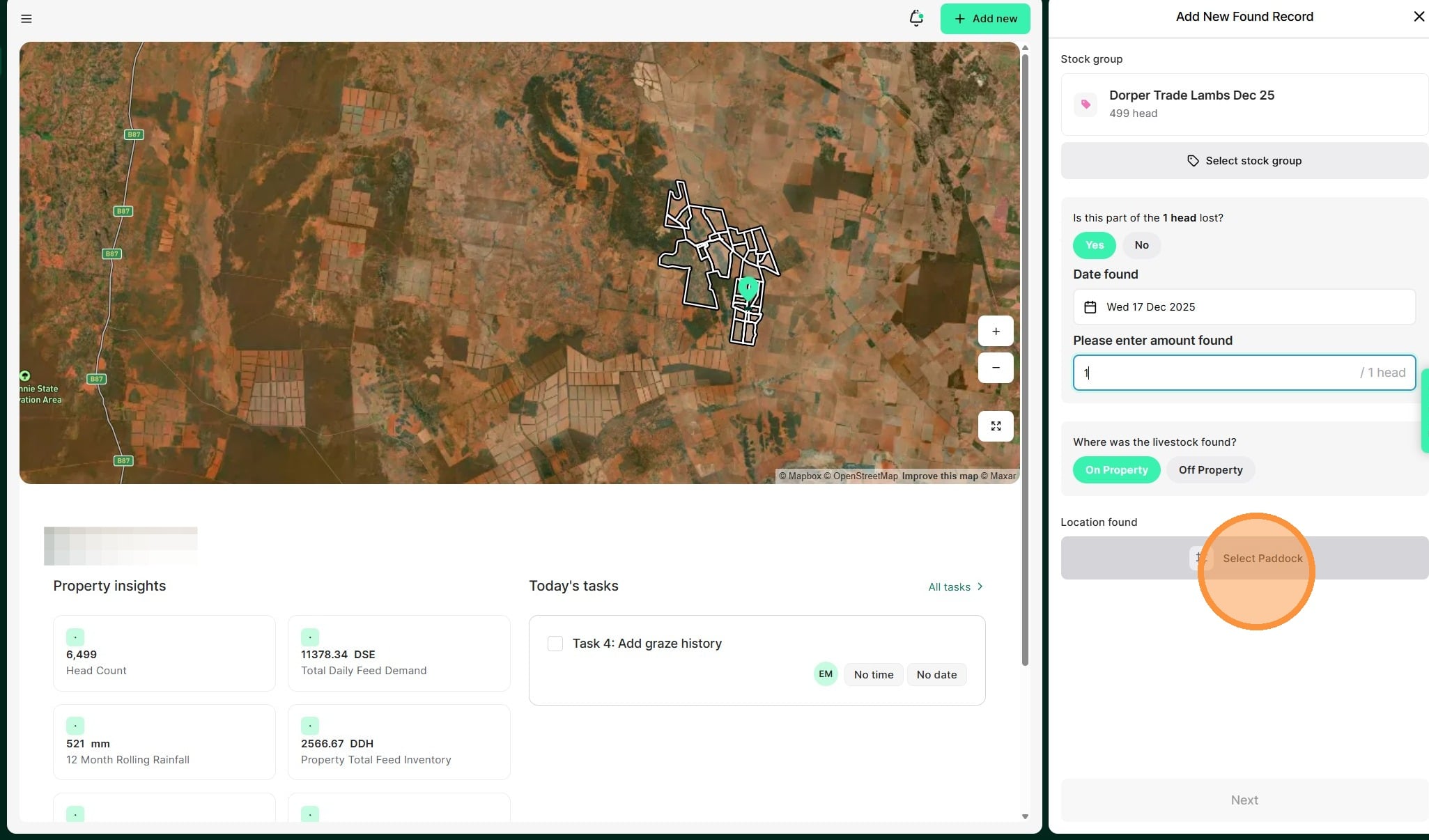
8. Select whether they were found "on or off property". If on property, select the relevant paddock."
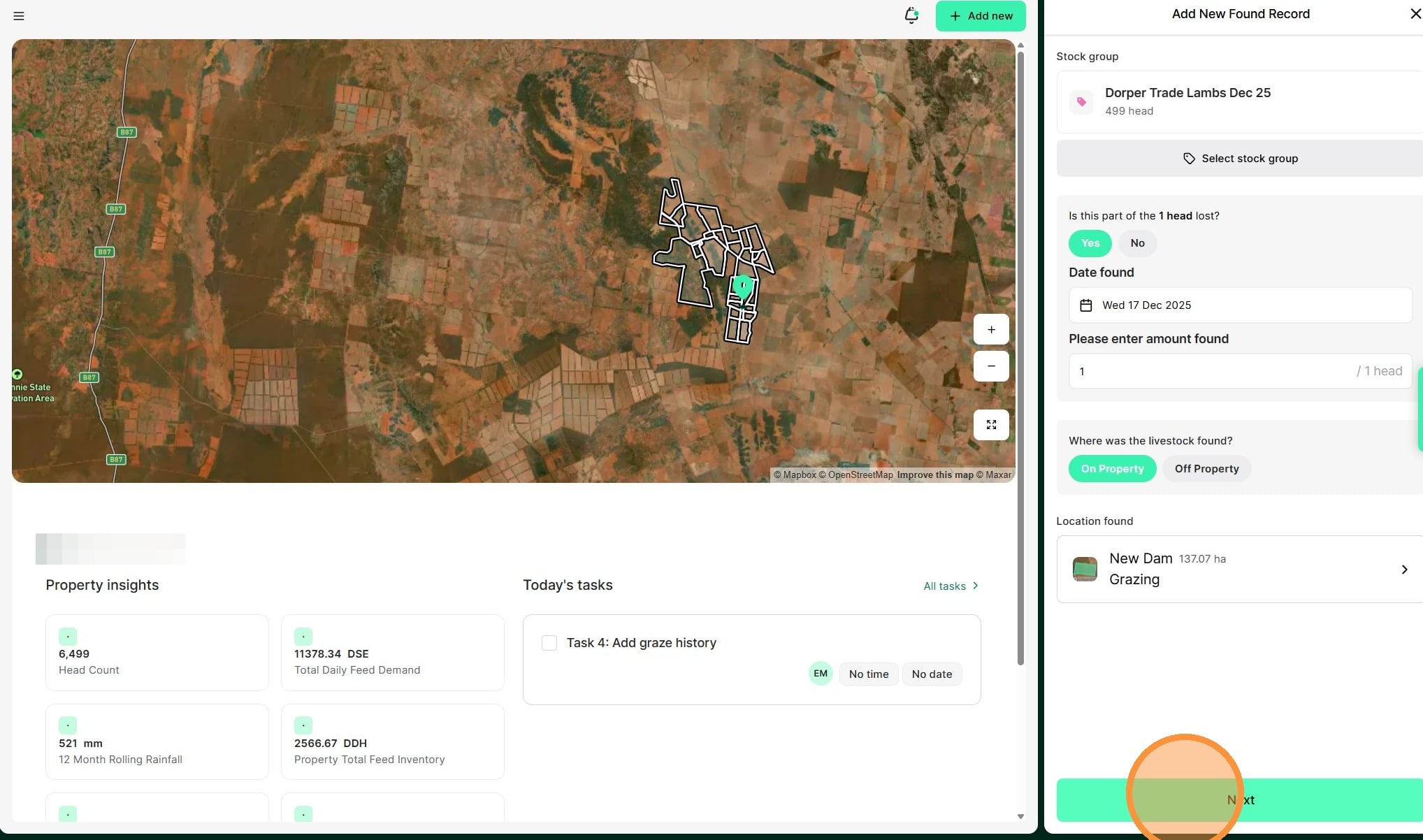
9. Review all details before selecting "Next"
10. Select "Create found record" to complete