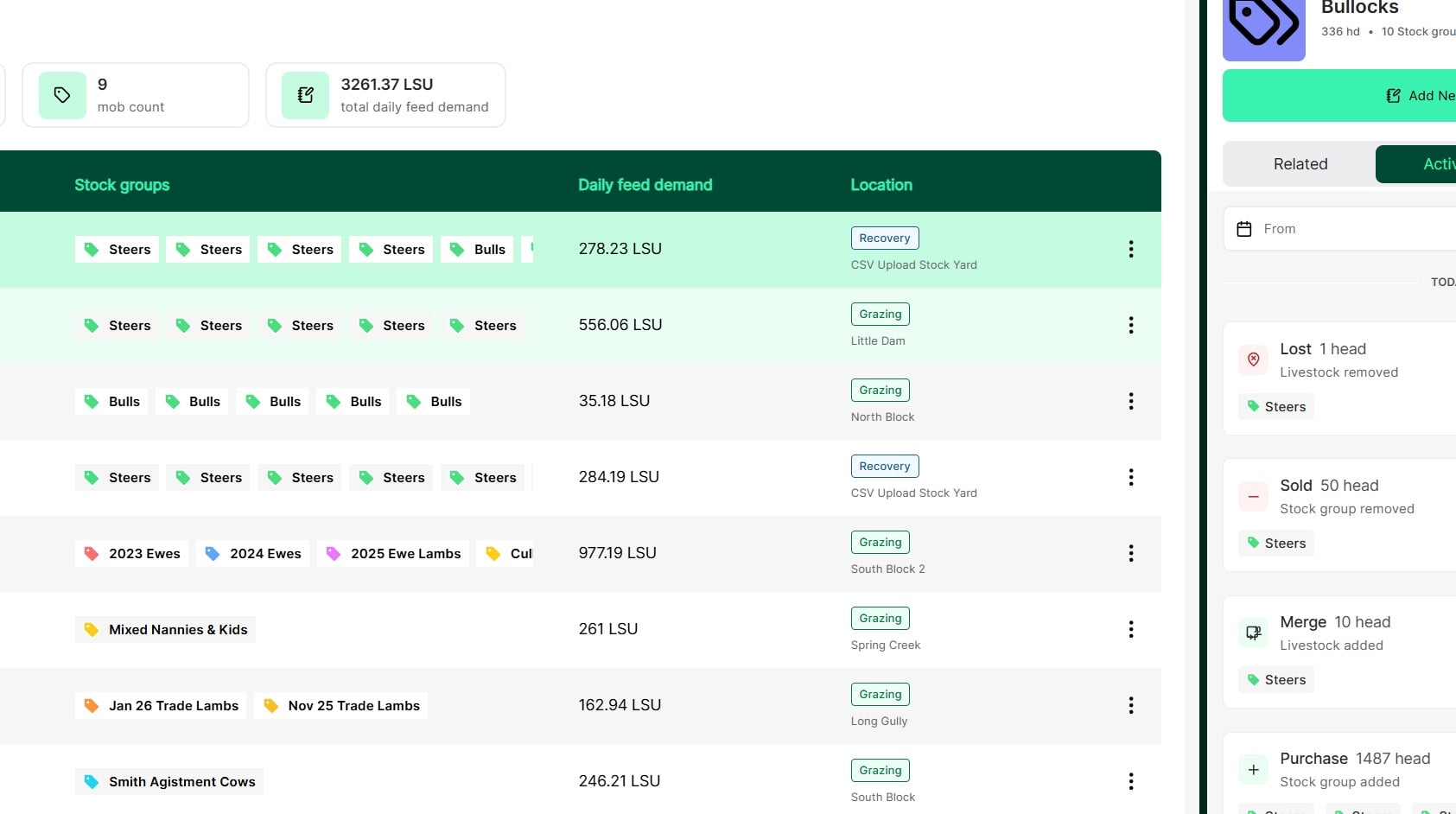
Tip: Keeping livestock inventory up to date for records and reporting is easy with Atlas Grazing. Lost records are used when you need to temporarily decrease the number of head in a mob.
→ Use a lost record when you need to account for animals that you cannot find, and you expect to recover.
→ Use a lost record if you bring animals in to draft and then find there are fewer in the mob than you thought.
The Lost hd record will contribute to a Tally for that stock group that should be routinely reconciled. Where stock is unable to be recovered this must be ‘Found’ then have a death record applied. Future updates will allow you to register a death record against the Lost Hd Tally directly.
Note. Use a death record when you want to account for an animal that has died.
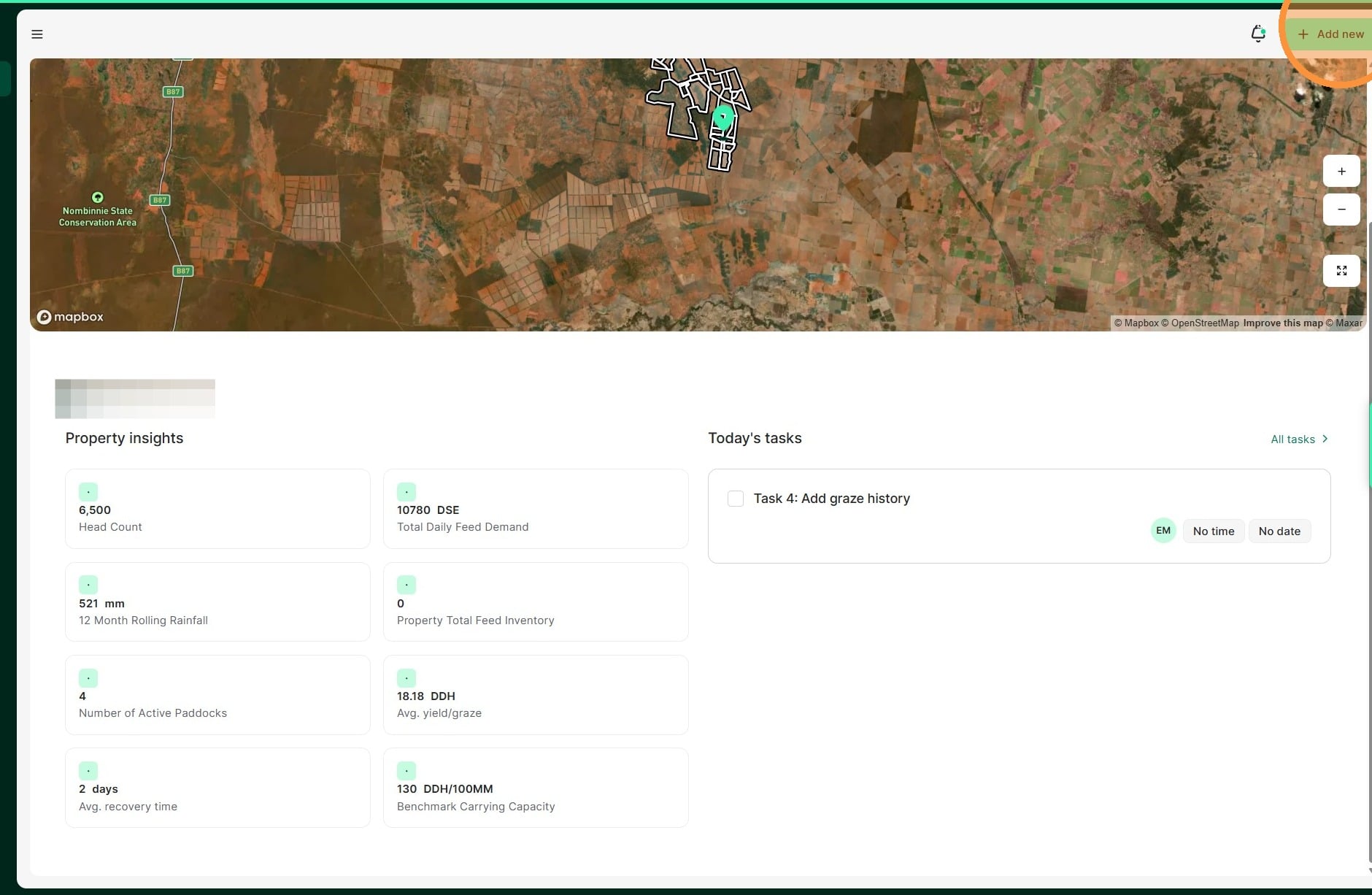
1. From the Home Dashboard select "Add new"
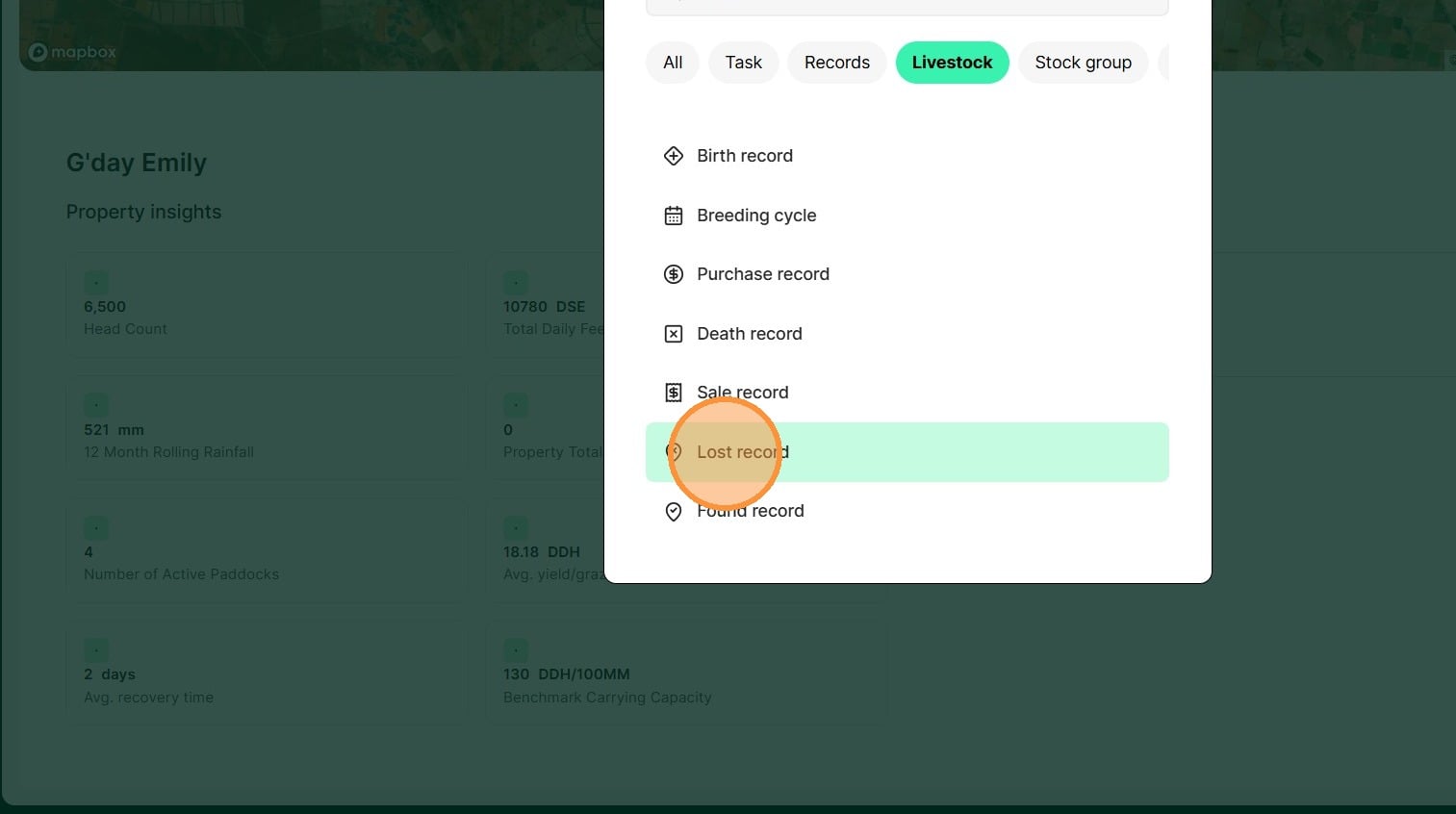
2. Select "Lost record" under the Livestock category
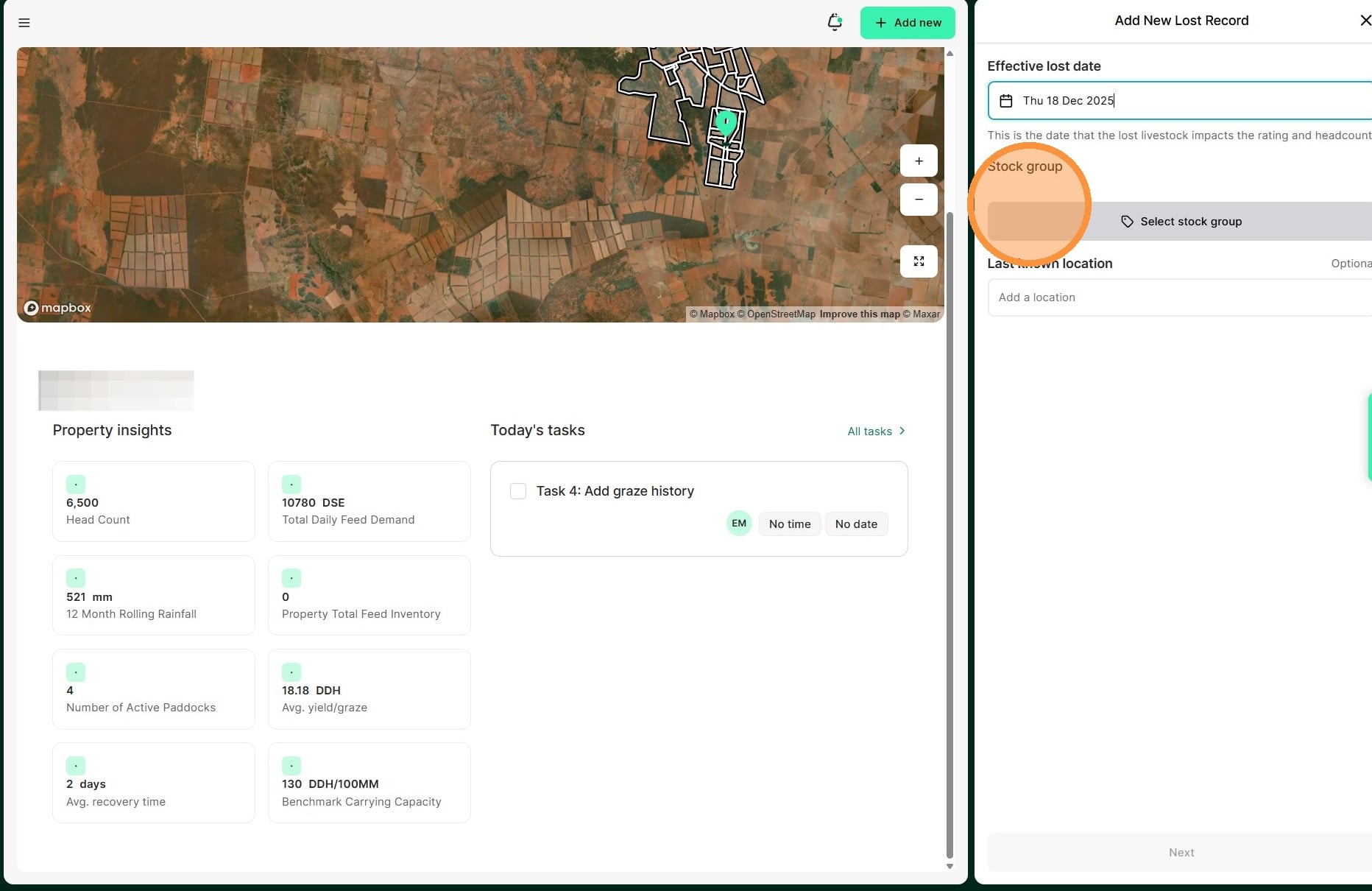
3. Select the date of the lost record
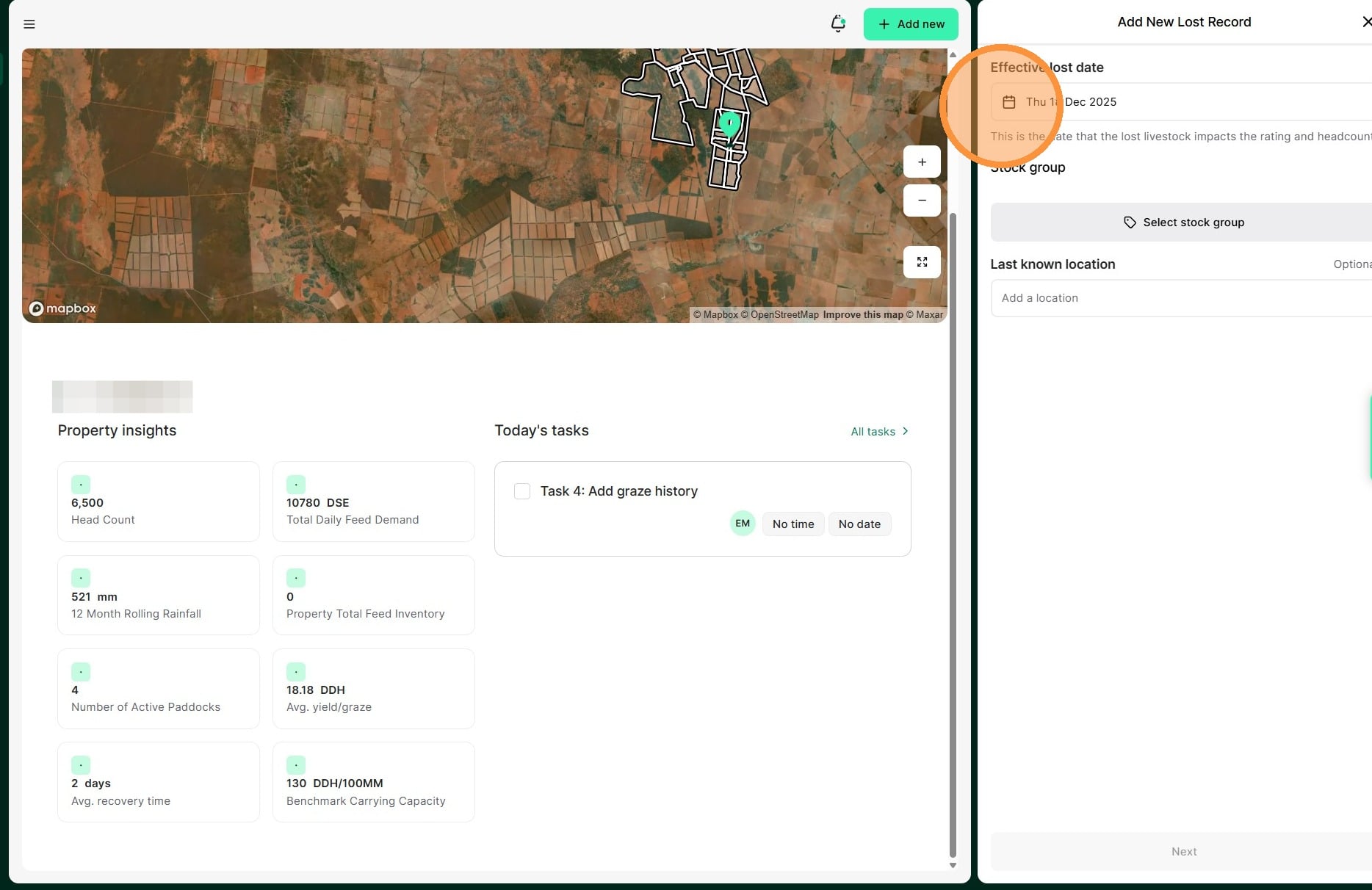
4. Select the "Stock group" you wish the lost record recorded in
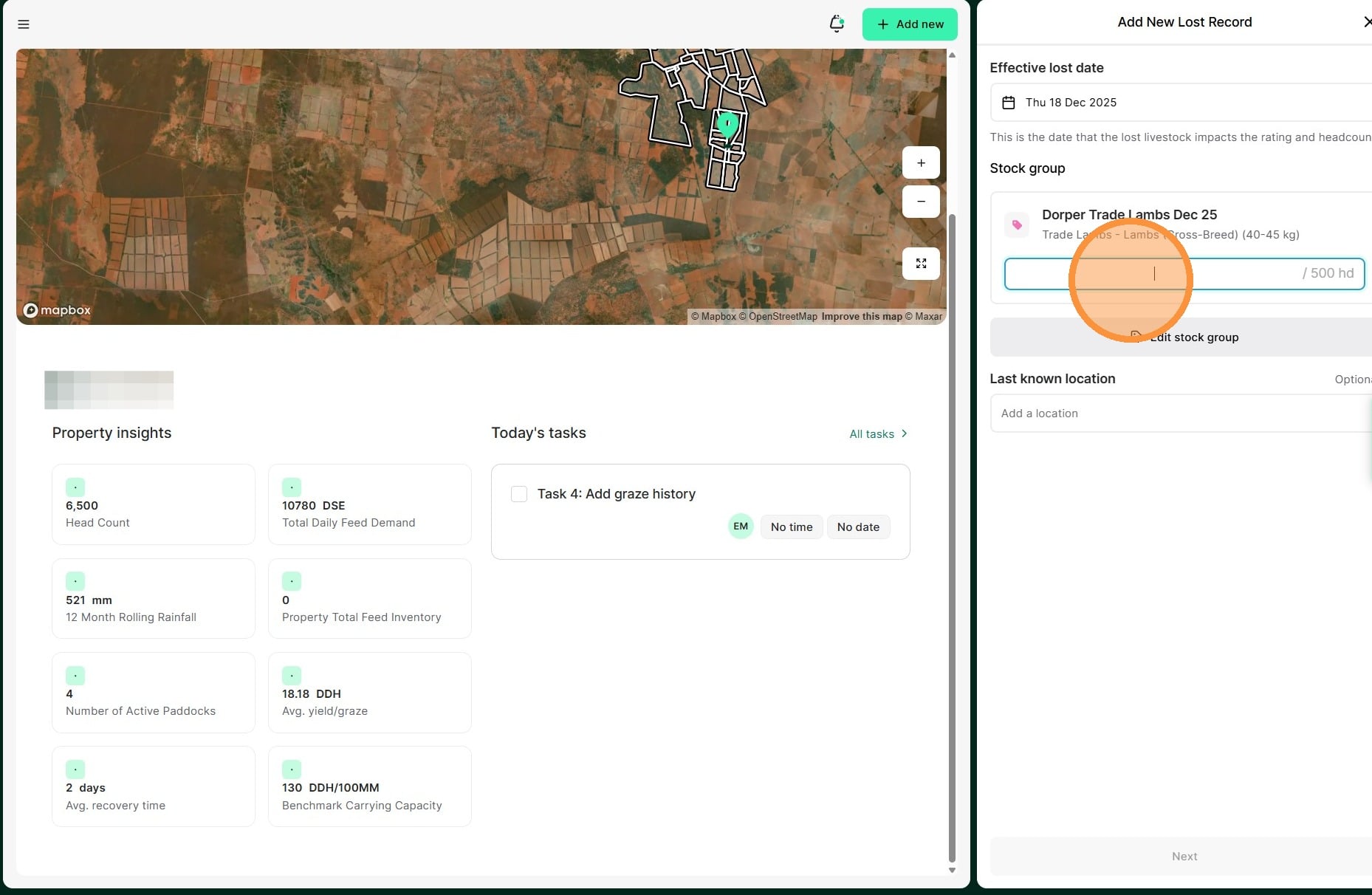
5. Enter the lost amount. Add the last known location, if applicable.
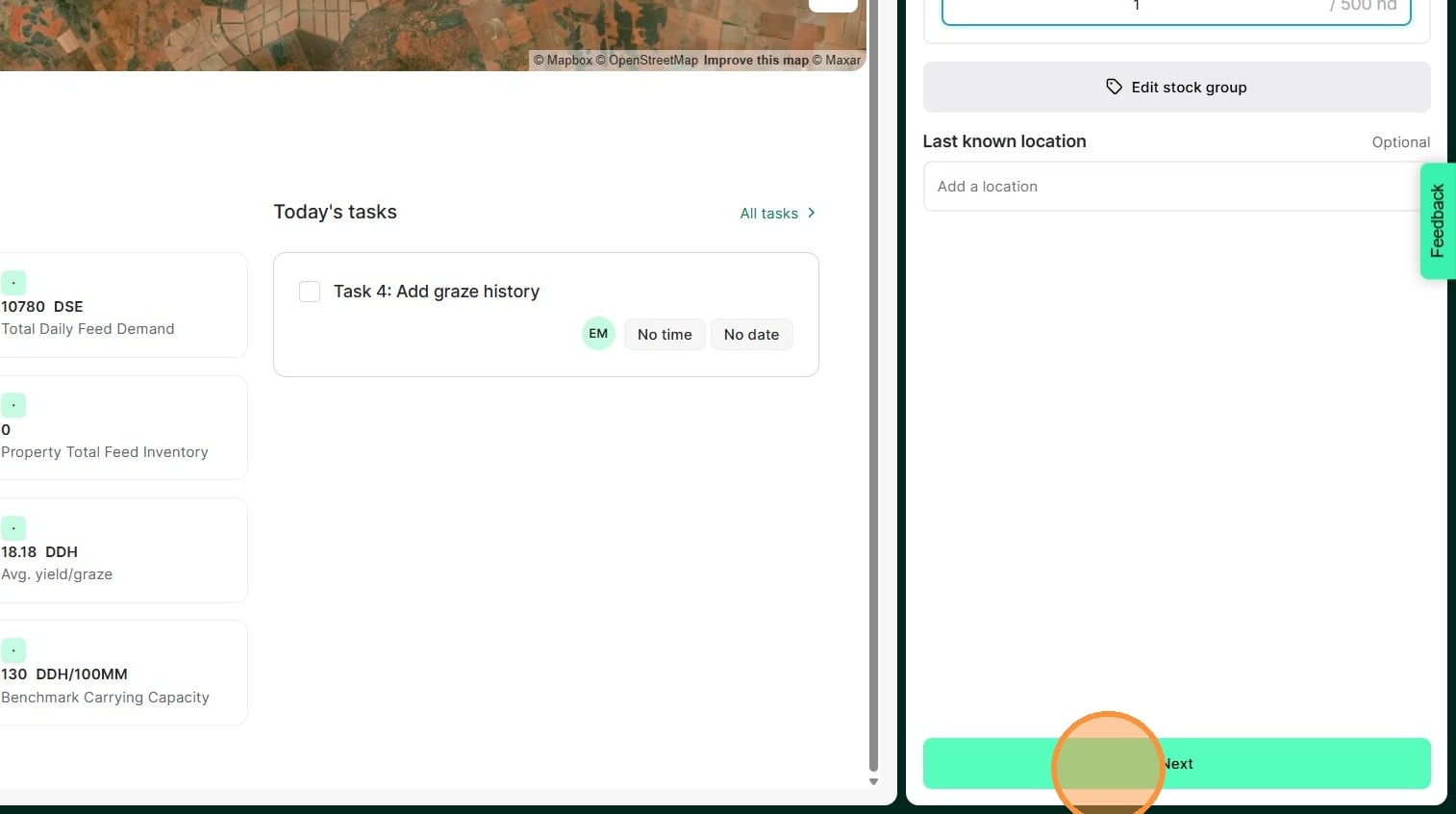
6. Select "Next"
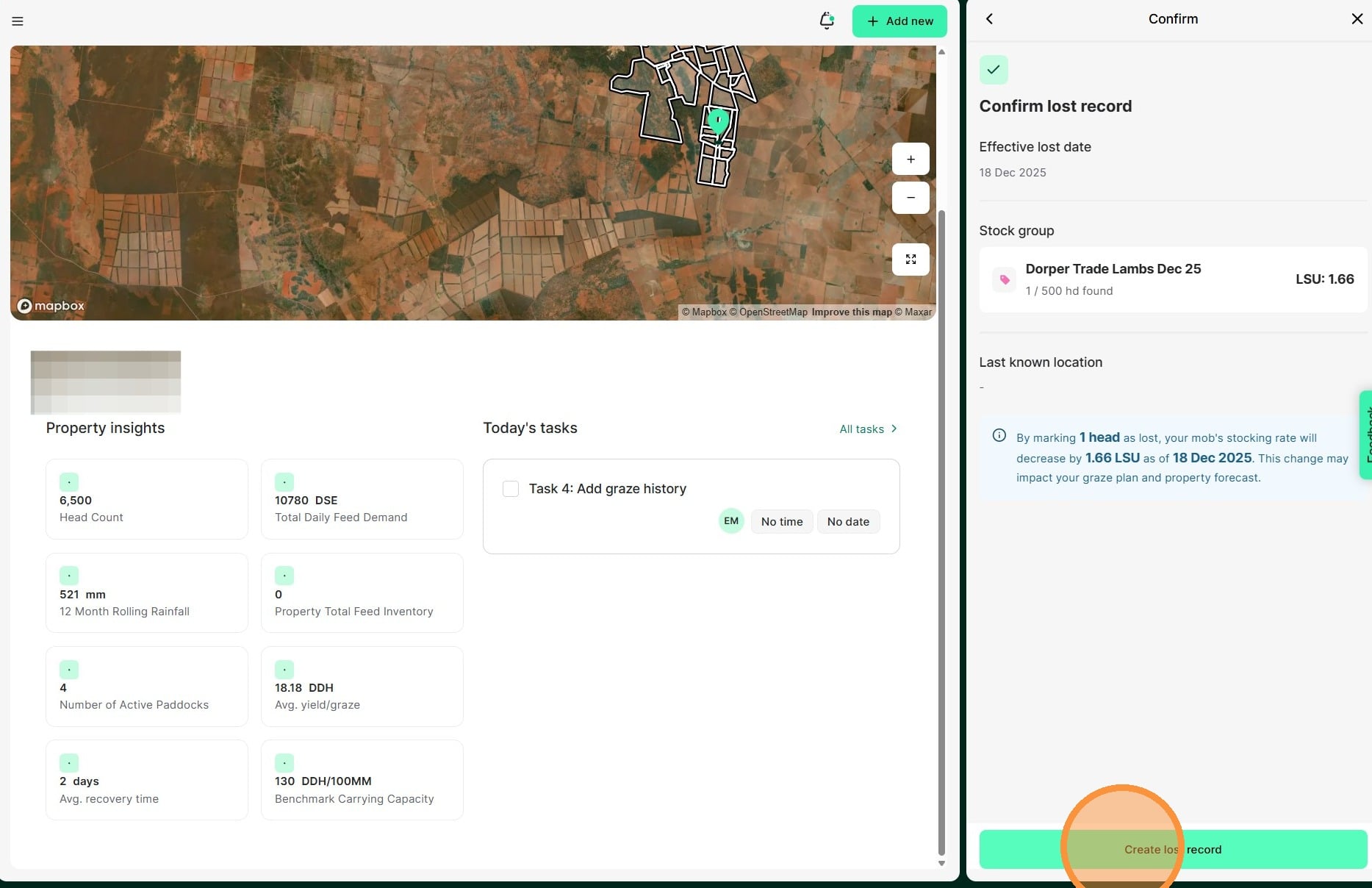
7. Review all details before selecting "Create lost record" to complete
8. You can see confirmation of the lost head tally on the Stock Group Record.