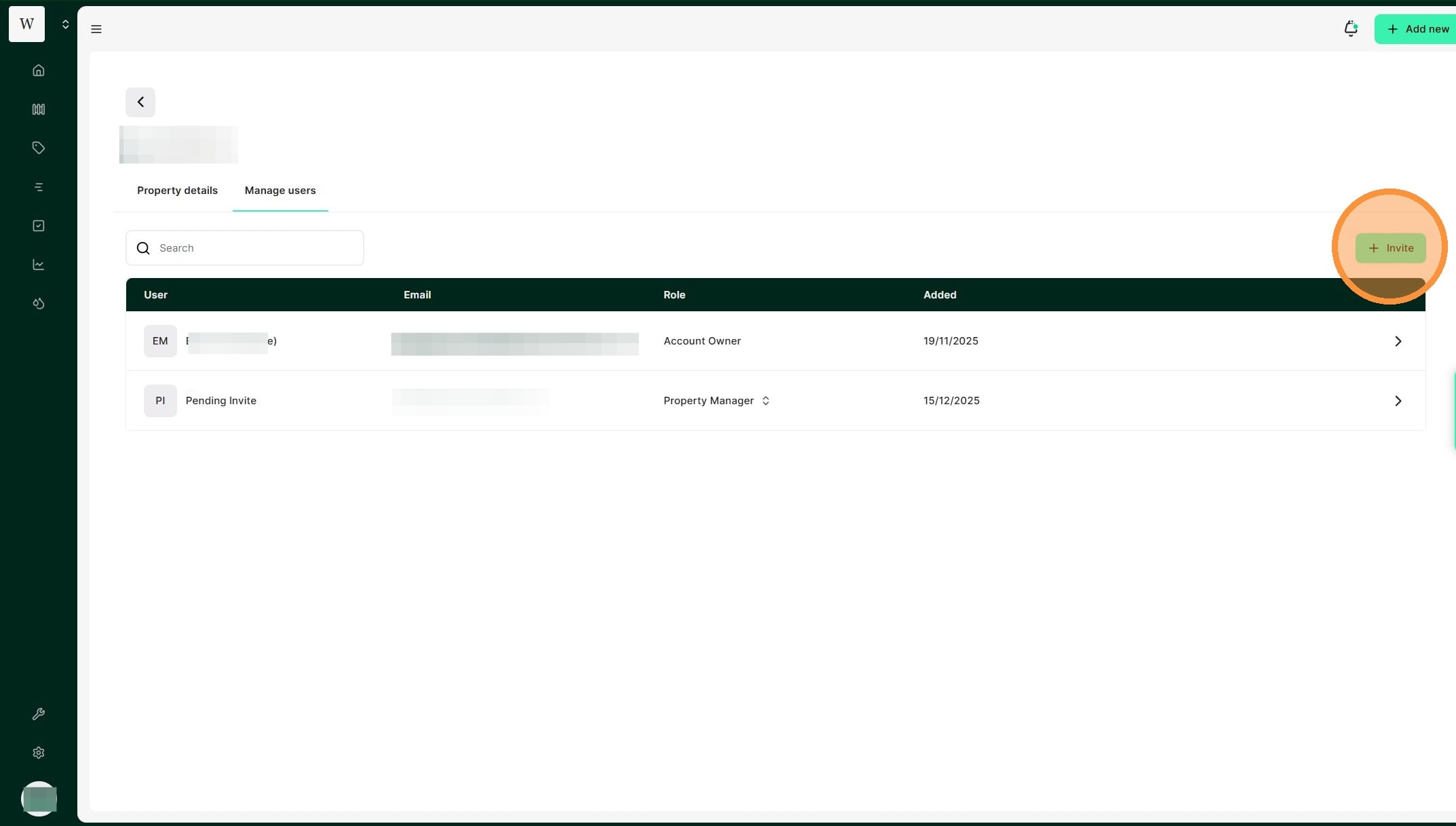
Tip: In Atlas Grazing, it’s easy to keep user access up to date, adjust access settings for each staff member and invite new users to the account. This allows you to ensure your records stay up to date and team members have visibility of relevant information.]]
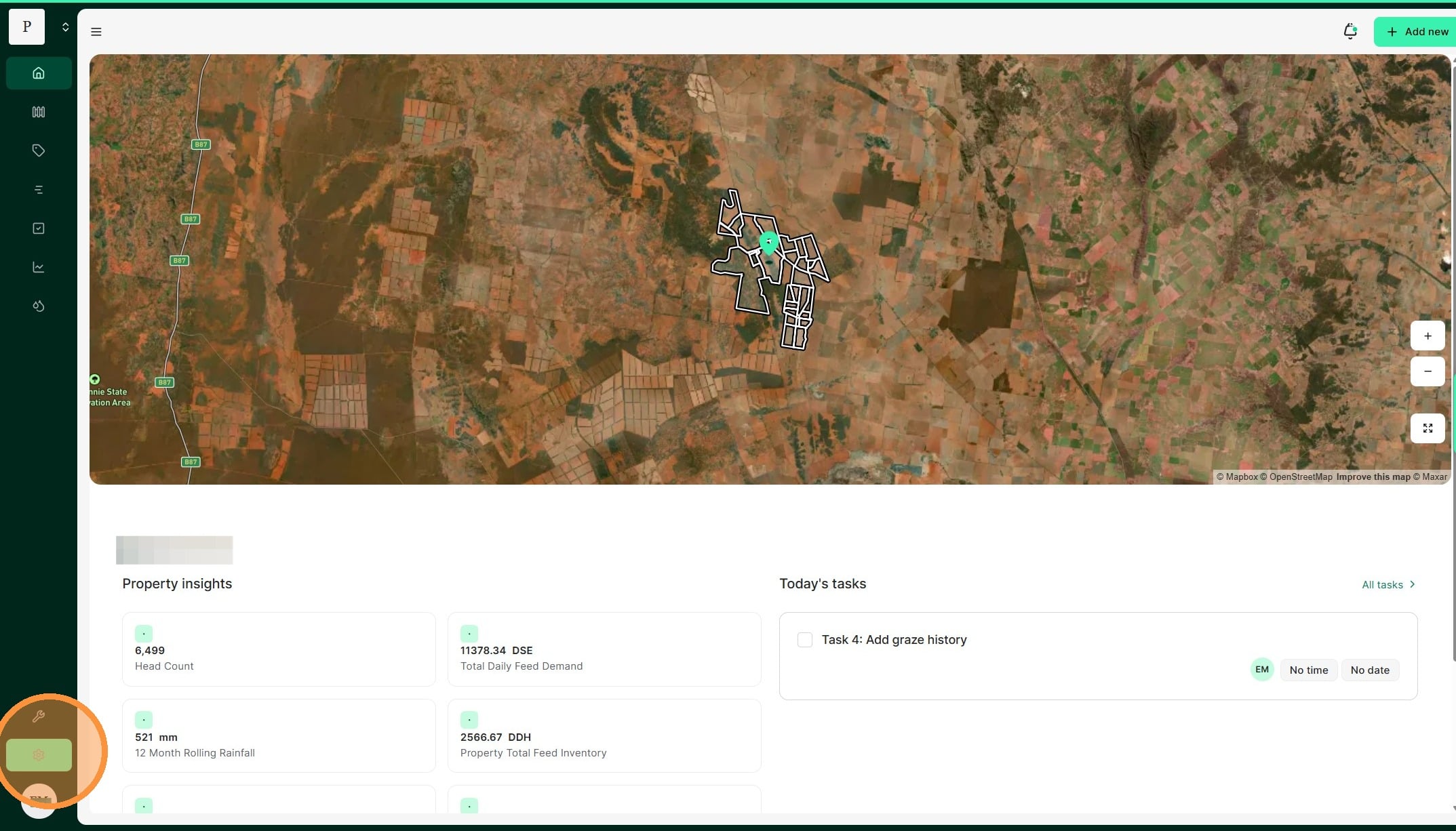
1. From the Home dashboard, select the settings button
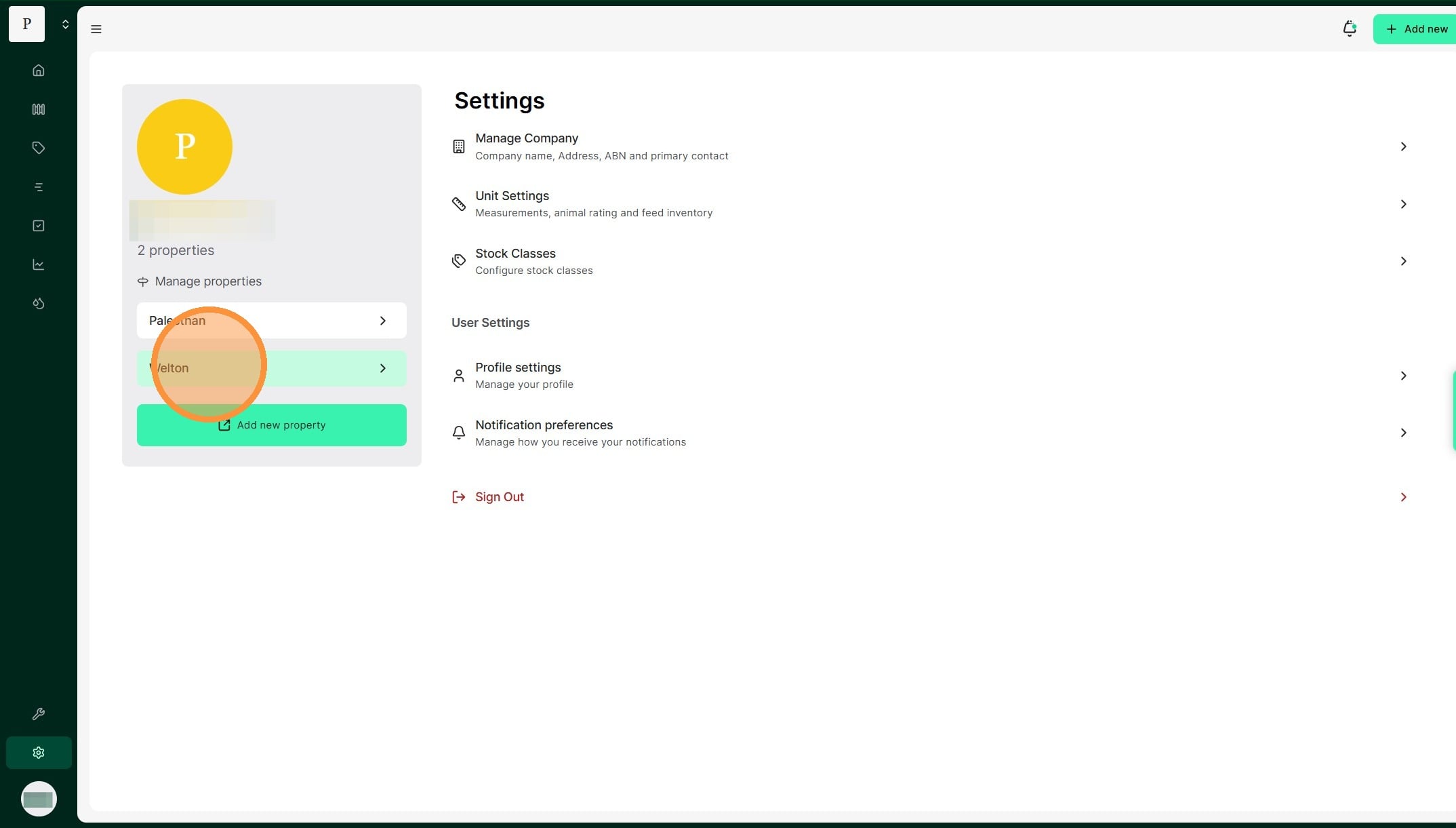
2. Select the relevant property
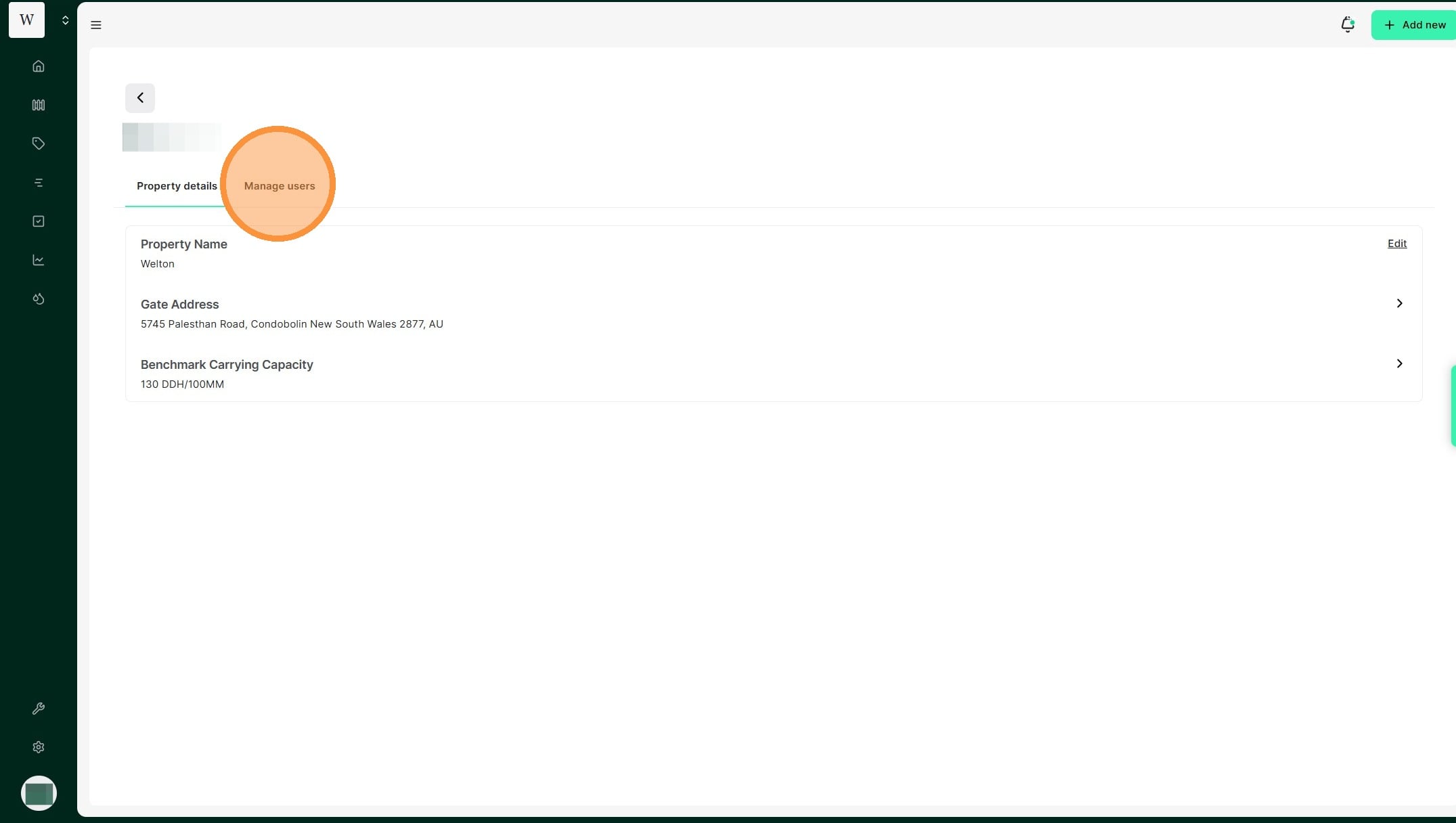
3. Select "Manage users"
4. The user dashboard displays current user details and access levels.