DSE or LSU? Sheep, Cattle, or something else? Configure your stock classes and units to match your what you use day to day. These units are used throughout the platform to consistently describe Feed Inventory, Animal Ratings and Area.
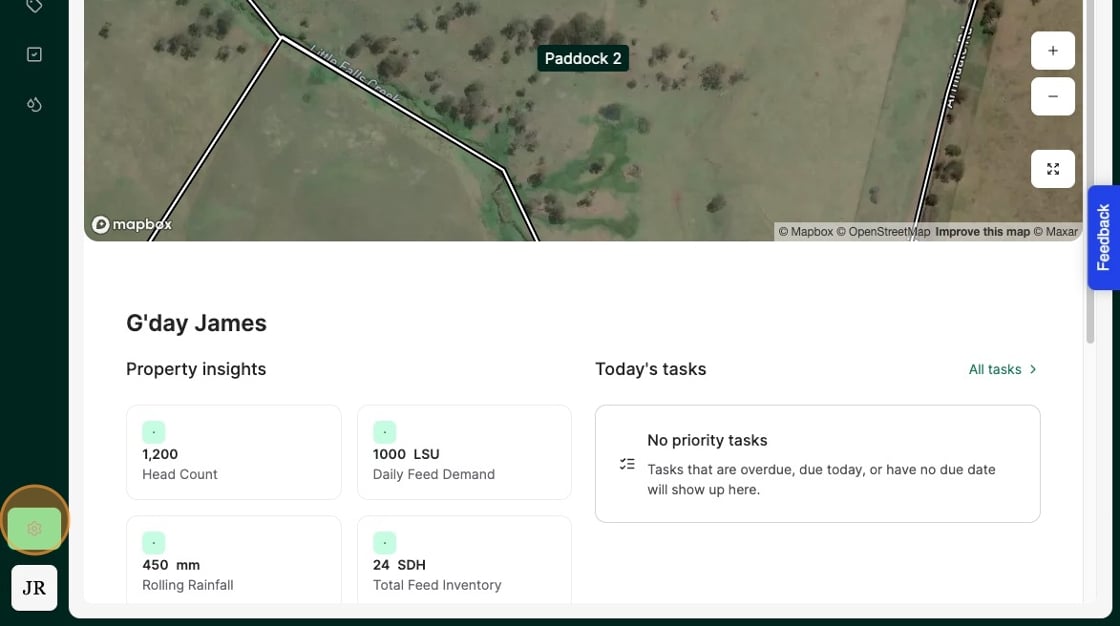
1. From the Home Dashboard Select the "Settings" icon
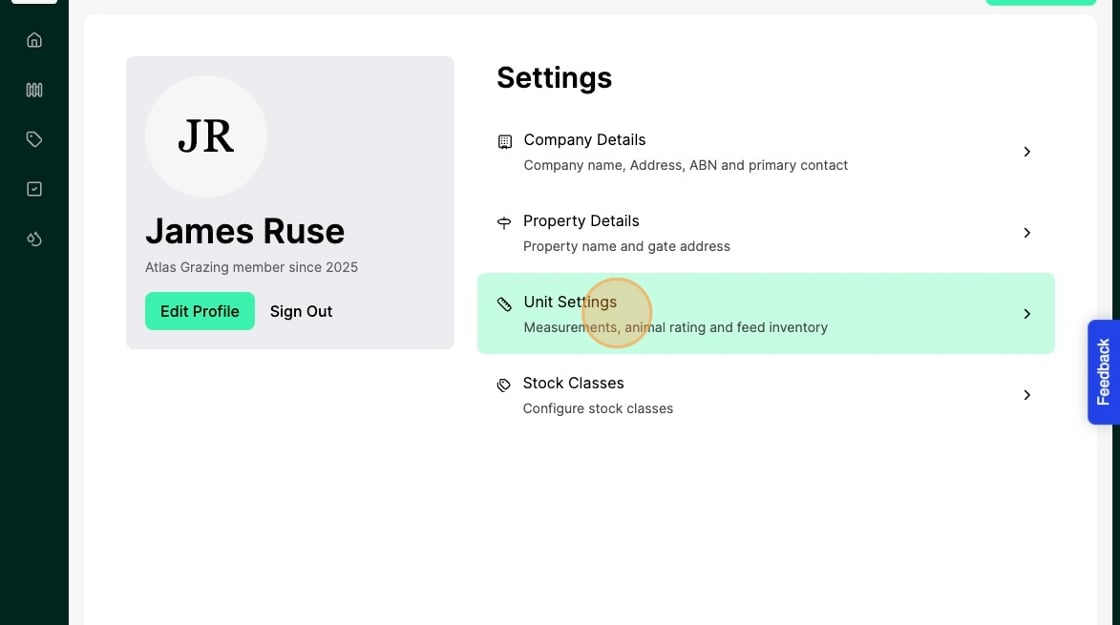
2. Select "Unit Settings"
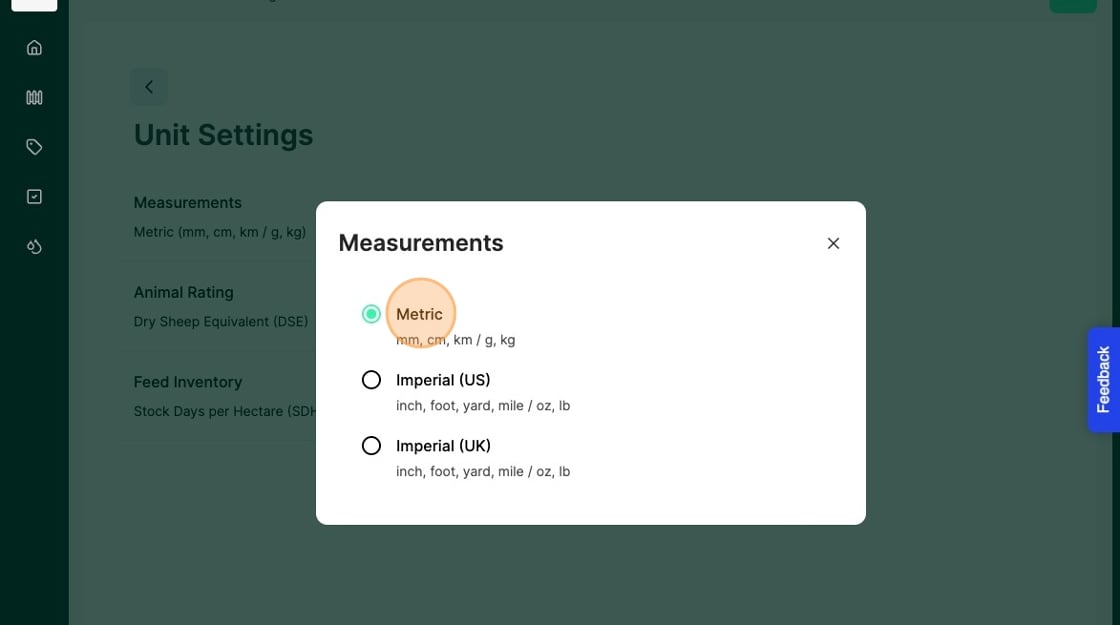
3. Select "Measurements"
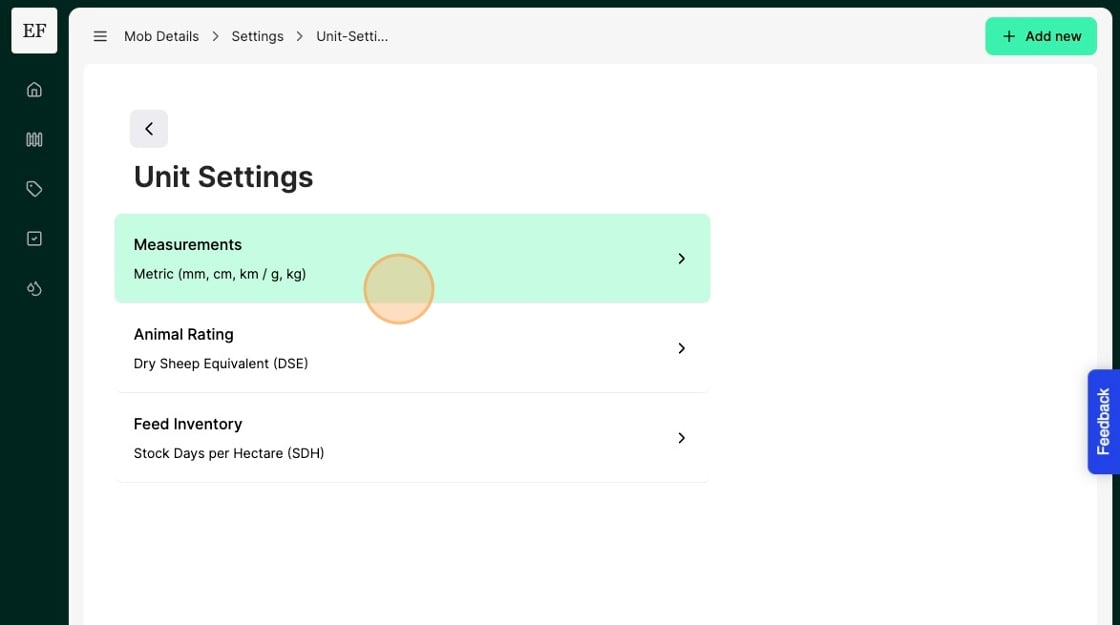
4. Select your preferred unit of measurement
5. Next select "Animal Rating"
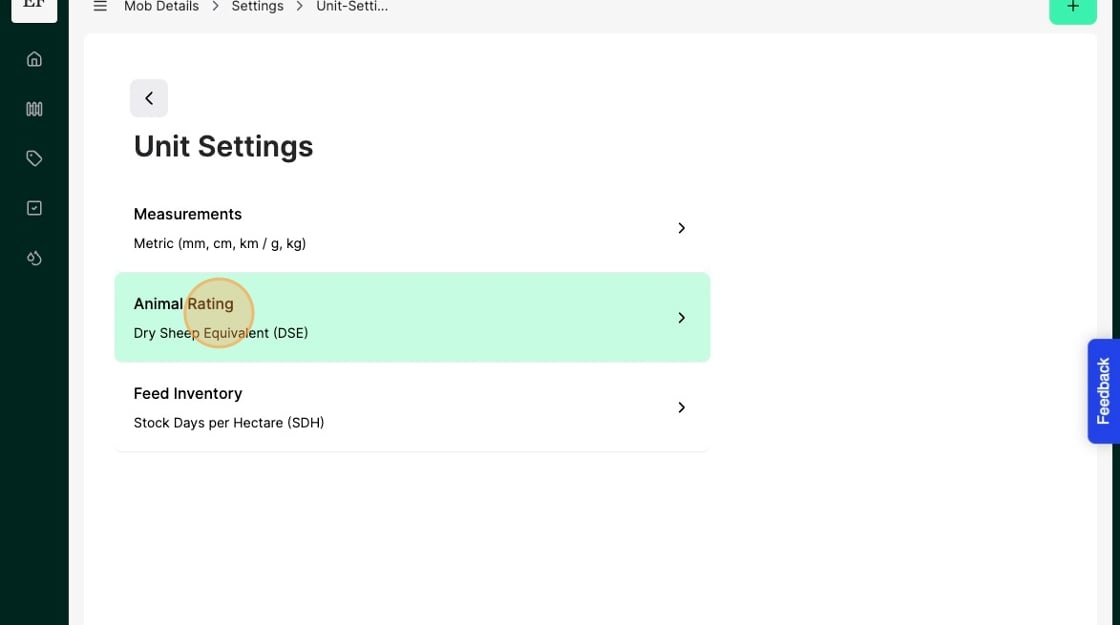
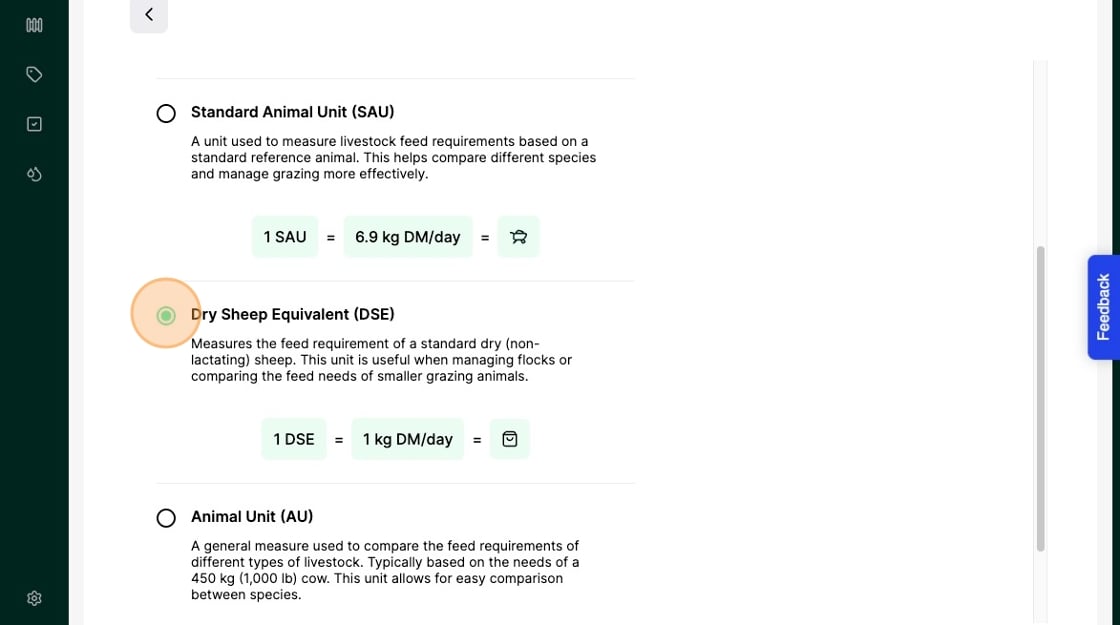
Reminder: Animal Rating is a way of standardising volume of feed across animals of different classes, size and species. Generally - Cattle producers will adopt LSU, whilst Sheep producers will use DSE. What you use isn’t overly important, as long as you are comfortable with it.
6. Select your preferred unit for animal rating.
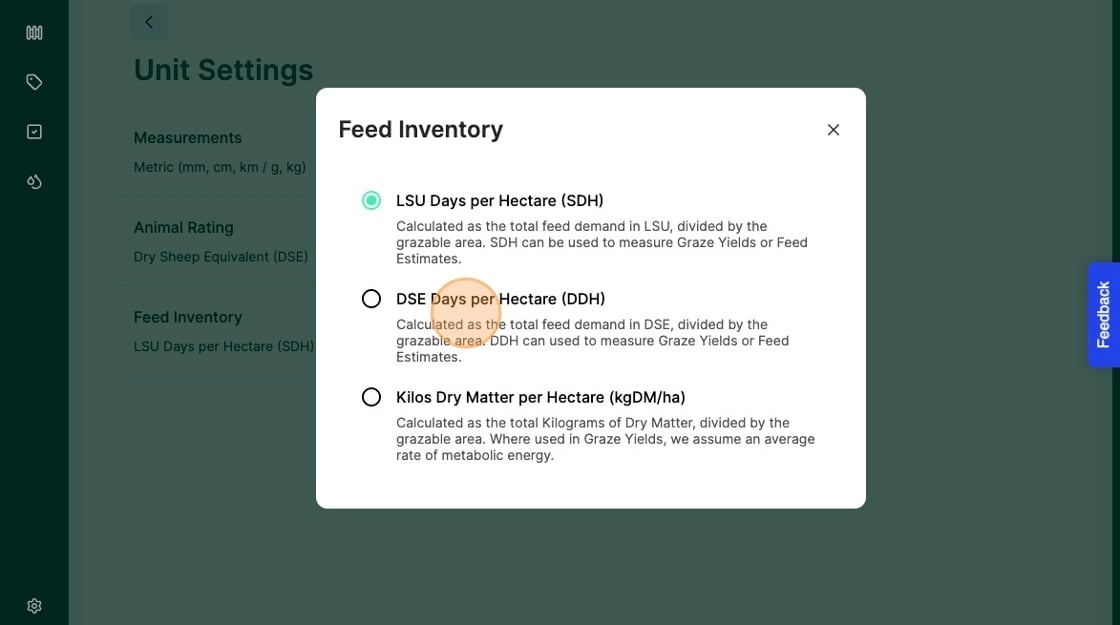
7. Next select "Feed Inventory"
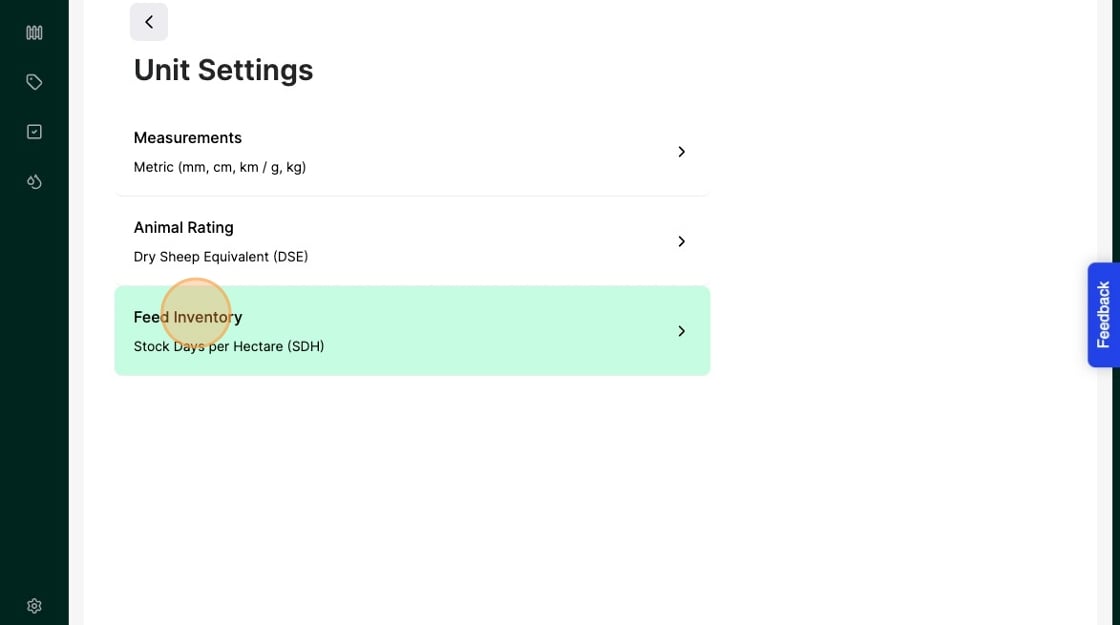
8. Select your preferred unit for Feed measurement
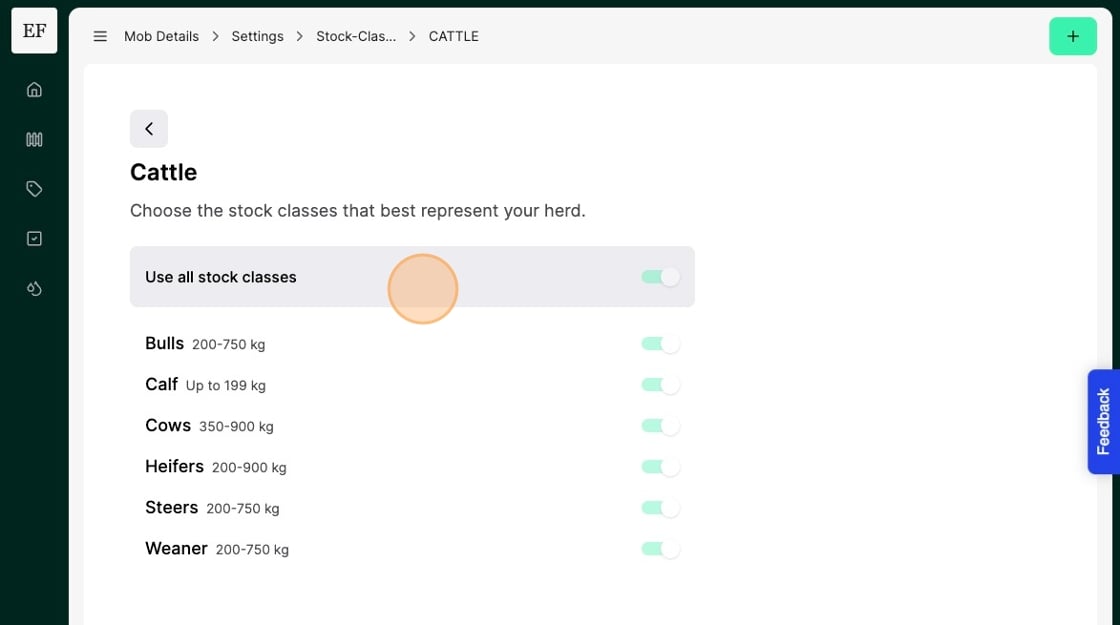
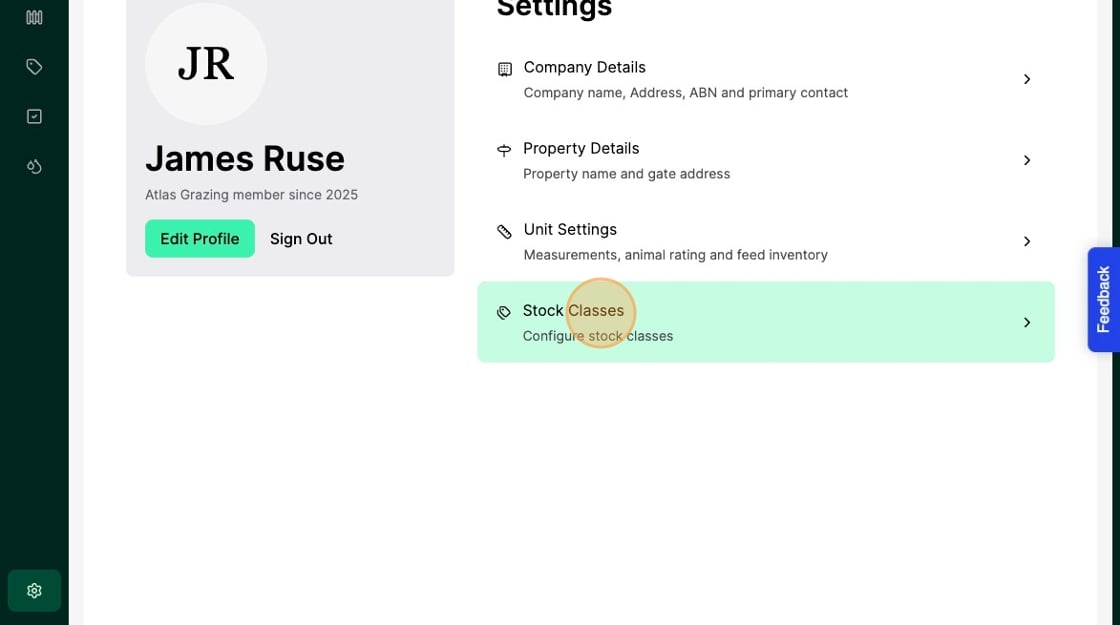
9. Select "Stock Classes"
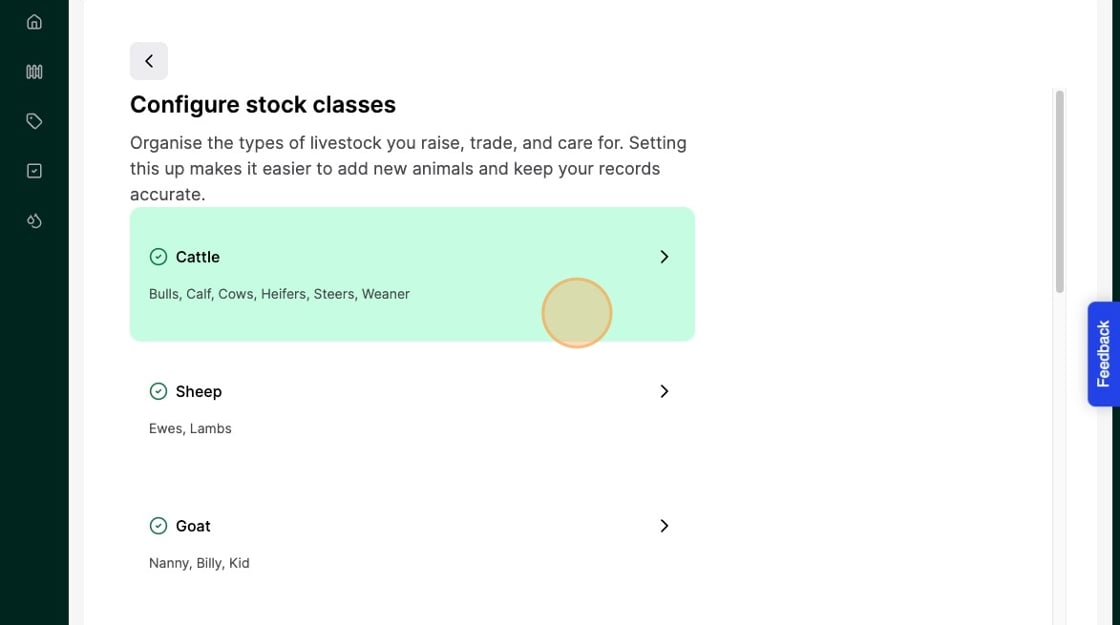
10. Select the stock class of animal you wish to configure
11. Toggle "on" or "off" the automatic stock class calculator