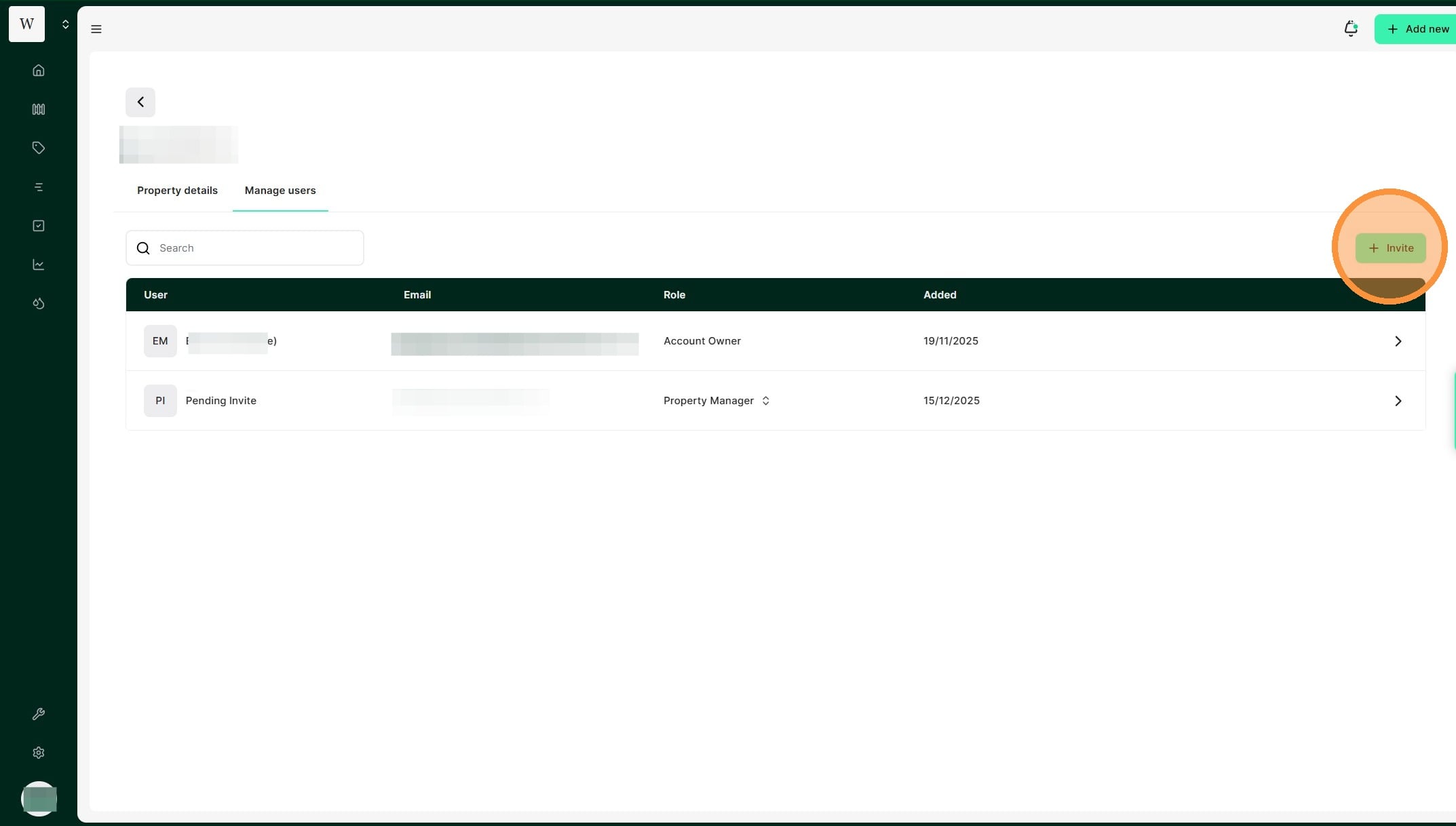
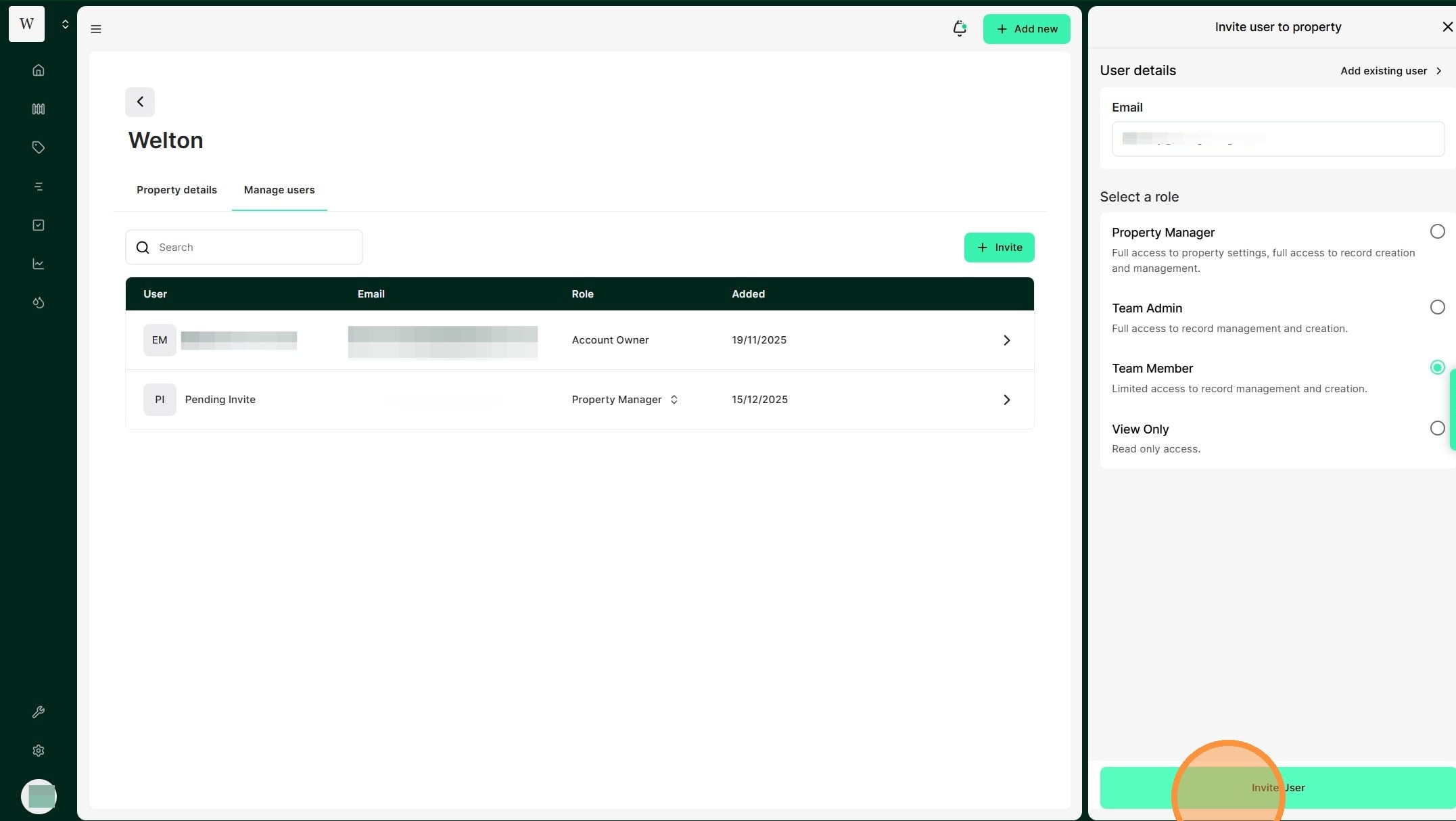
1. From the Manage Users dashboard, Select "Invite"
2. Enter the user's email in the "Email" field
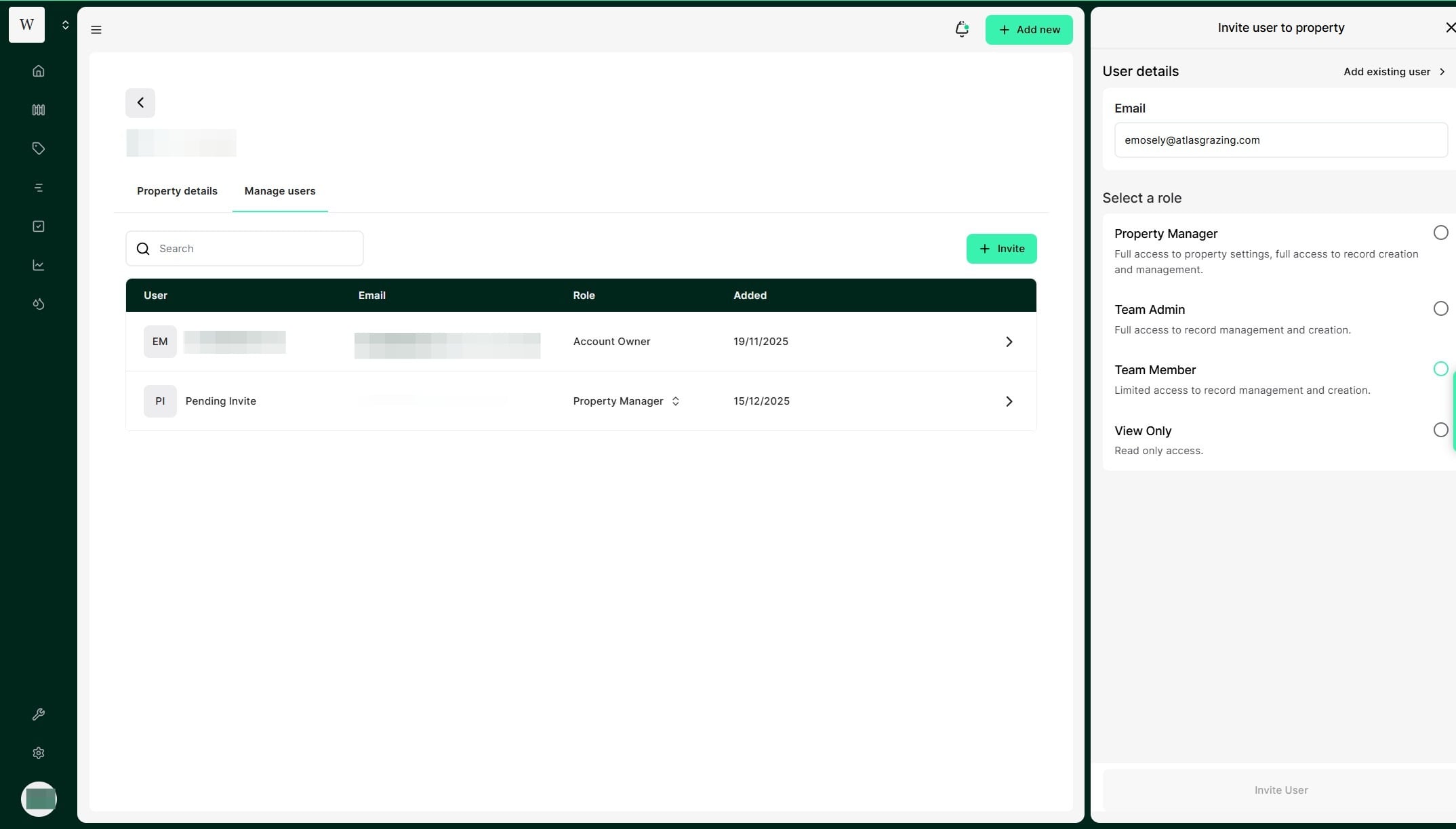
3. Select the relevant user access role:
Property Manager: Full access to property settings, full access to record creation and management. A Property Manager can access all account, financial and property information with no restrictions.
Team Admin: Full access to record management and creation.
Team Member: Limited access to record management and creation. A team member can record rainfall, mob moves and feed estimates. They can also utilise task management but are restricted from analytics, insights, account management and financial information. This is the most basic level of record access.
View Only: Read-only access. View-only access does not allow any changes to be made to the account.
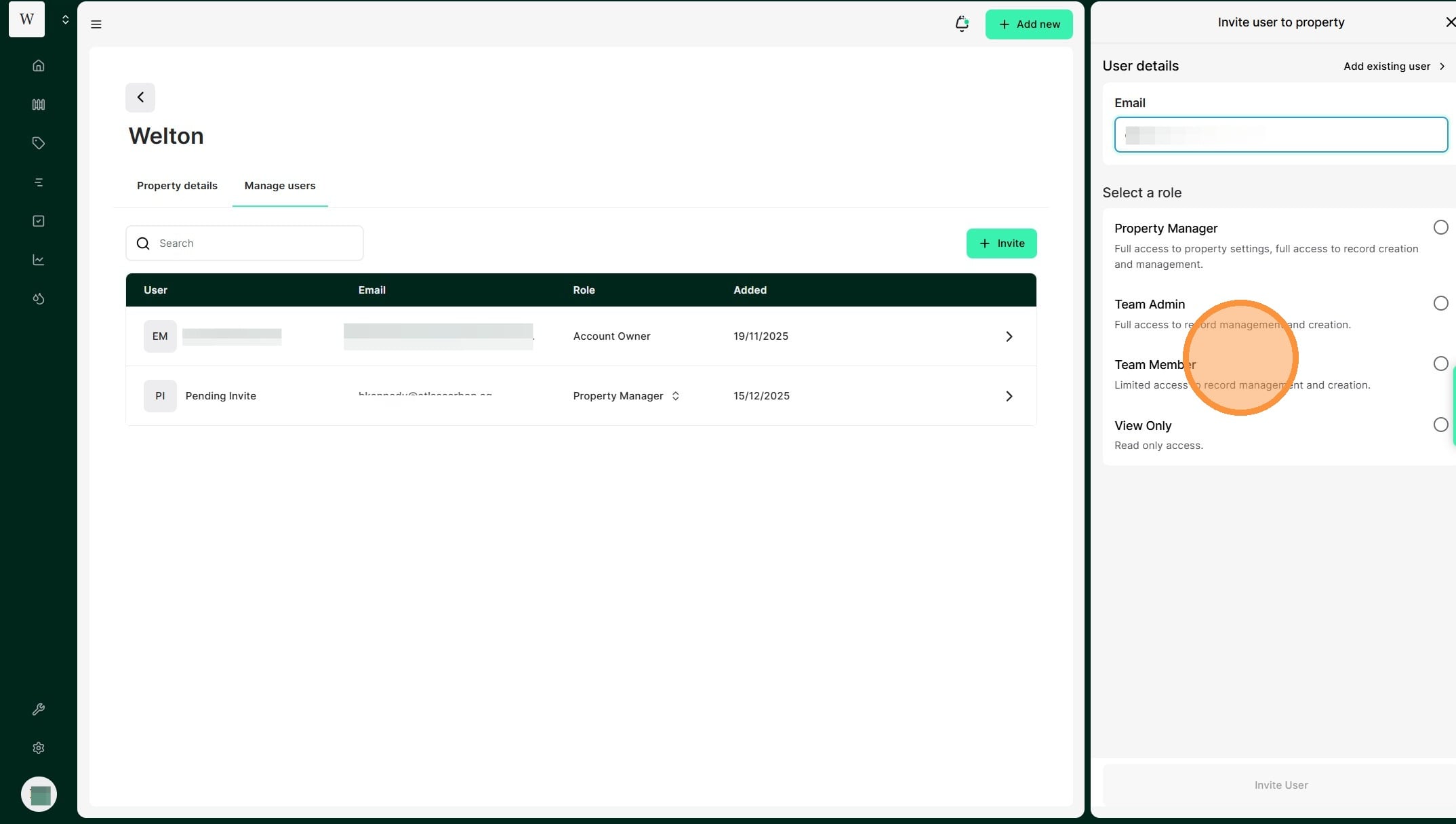
4. Select "Invite User"
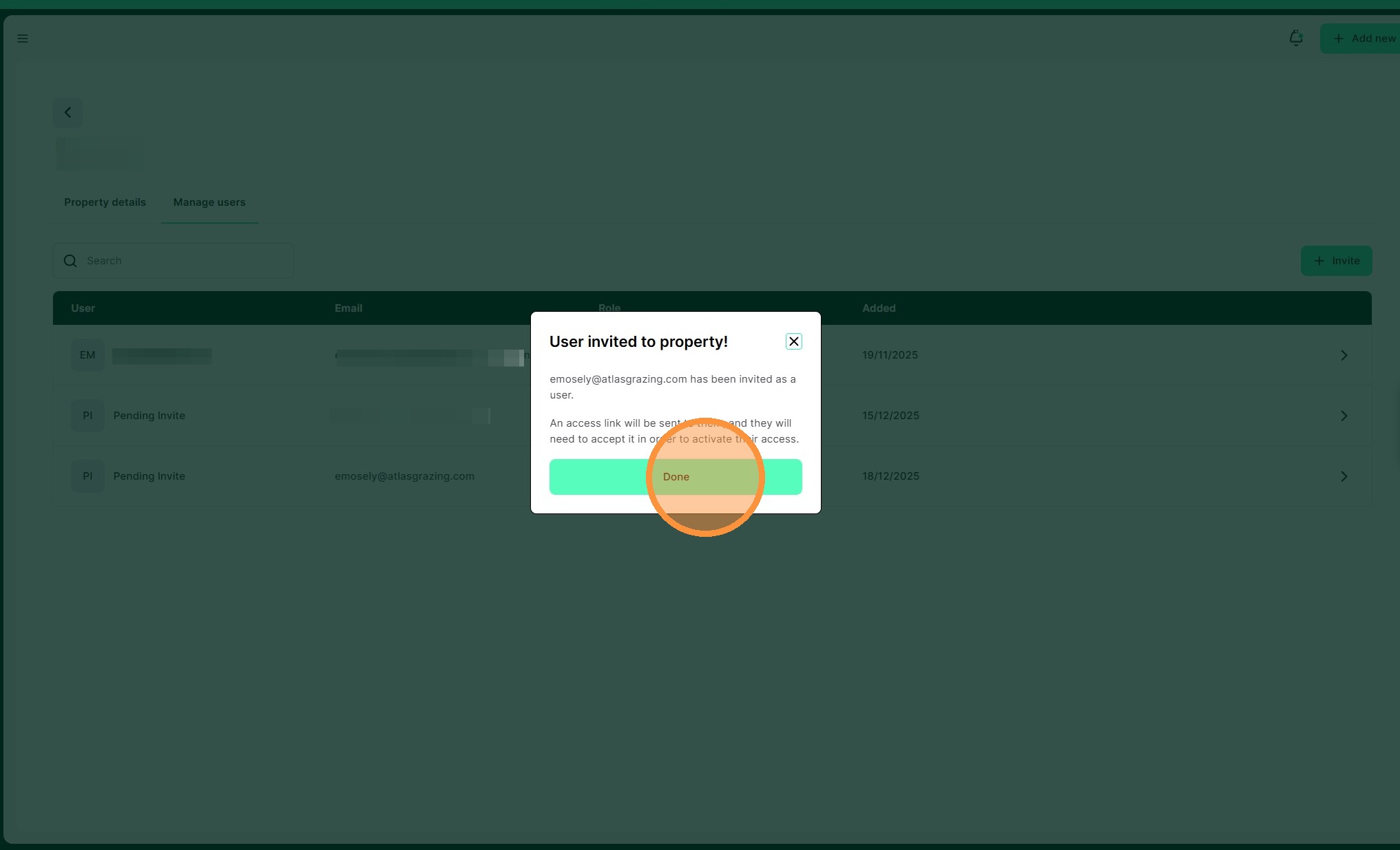
5. Review all details before selecting "Done"