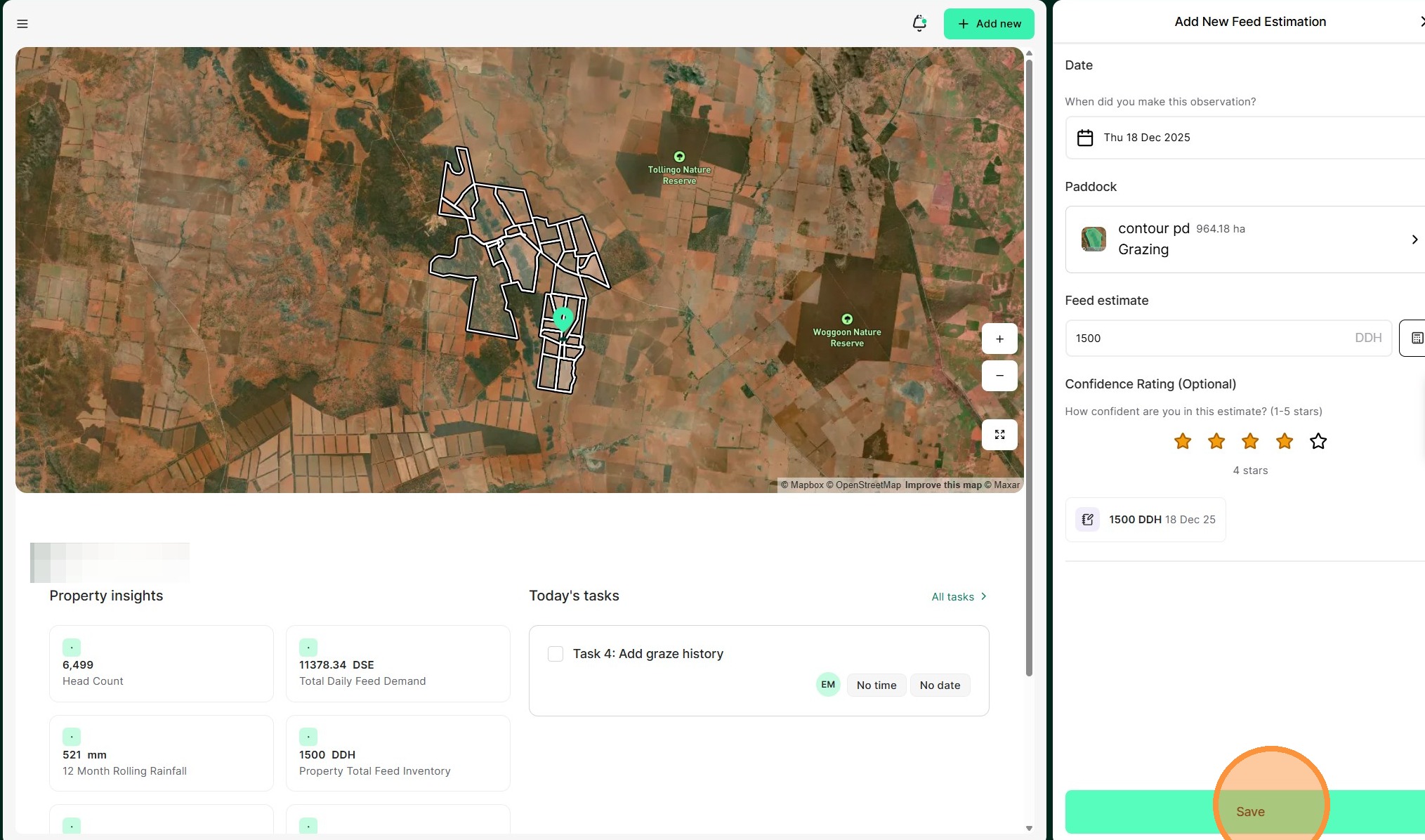
Tip: A feed estimation record allows you to capture the available forage in your paddocks and helps to forecast projected pasture stocks against livestock demand.
Feed estimations (or budgets) are a way for you to measure the approximate forage availability of a paddock and plan the length of a graze. Recording feed estimations in Atlas Grazing allows you to improve the accuracy of your assessments by comparing your estimation to the actual graze yield. Over time, your visual feed estimations get more accurate, allowing you to make more confident decisions in the paddock.
Atlas Grazing provides a step-by-step guide to completing a feed estimation, with the option of two methods. The Step Out Method involves visualising how many standard animals a 3mx3m square could feed for one day. Then we'll scale that up to your entire paddock. This allows you to understand how long your mob can graze that paddock and plan when they will need to move.
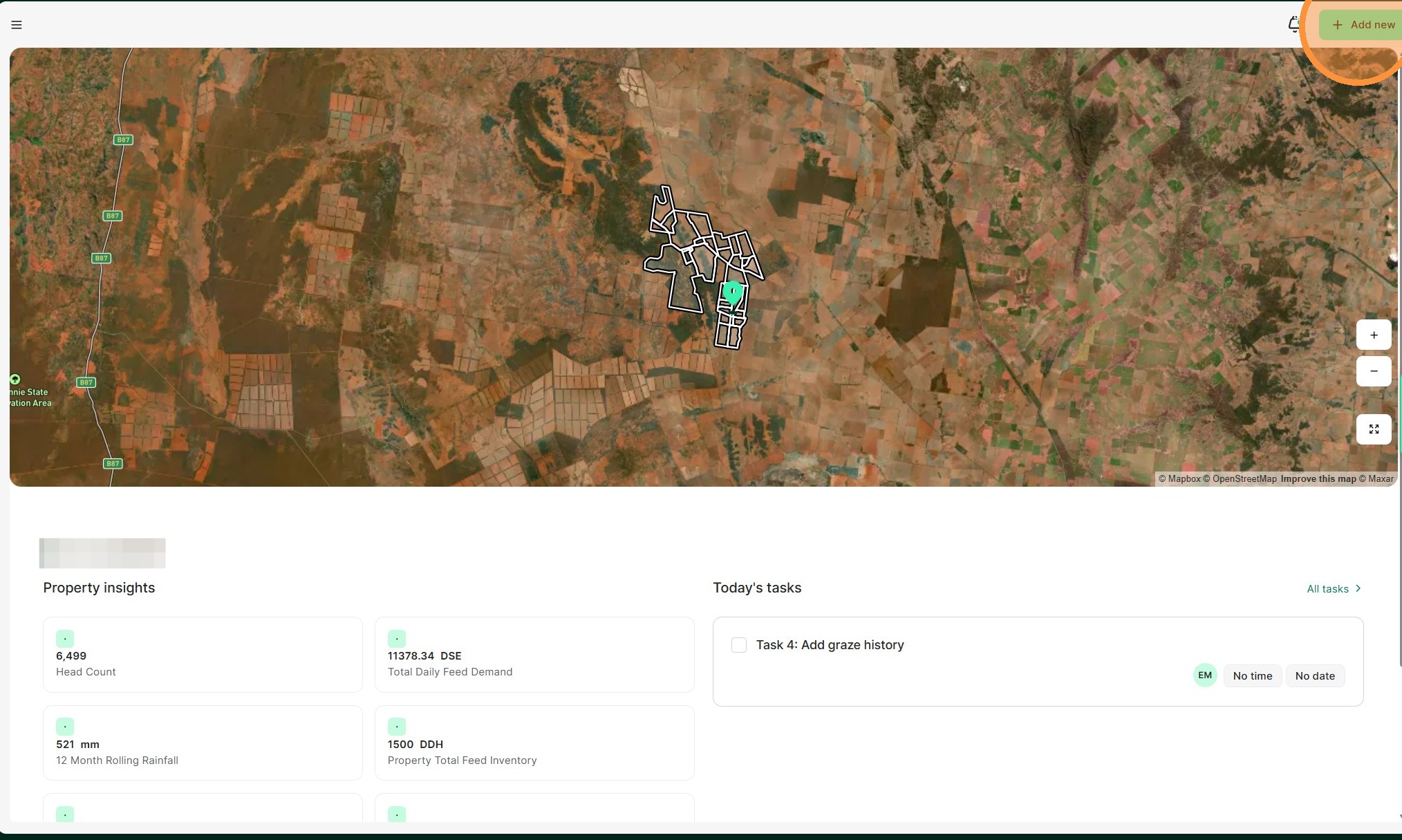
1. From the Home Dashboard Select "Add new"
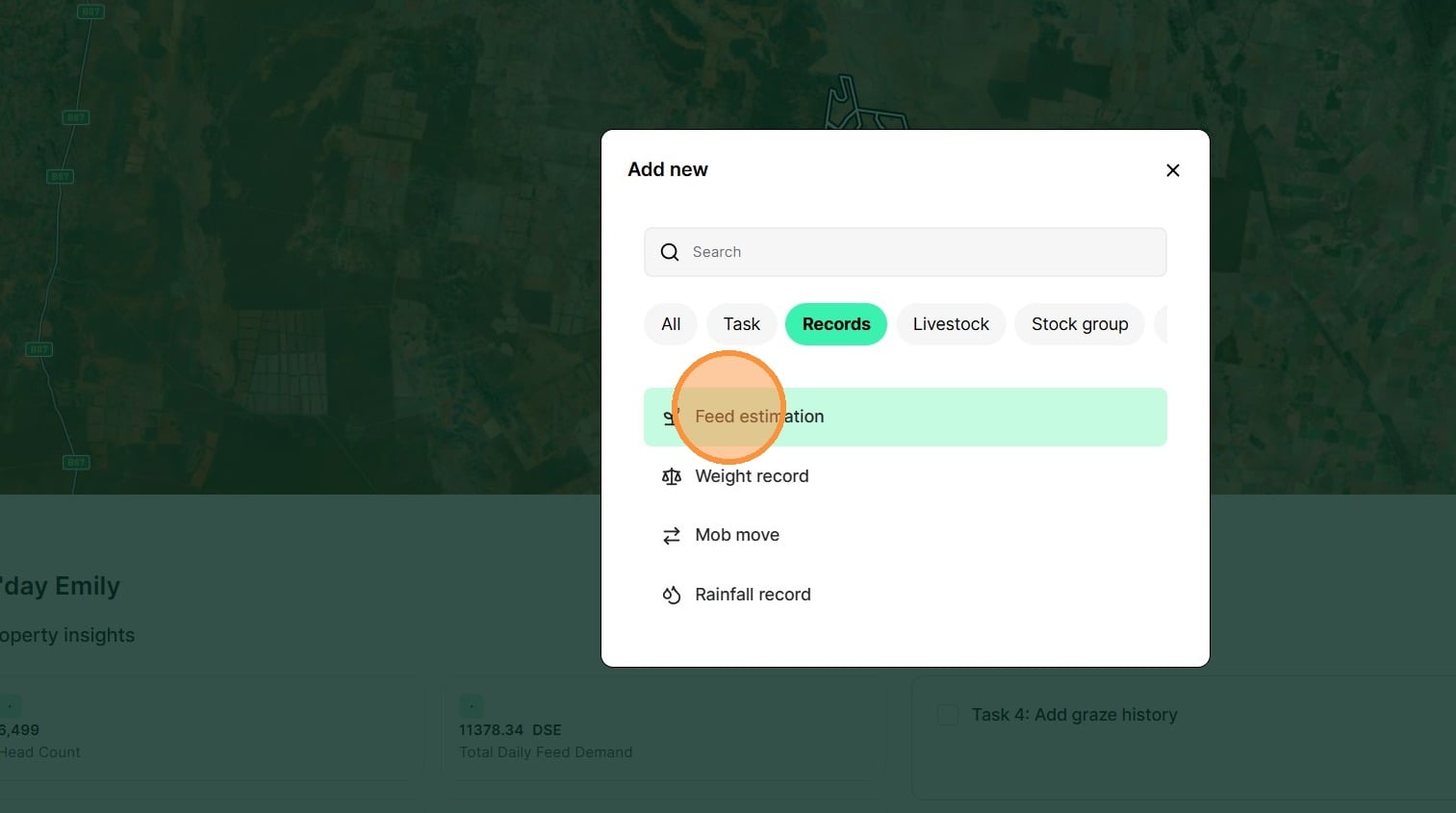
2. Select "Feed estimation" from the Records category
3. Select the date of the feed estimate
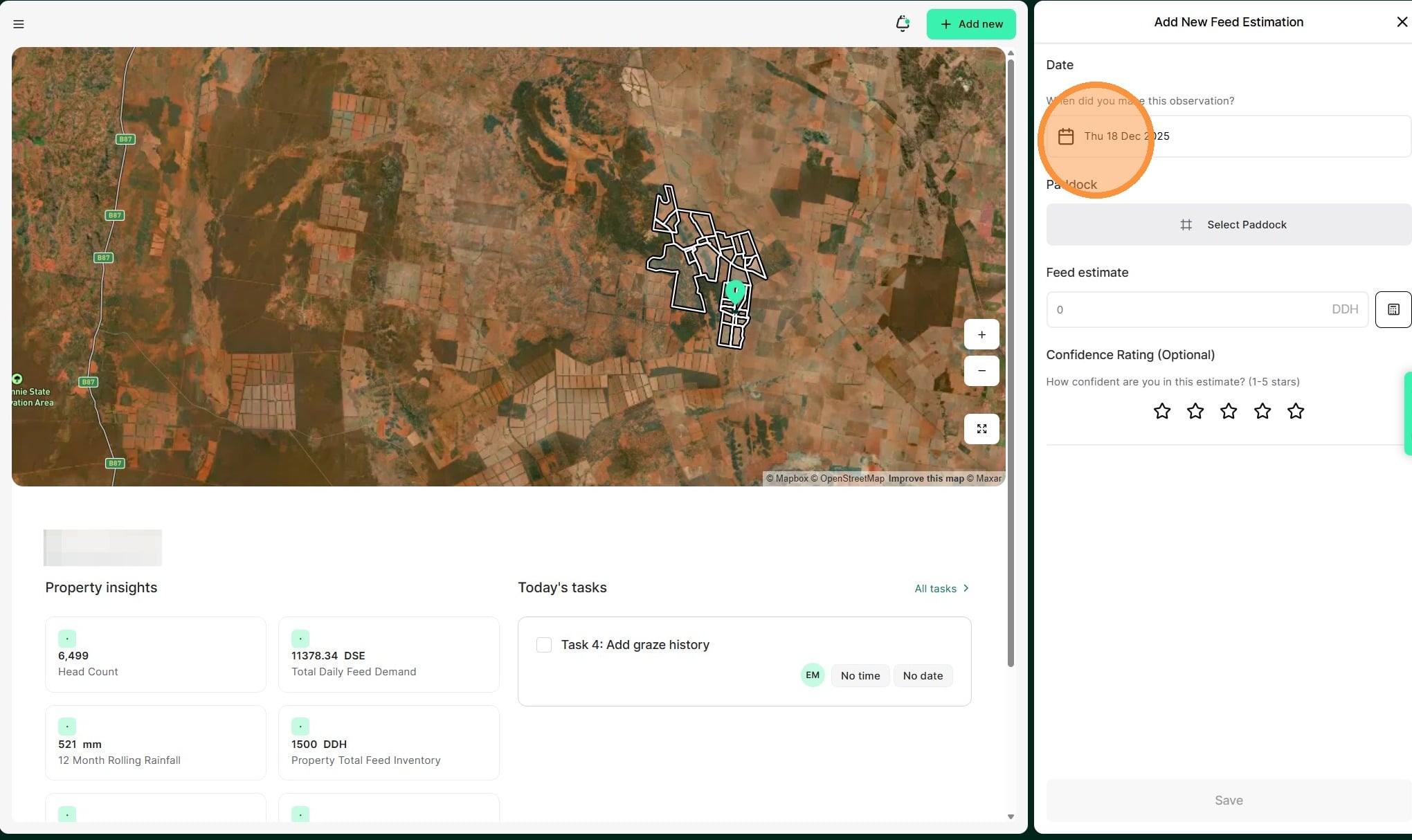
4. Select the paddock that the feed estimate is being taken from
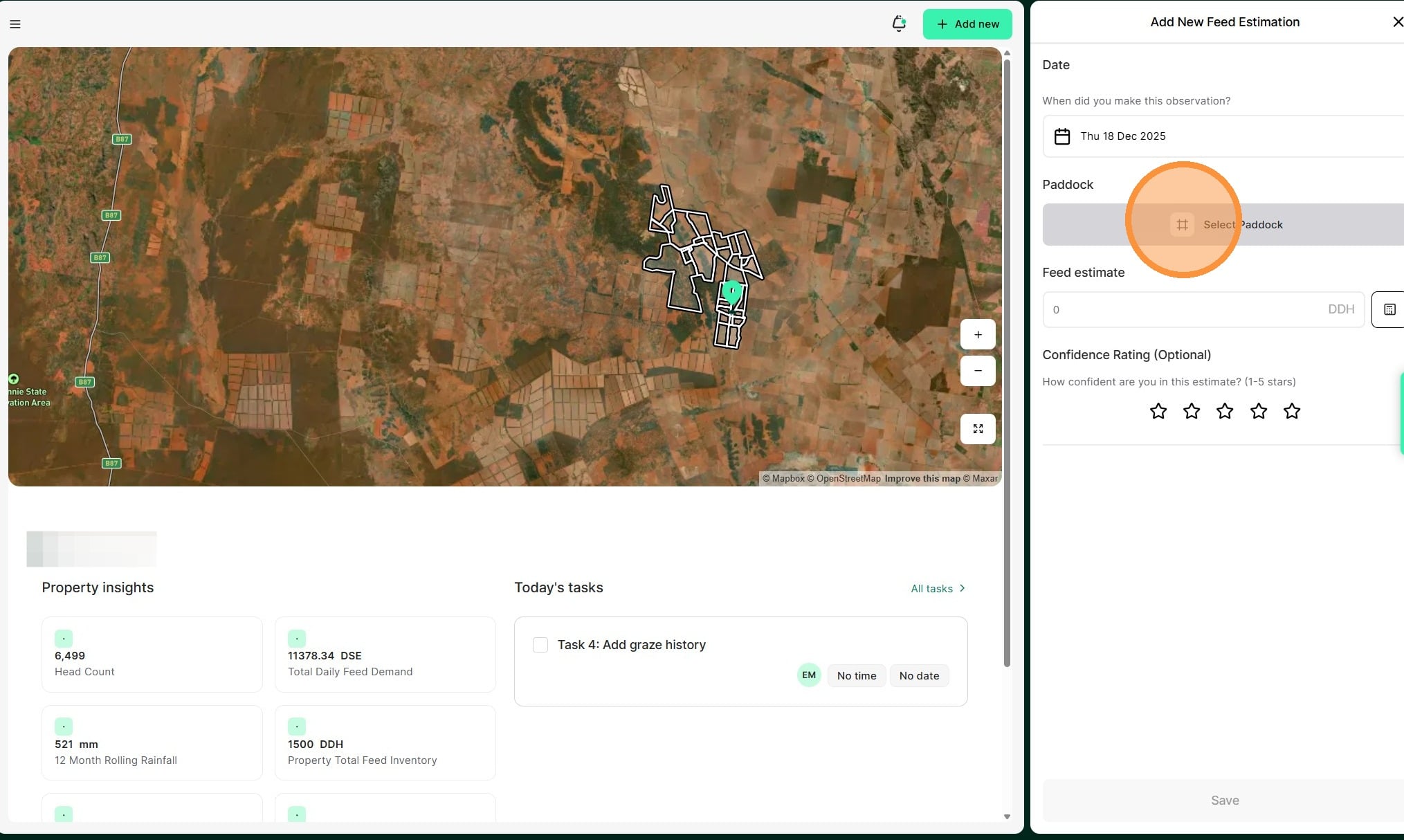
5. Select the calculator button
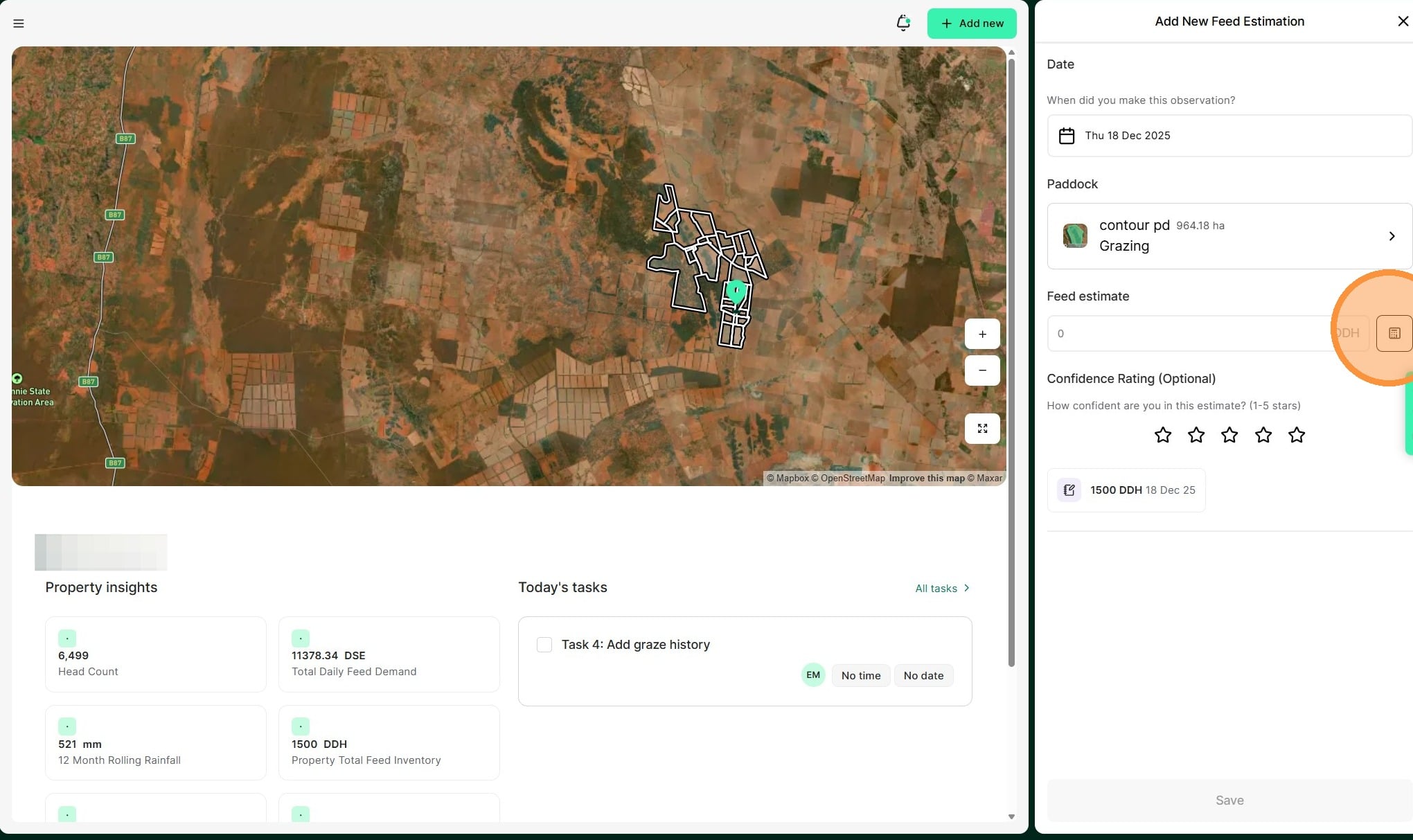
6. Select "Step Out Method"
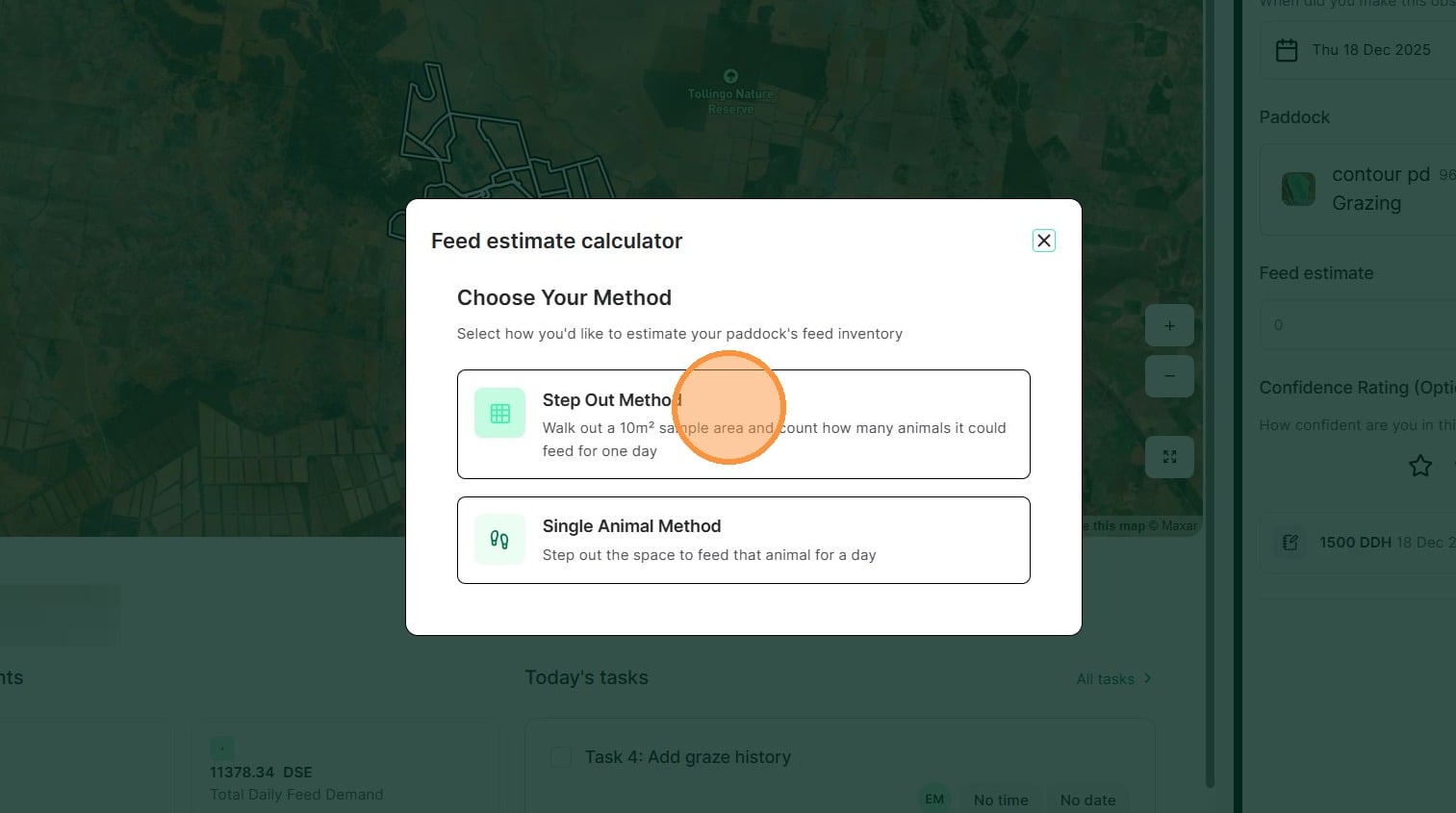
7. Review the how to steps before selecting "Get Started"
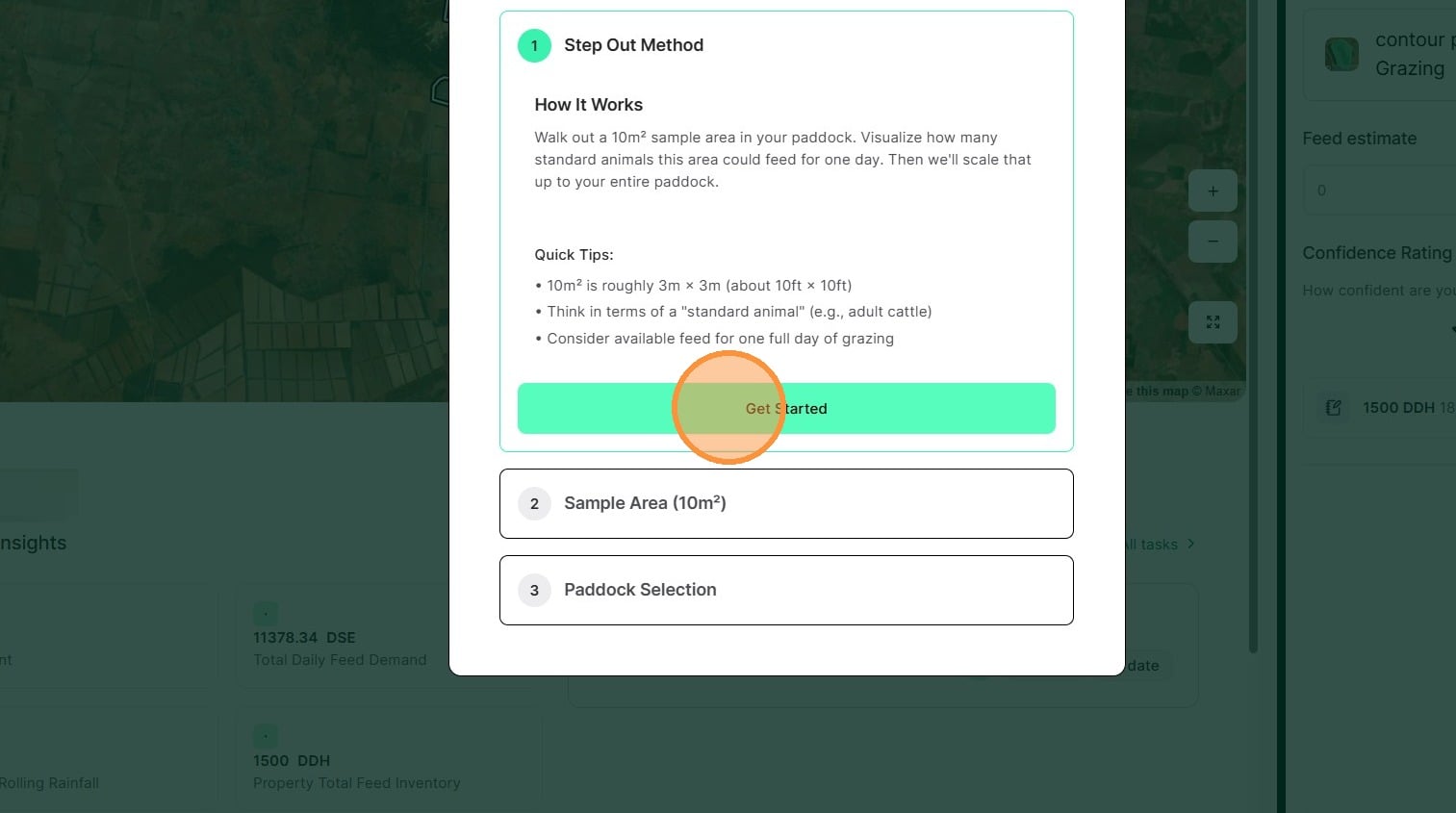
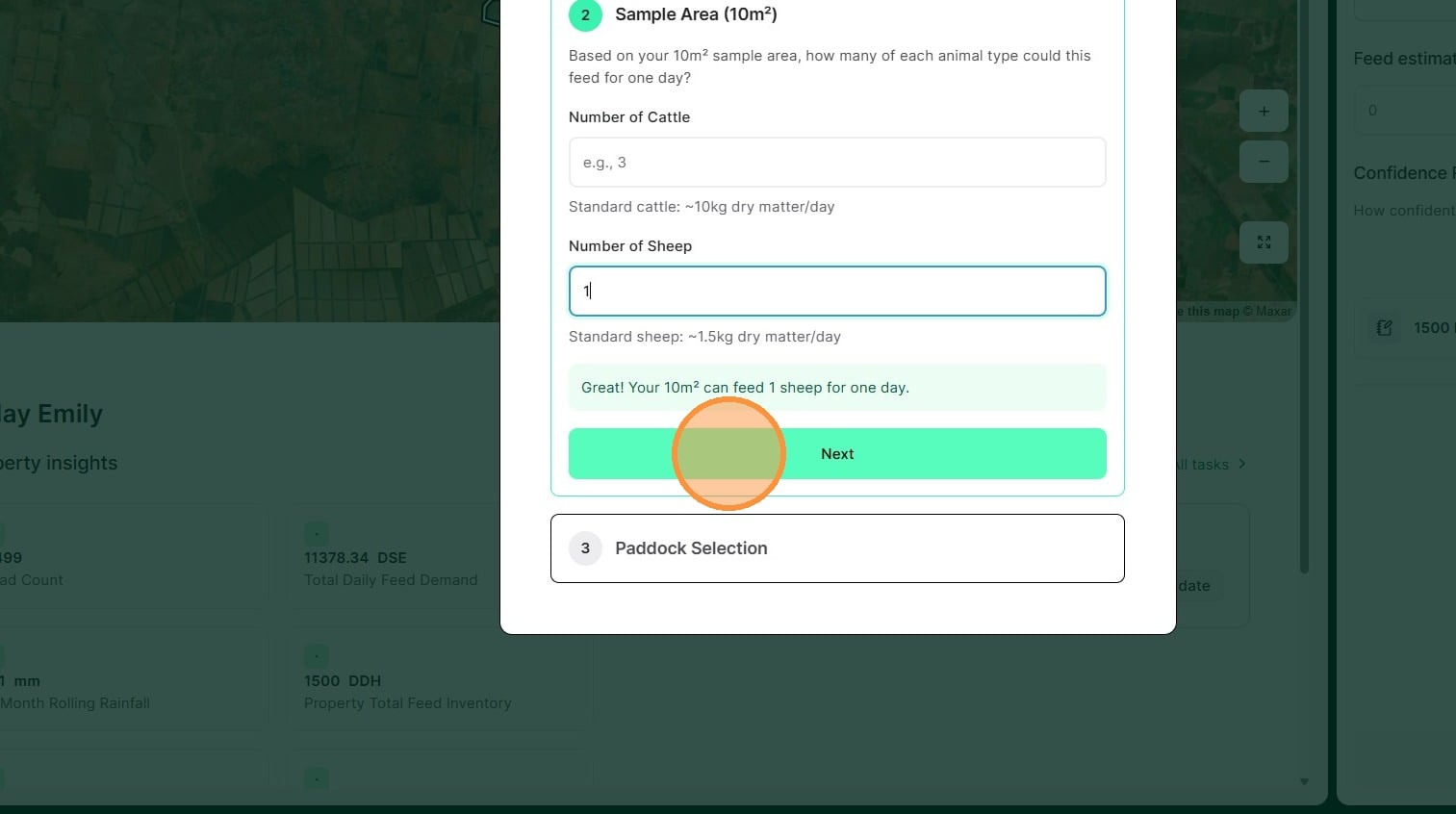
8. Enter the number of sheep and/or cattle. Then select "Next"
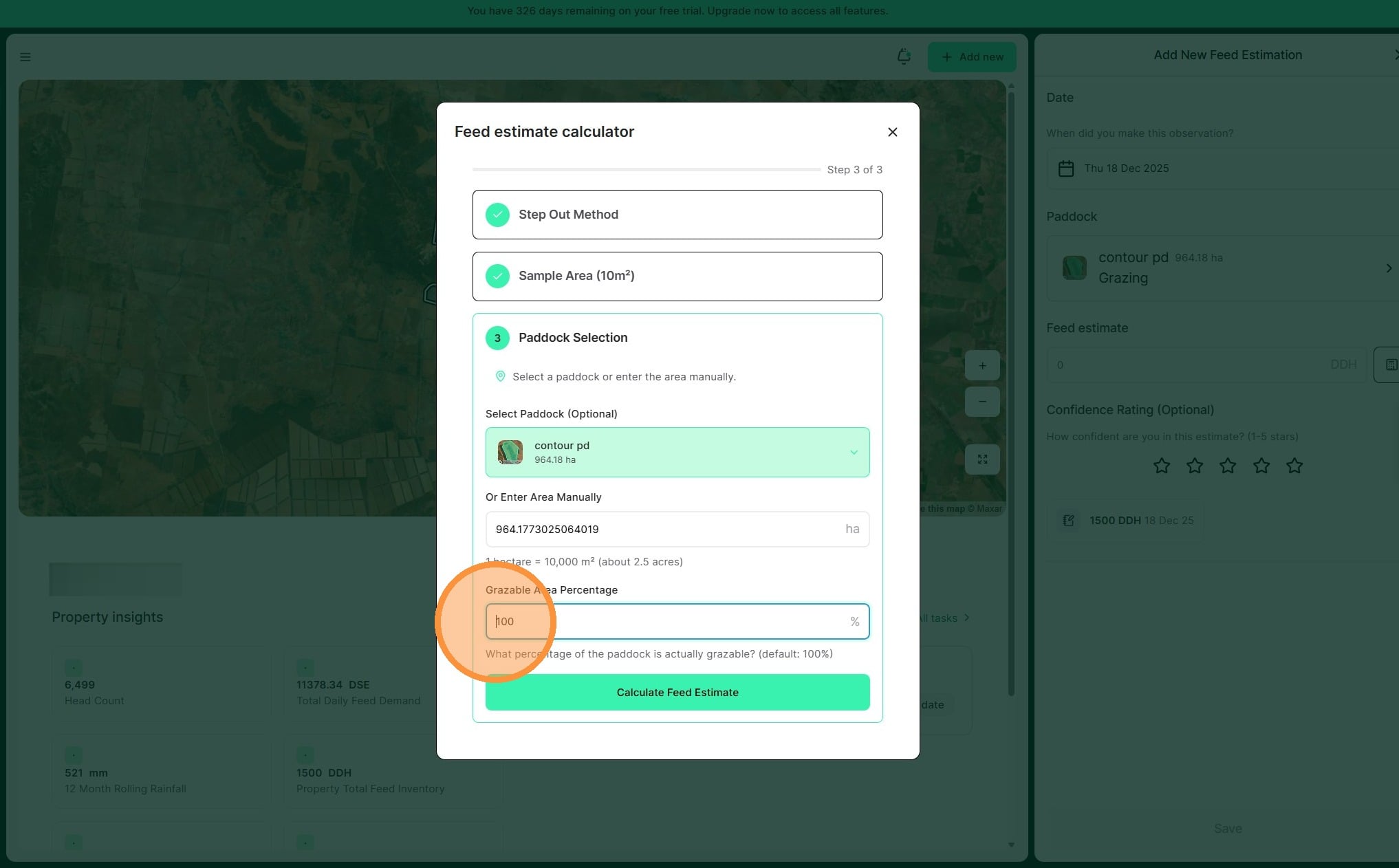
9. Adjust the grazeable area percentage if required
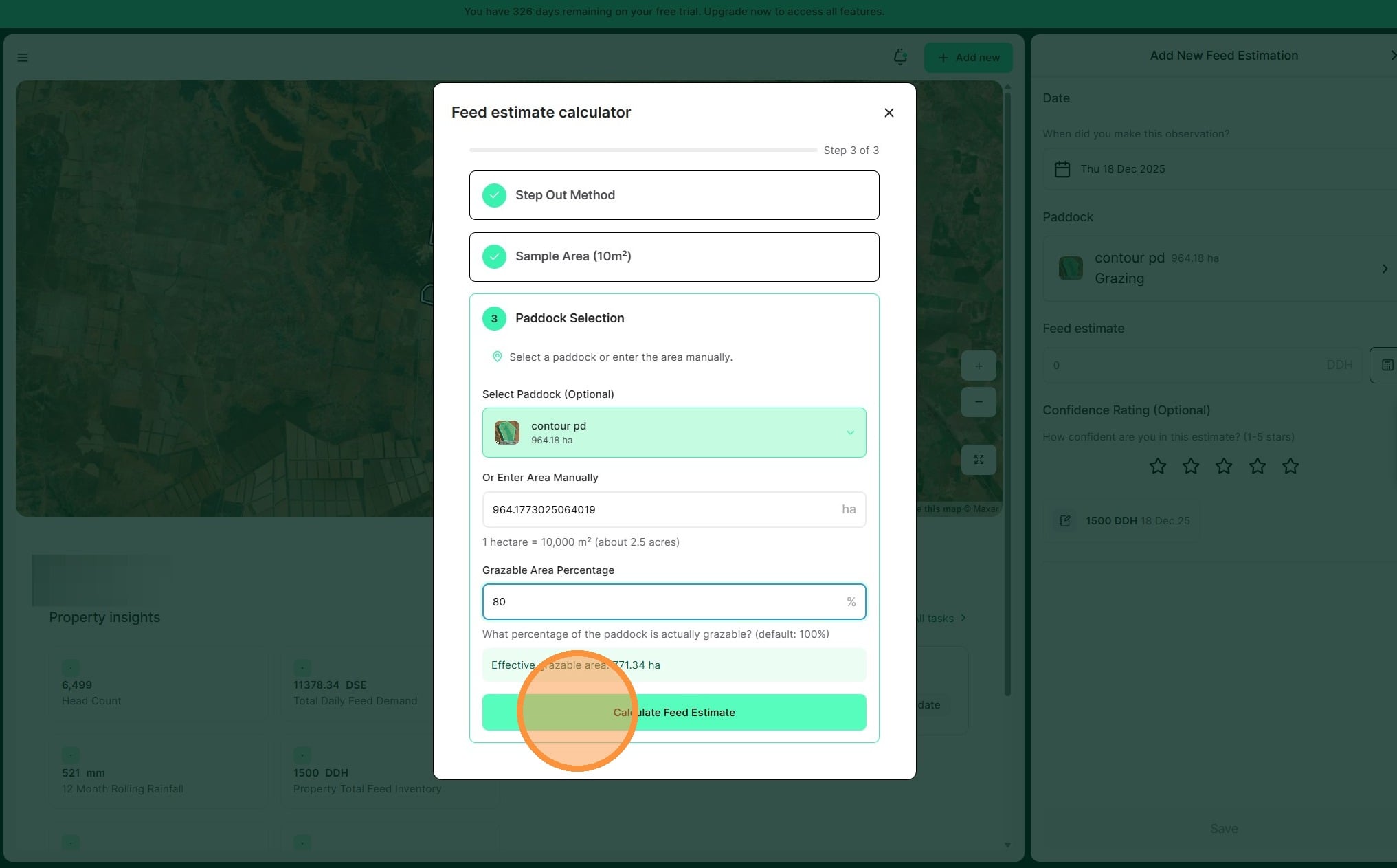
10. Select "Calculate Feed Estimate"
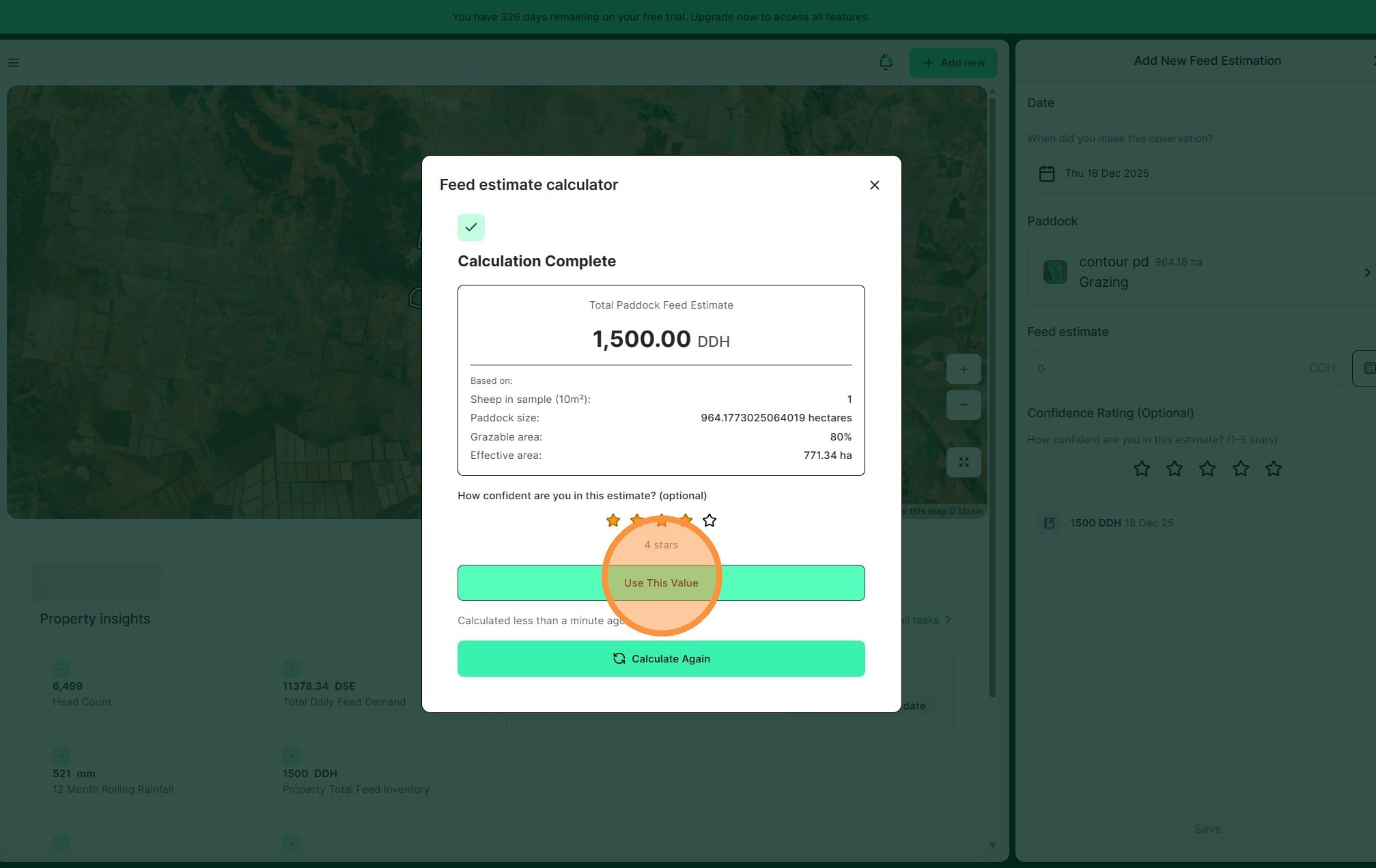
11. Apply a confidence rating if desired
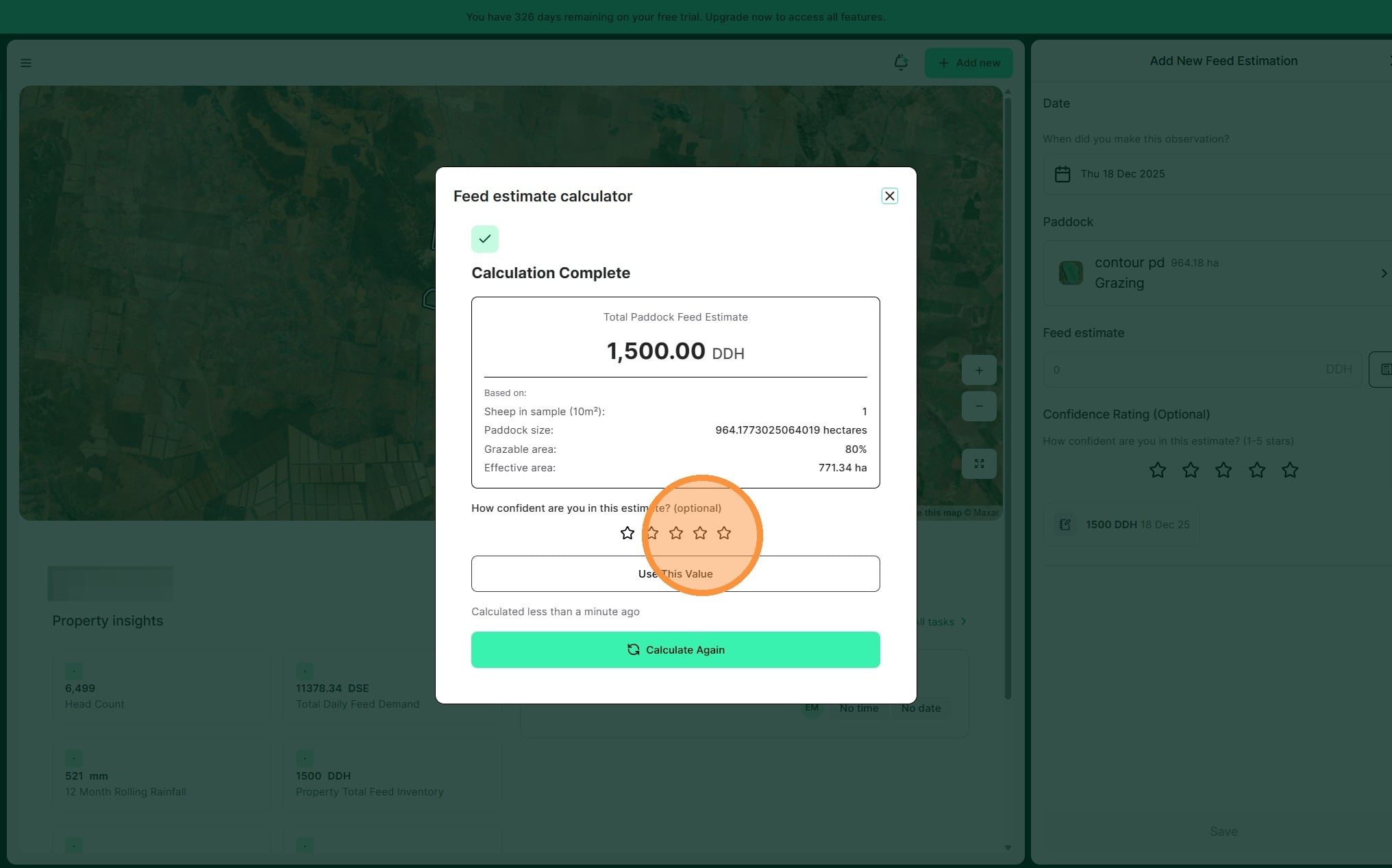
12. Review the details and select "Use This Value"
13. Select "Save" to complete