Tip: Stock groups allow us to manage and track animals of a similar age, weight or production state. For example:
2024 Ewes and Cull Ewes may be groups within your Ewe Mob
Yearlings Sep 25 and 250kg Steers may be groups within your Trader Cattle Mob.
Atlas Grazing makes it fast and simple to keep track of stock groups and mobs. Use a Merge record when you want to draft from multiple stock groups to a single group. For example, you may draft out some steers from a larger mob of a similar weight to sell. You can merge them into one stock group. This allows you to keep your livestock inventory accurate.
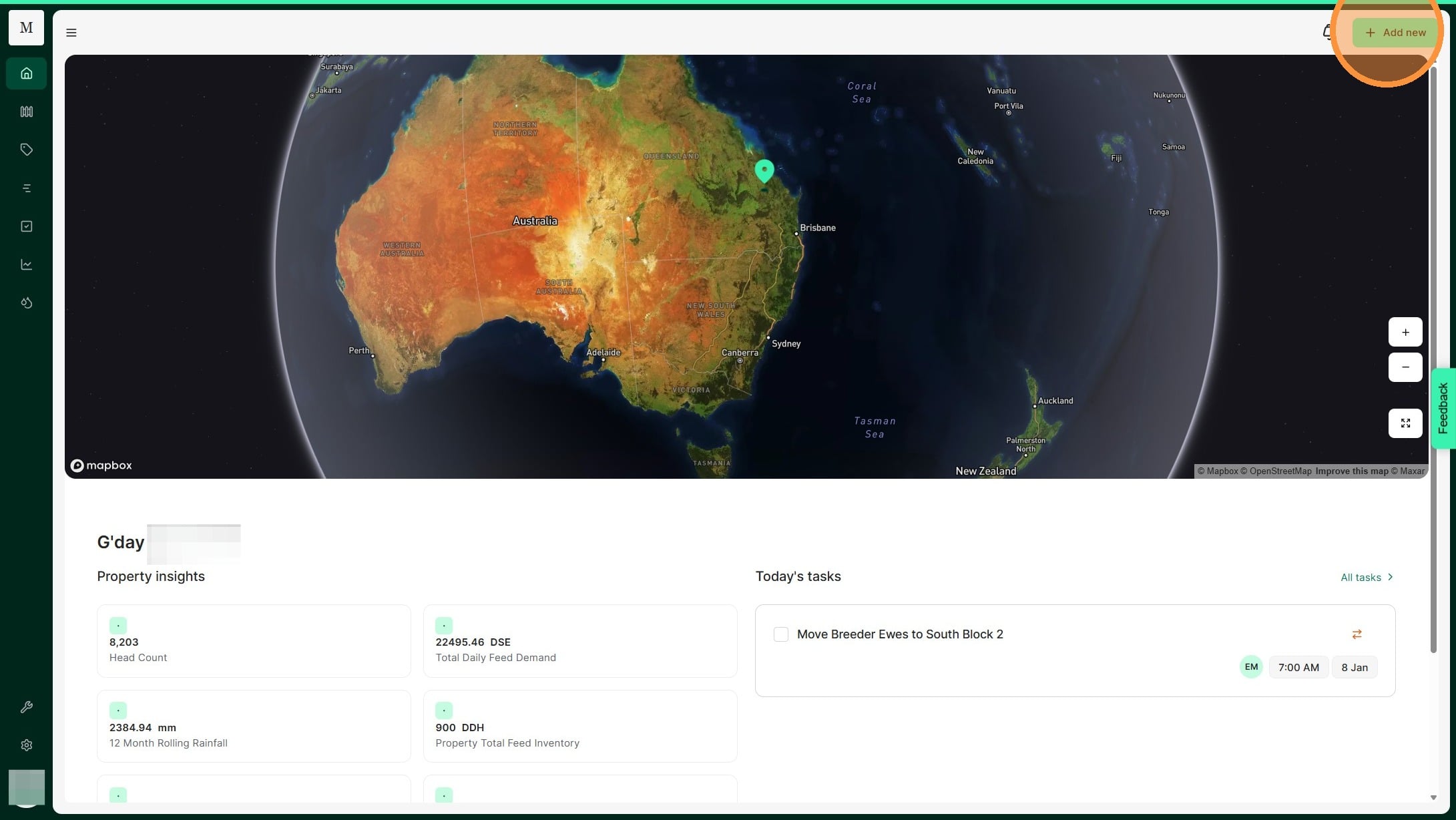
1. From the Home Dashboard Select "Add new"
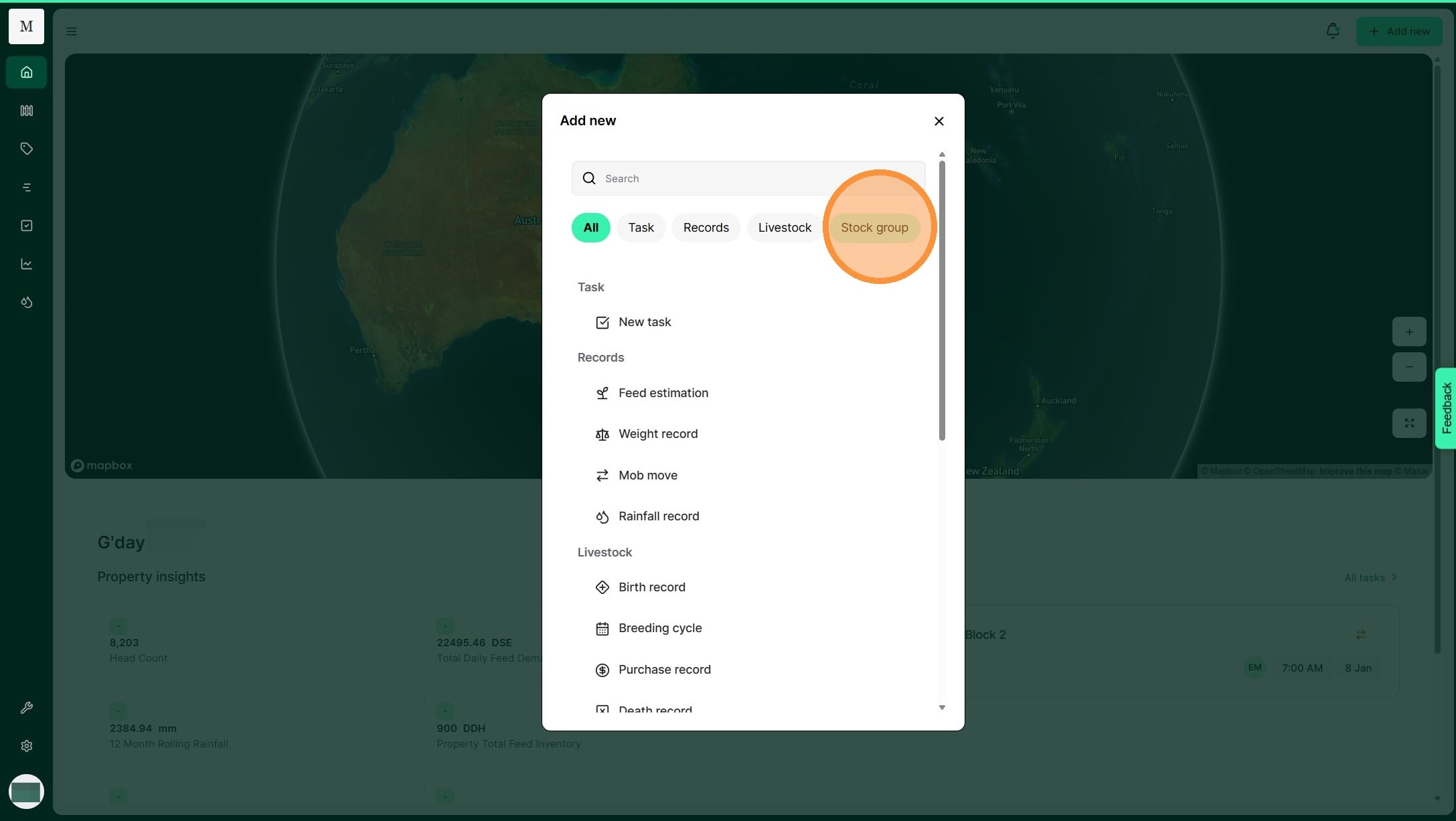
2. Select "Stock group"
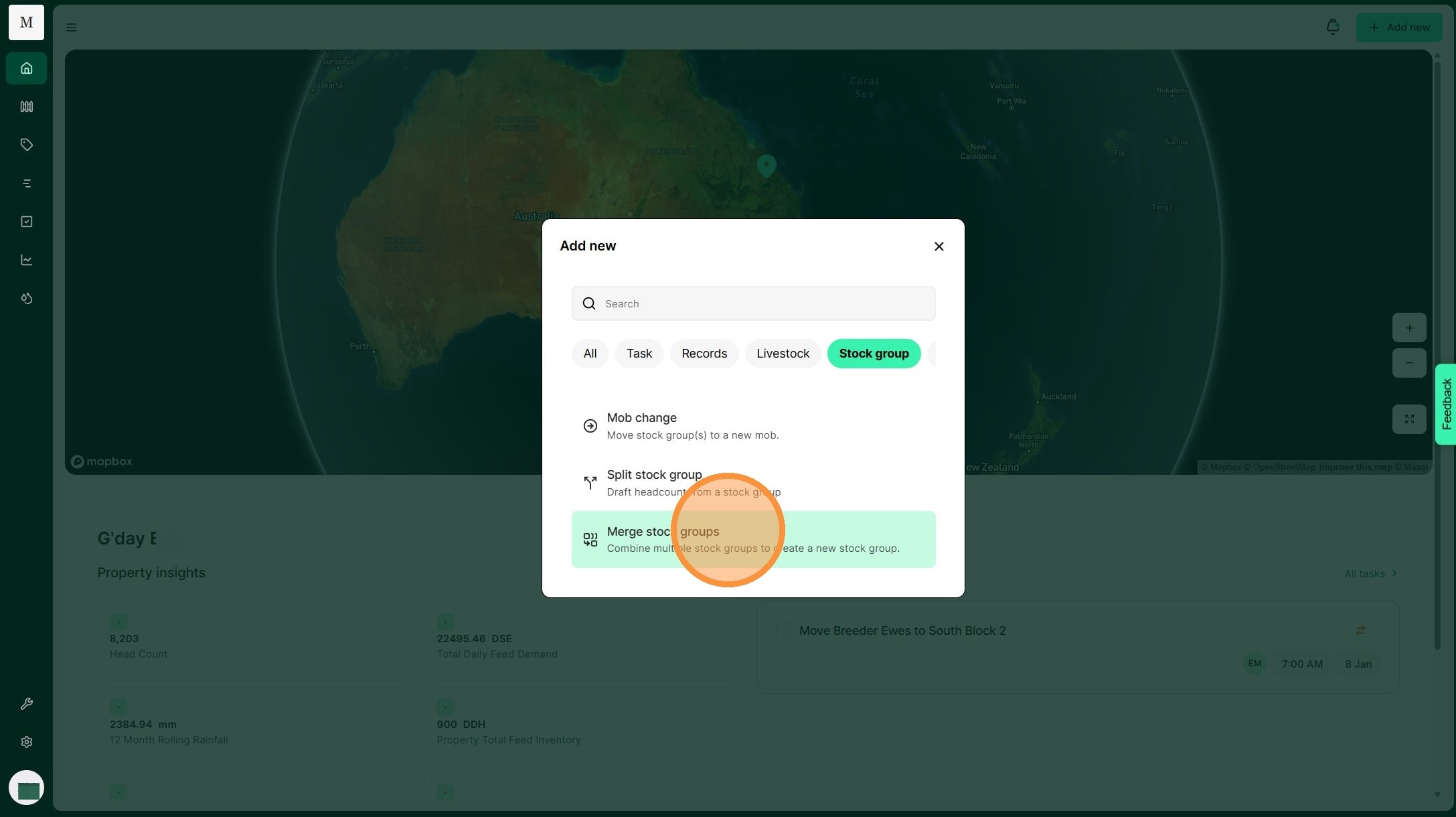
3. Select "Merge stock groups."
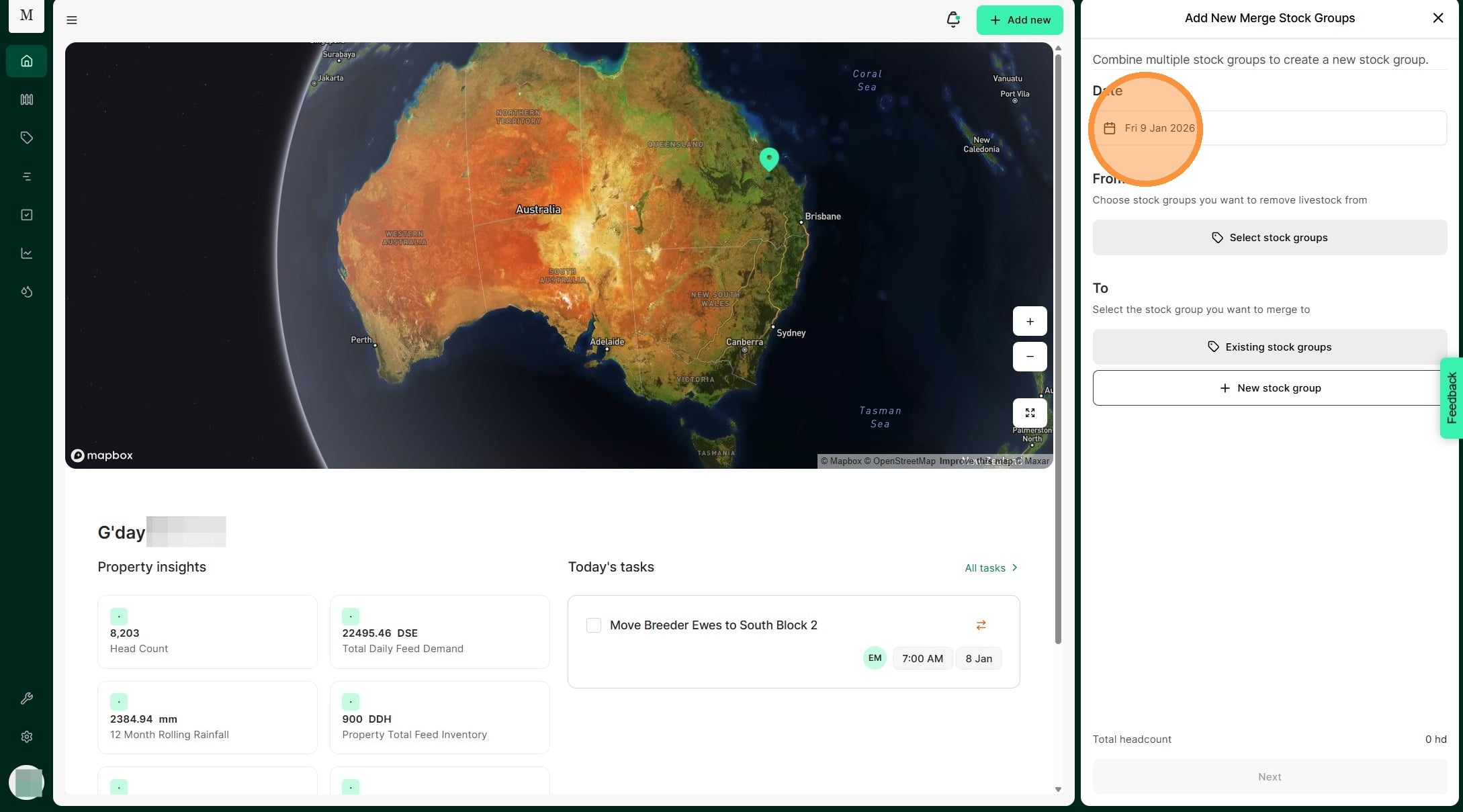
4. Click the 'Select a date' field and choose the date you merged the stock groups.
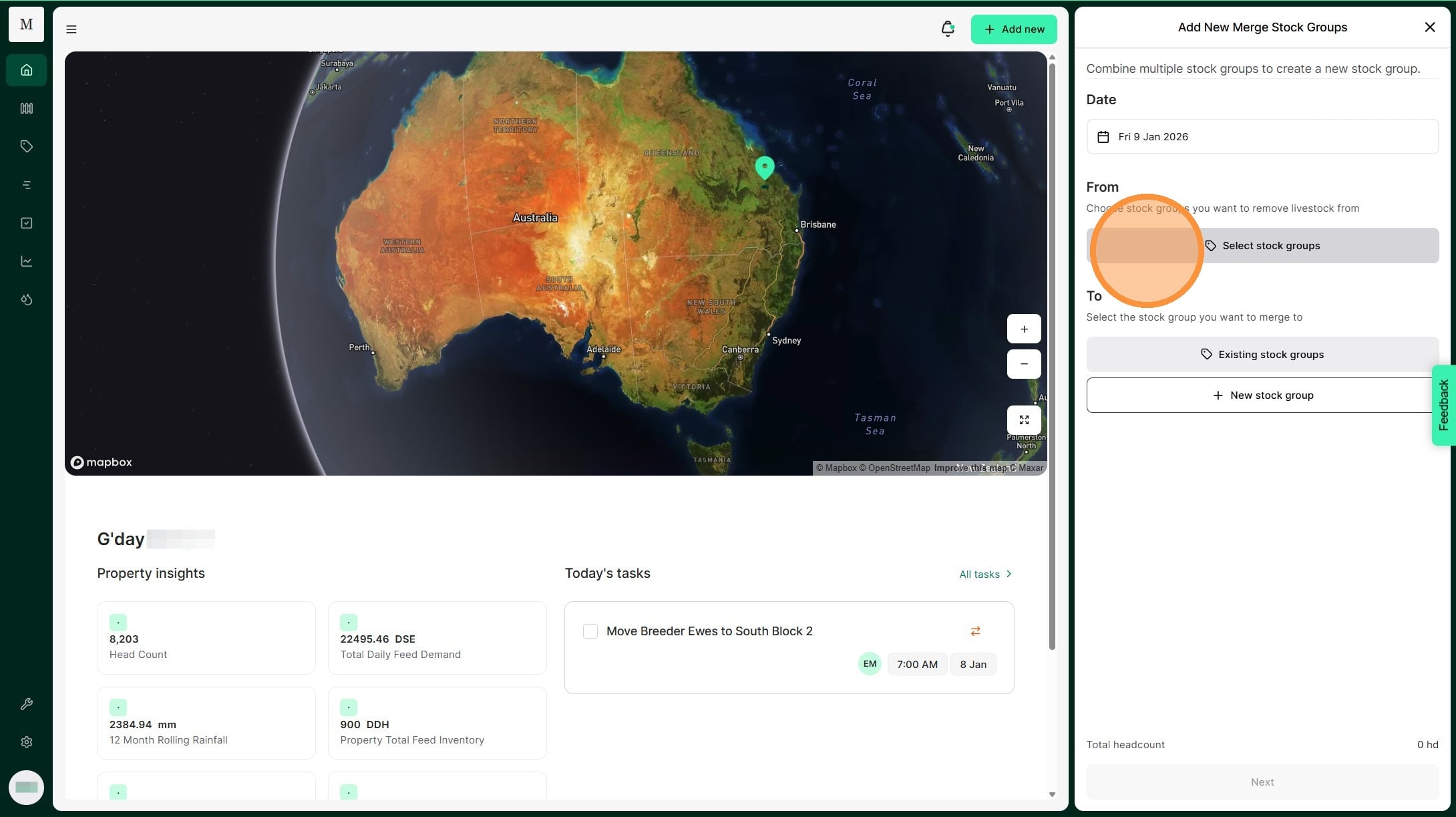
5. Click "Select stock groups"
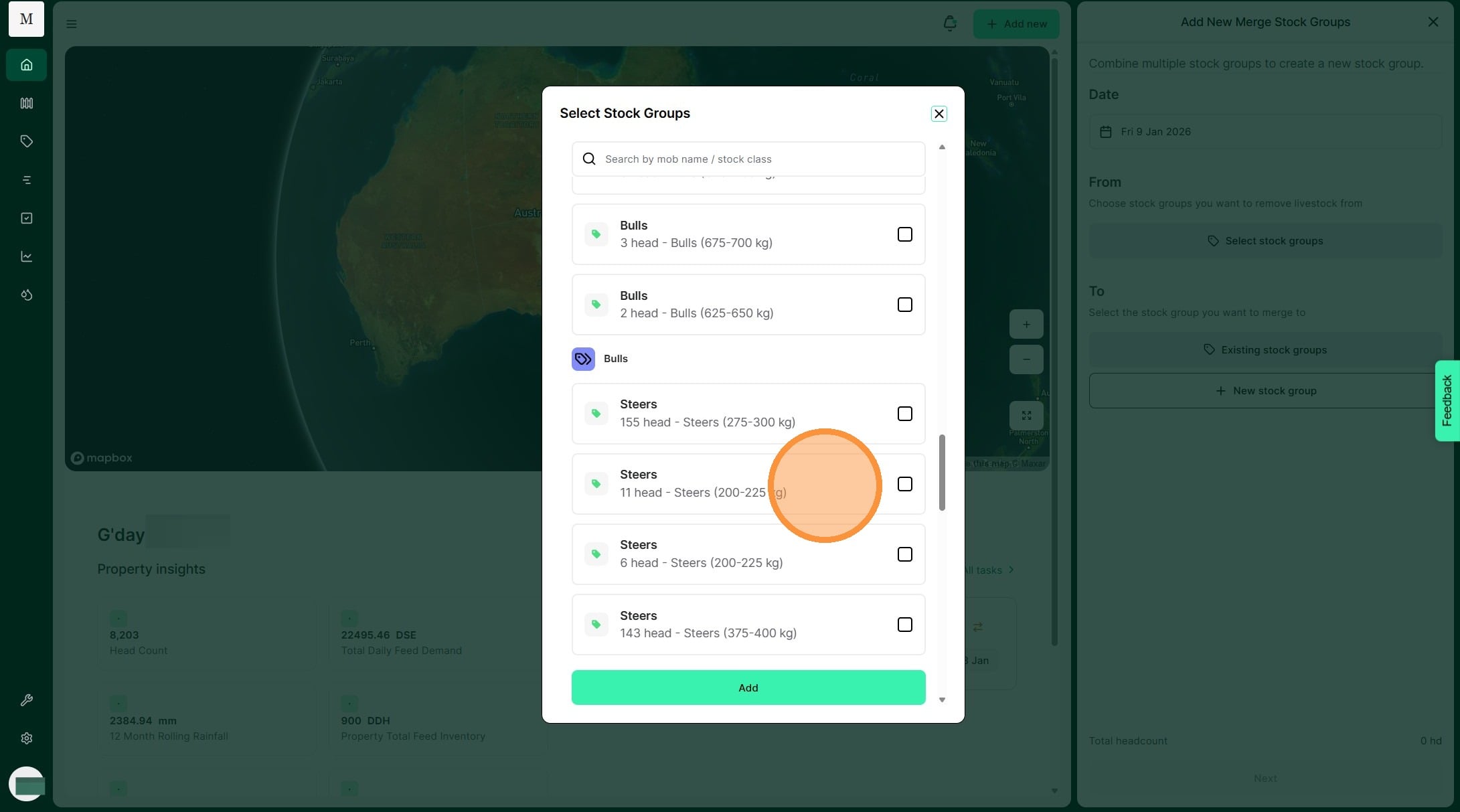
6. Select the stock group you want to merge from. Then click "Add"
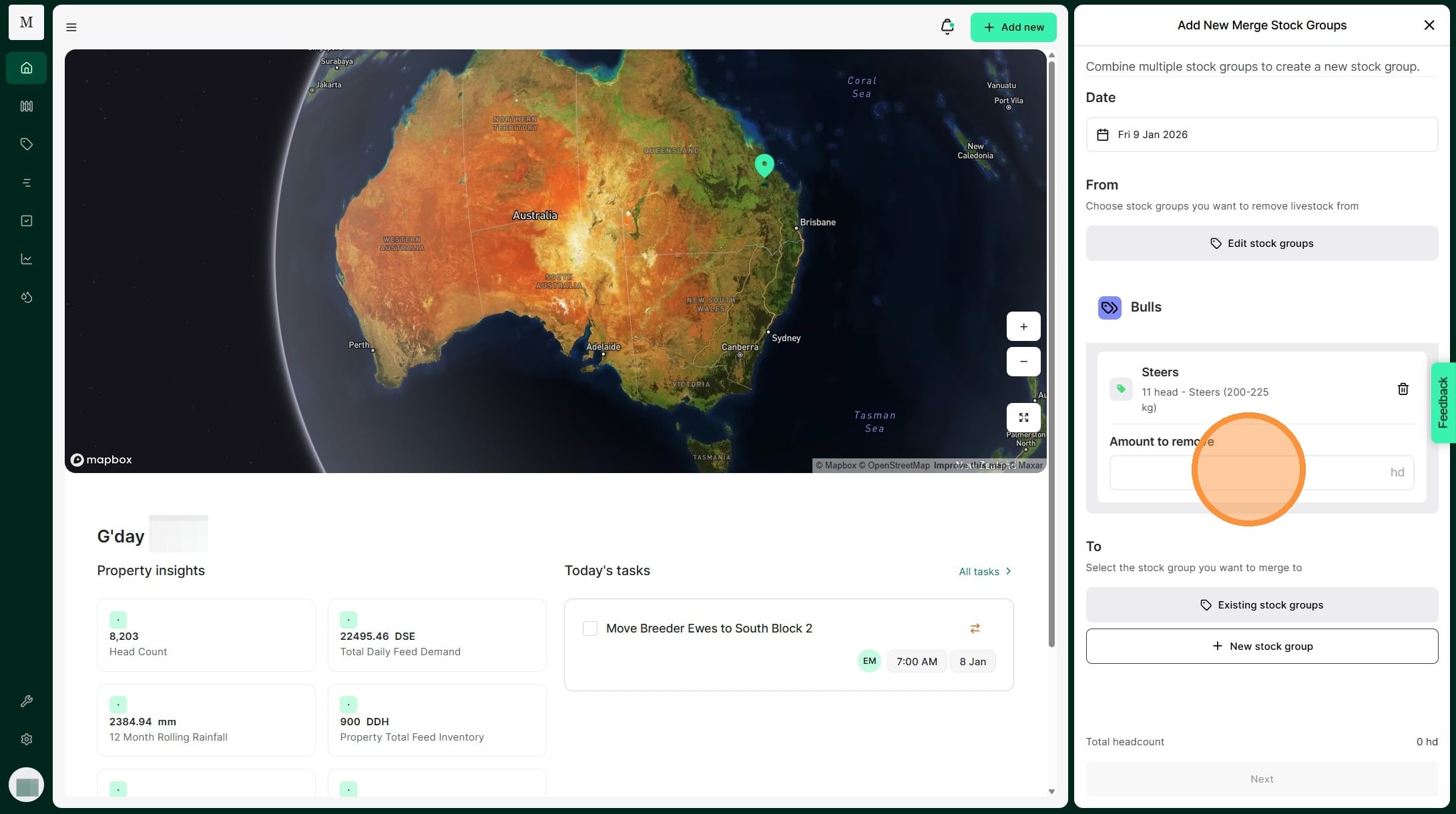
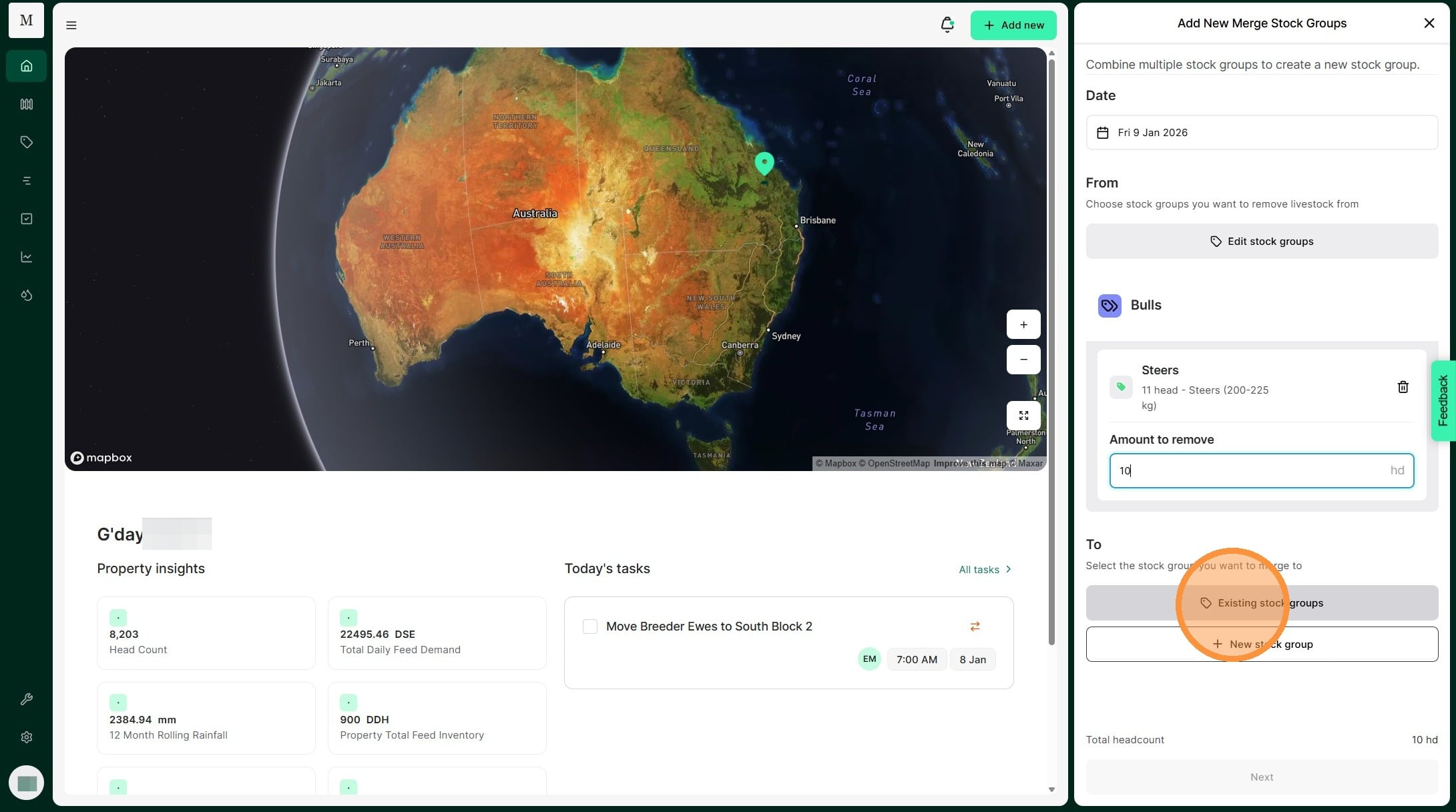
7. Select 'Amount to remove' and enter the number of head you need to merge.
8. Select "Existing stock groups"
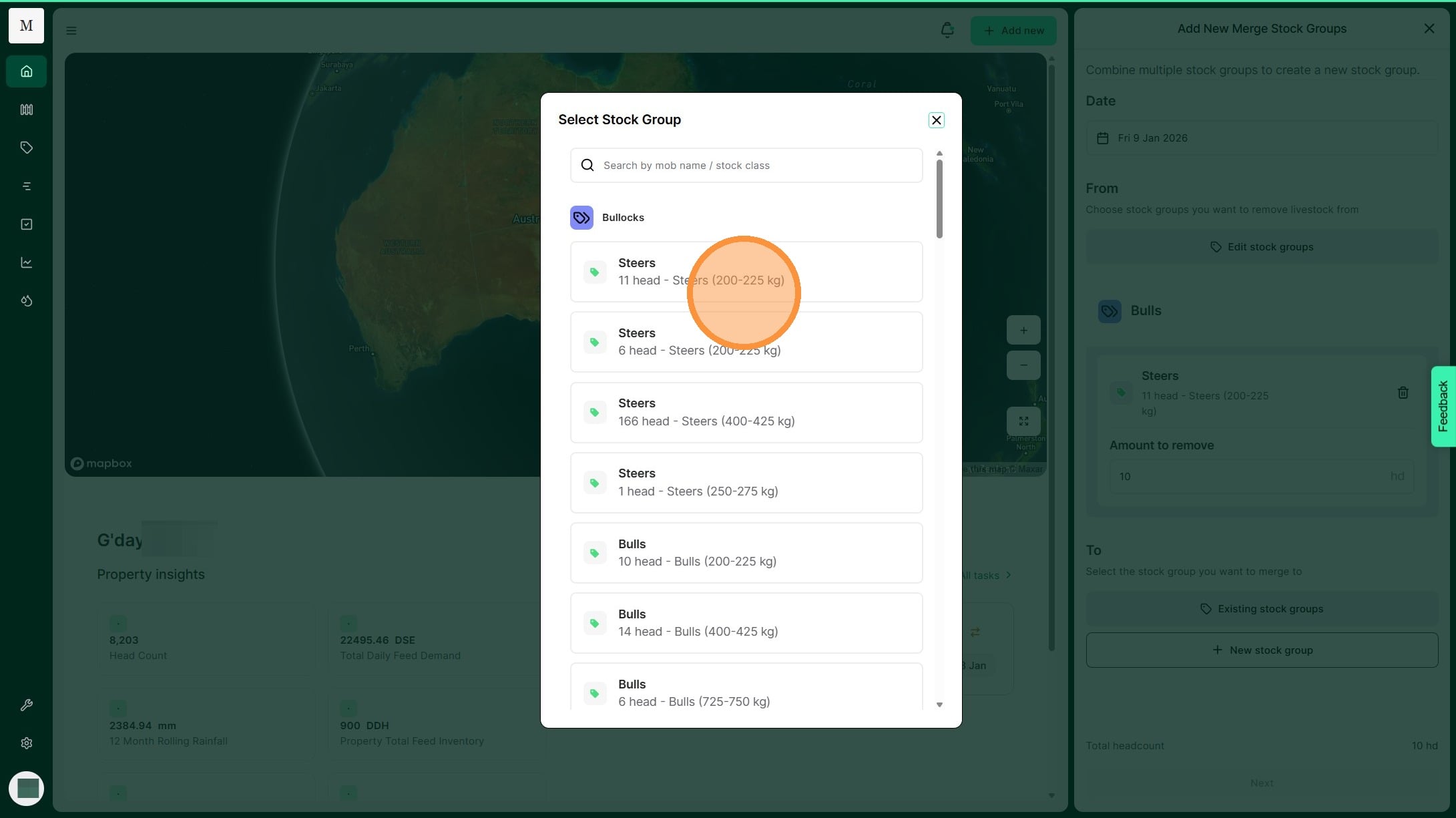
9. Select the stock group you are going to merge into.
10. Select "Next"
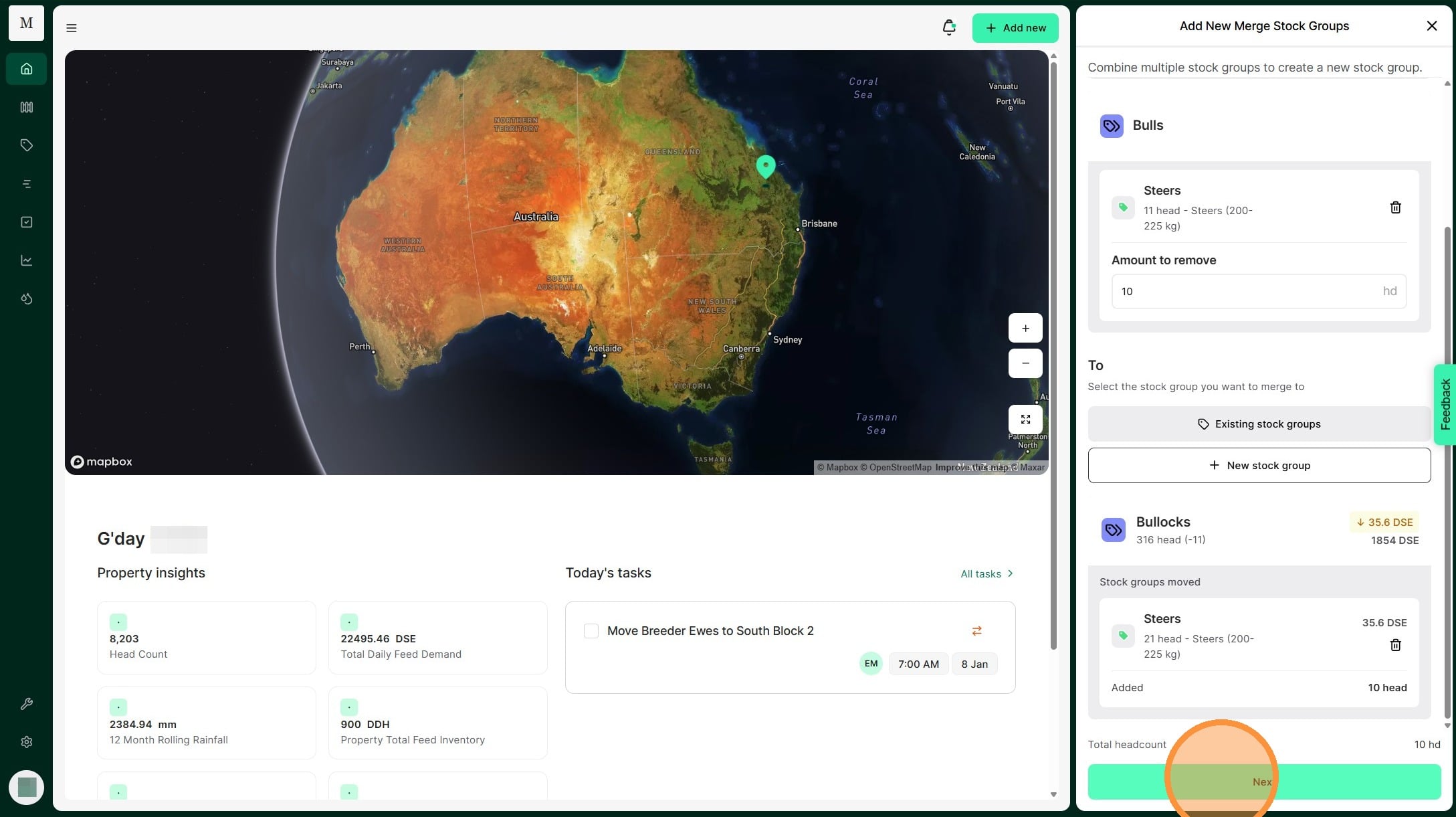
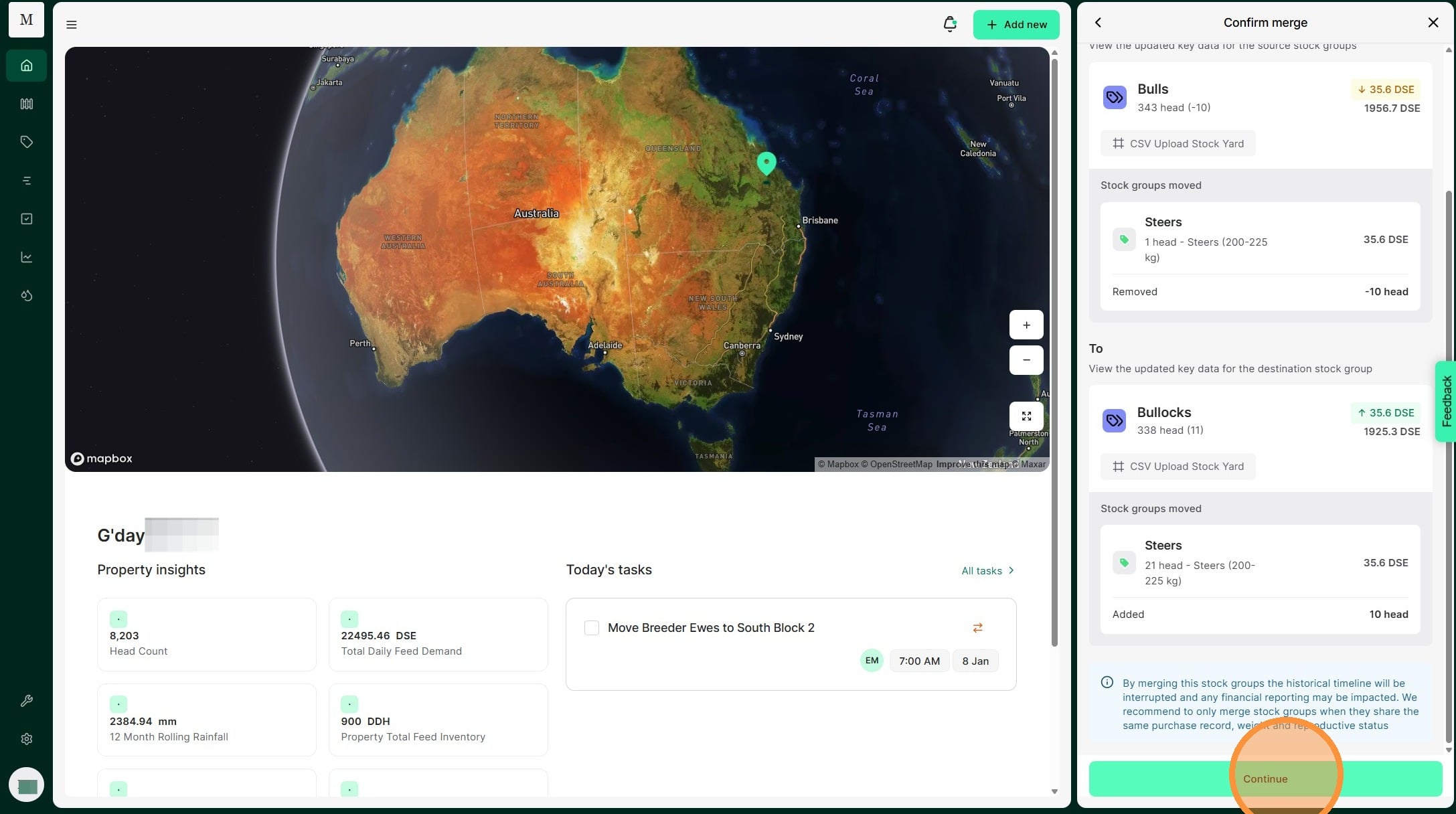
11. Review the details of the stock group merge before selecting "Continue" to complete