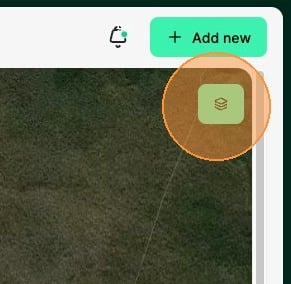
1. Select the Layers button in the top right of the map
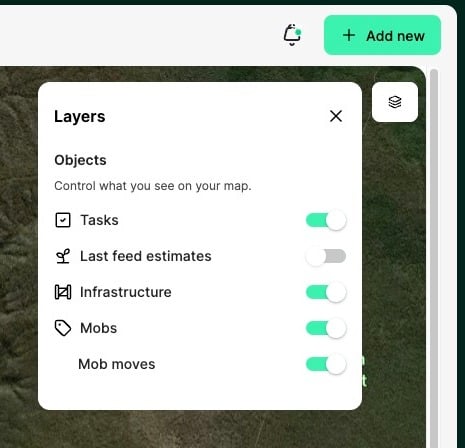
2. First you will see which layers are turned on or off. This will help focus on what you want to see on your property map.
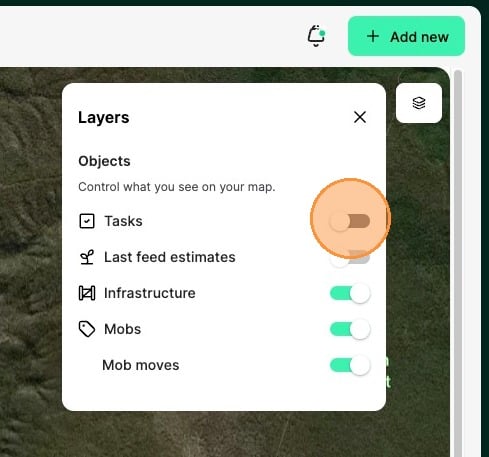
3. You can toggle Tasks on or off. This will show or hide any tasks that have been given a location.
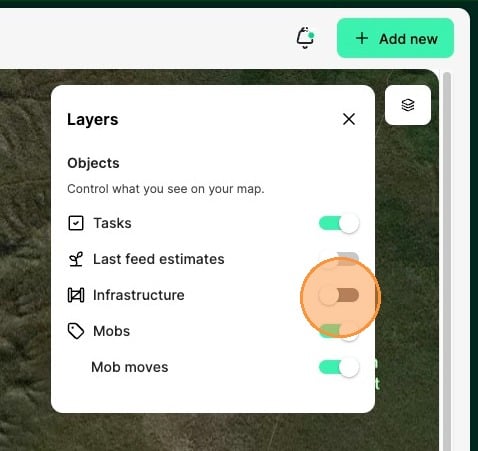
4. You can toggle Infrastructure on or off. This will show or hide any infrastructure points you have added to the map.
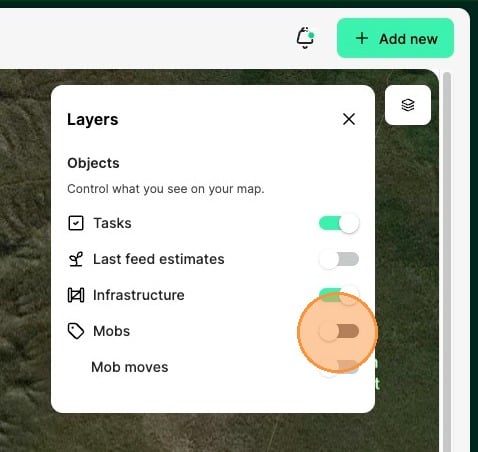
5. You can toggle Mobs on and off. This will show or hide all Mobs that are in paddocks. Note, this will turn off mob moves too.
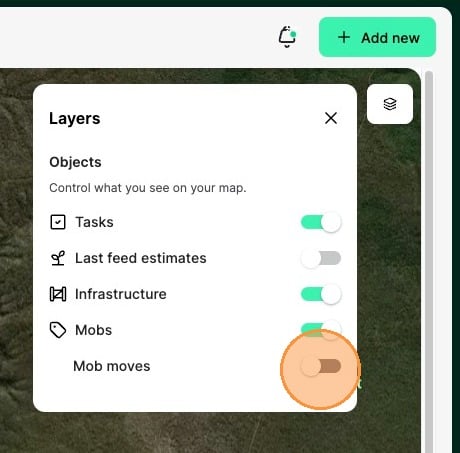
6. You can toggle Mob moves on and off. This will show or hide the next 5 planned moves for a mob. Note, this can be switched off independently from Mobs.