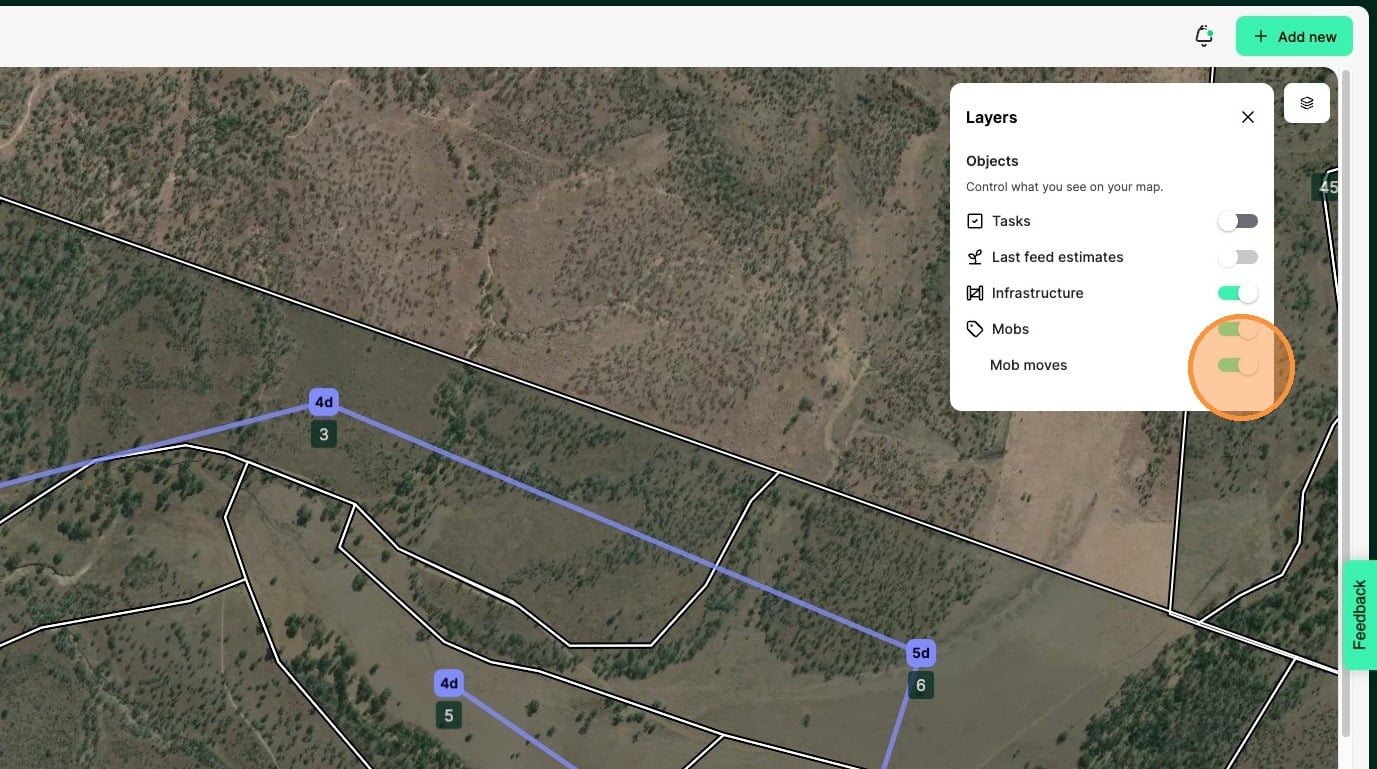
When you have a lot of livestock to manage, there will be a lot of planned moves. Showing the planned mob moves and planned grazes on the map gives you an at-a-glance view at how your graze plan will come to life.
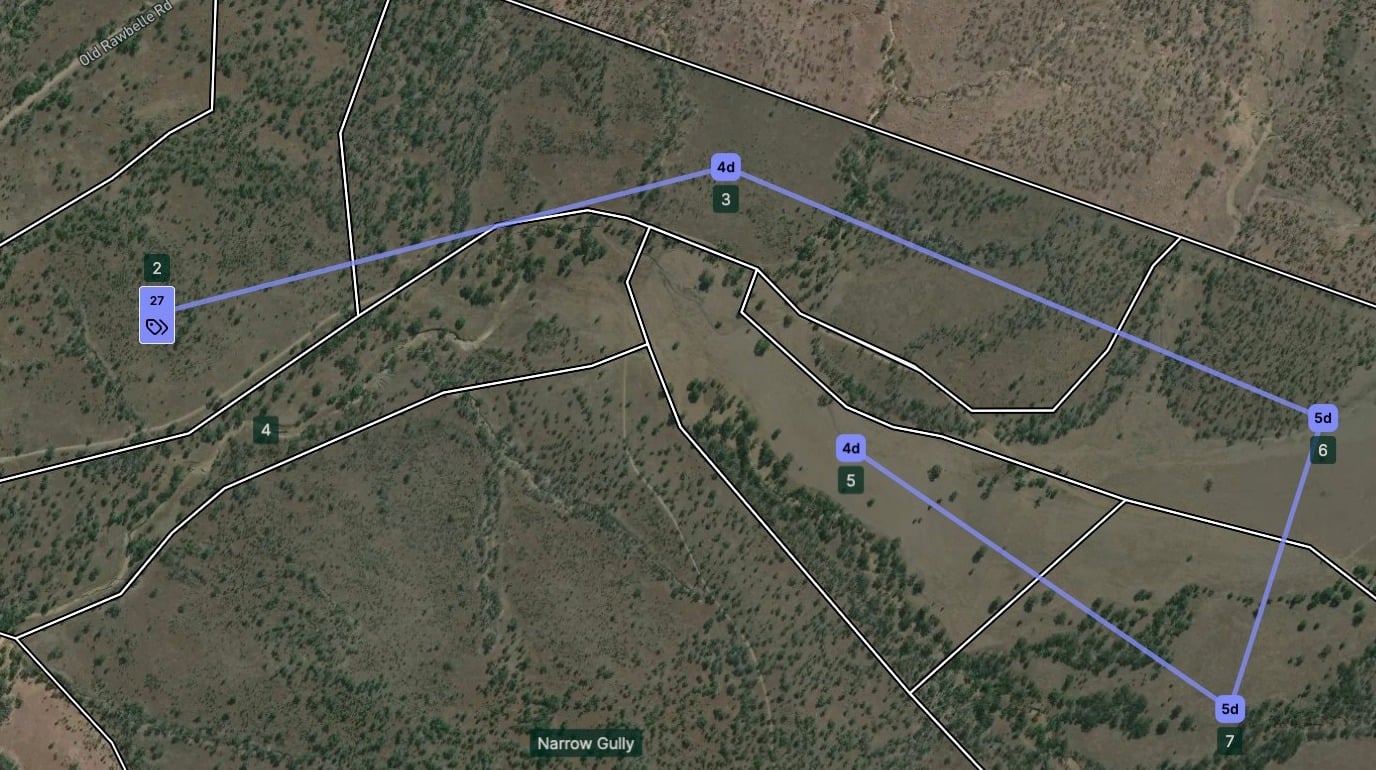
1. Go to the homepage and zoom into a mob and you will see the current destination of the mob connected to planned grazes coming up (maximum of next 5)
2. If you select a mob, the mob details will open where you can see more information about the livestock in the mob and the records associated to it
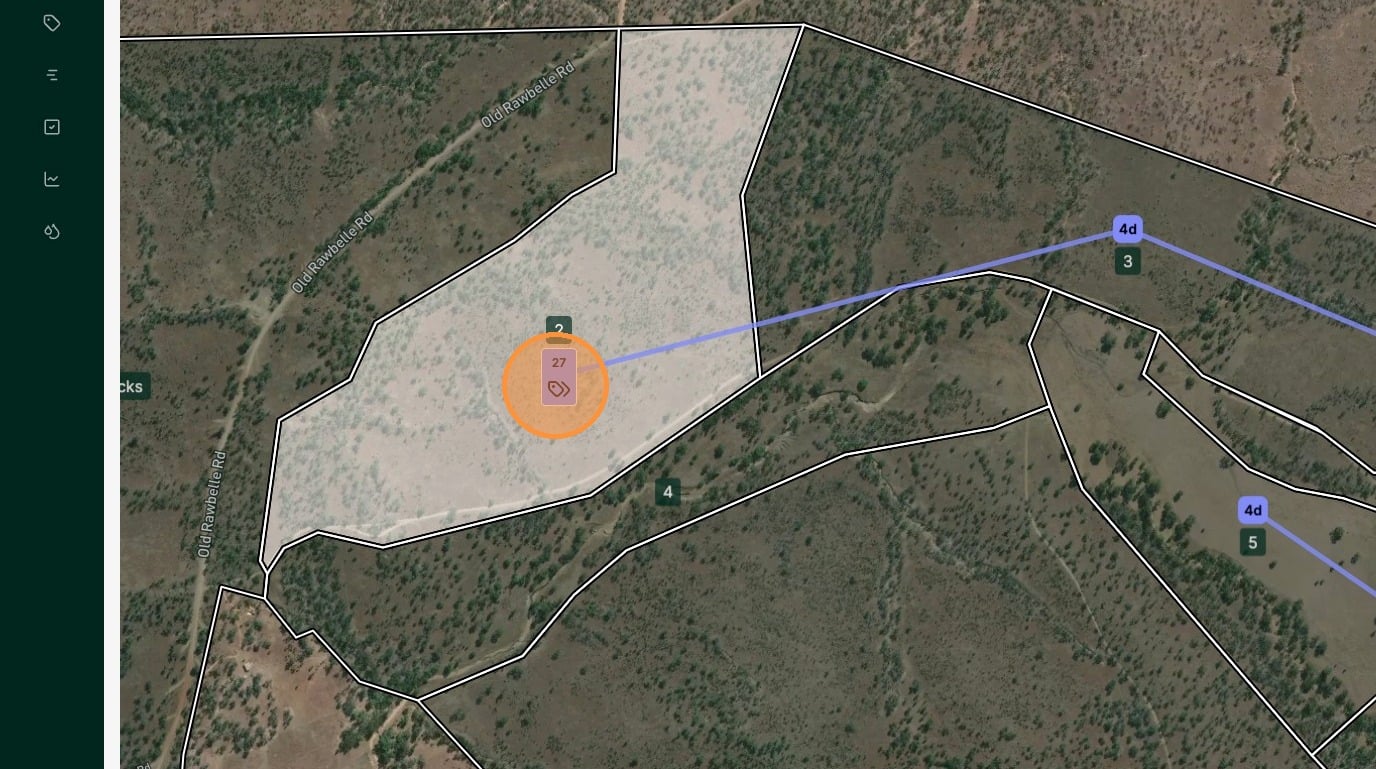
Tip: When you select a mob, all other mobs are hidden so you can focus on the one mob and their next 5 planned grazes and moves.
3. The planned grazes are shown in the same colour as the mob with the number of planned days in graze.
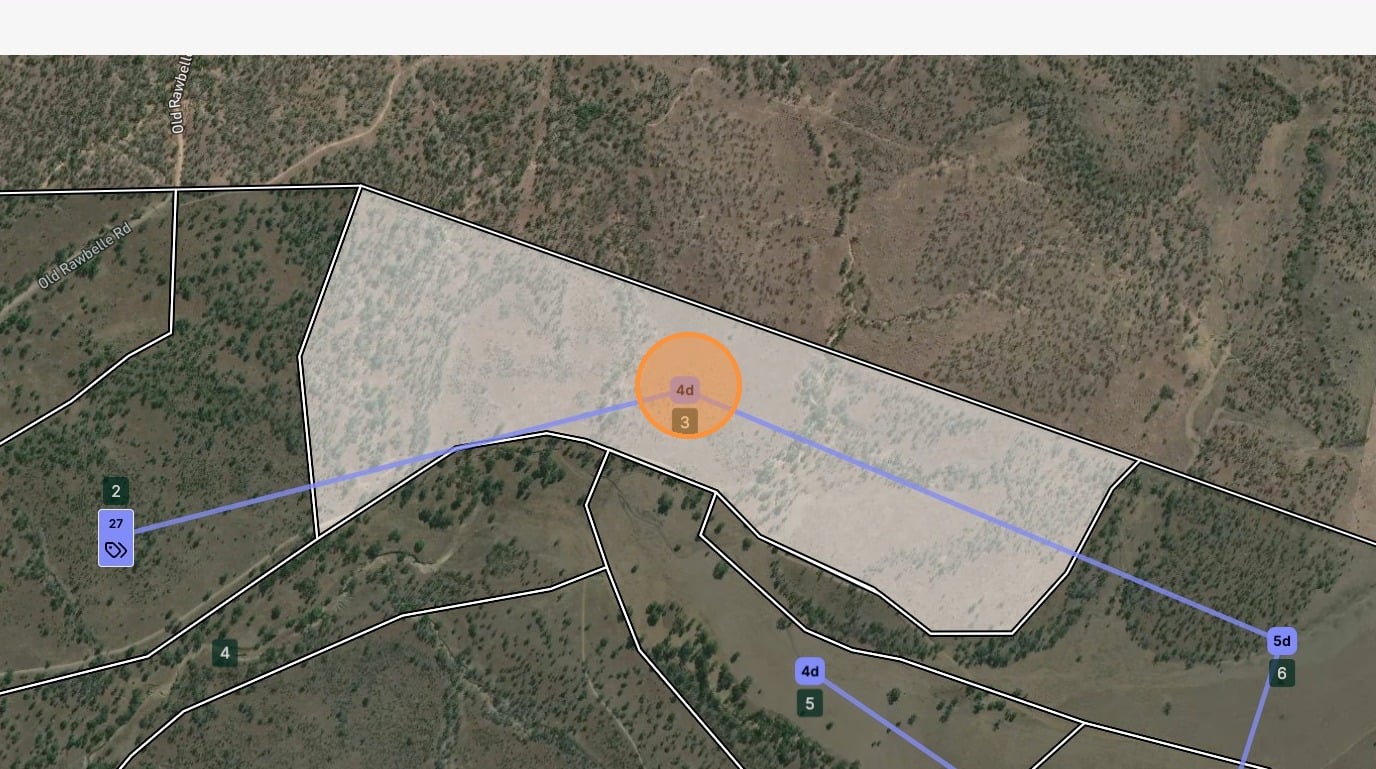
If you select one of the planned grazes, the planned graze details will open, where you can see the information about the planned graze, as well as being able to edit and delete it
4. If you open the layer filter, you can toggle the mob moves on or off. This can be helpful to reduce the clutter on screen when you have a lot of mobs and planned grazes visible.