
Paddock notes can be used to make an simple observation about something you've noticed in the paddock. You can take a photo and/or write notes on what you've seen to refer to at a later date.
This can be a useful way to observe how certain areas of the paddock change over time, especially if you have made a change and you want to track the before and after effects.
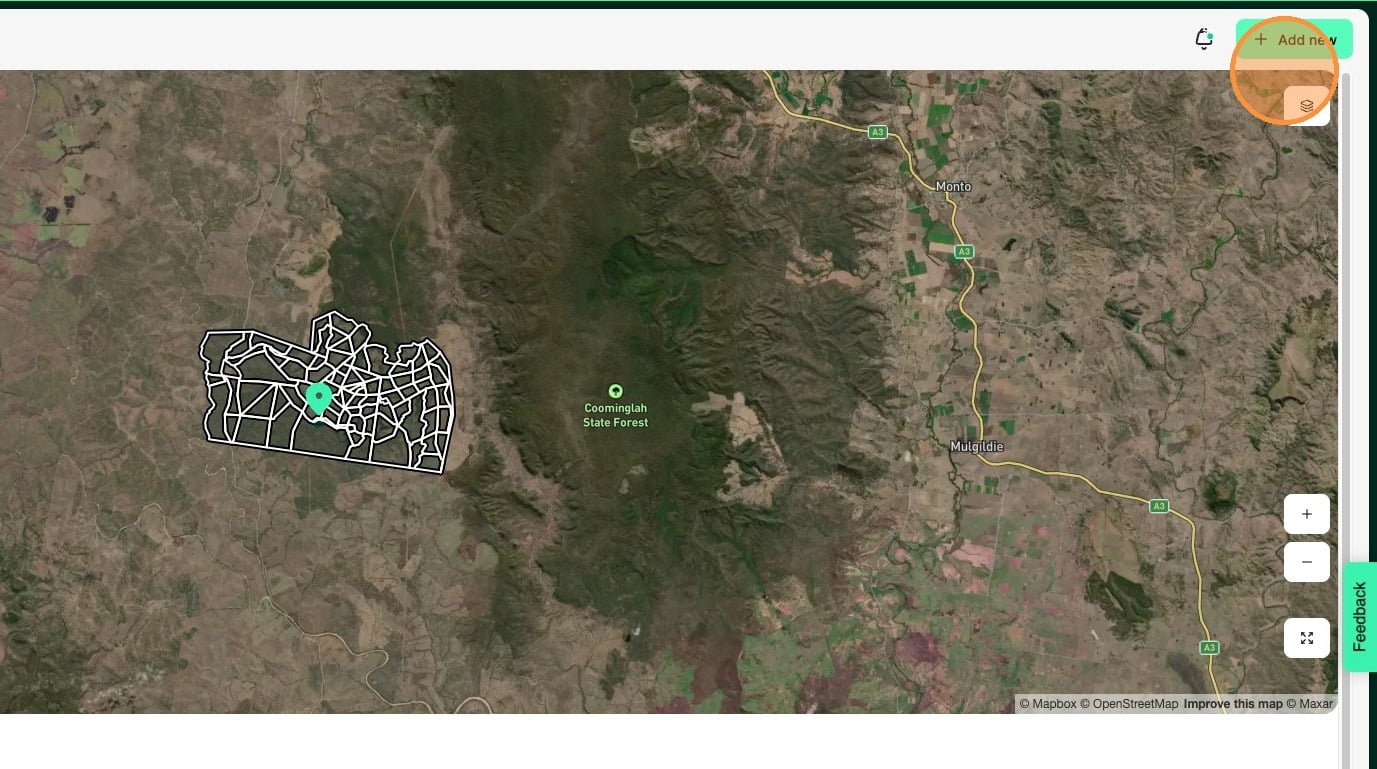
1. Select "Add new"
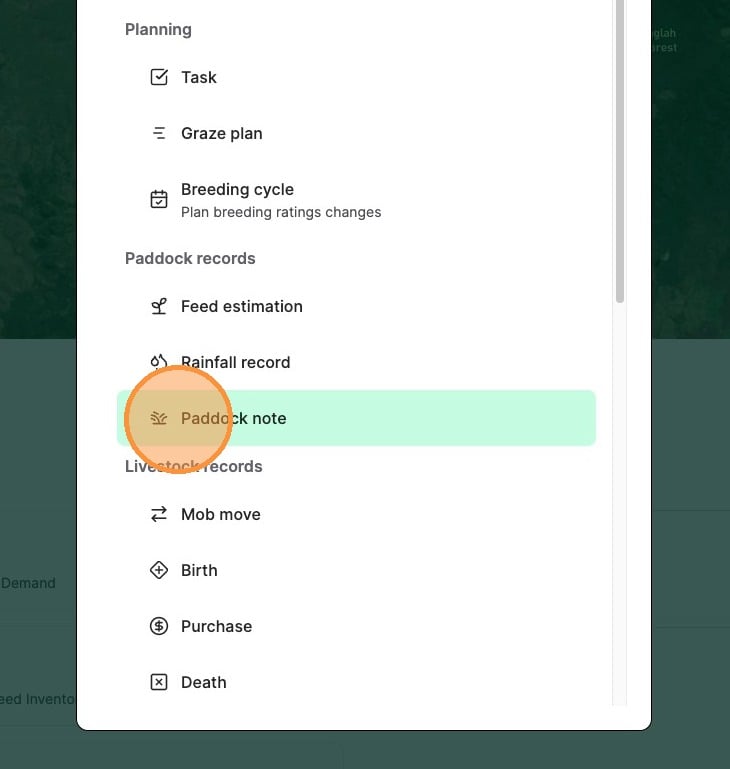
2. Select "Paddock note"
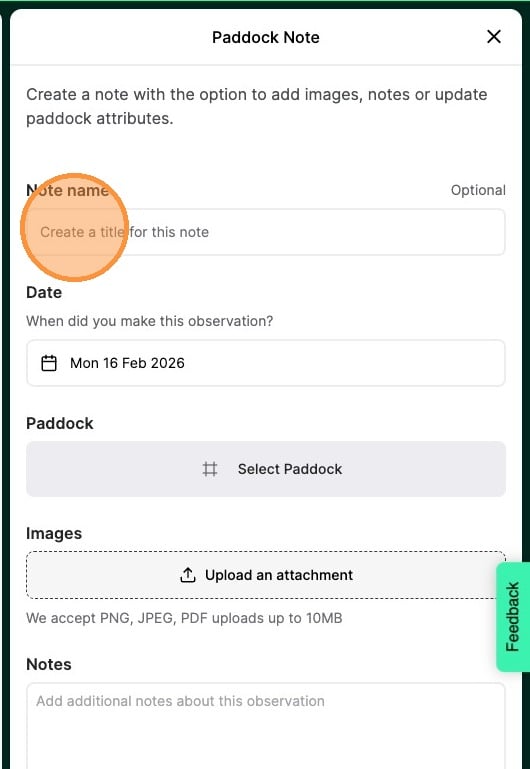
3. Enter a name for your paddock note
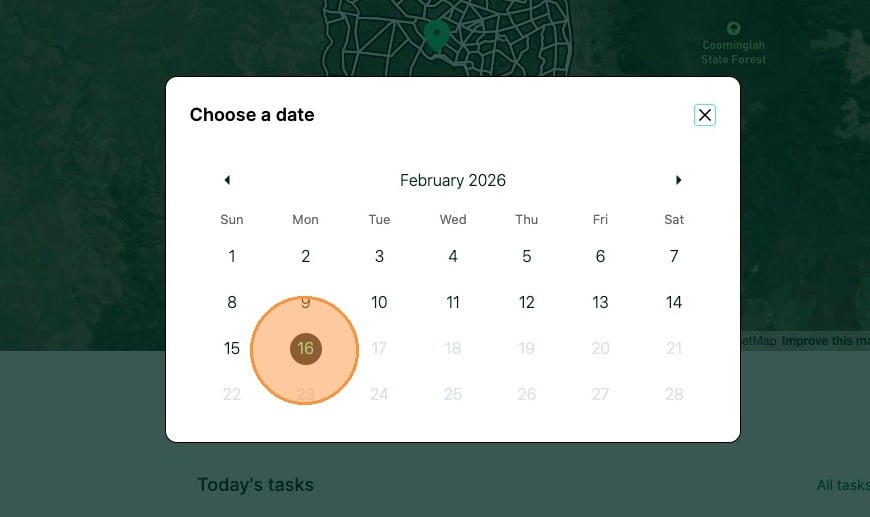
4. Select the "Select a date" field.
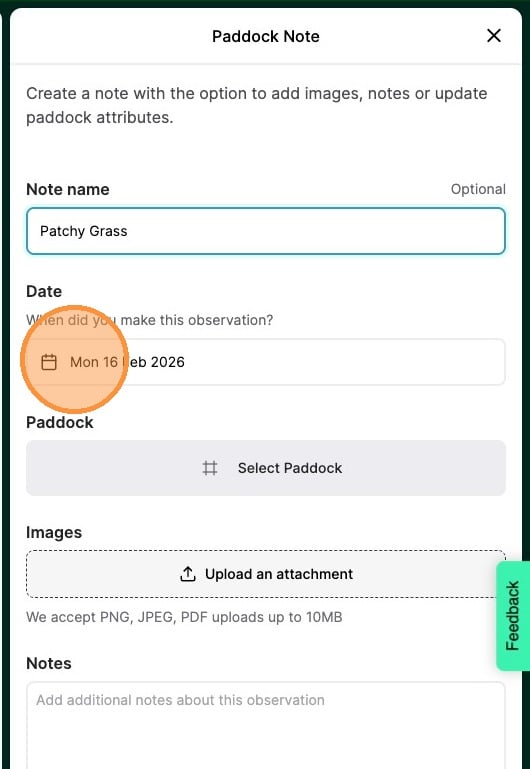
5. Select the date you want the paddock note was made on (defaults to today's date)
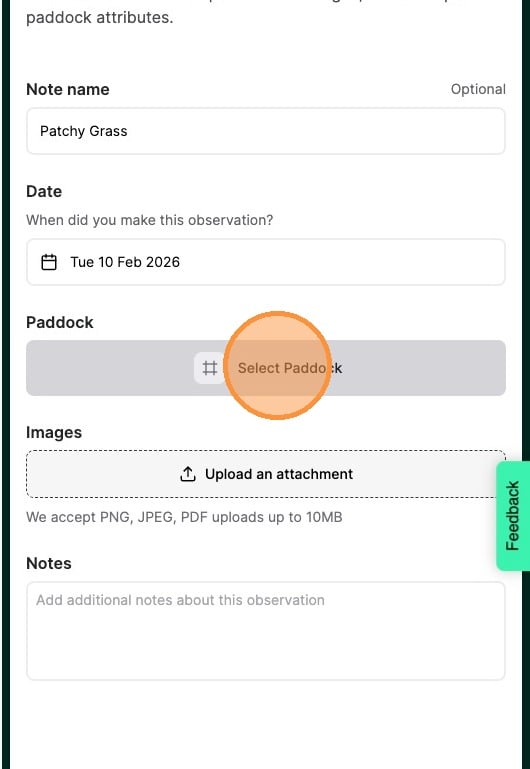
6. Select "Select Paddock"
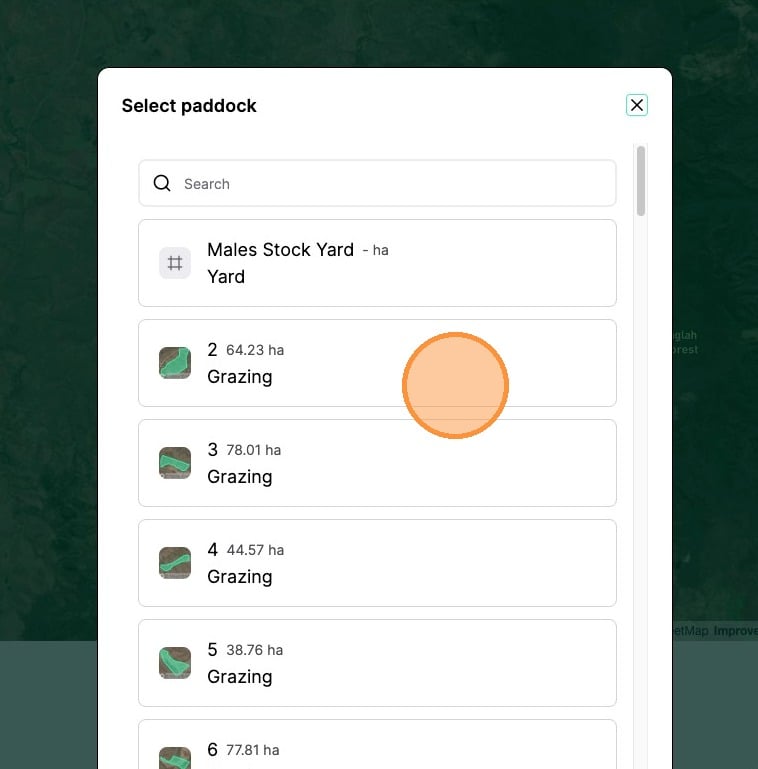
7. Select the paddock that the note is for
8. Select "Upload an attachment" and select an image for your paddock note
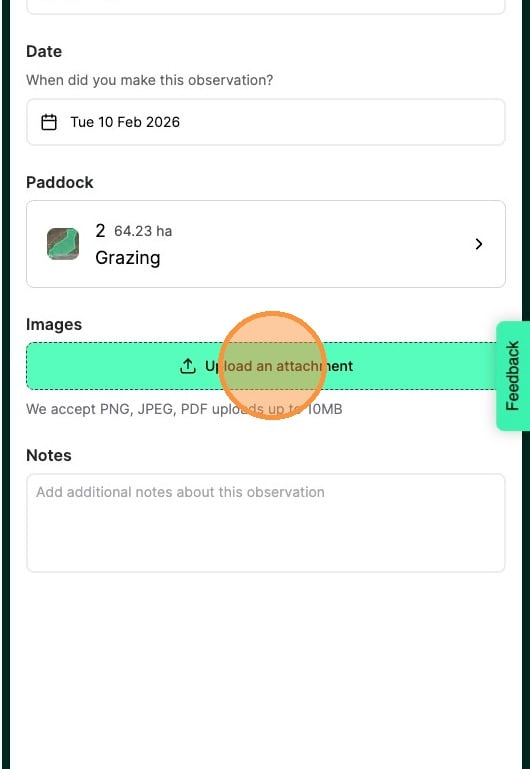
Tip: In the app, you can choose to upload a photo you've already taken or take a photo and upload it directly without having to exit the app.
9. Enter in any additional notes you wish to add
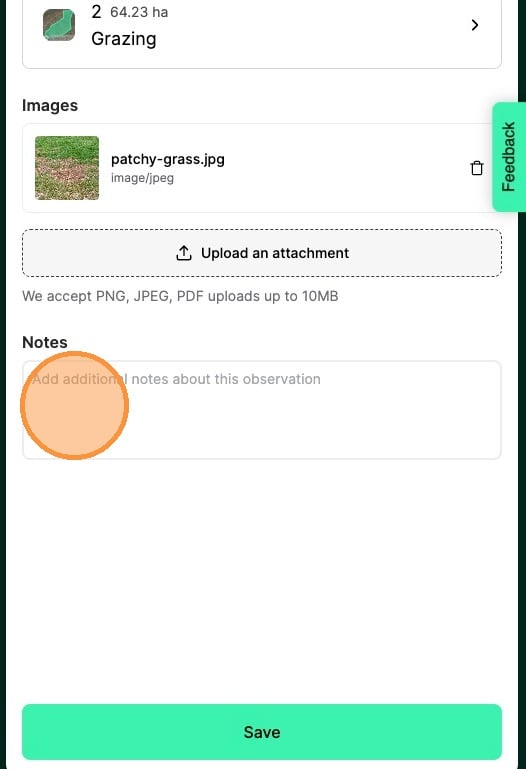
10. Select "Save"
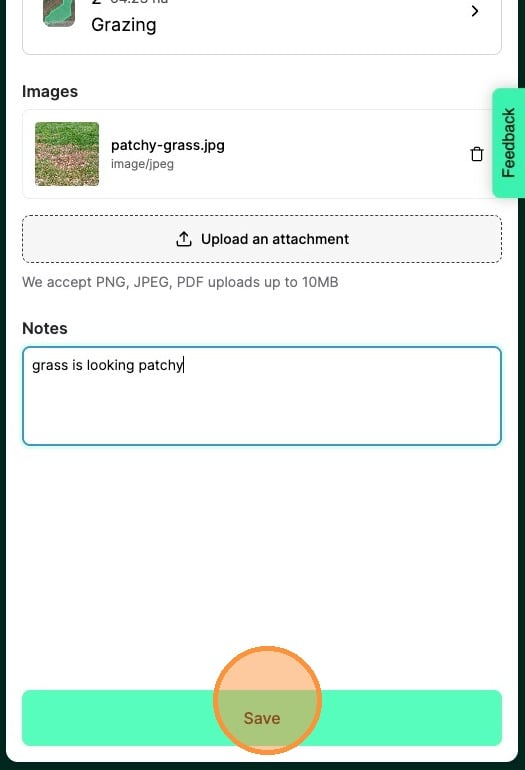
11. Your paddock note will now be visible under the Paddock activity feed for future reference.