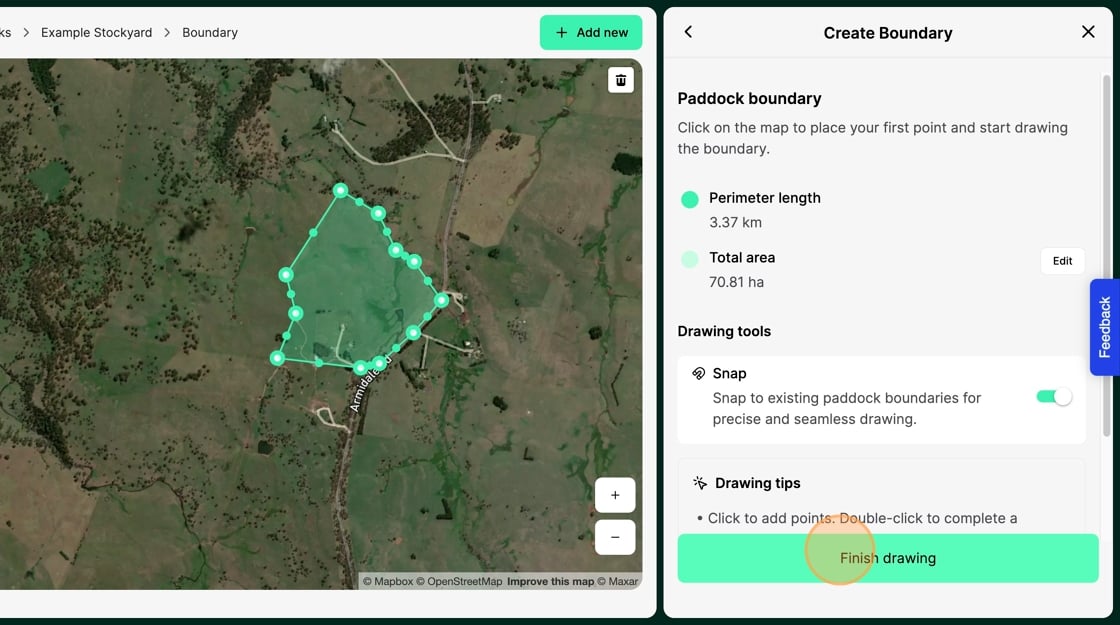
Tip: We recommend drawing paddocks on desktop rather than mobile for easier editing and precision.
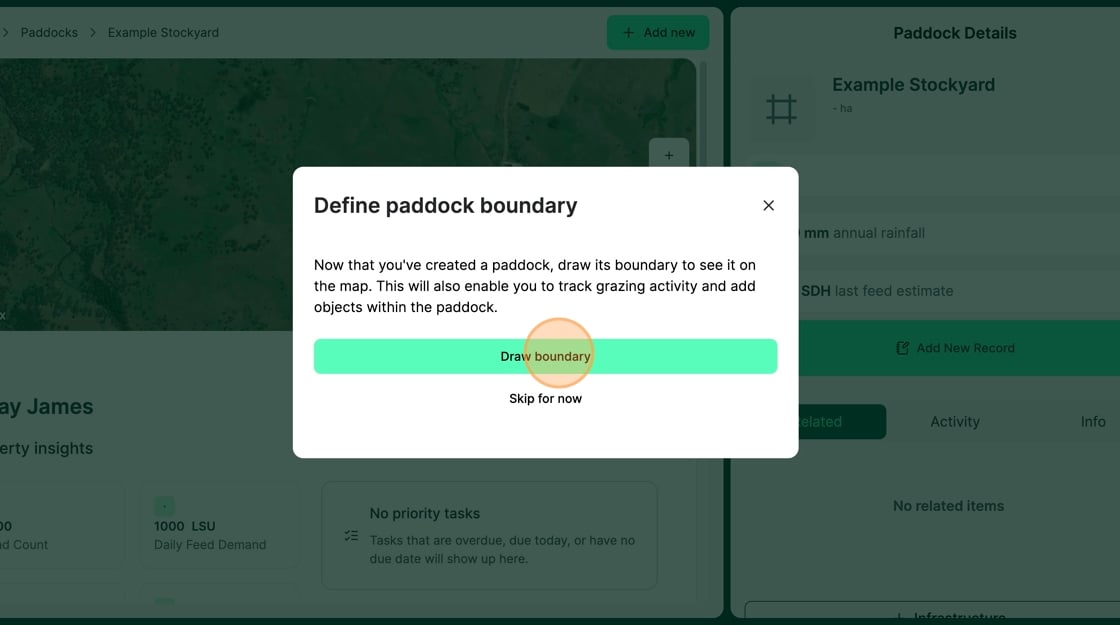
1. Select "Draw boundary"
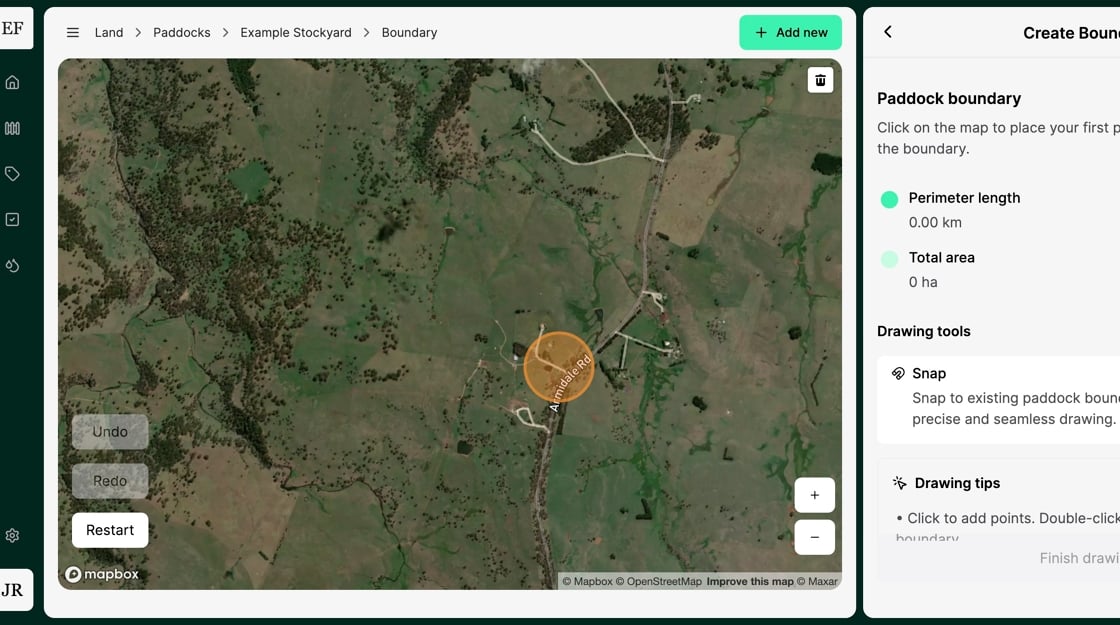
2. Click on the "Map" to set your boundary starting point
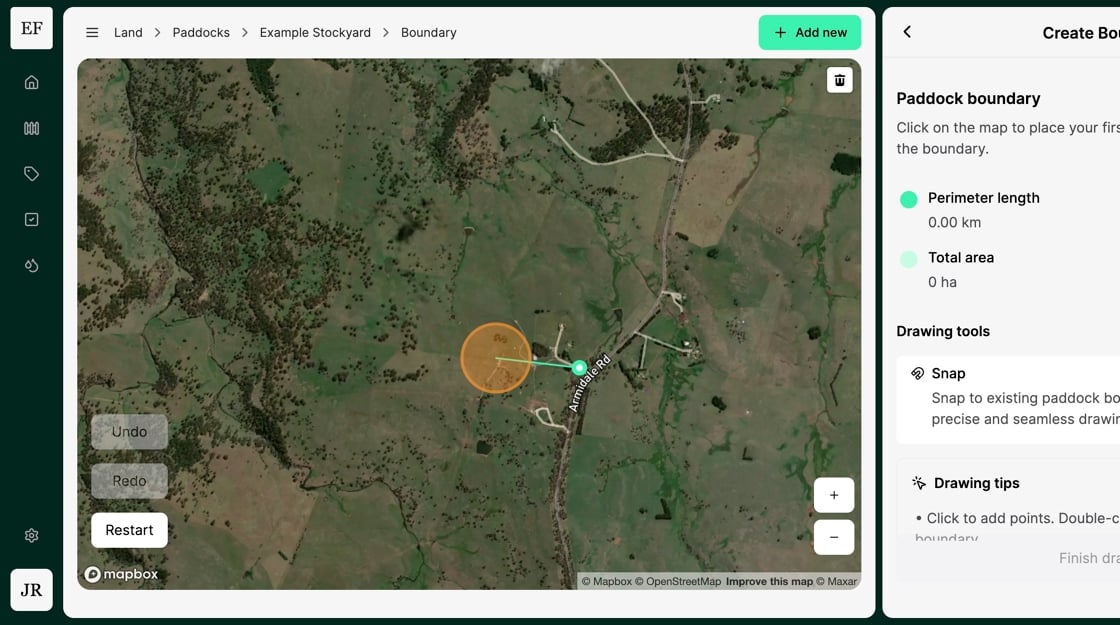
3. Move the mouse to the next boundary corner on the Map and "click" to mark the point
4. Repeat this process as many times as required to mark all boundary points
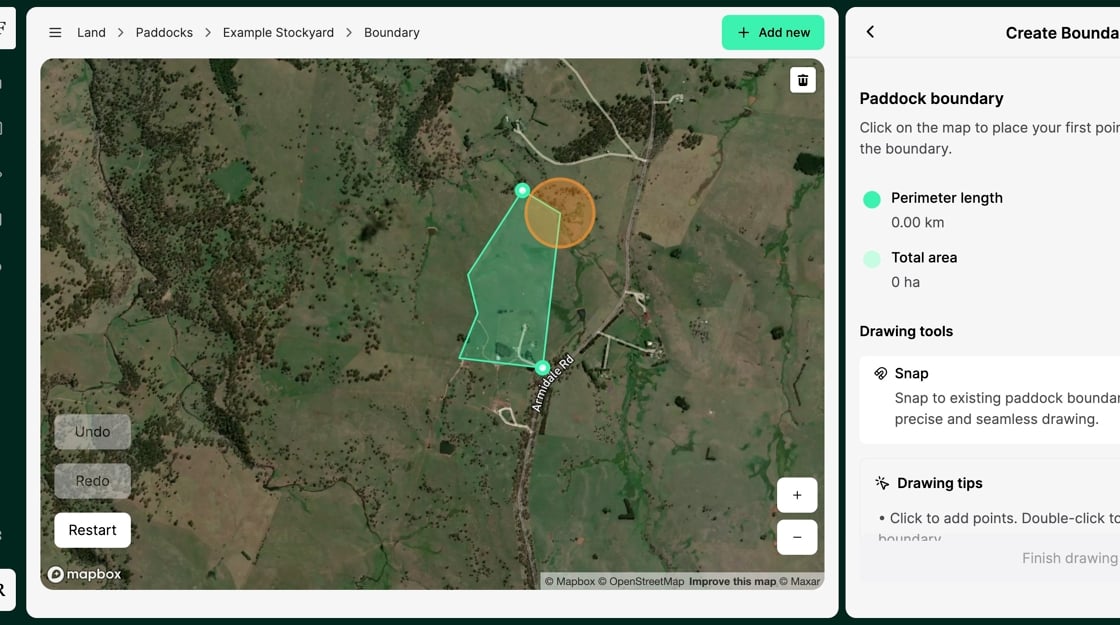
5. Double-click when marking the final boundary point
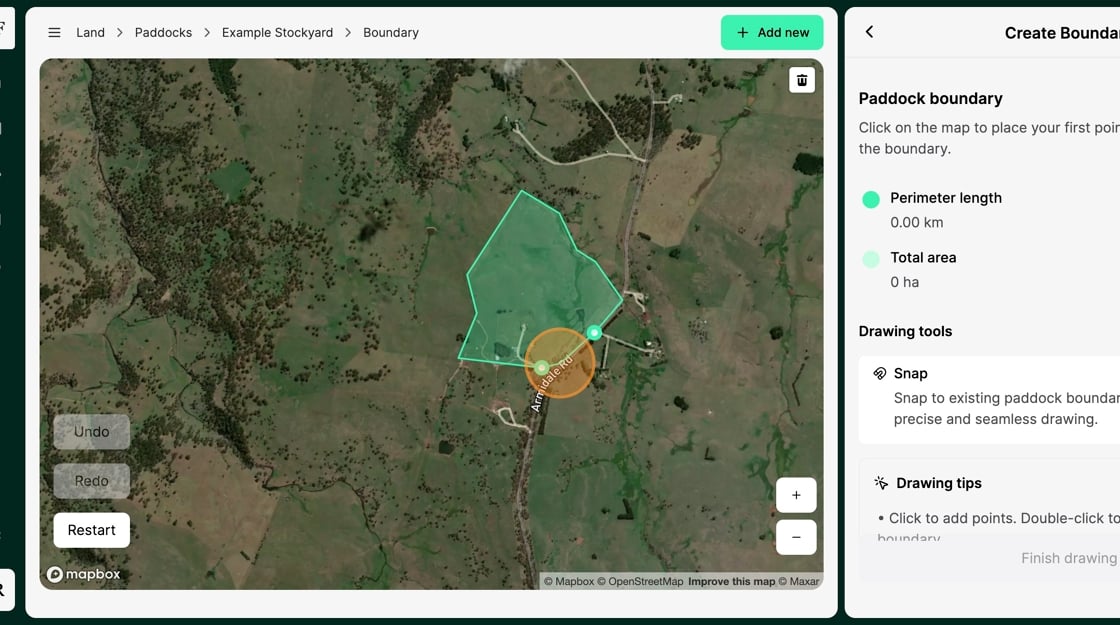
6. Select "Finish drawing" to complete the creation of your Stockyard or Paddock