Forecasting helps you manage your stock against your feed availability by showing you how it is likely to trend based on your long terms averages (LTAs).
The destocking scenarios helps you plan for how you can take action on a forecast that shows that you will be overstocked in the next 6 months. This is a great way to see how much you need to destock and from which stock groups, so that you have a plan for when the time comes to destock.
You can also factor in differences in rainfall which will help you with you plan B, plan C and beyond, so you can be ready for whatever the weather brings.
1. Go to "Forecasting"
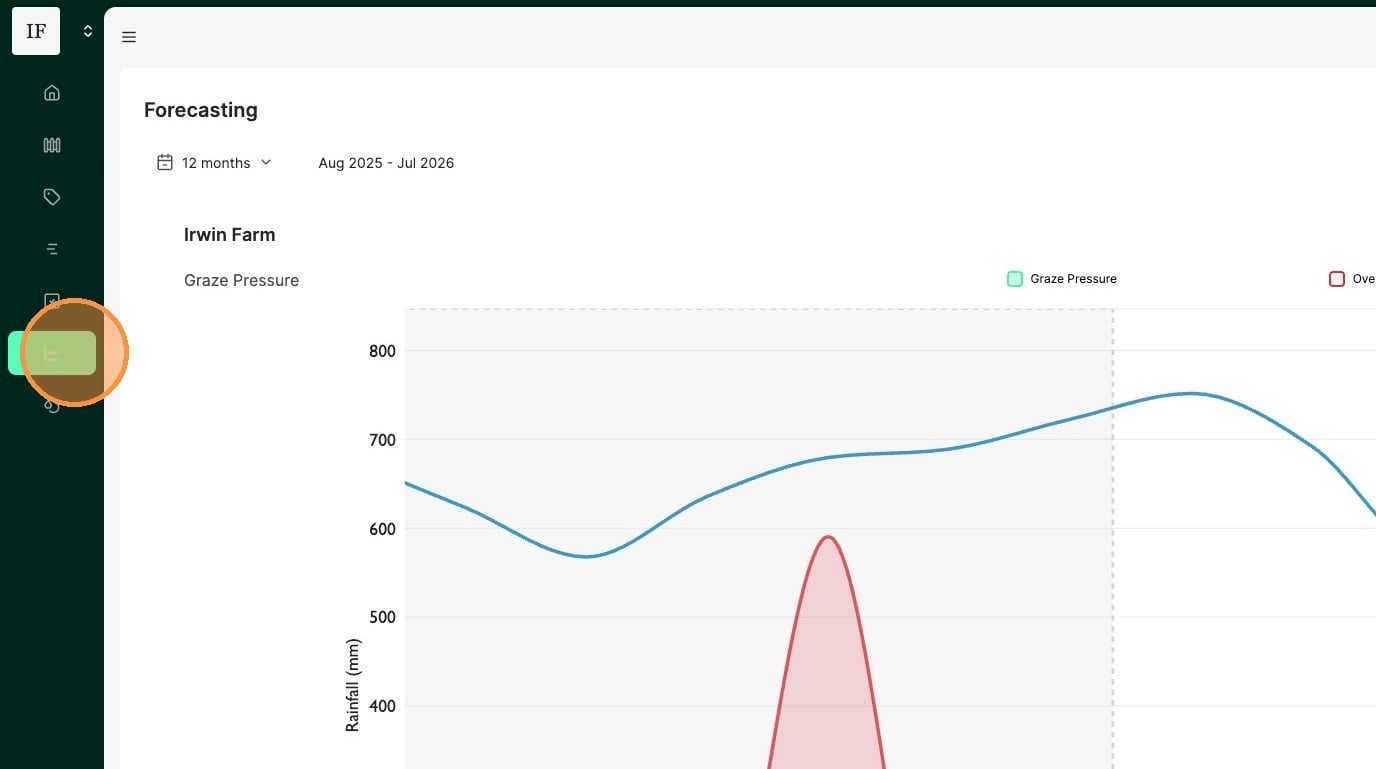
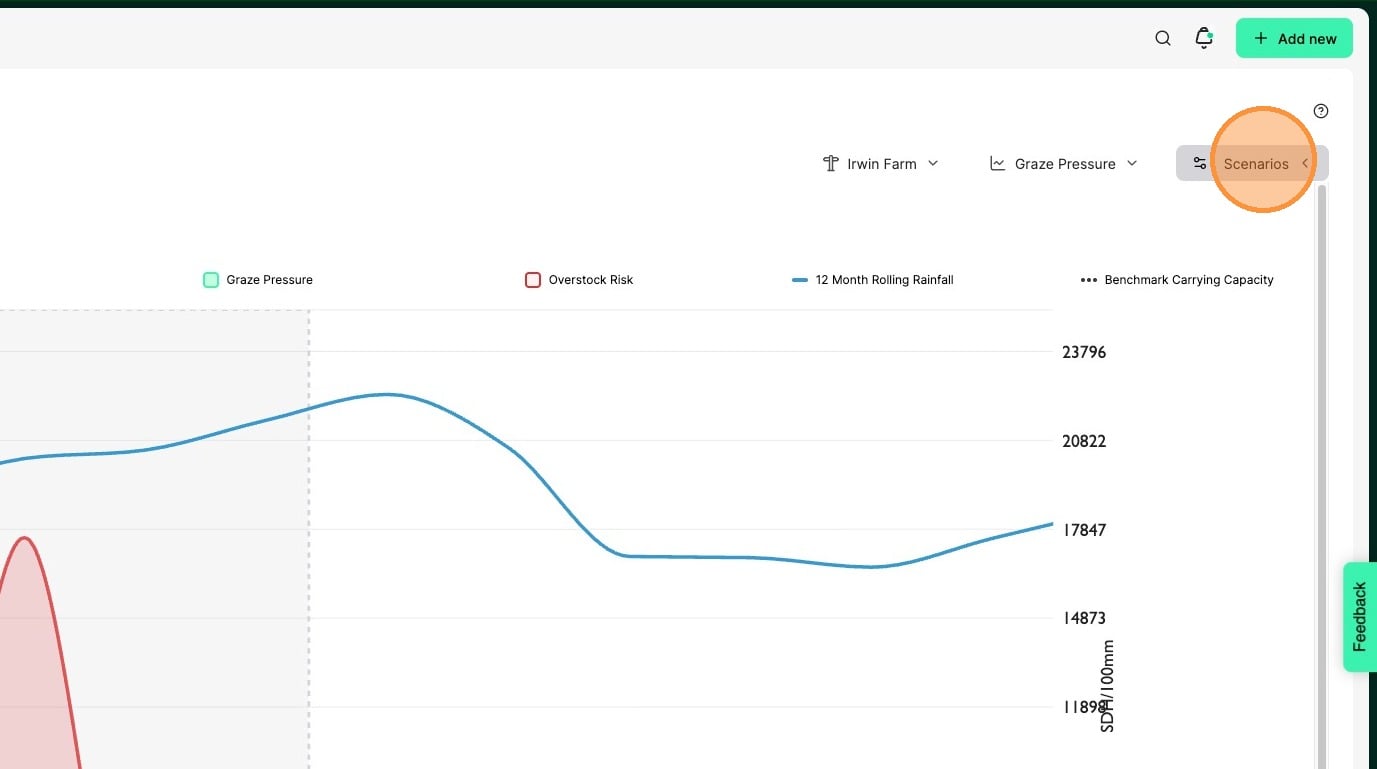
2. Click "Scenarios"
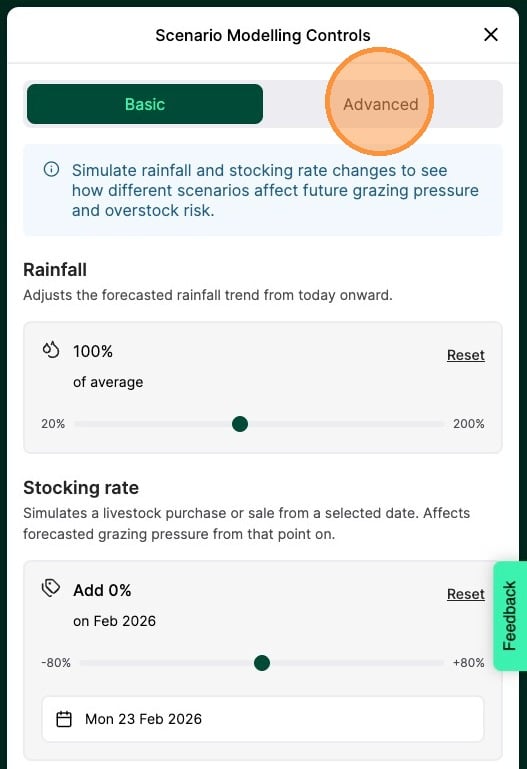
3. Click "Advanced"
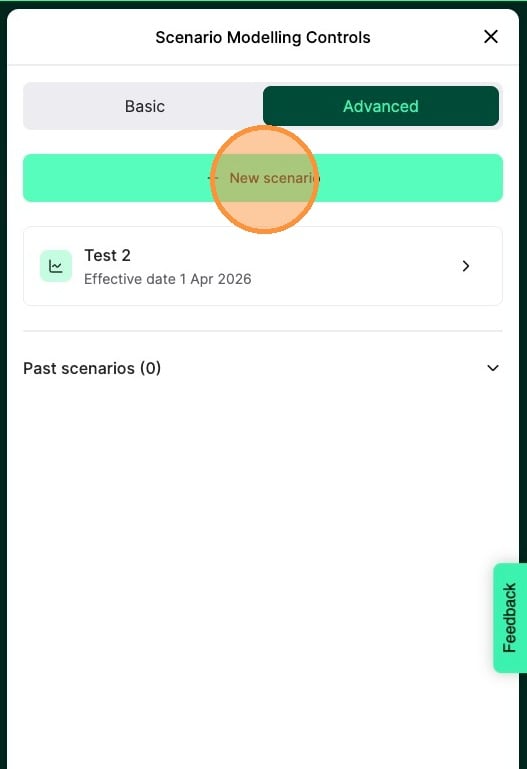
4. Click "New scenario"
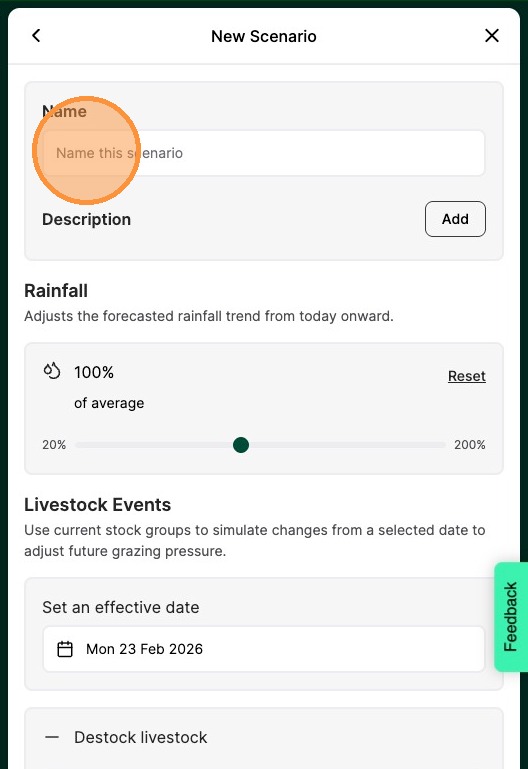
5. Enter a name for your scenario
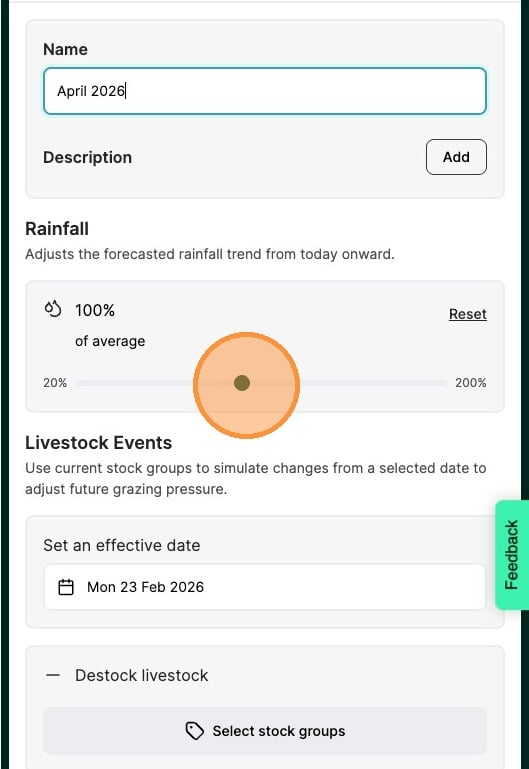
6. Use the slide to change the rainfall amount. This will be a percentage of the forecasted rainfall.
Note: This will also impact the graze pressure number. More rain reduces graze pressure and less rain increases graze pressure.
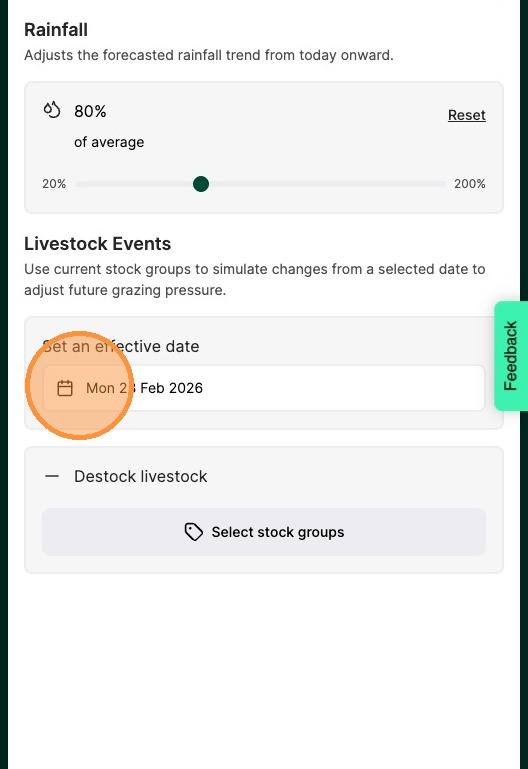
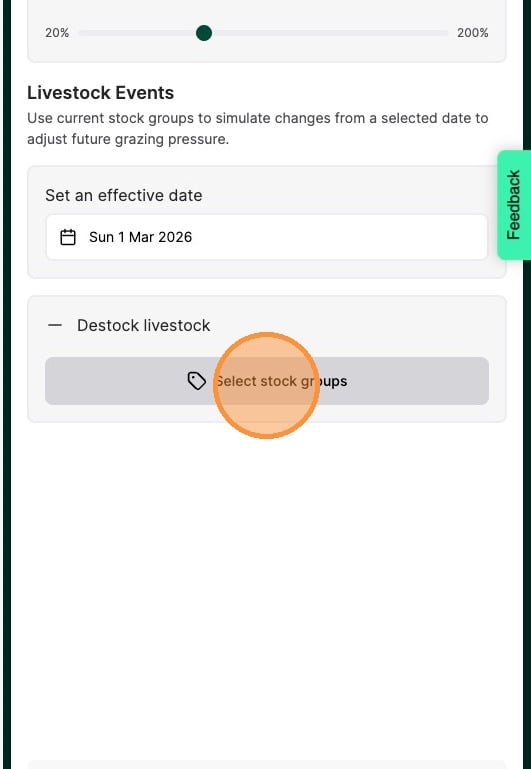
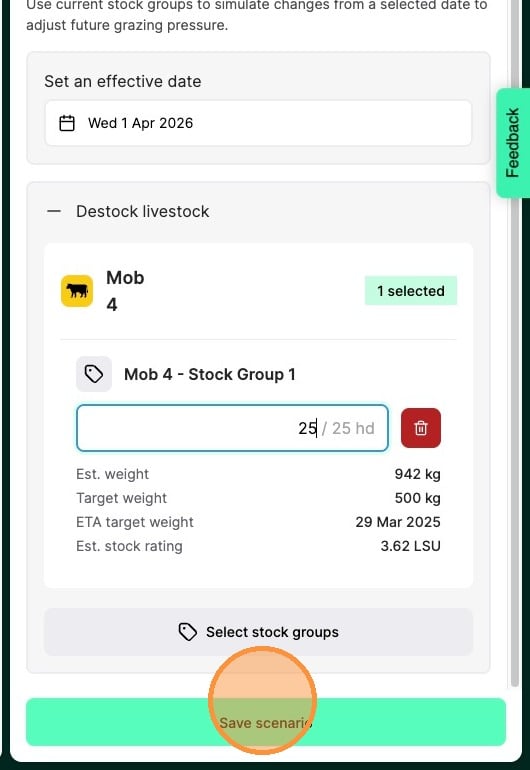
7. Select a date you want the destock to take effect from
8. Click "Select stock groups"
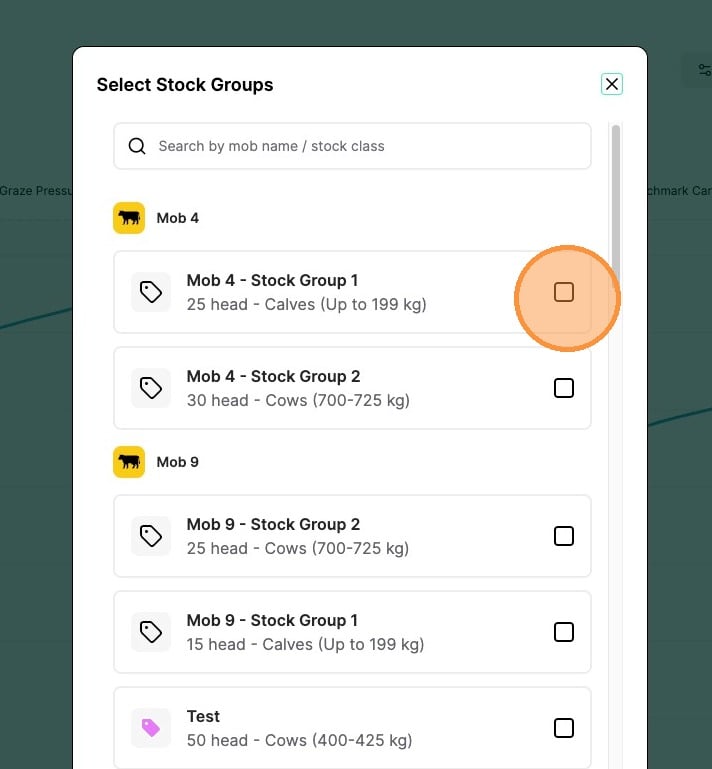
9. Select one or more stock groups you would like to destock
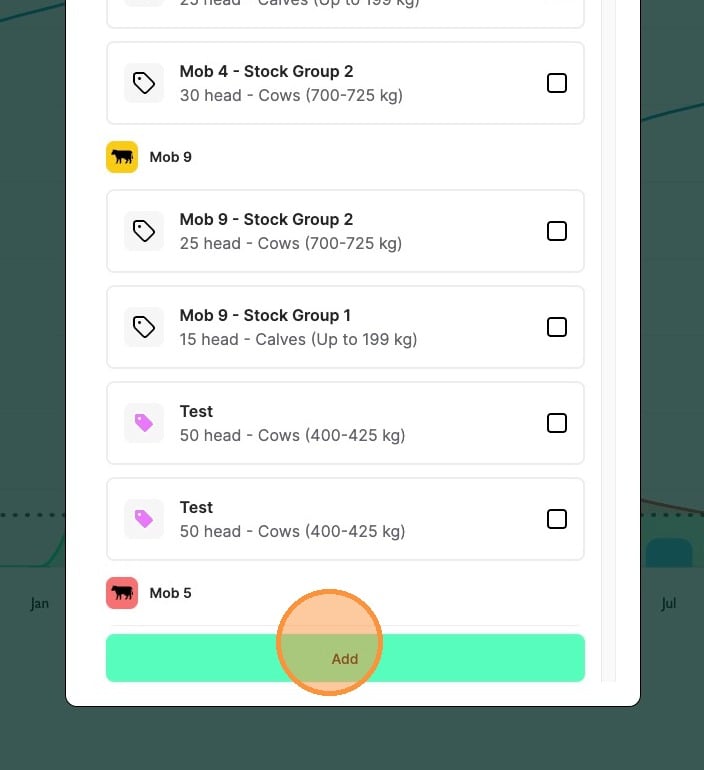
10. Click "Add"
11. Enter how much of the headcount of each stock group you would like to remove
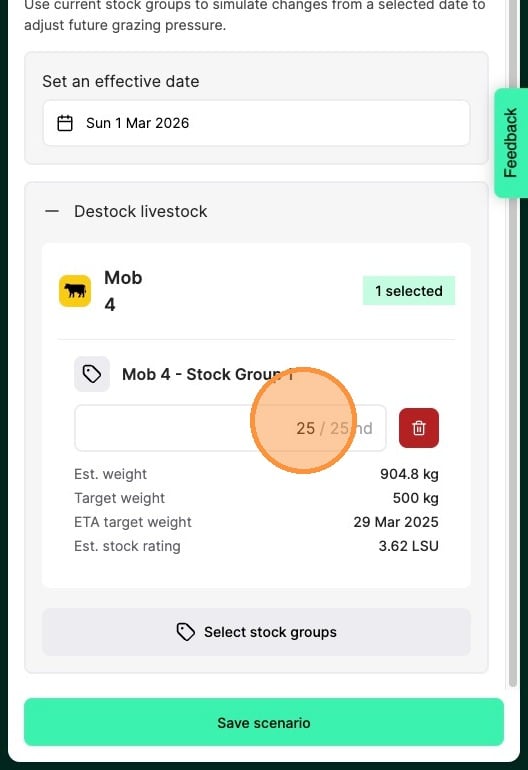
12. Click "Save scenario"
13. Click on the scenario you would like to load
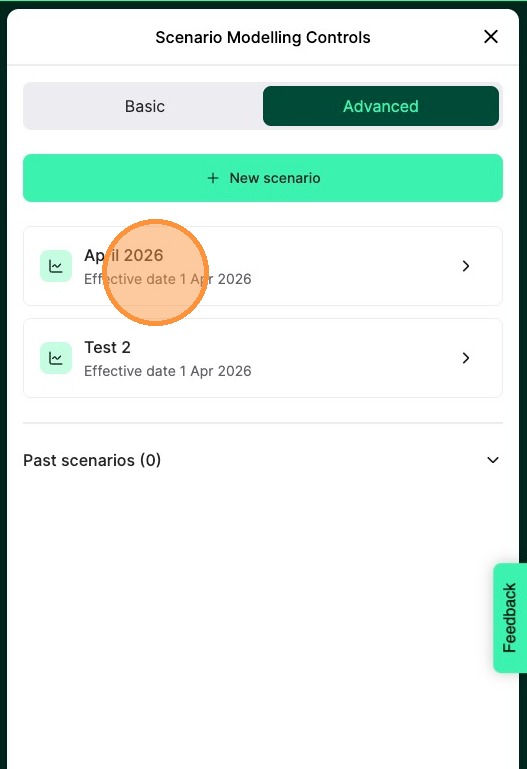
Tip: Note: scenarios where today's date is past the effective date will no longer be able to be used and are moved to past scenarios
14. The dashed line on the graph represents the selected scenario. If you hover your mouse pointer over the line, the graze pressure value will be shown
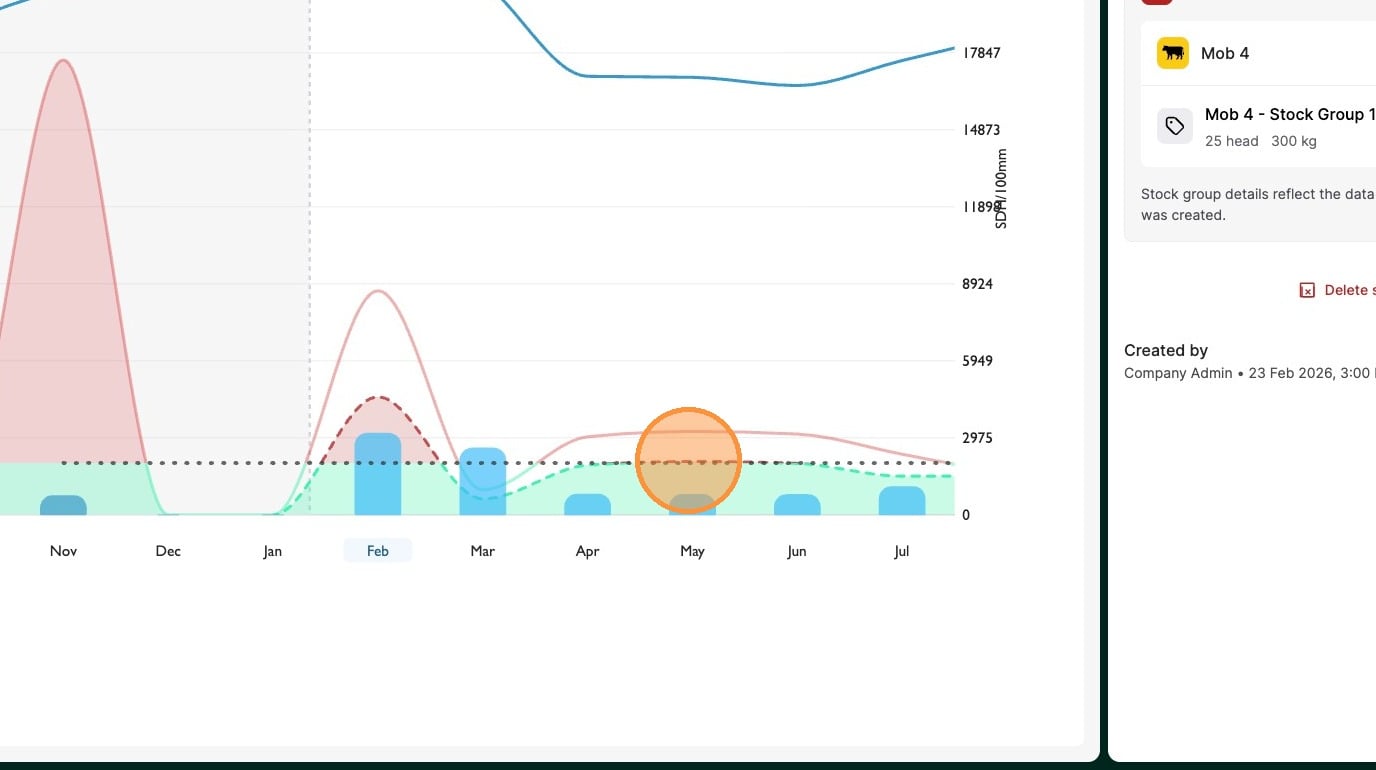
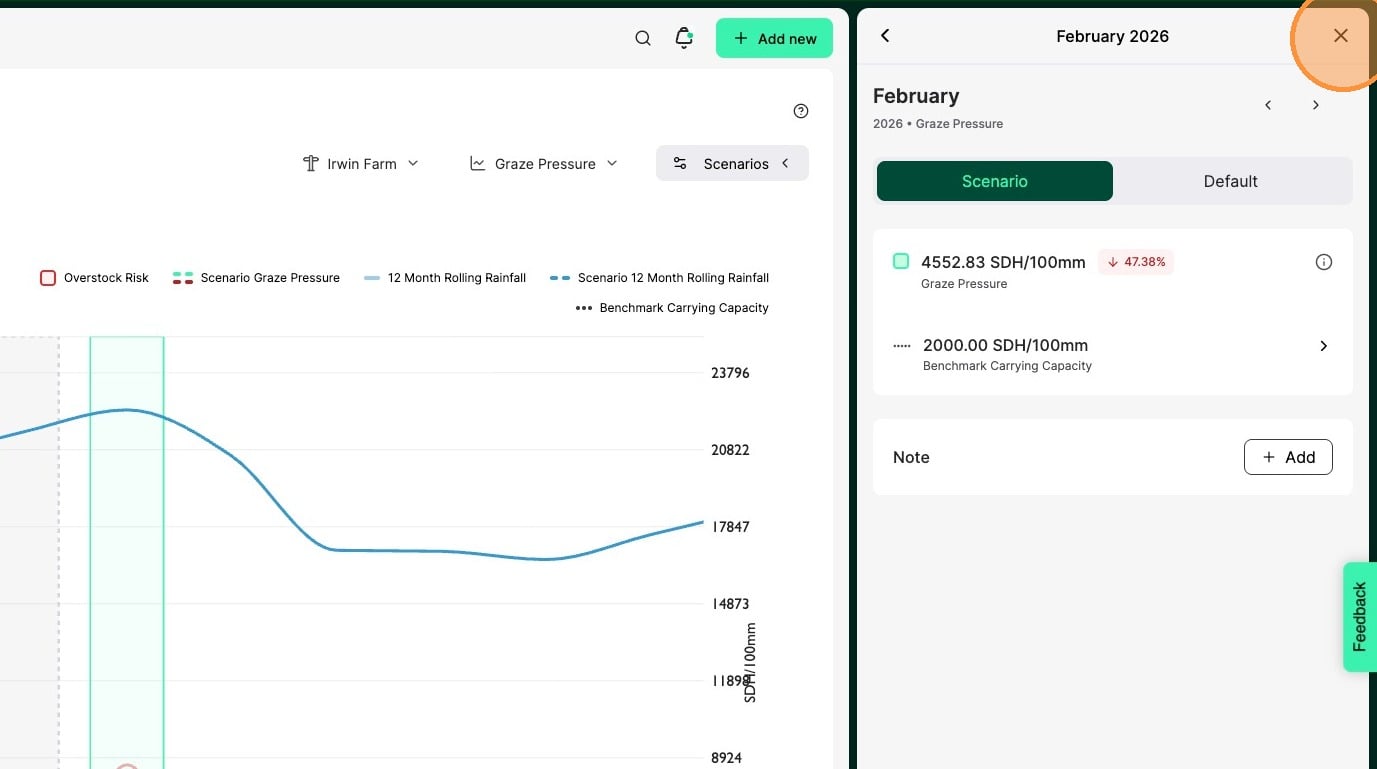
15. Clicking on a month will open the side pane where you will see the scenario data and the original forecasted data
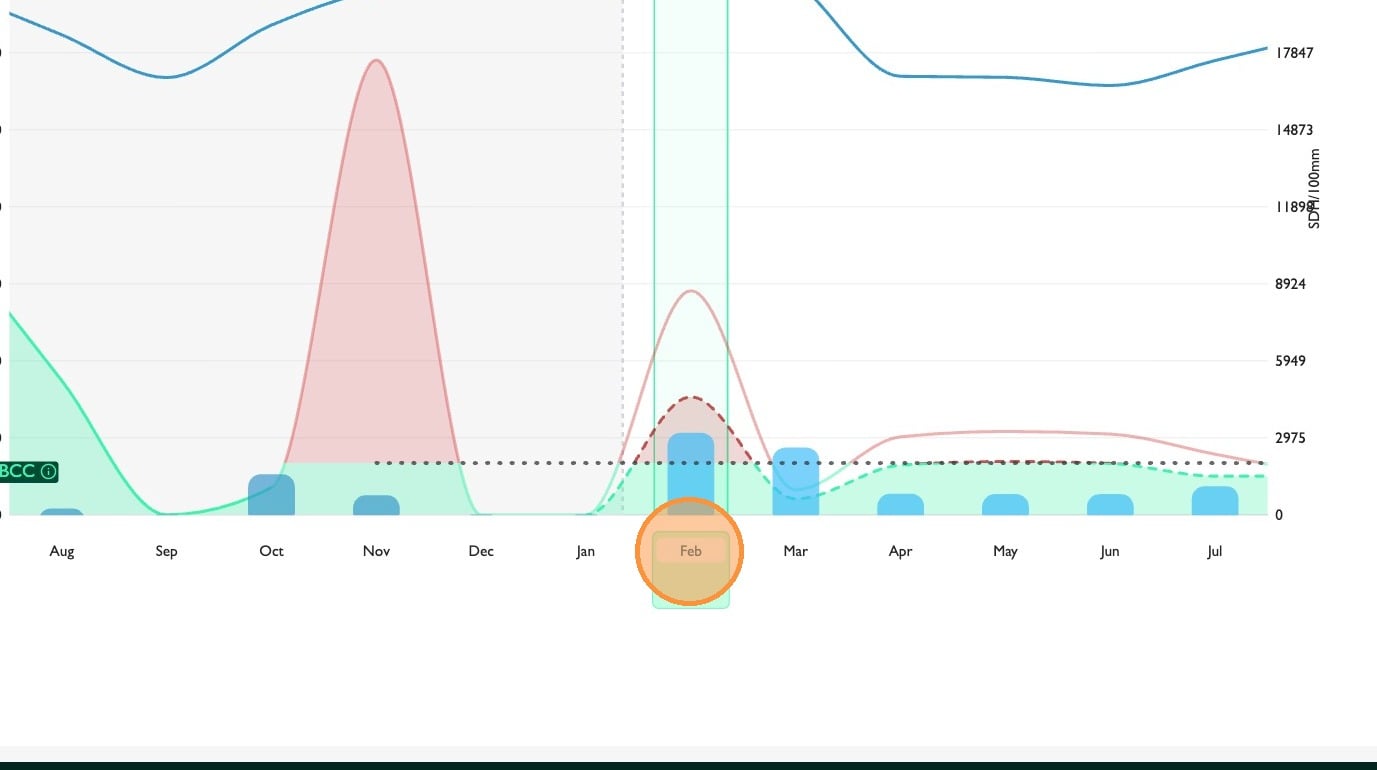
16. Close the side pane to exit the scenario