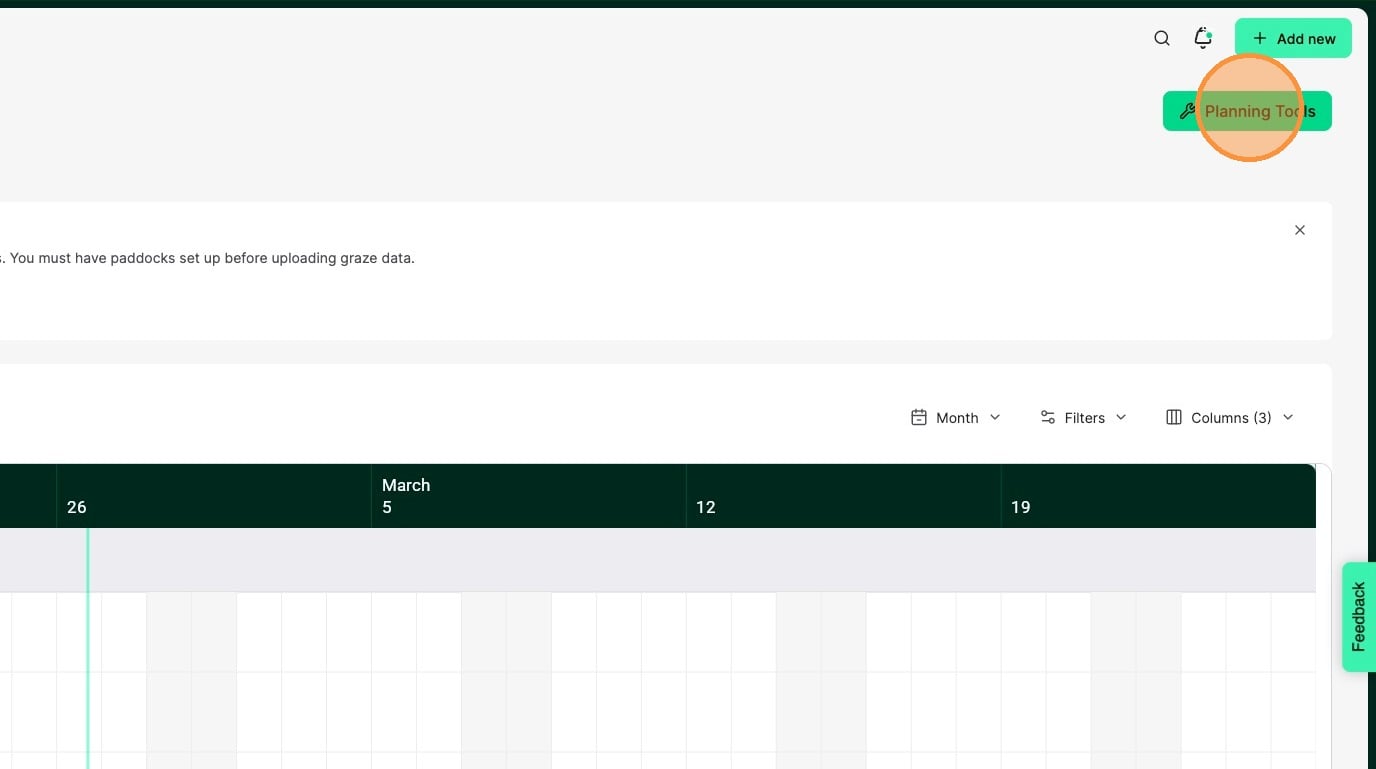
1. Click Planning Tools
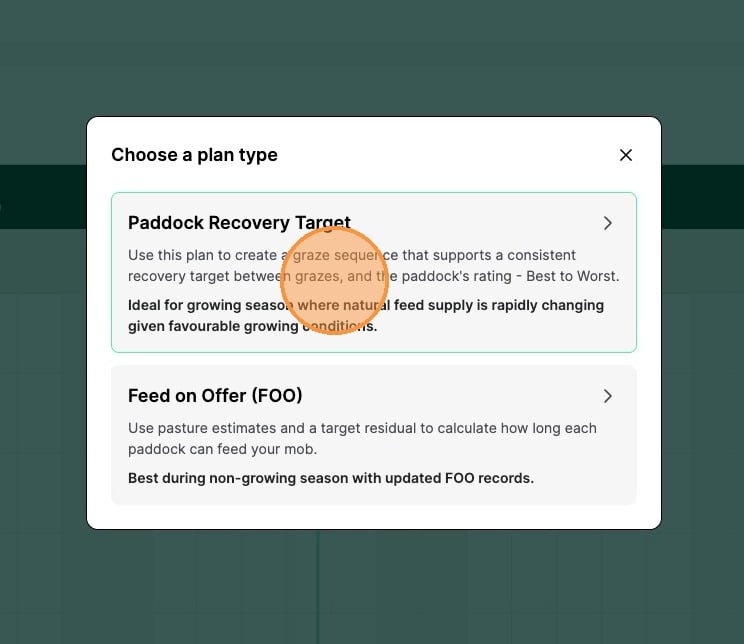
2. Click Paddock Recovery Target
3. Choose the date you want the plan to start on
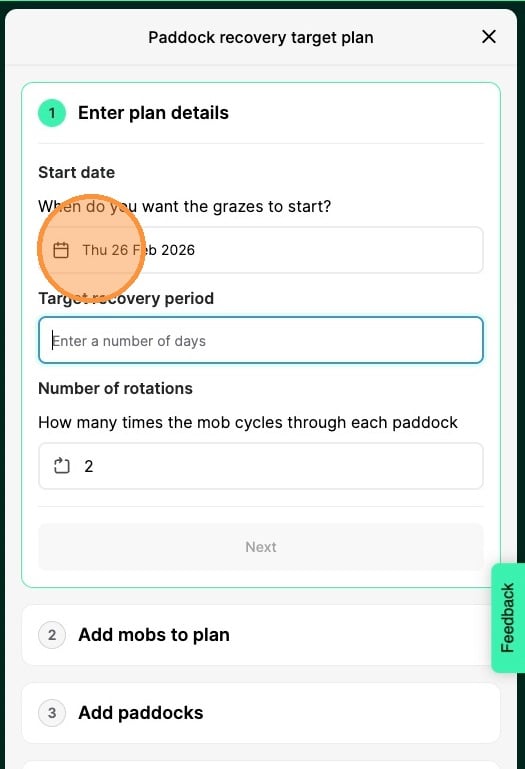
4. Enter the recovery period you are aiming for
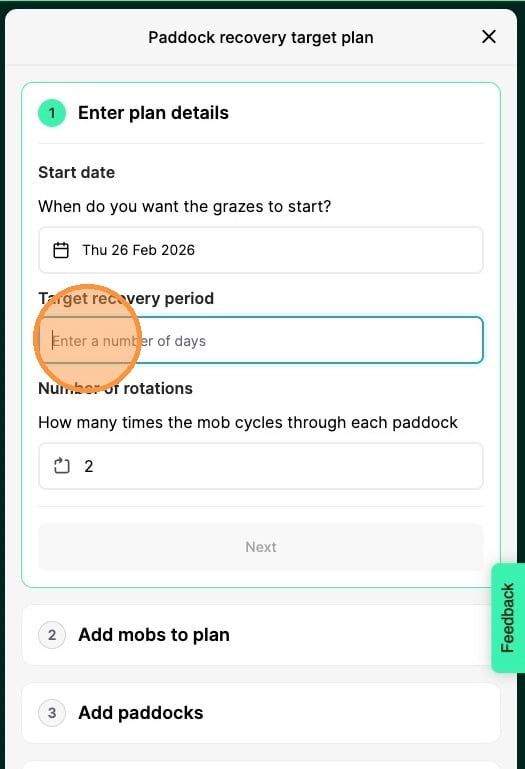
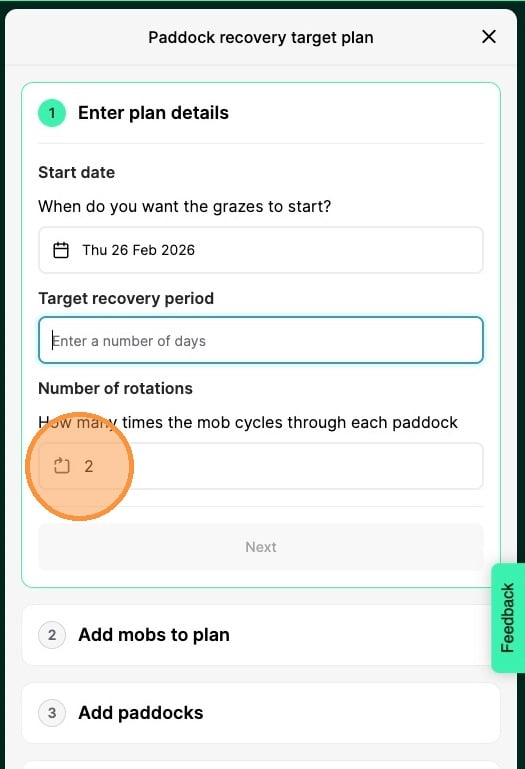
5. Enter how many cycles you'd like to plan for (minimum of 1)
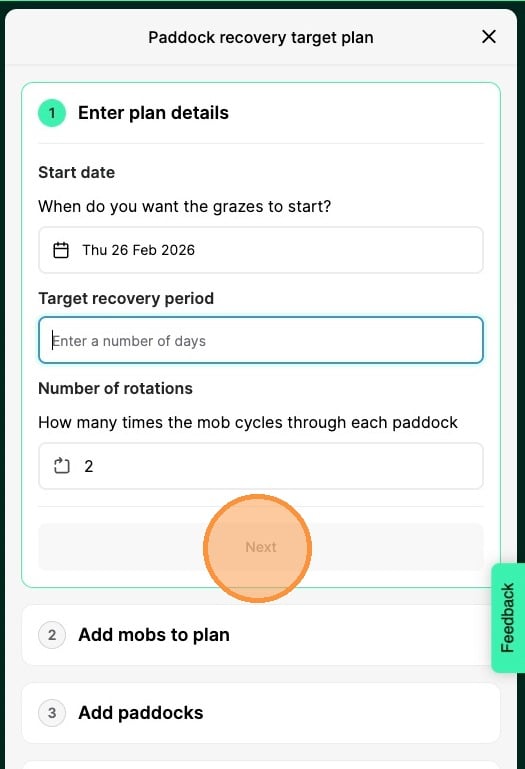
6. Click [[next]]
7. Click [[Select mobs]]
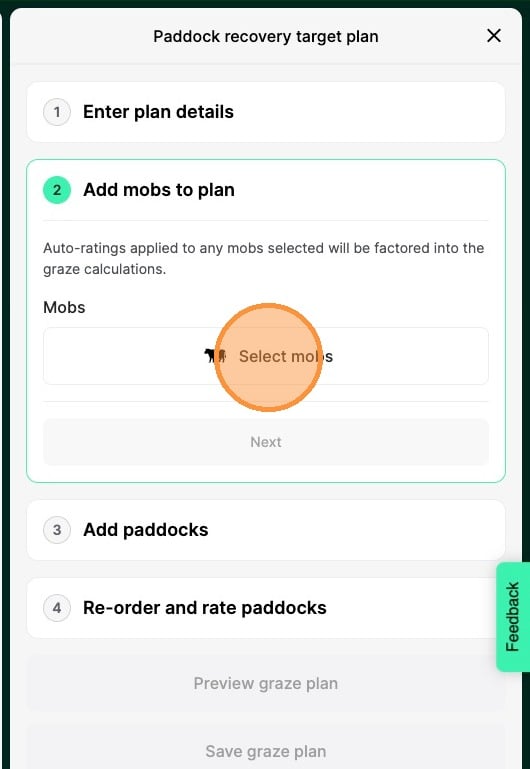
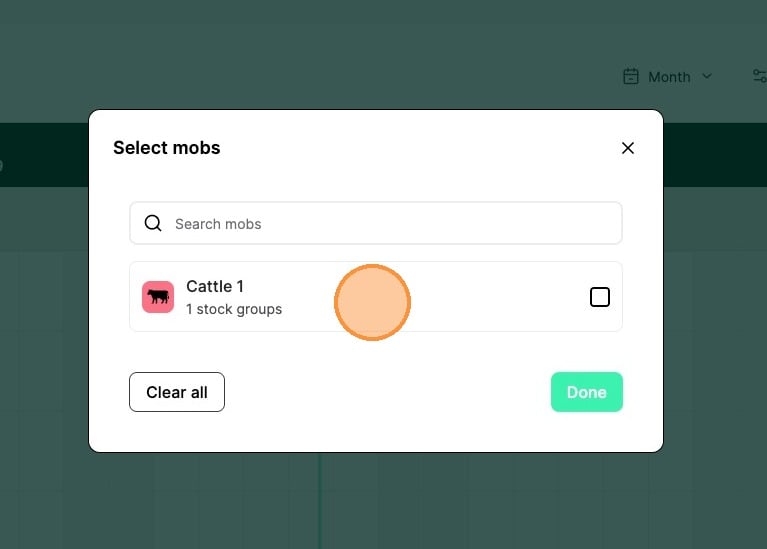
8. Select the mob(s) you want to include in your plan
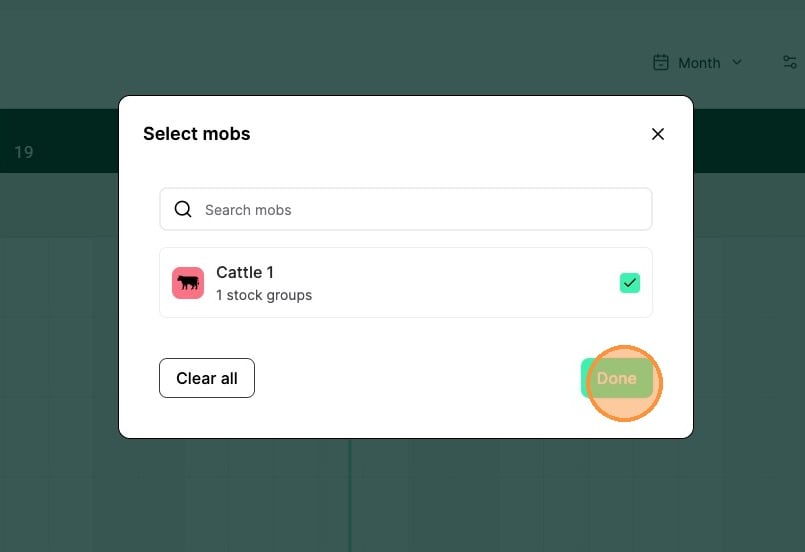
9. Click Done
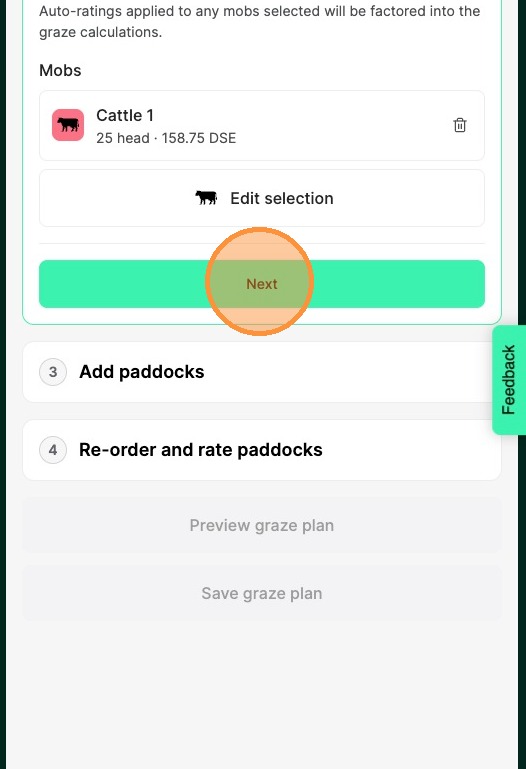
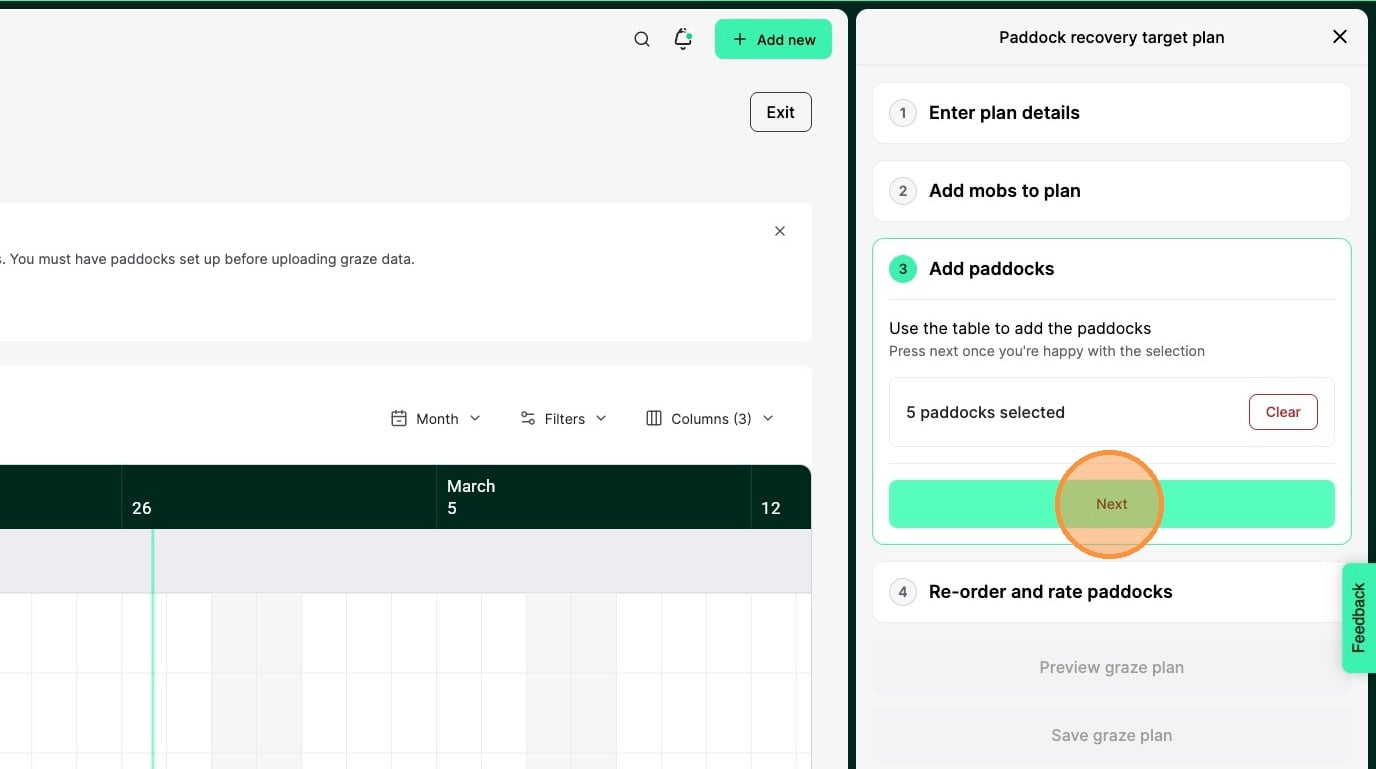
10. Click Next
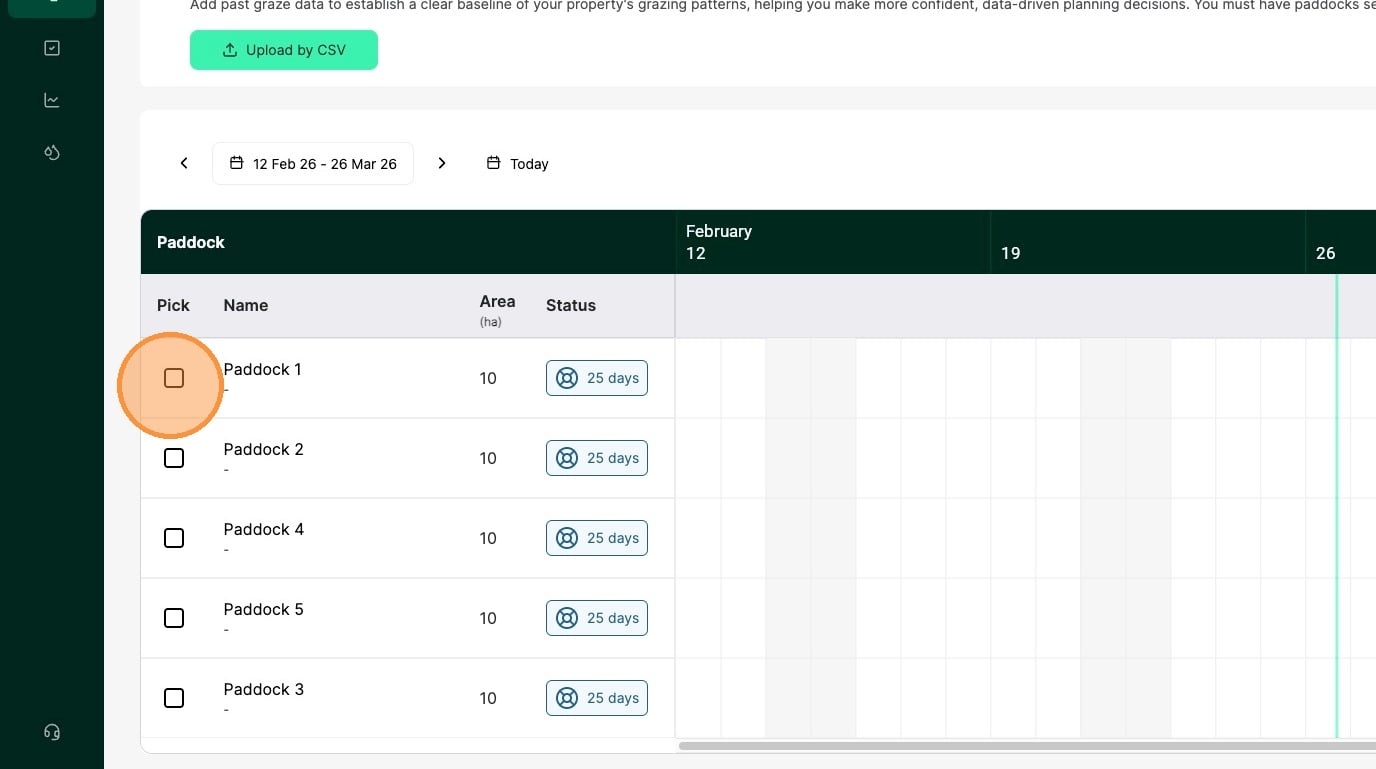
11. Click the checkboxes to select the paddocks you want to include in this plan
12. Click Next
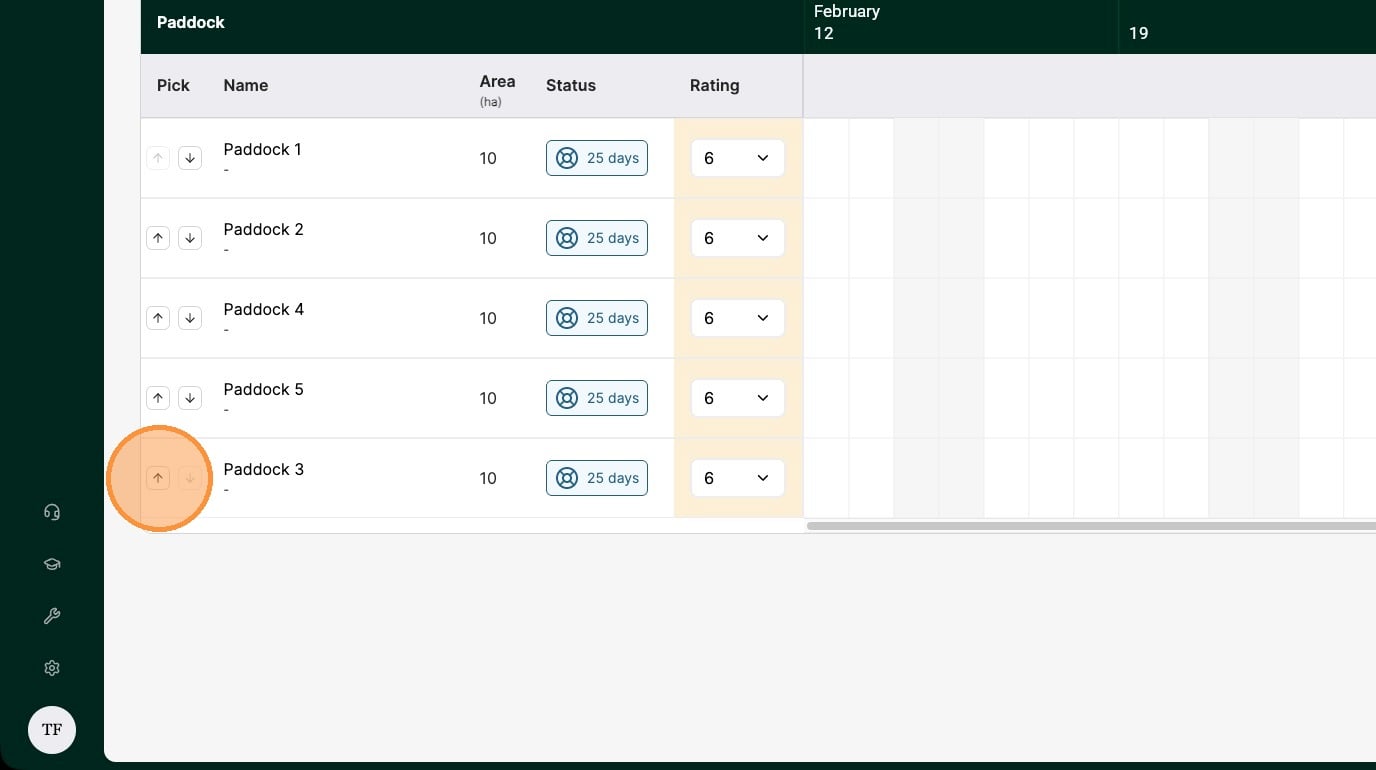
13. Re-order your paddocks to set the order the graze plan will be created in, with the top paddock being the first graze in the rotation
14. Choose a rating for your paddock. 1 being the best, 10 being the worst.
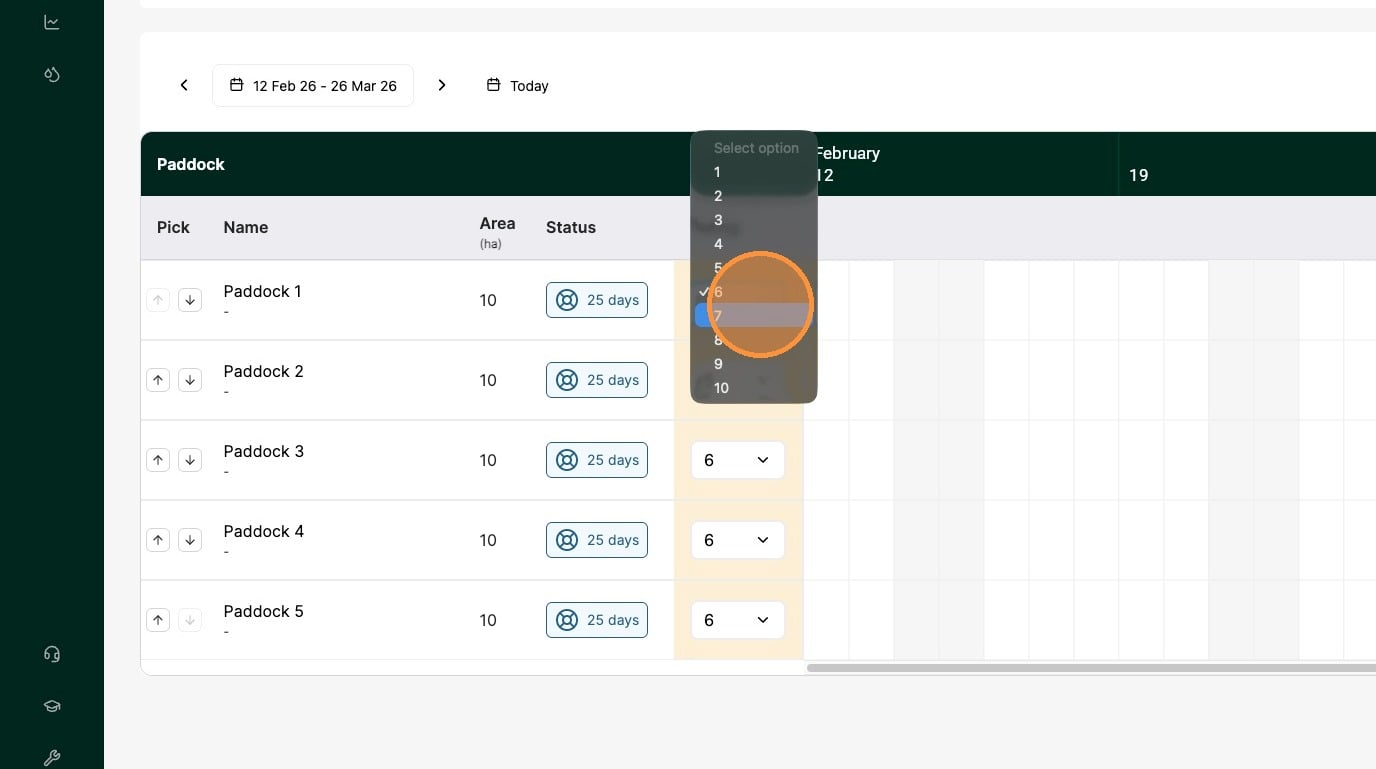
Tip: The better the rating, the longer the paddock can be grazed for.
15. Once your ratings are set, click Done
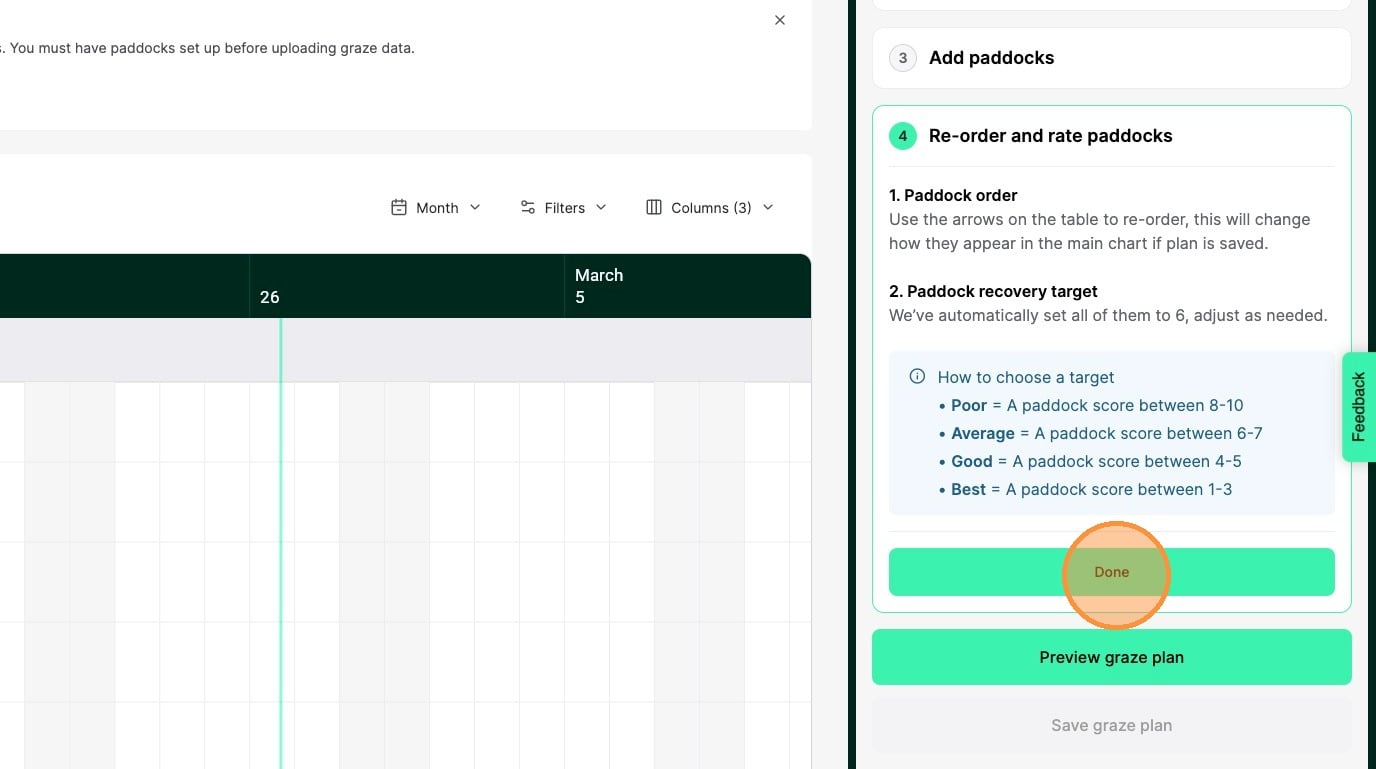
16. Click Preview graze plan
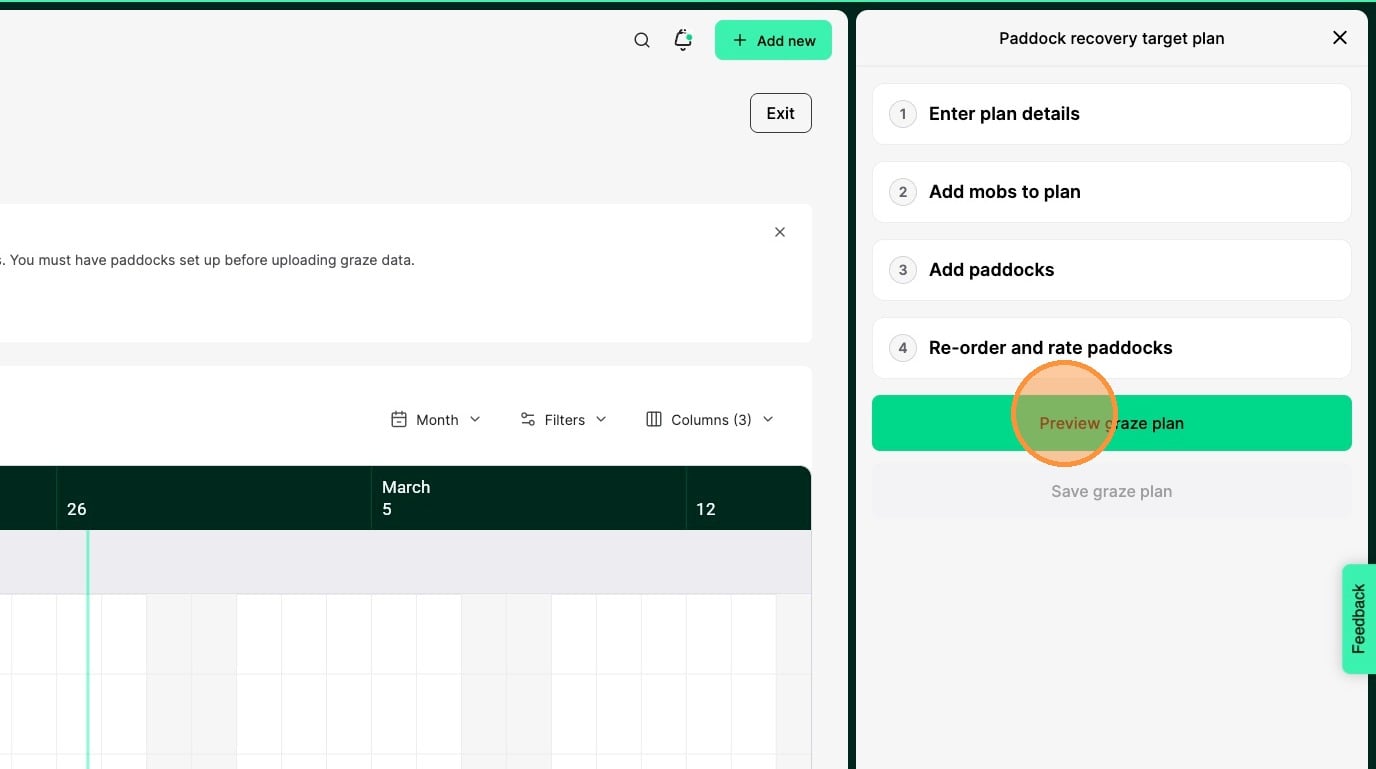
17. Your plan will be shown on the graze chart so you can see how it will be structured.
You can click Edit plan to make any changes or Exit to leave the graze planning preview.
Note: No planned grazes have been committed yet, this is just a preview.
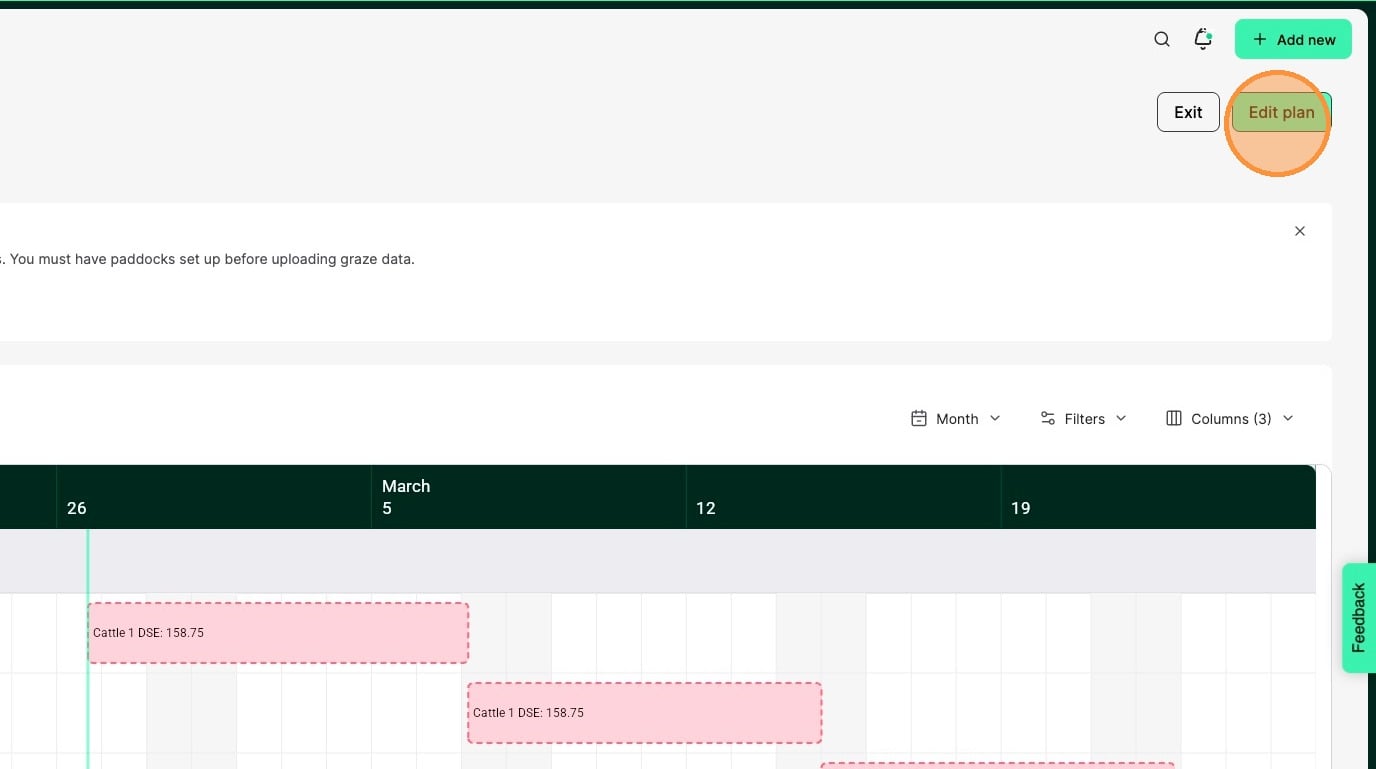
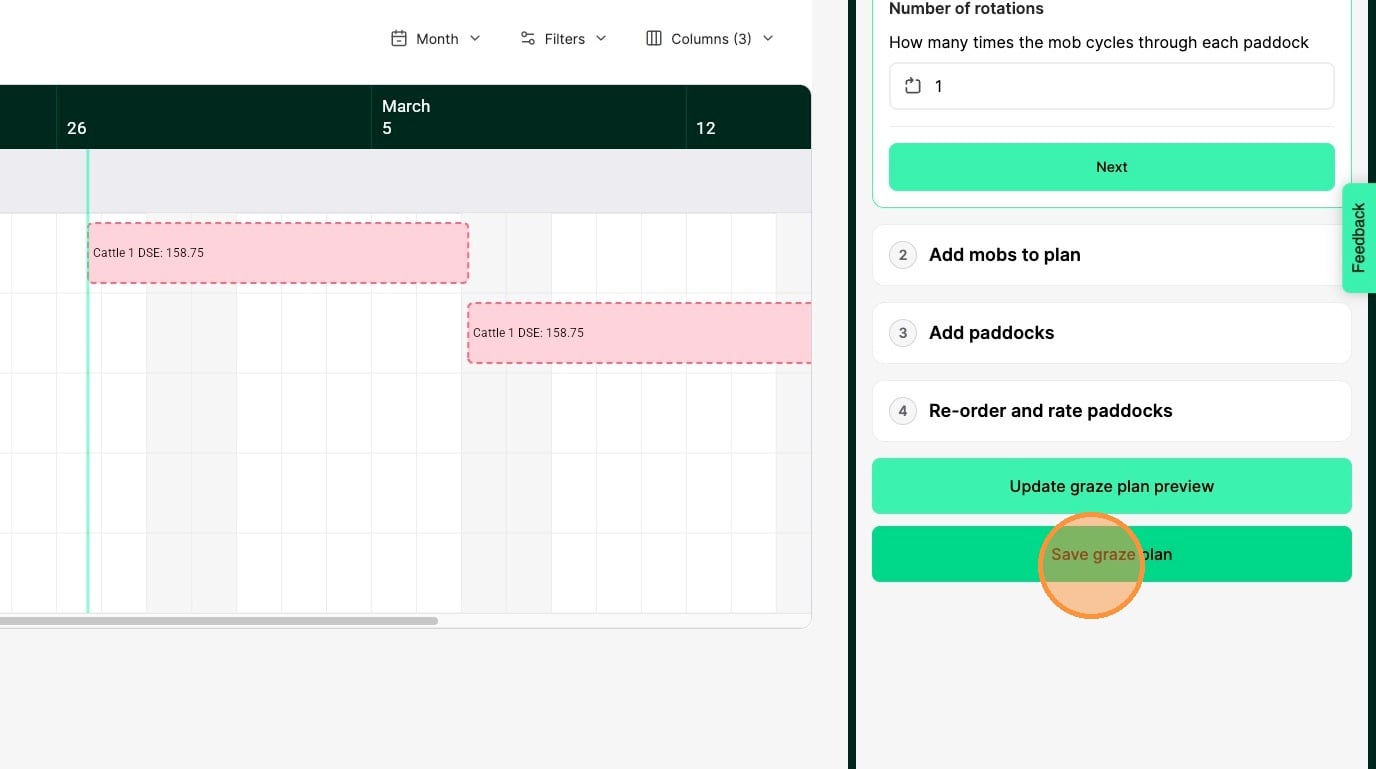
18. Click Edit plan and if you are happy with your graze plan, click Save graze plan and planned grazes and mob moves will be created.