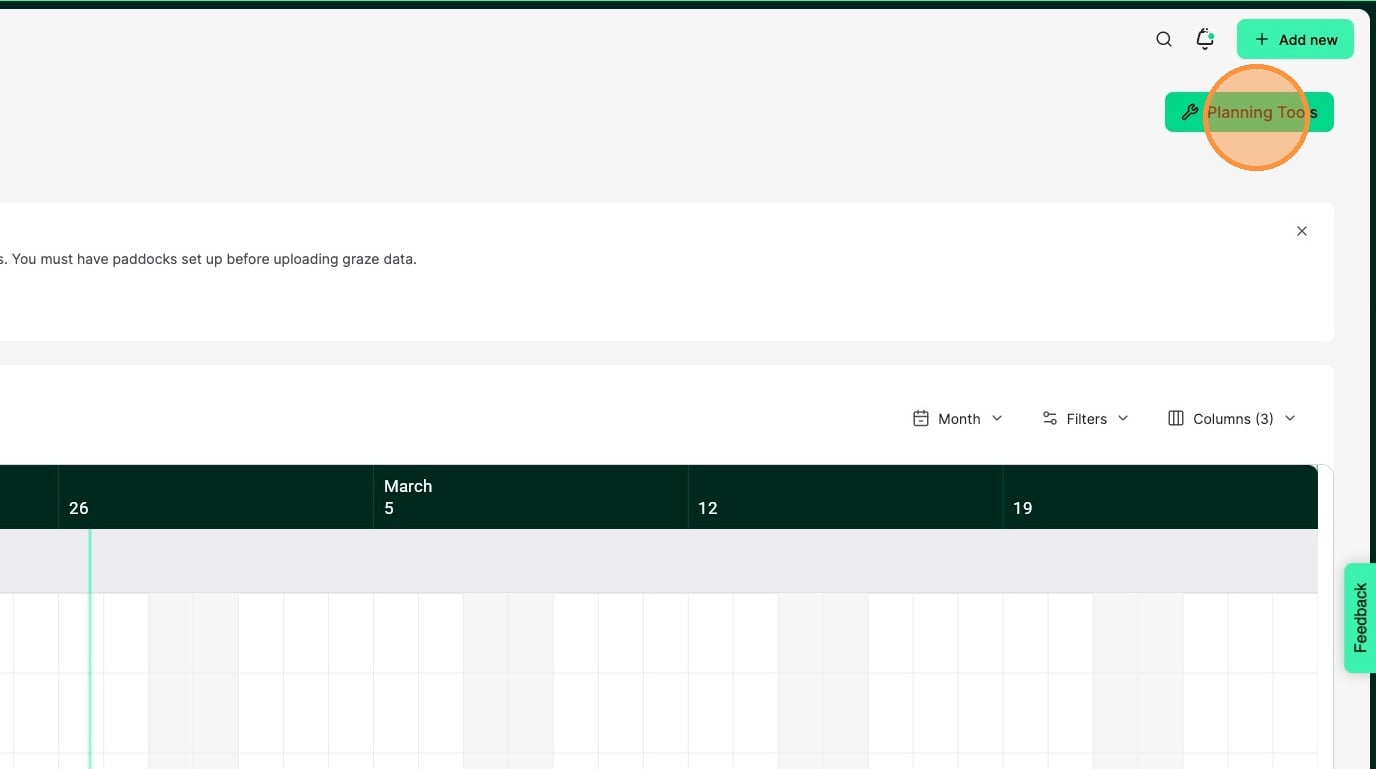
1. Click Planning Tools
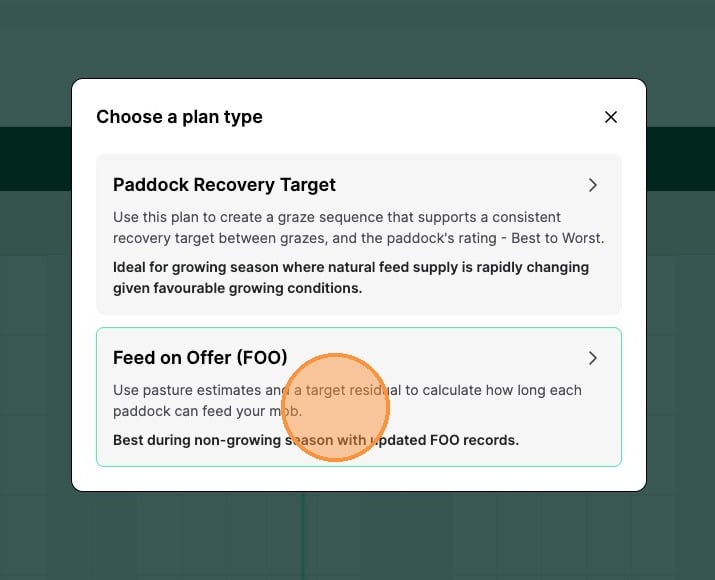
2. Click Feed on Offer
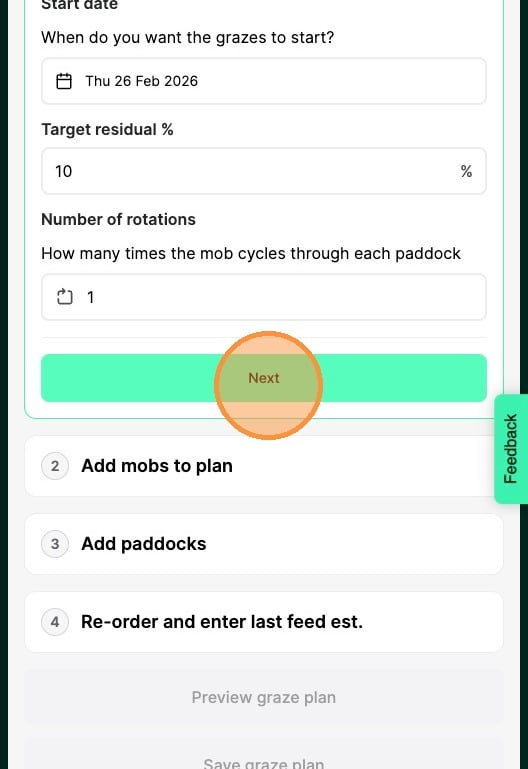
3. Enter the target residual percentage
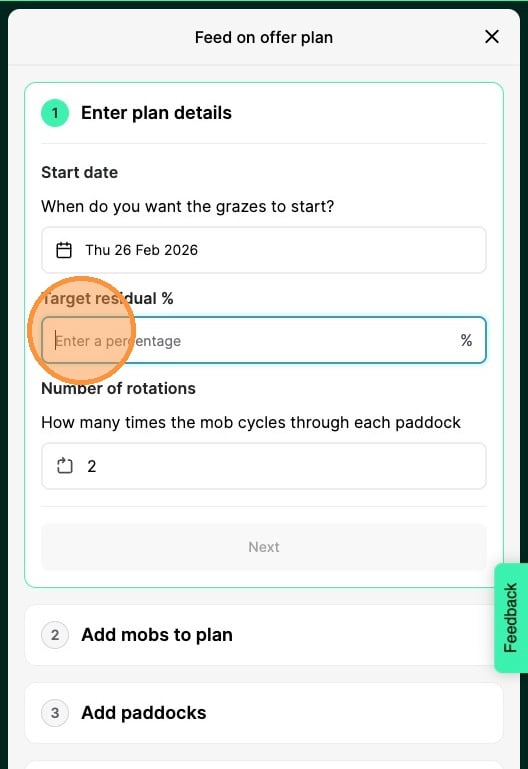
Tip: Target residual is just a rough target for what you are aiming for on average. This helps determine the graze length.
4. Click Enter how many cycles you'd like to plan for (minimum of 1)
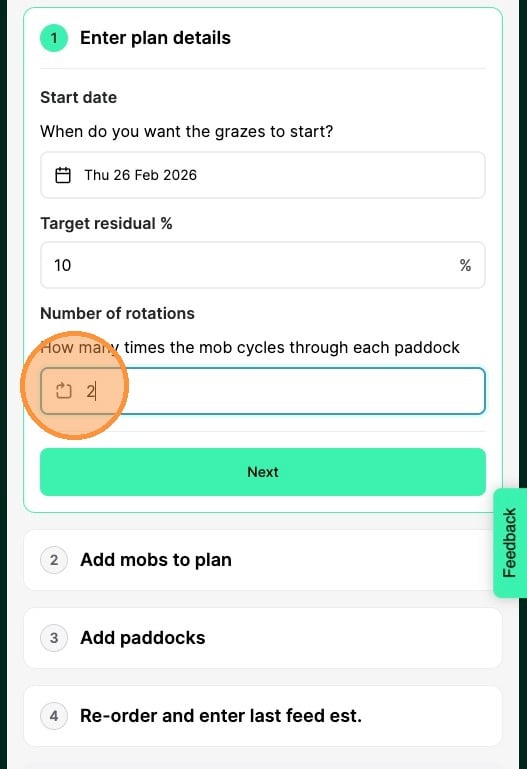
5. Click Next
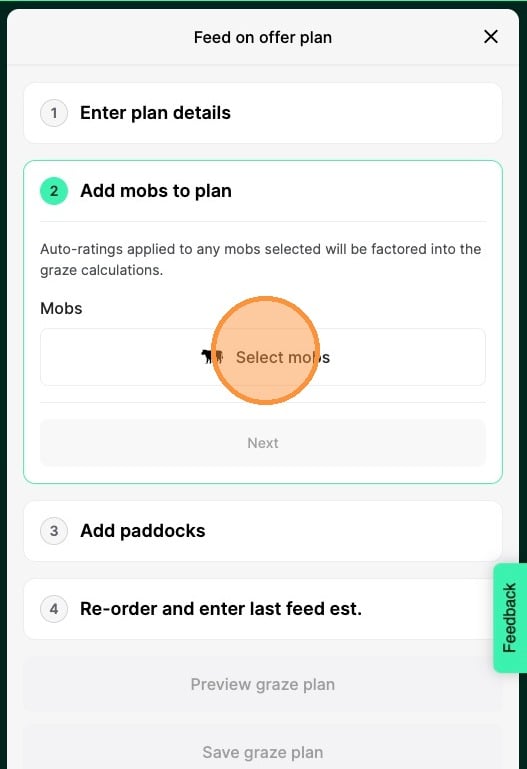
6. Click Select mobs
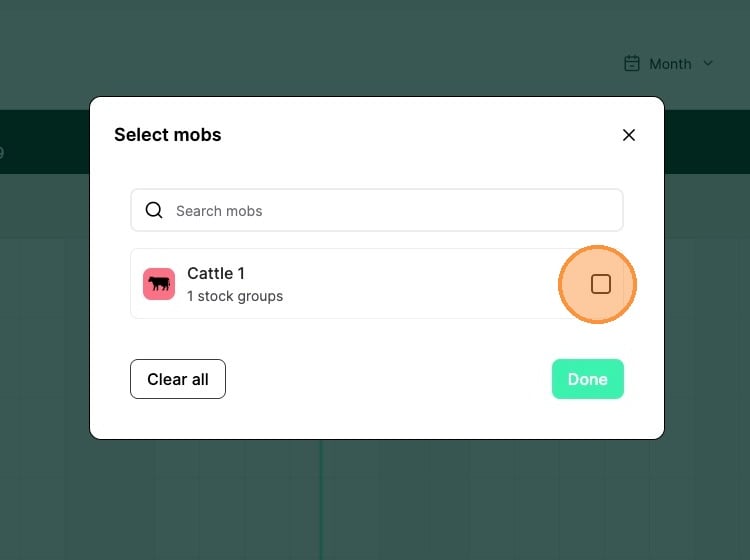
7. Select the mob(s) you want to include in your plan
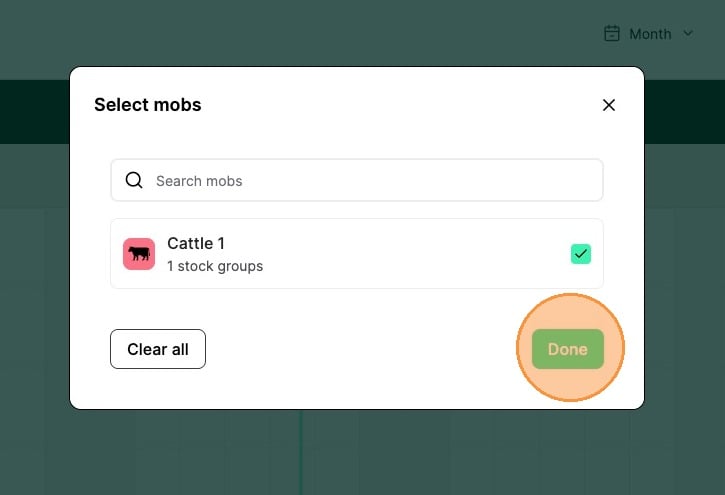
8. Click Done
9. Click Next
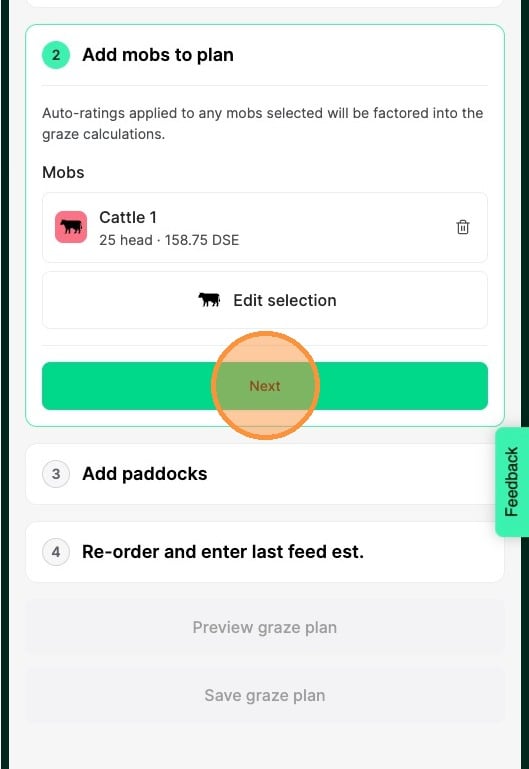
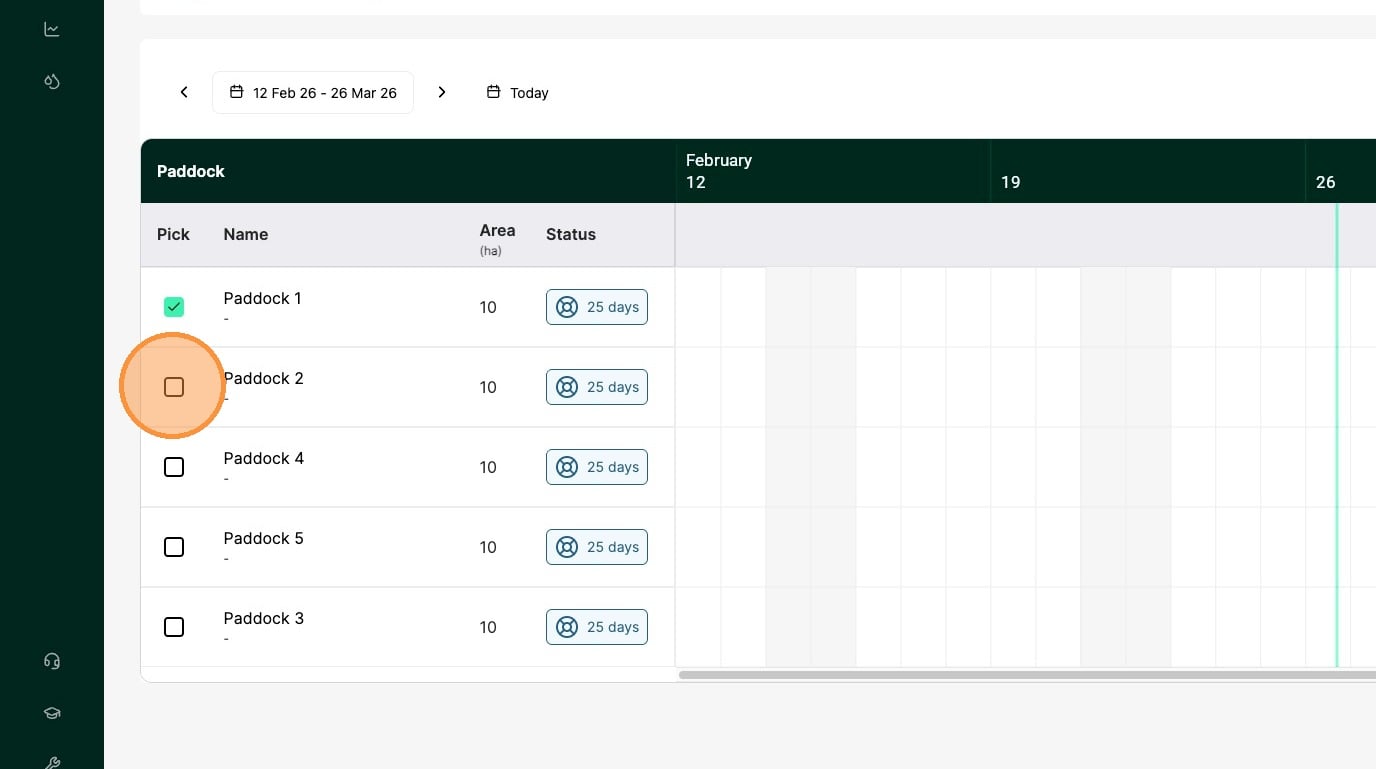
10. Click the checkboxes to select the paddocks you want to include in this plan
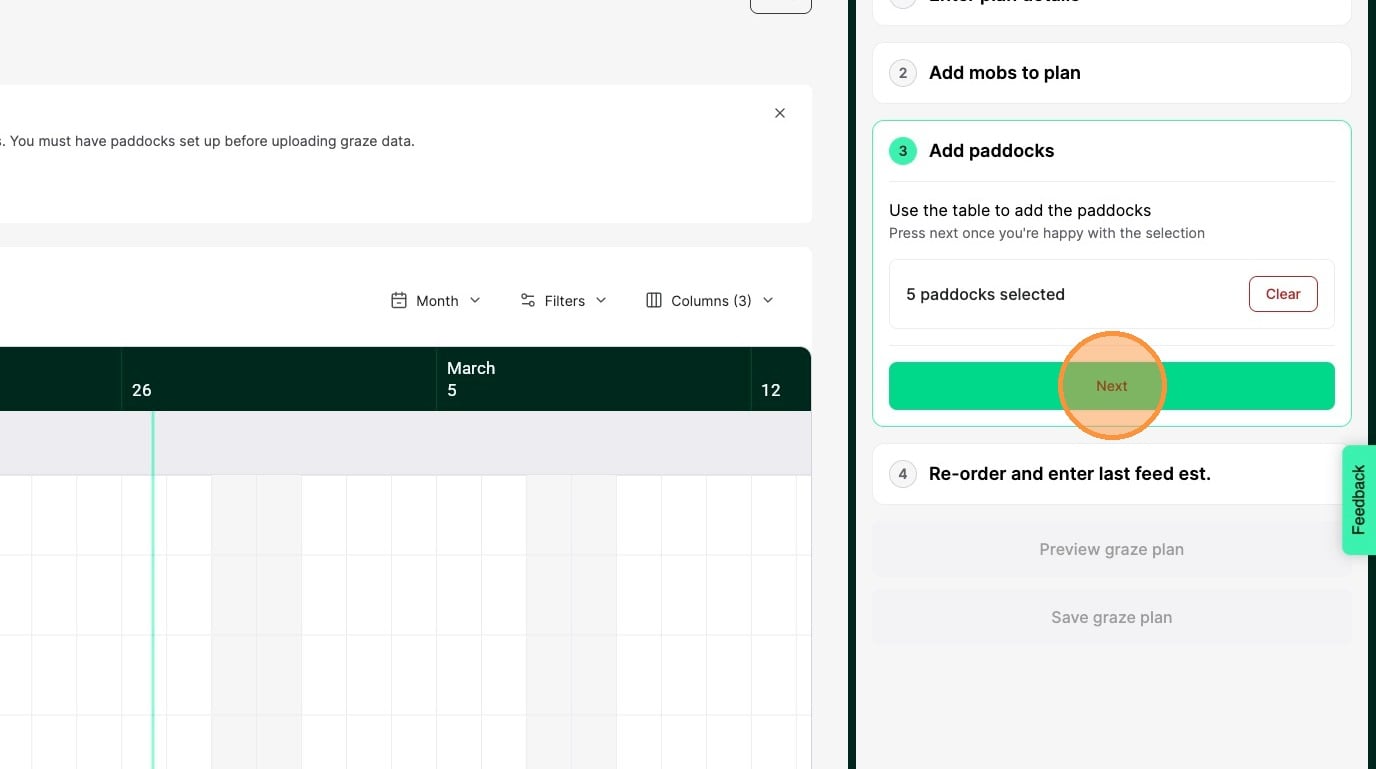
11. Once you have selected all of the paddocks you want in the plan, click Next
12. Enter a feed estimate for any paddocks that do not have one
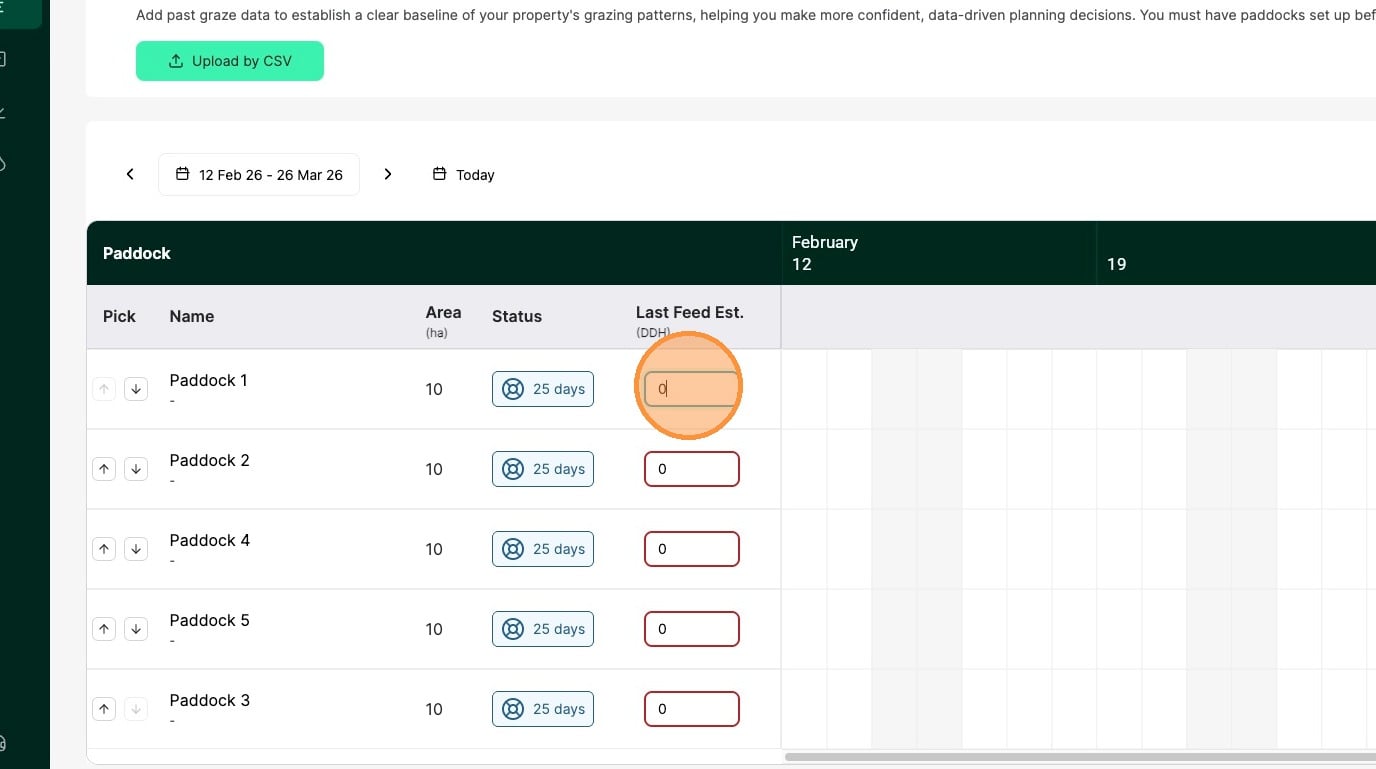
Tip: A good feed estimate is crucial for the plan calculations to work effectively
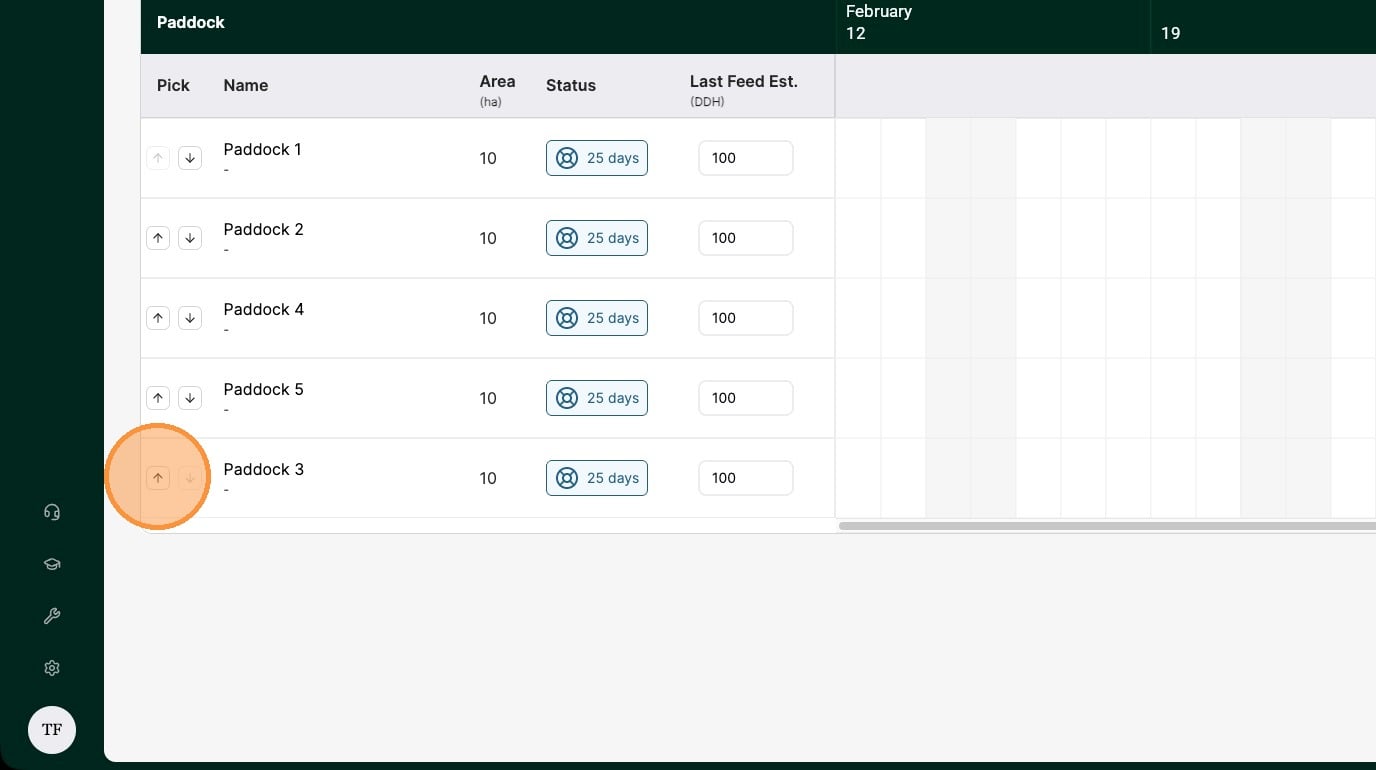
13. Re-order your paddocks to set the order the graze plan will be created in, with the top paddock being the first graze in the rotation
14. Once all your paddocks have a feed estimate and you are happy with the paddock order, click Done
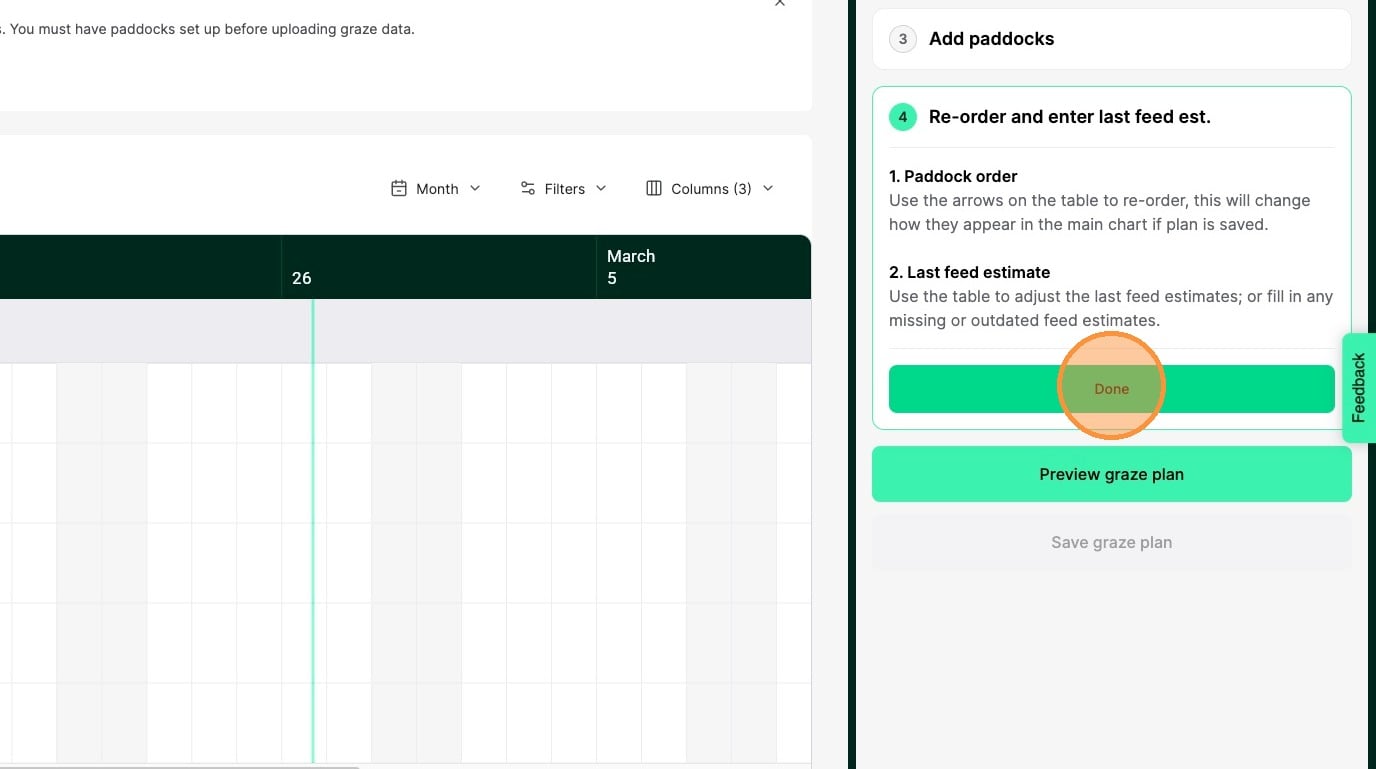
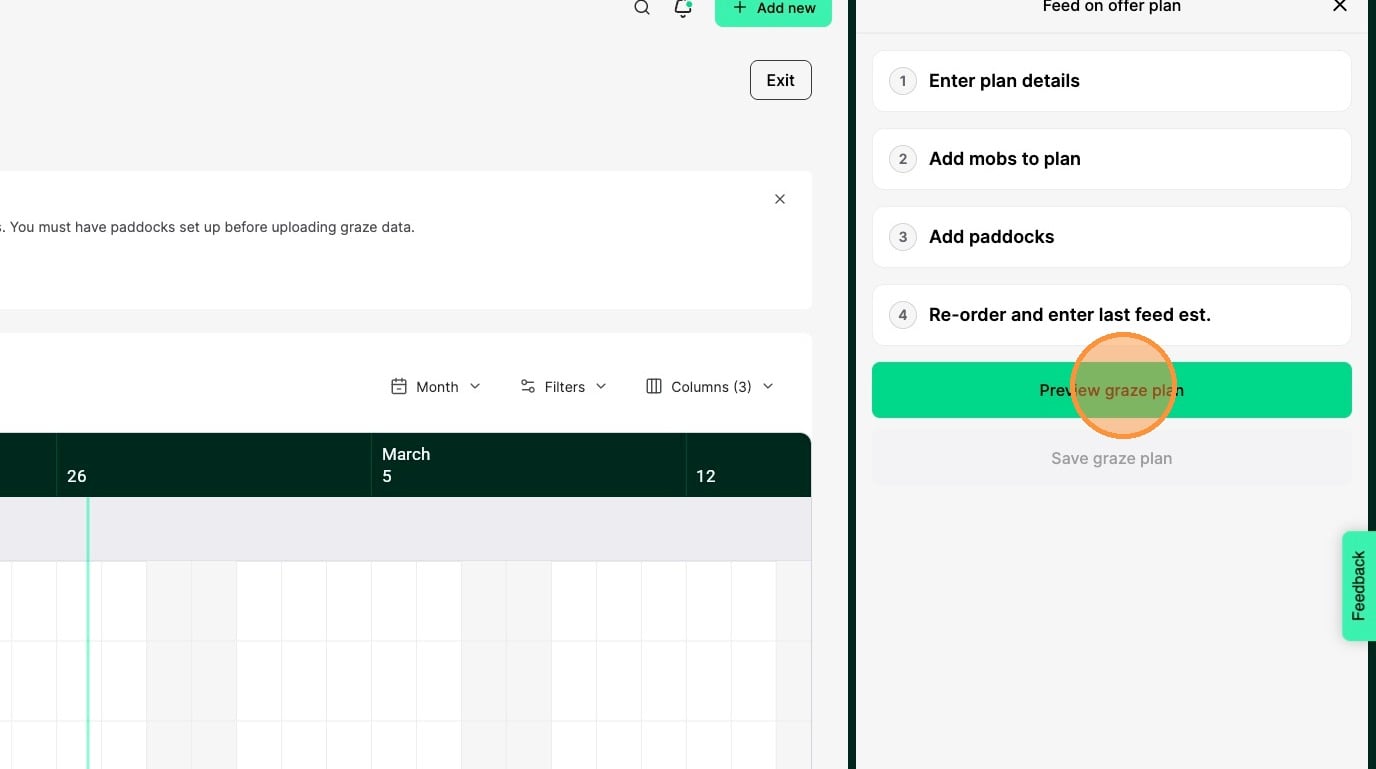
15. Click Preview graze plan
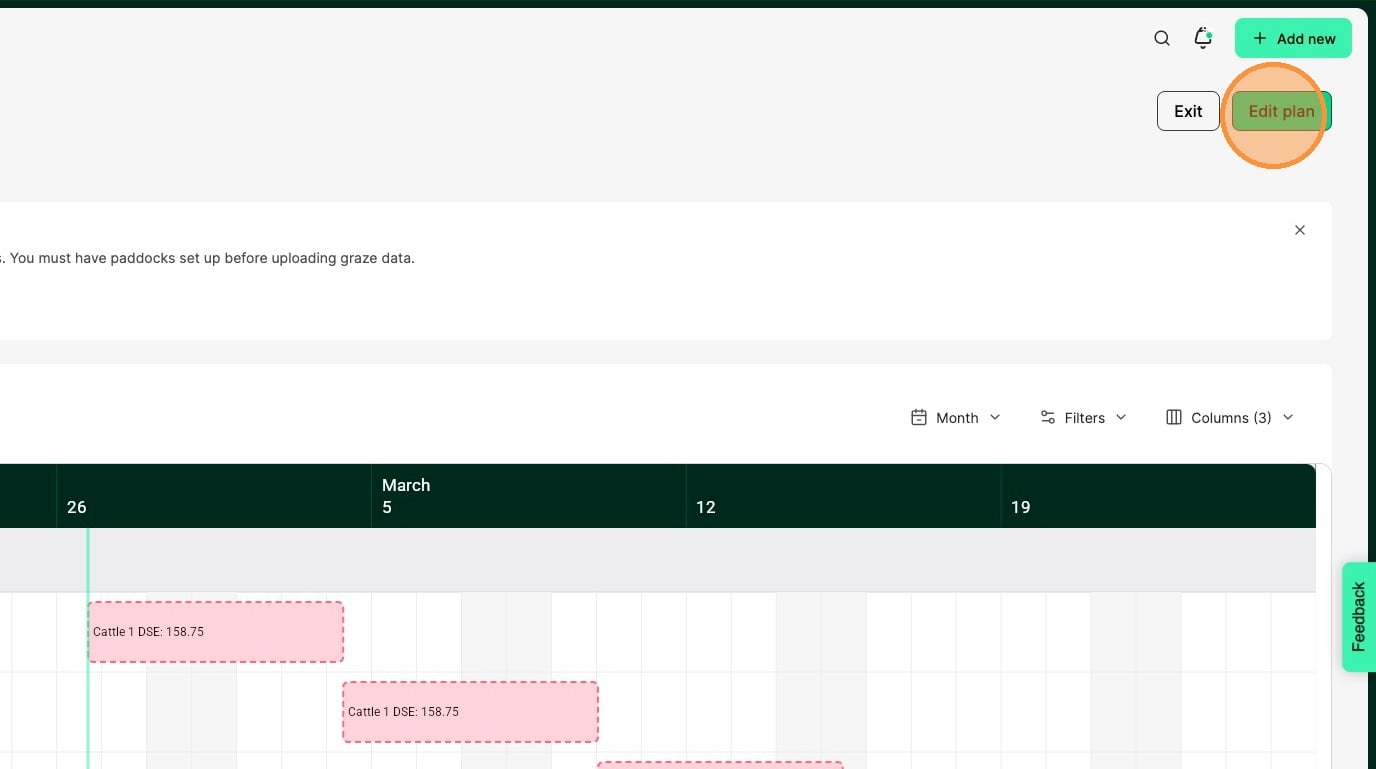
16. You can see the generated planned grazes on the graze chart.
Click Edit plan to make any changes or to save the plan.
17. Click Save graze plan to create the planned grazes
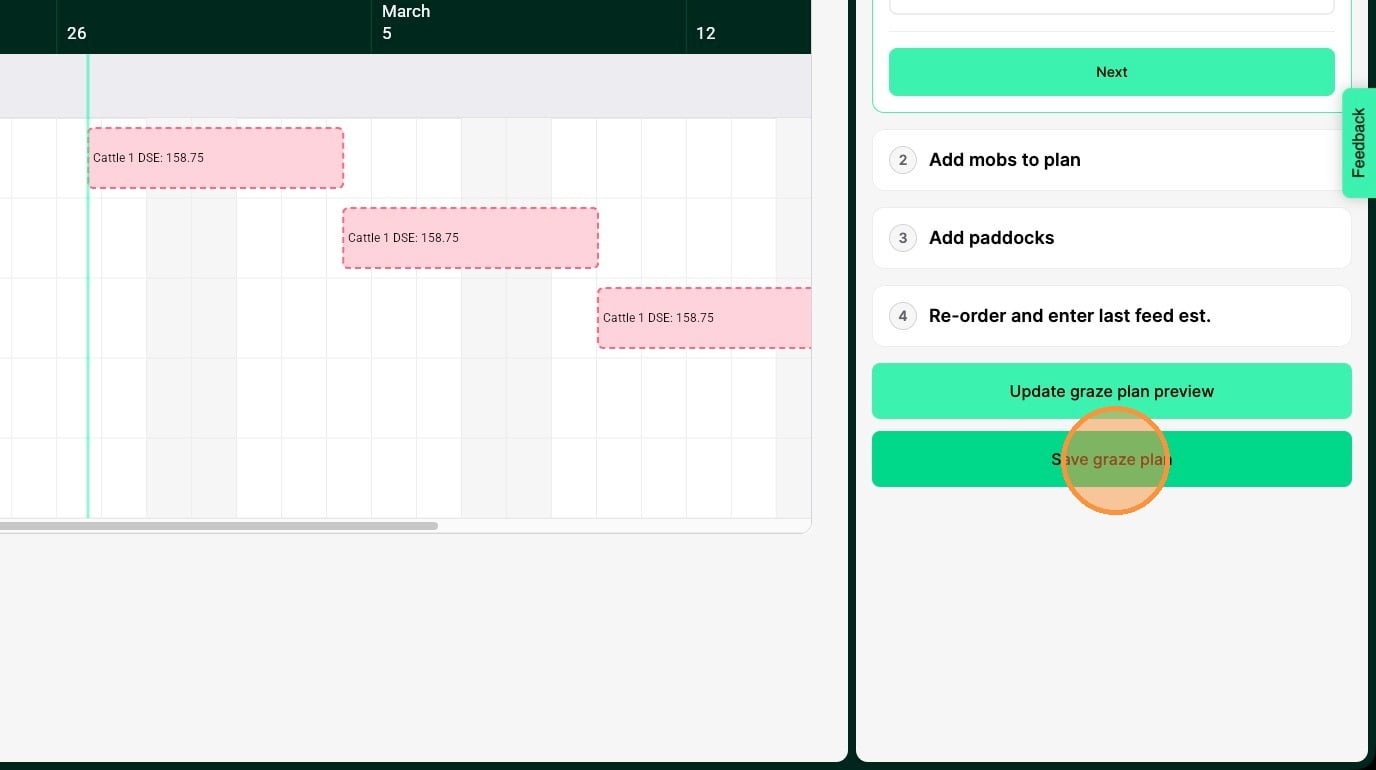
Tip: Saving the graze plan not only creates the planned grazes, but if you entered a feed estimate, then feed estimate records will be created for those paddocks.
Alert: Once you save the graze plan, you will need to edit each planned graze individually if you want to make changes.
