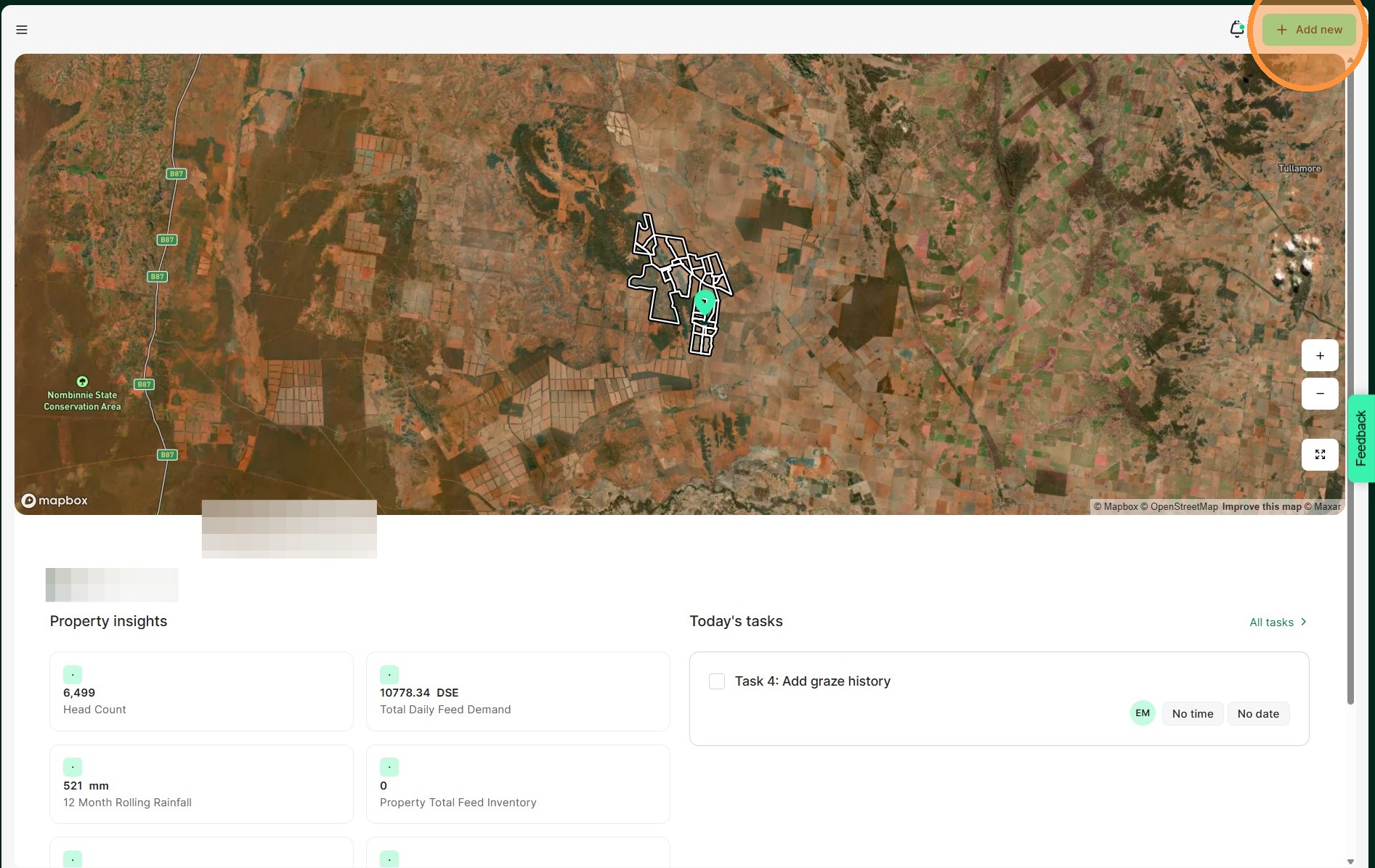
1. From the Home Dashboard Select "Add new"
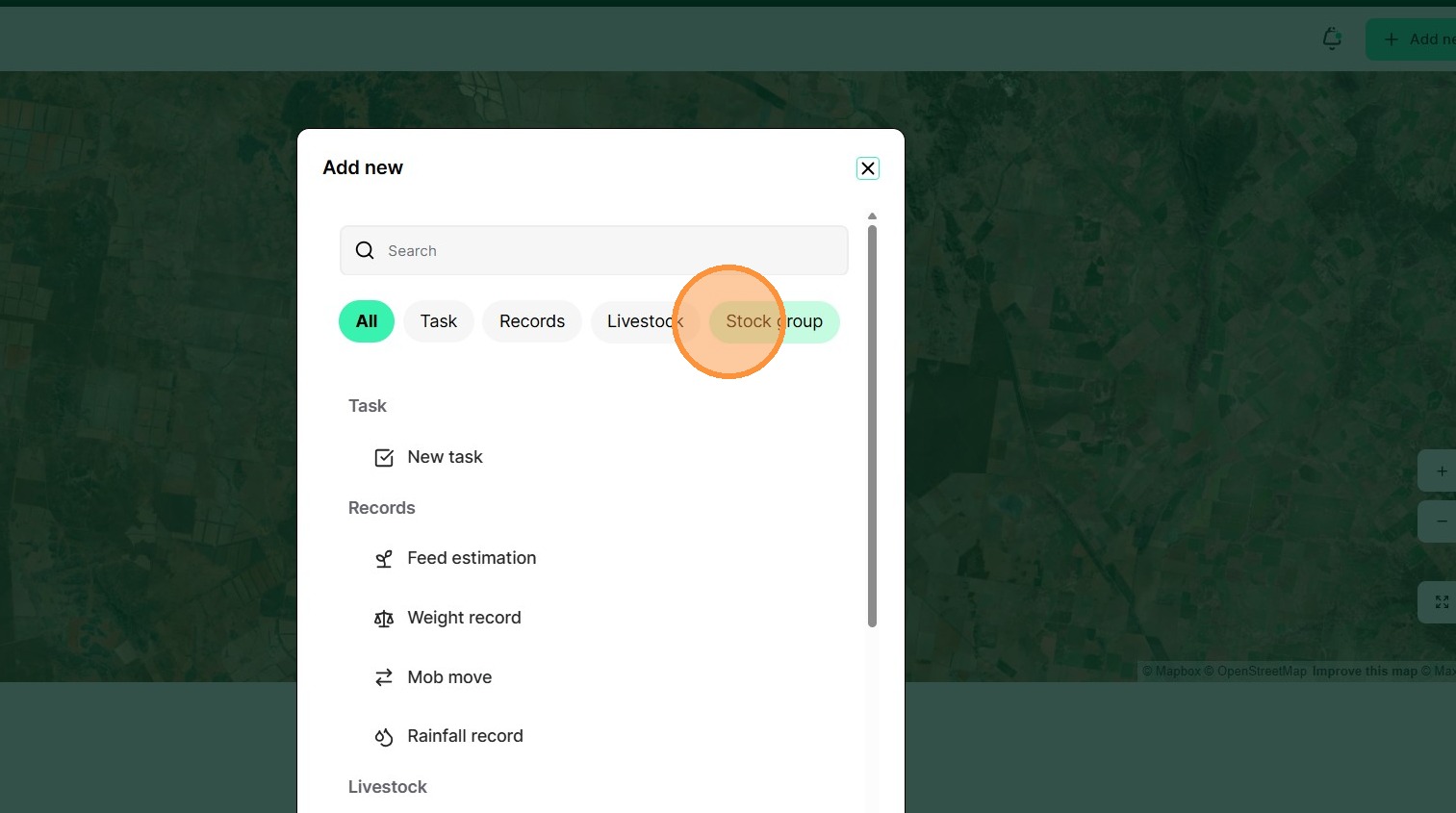
2. Select "Stock group"
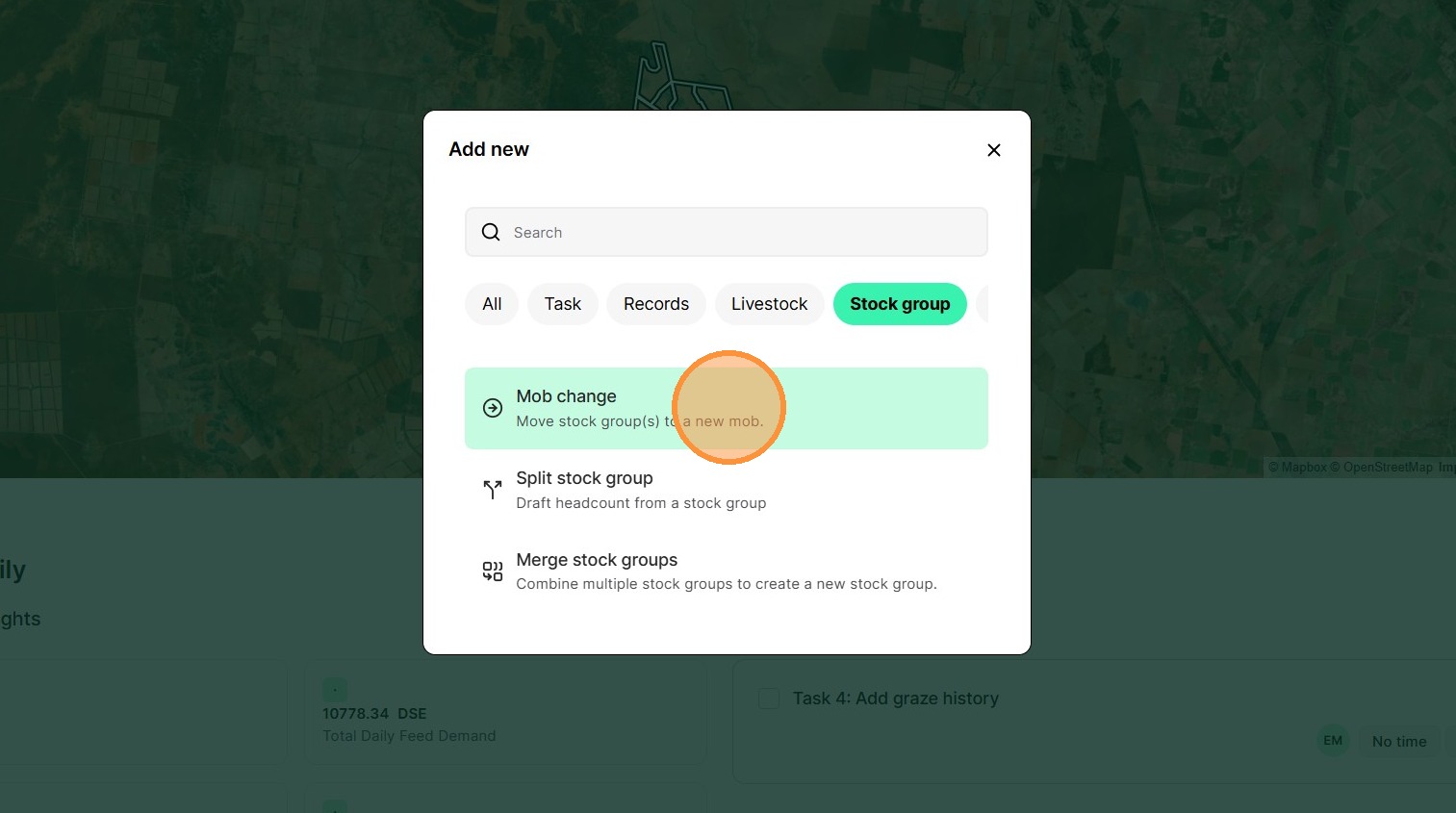
3. Select "Mob change"
4. Select the relevant date
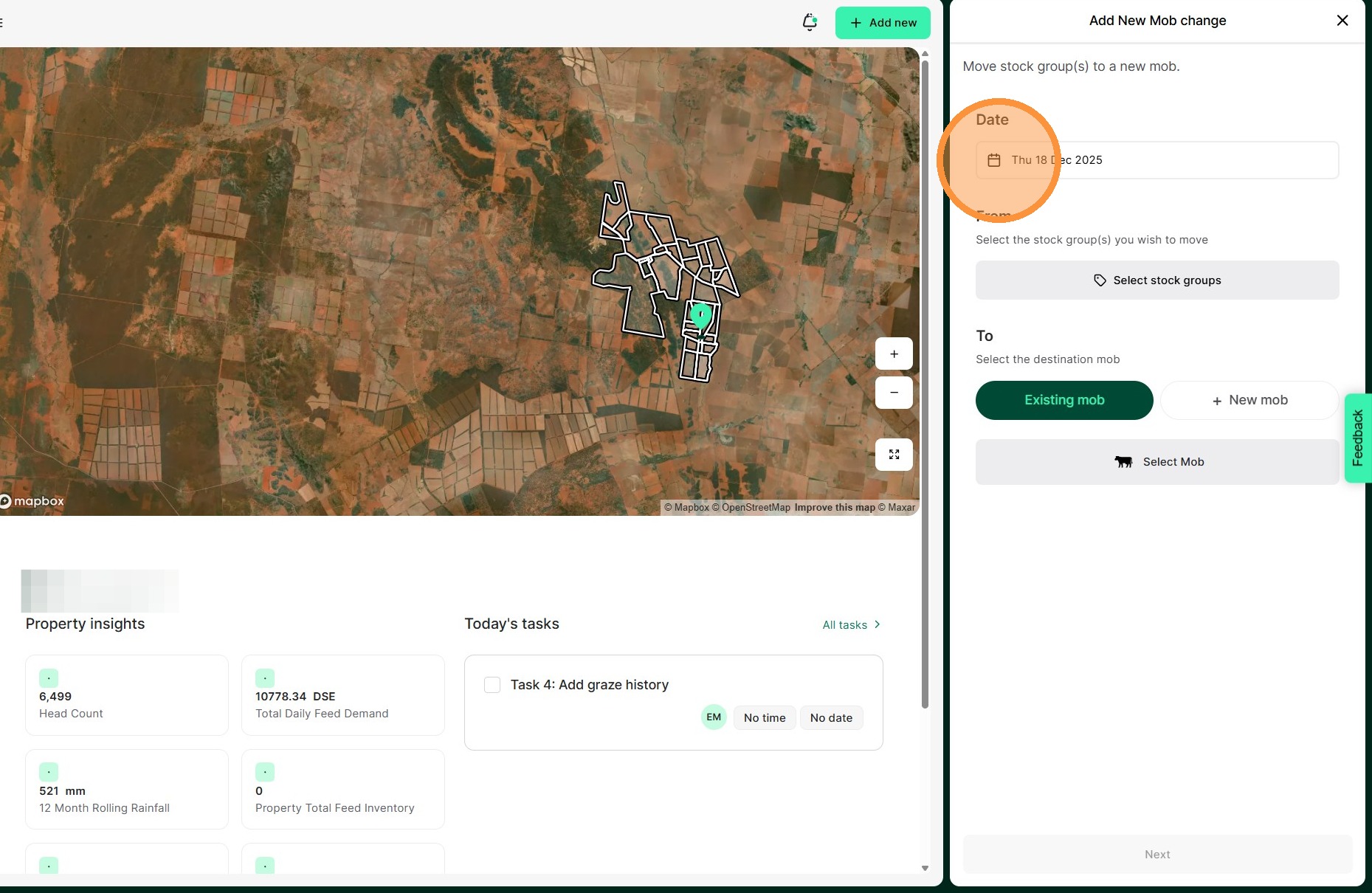
5. Select "Edit stock groups"
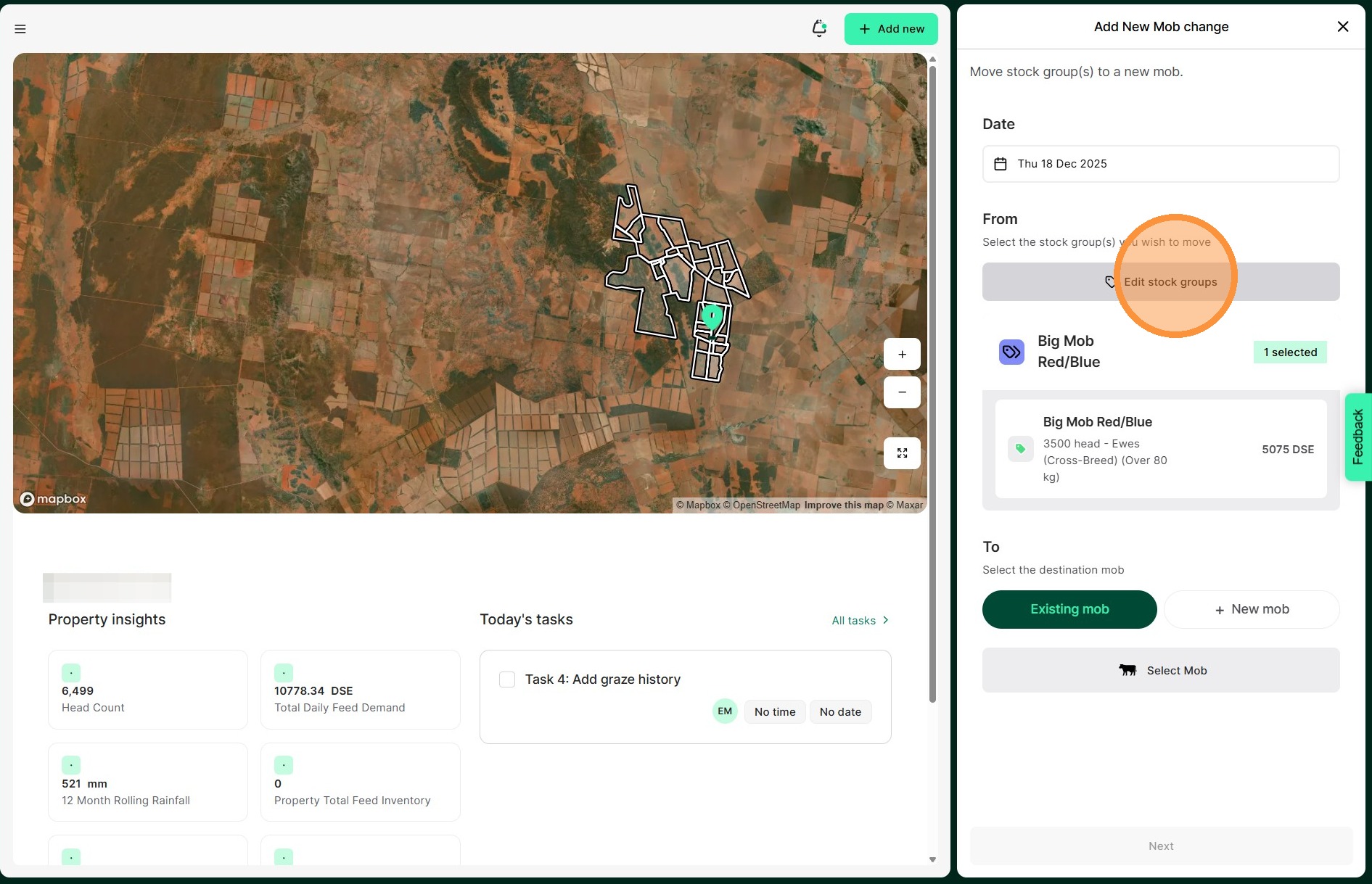
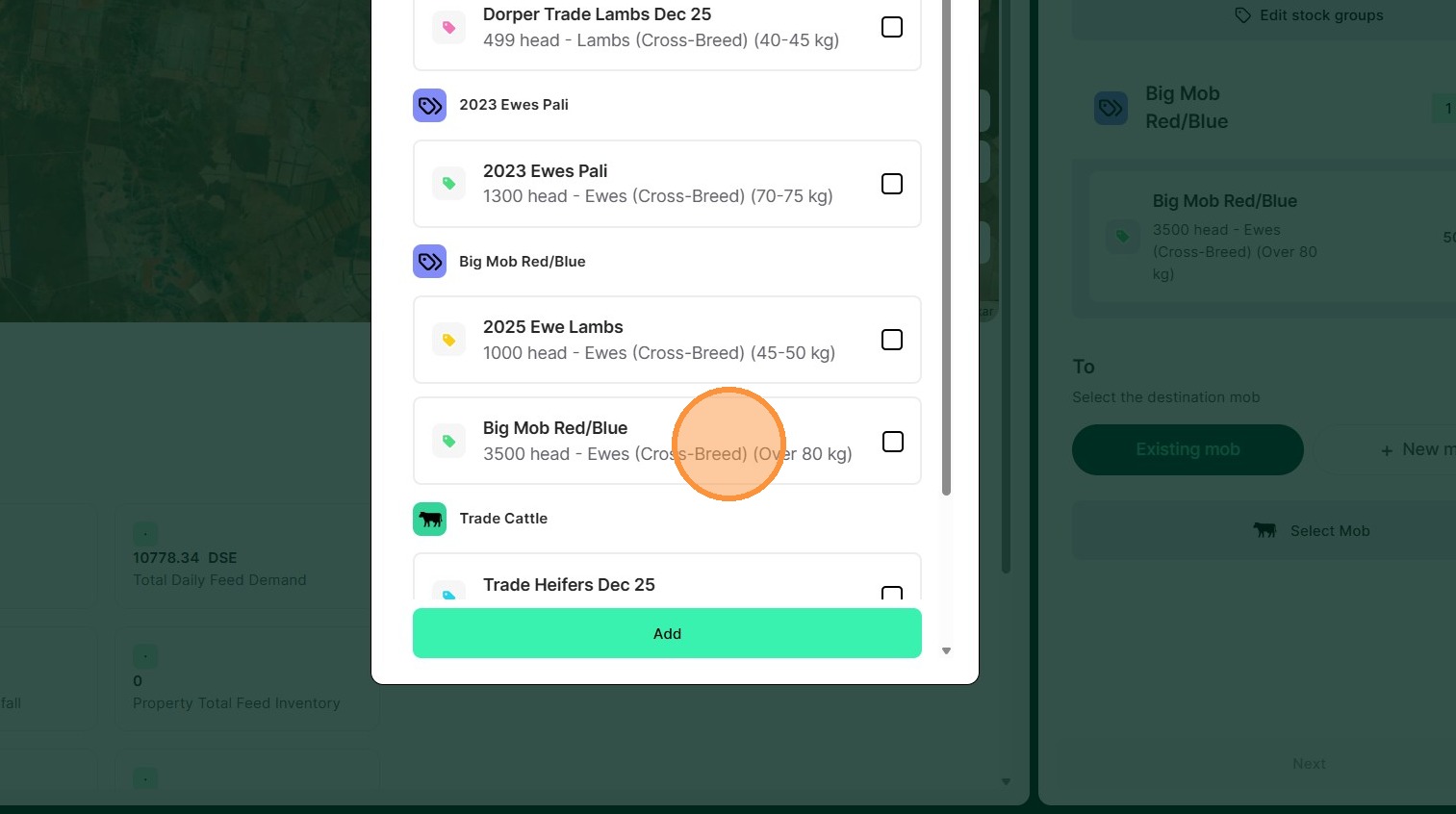
6. Select the relevant mob
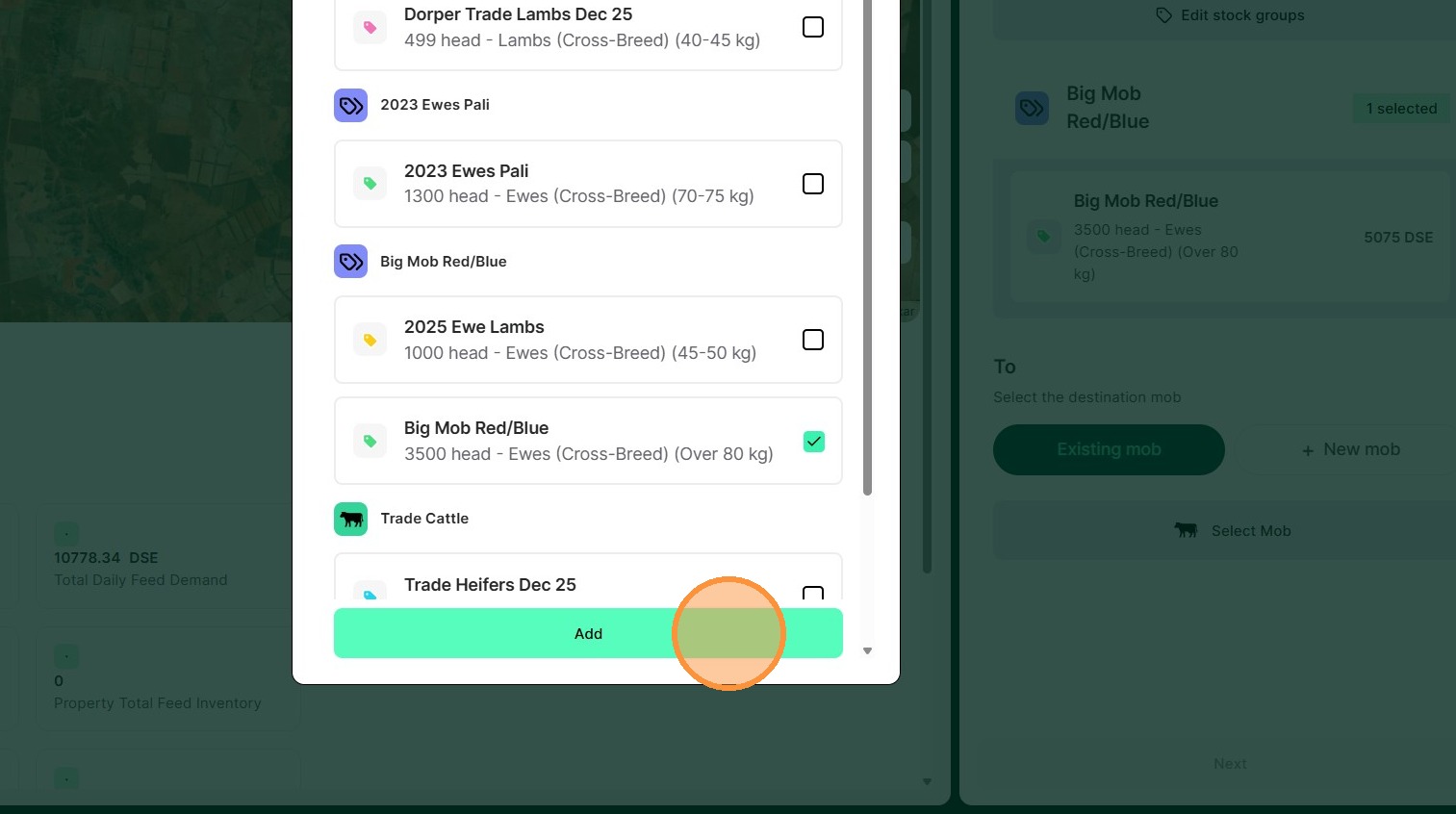
7. Select "Add"
8. Click "Select Mob"
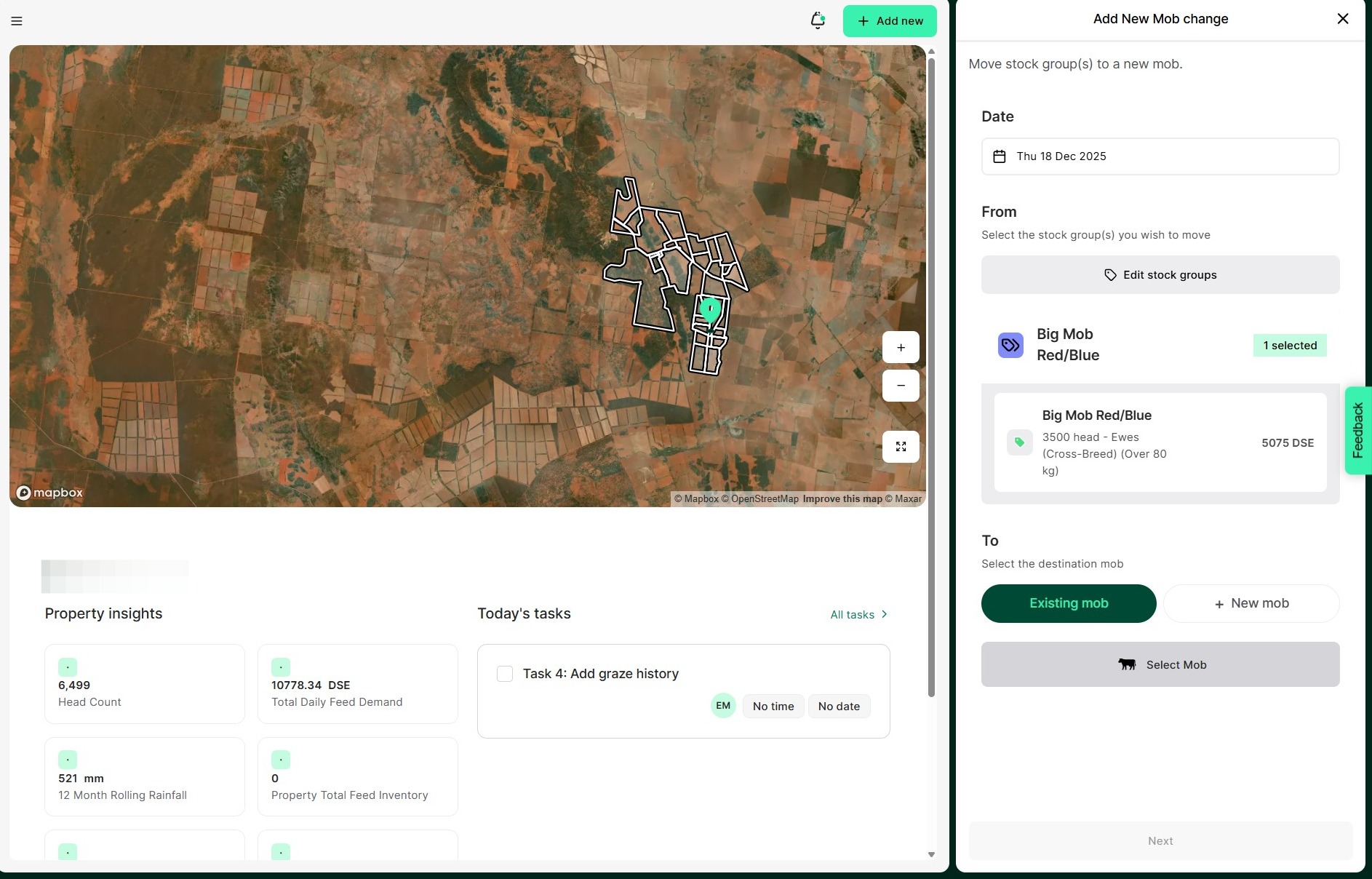
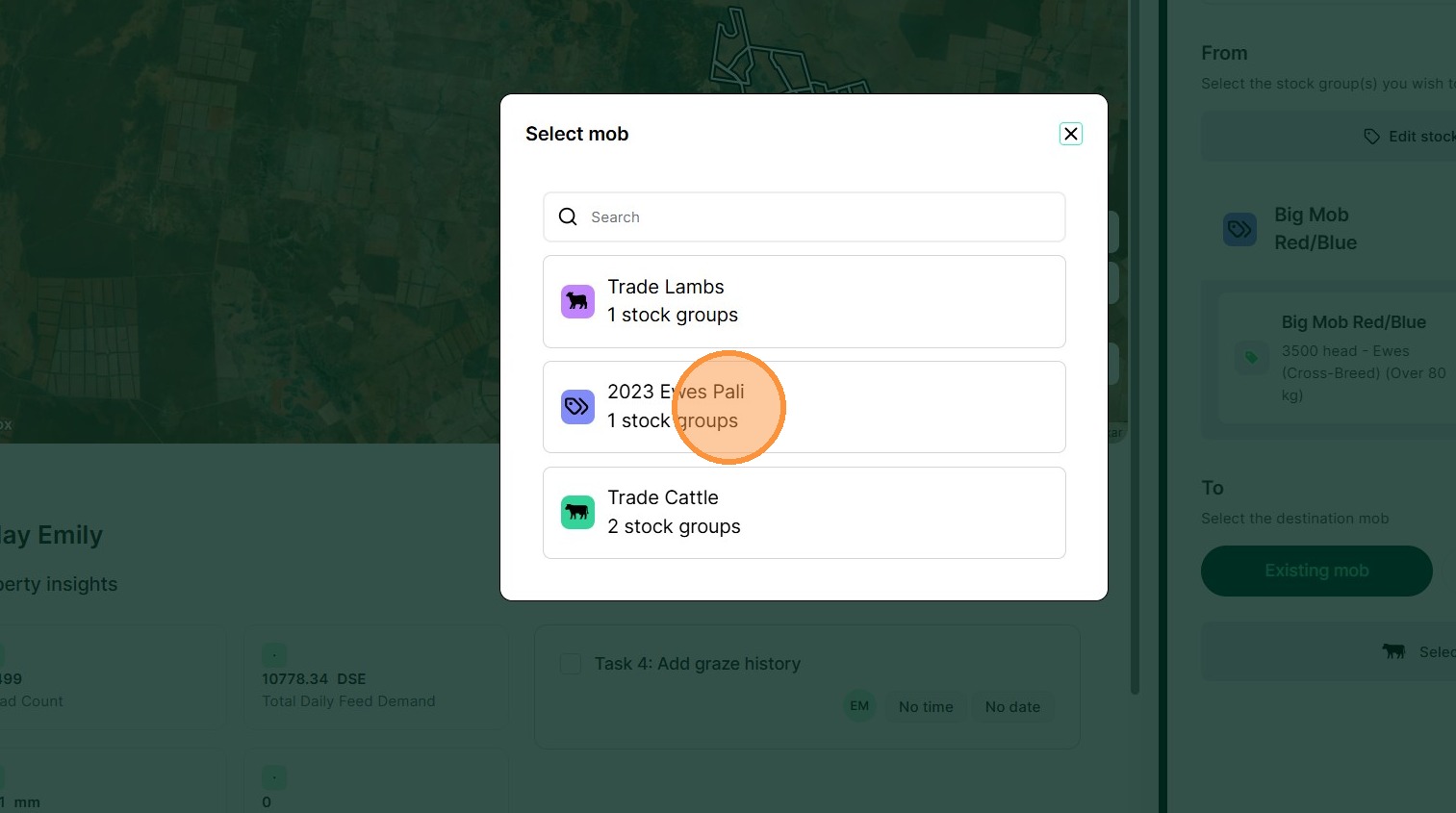
9. Select the relevant mob
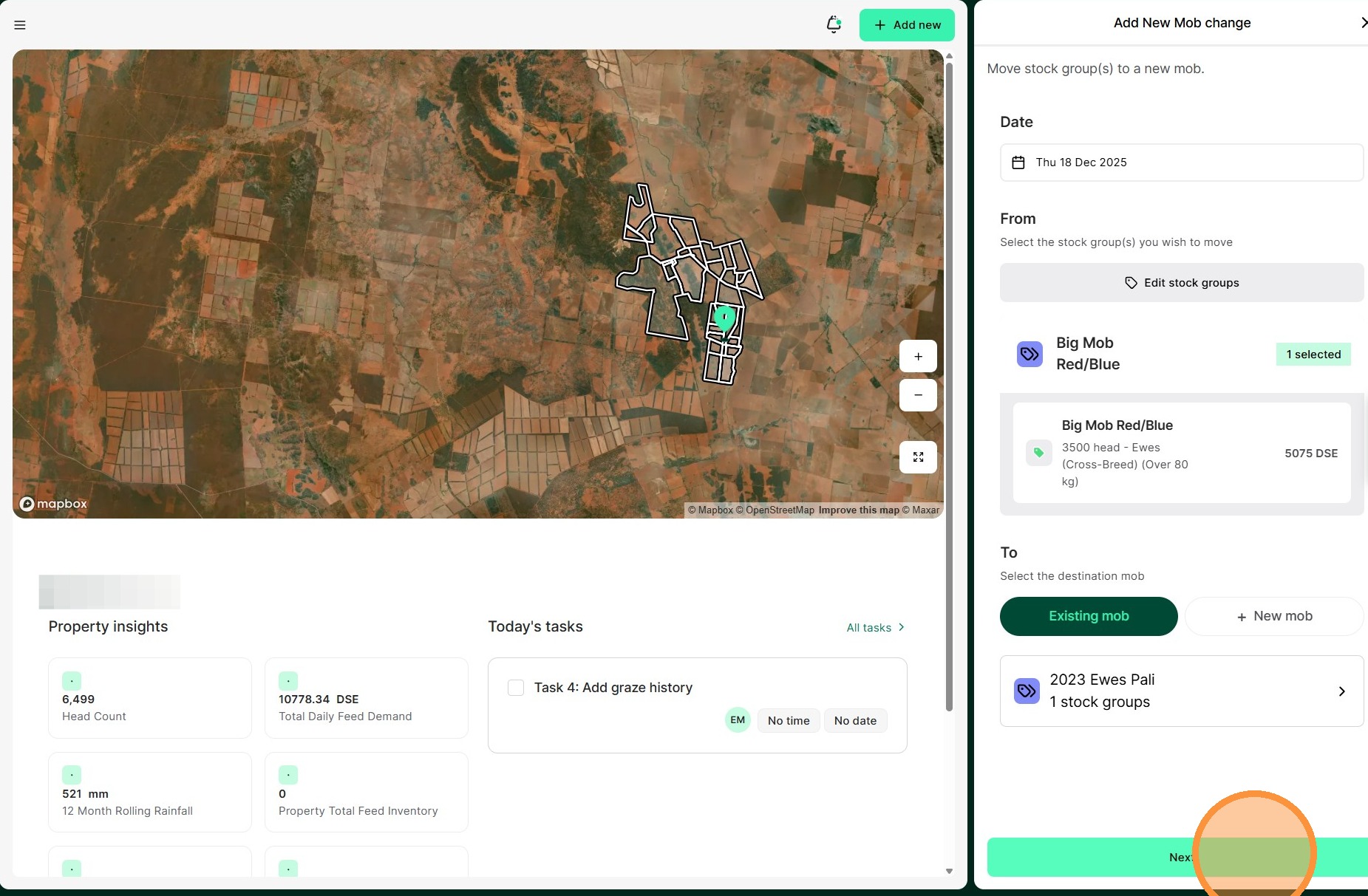
10. Select "Next"
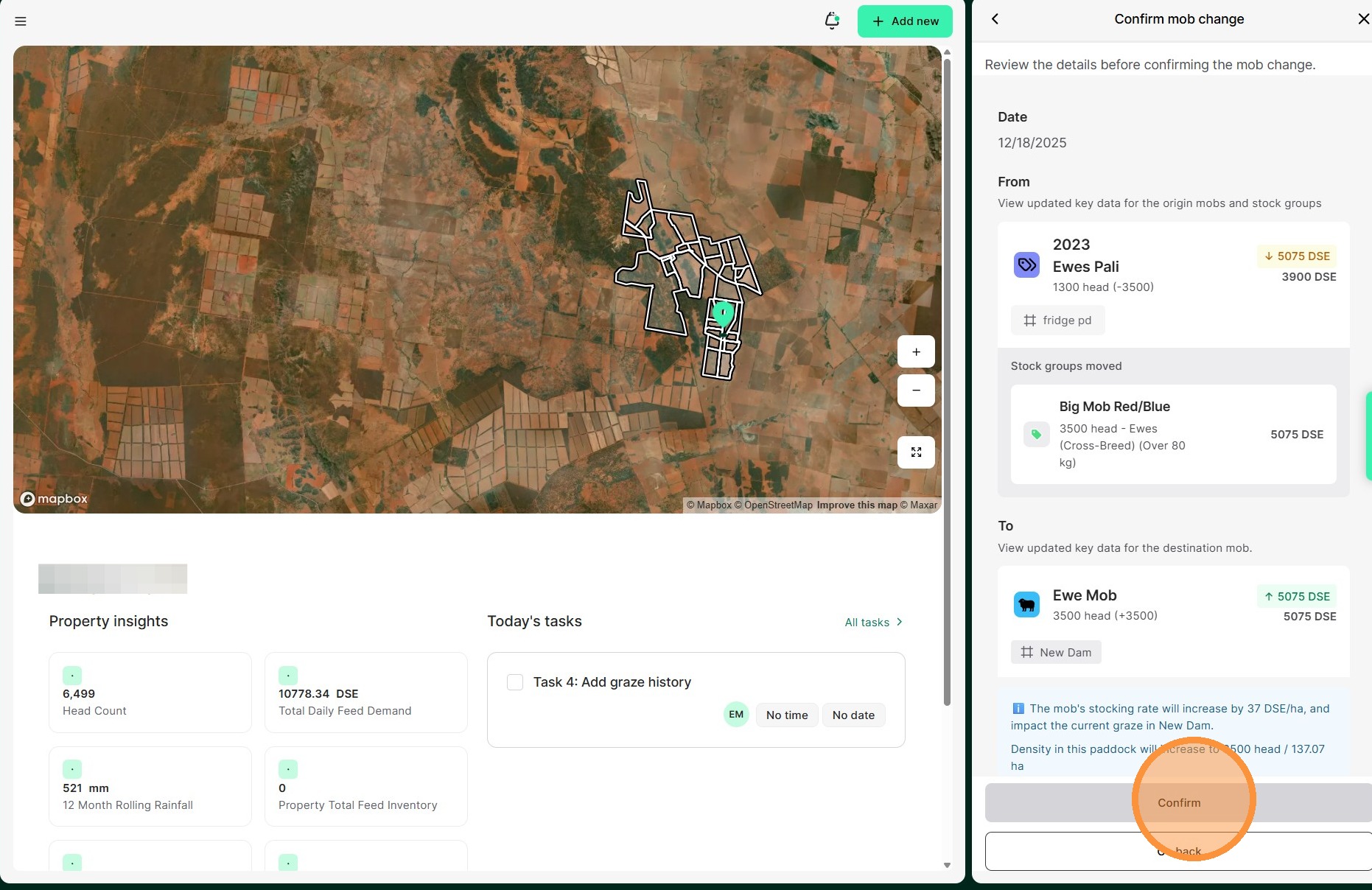
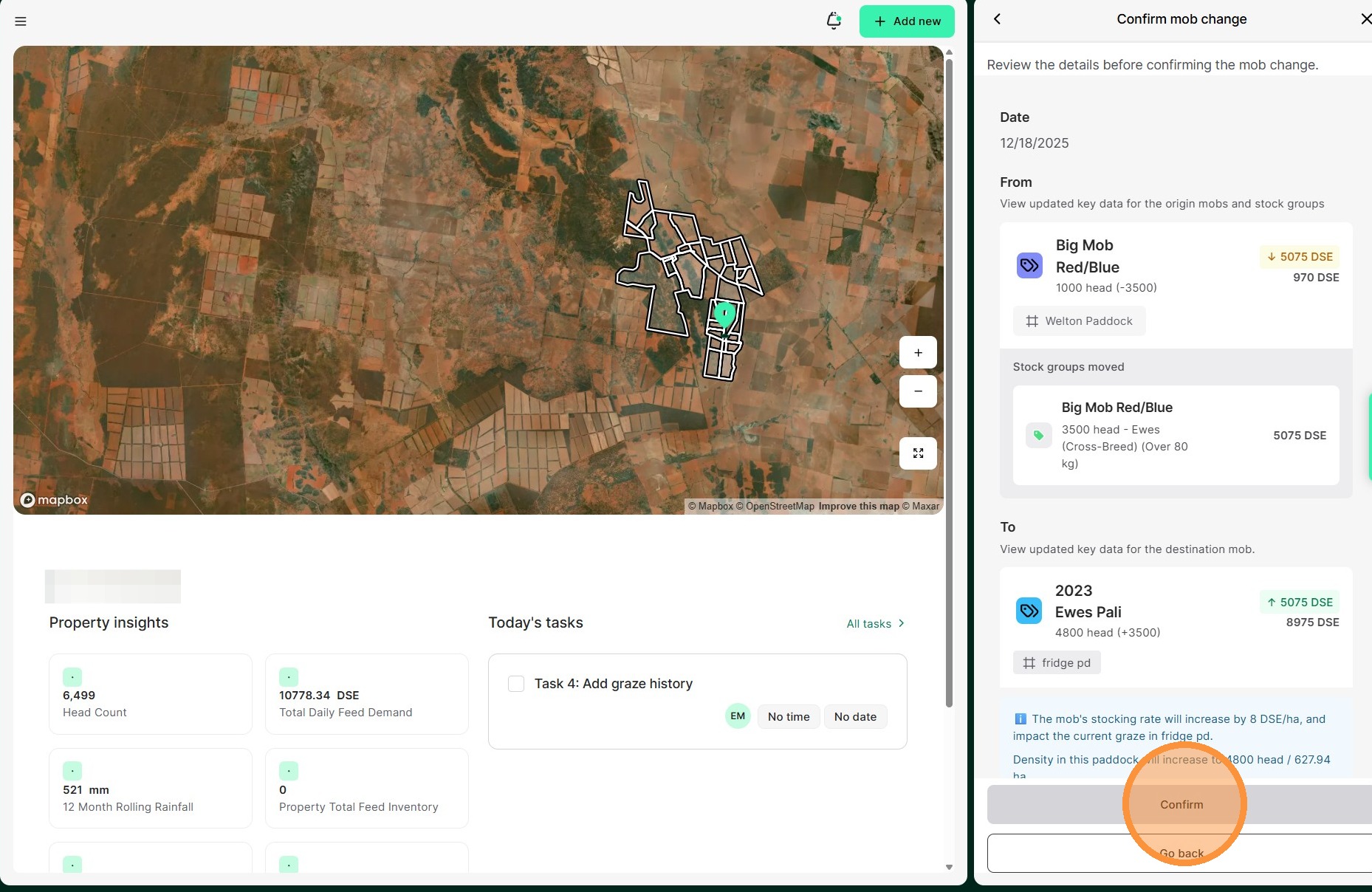
11. Select "Confirm"
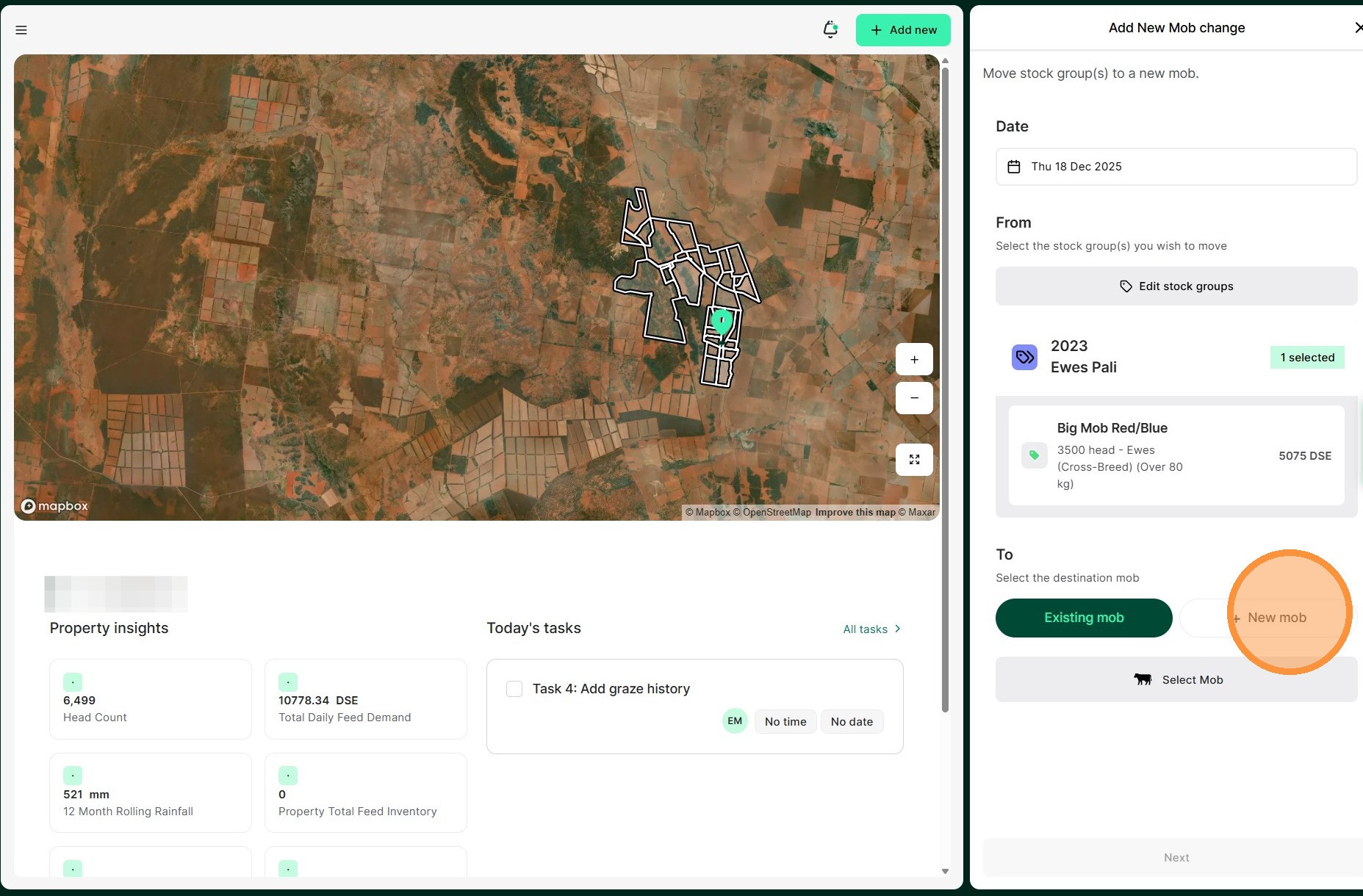
12. Select "New mob"
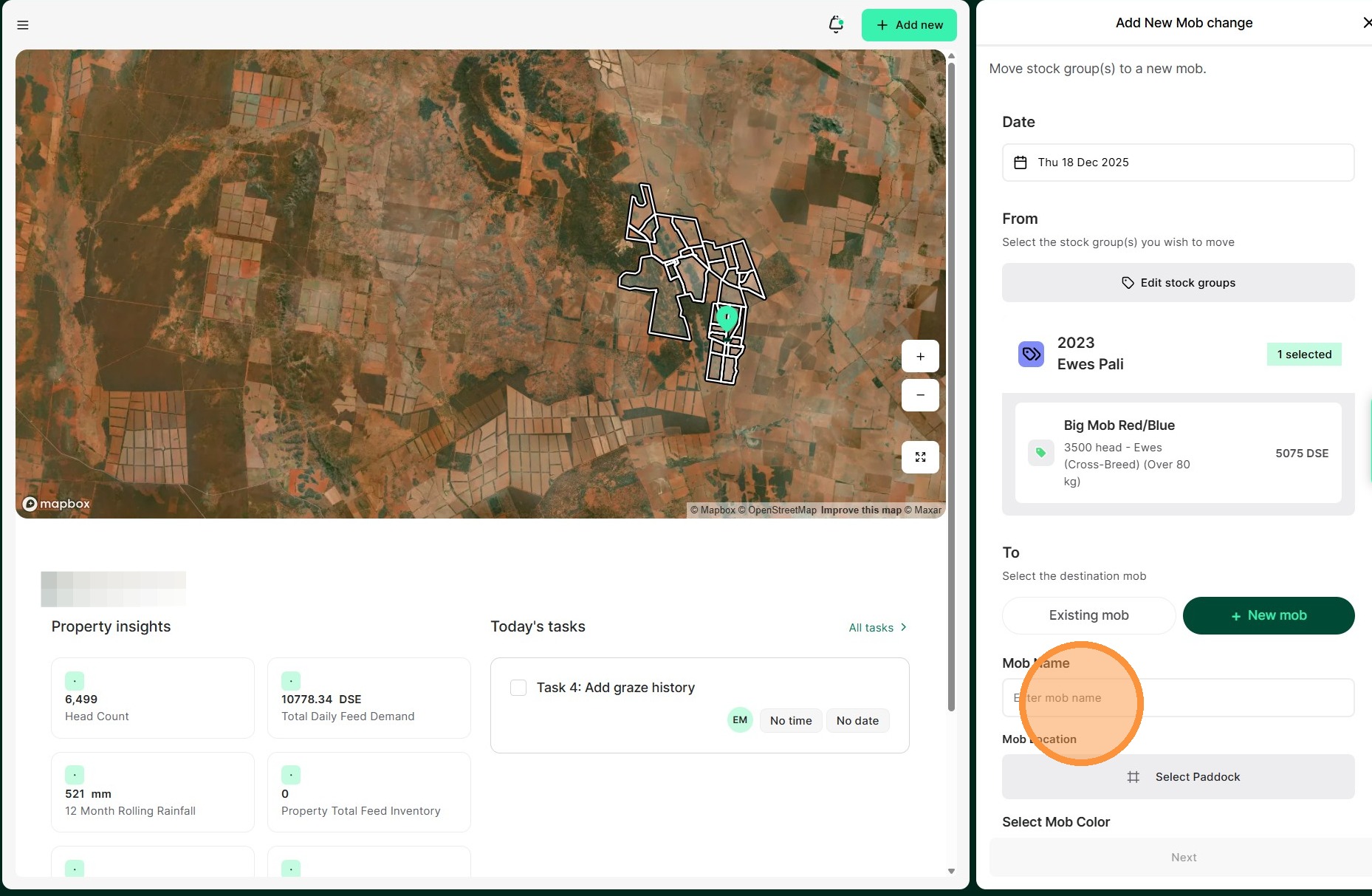
13. Enter the "new mob name" in the field.
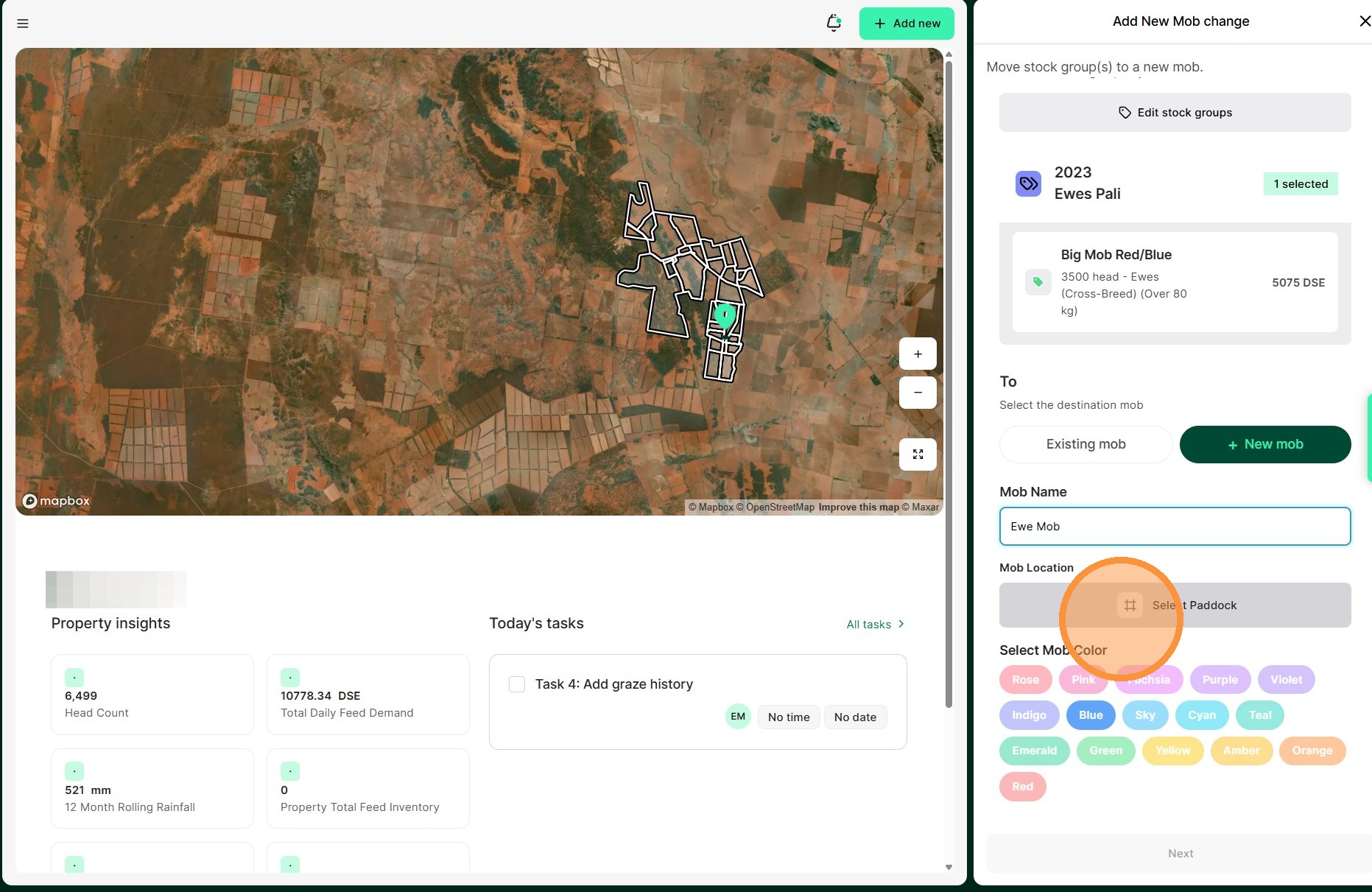
14. Enter the mobs location from the available paddocks
15. Select a mob colour before clicking "Next"
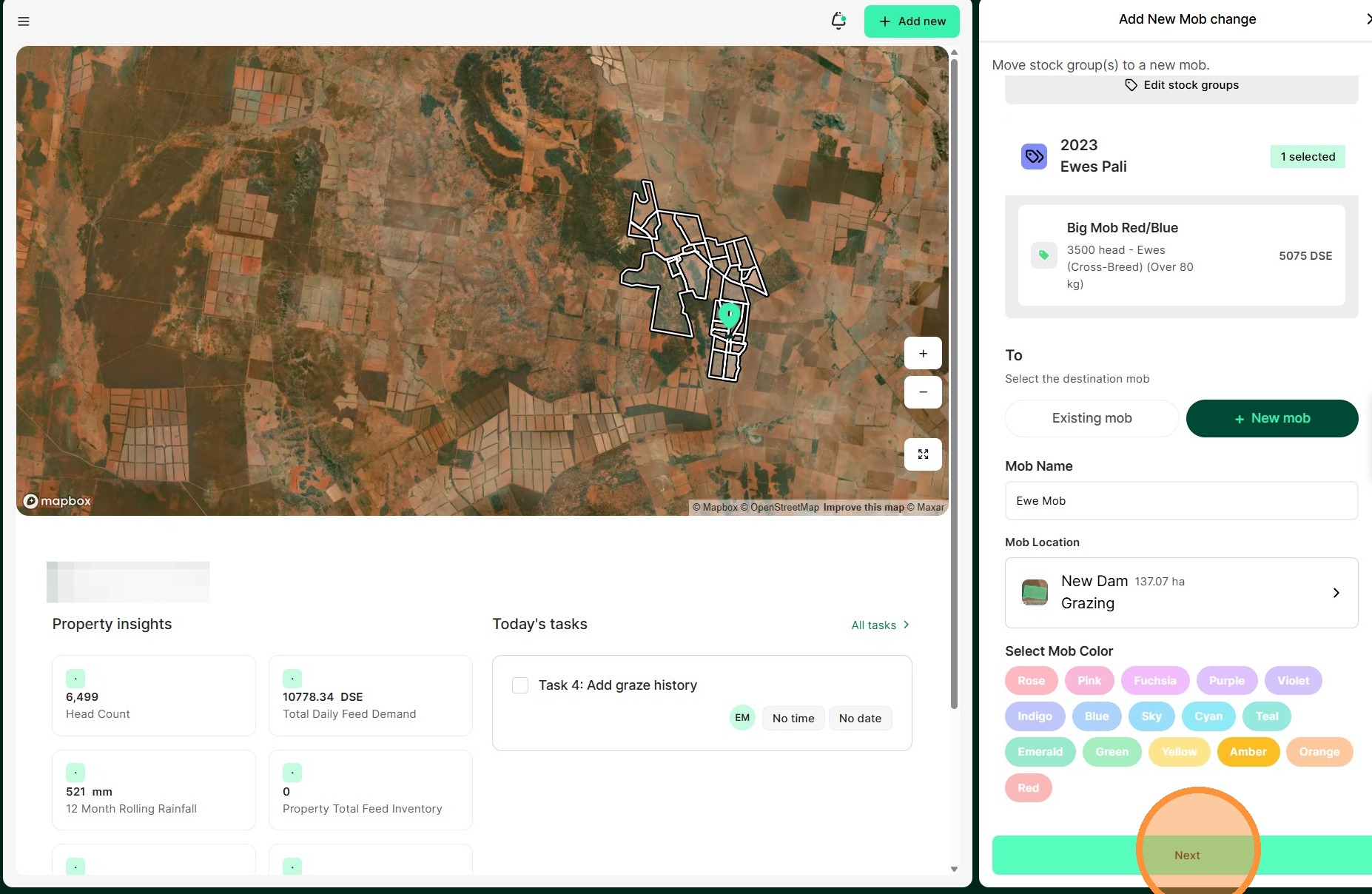
16. Review all details before selecting "Confirm" to complete