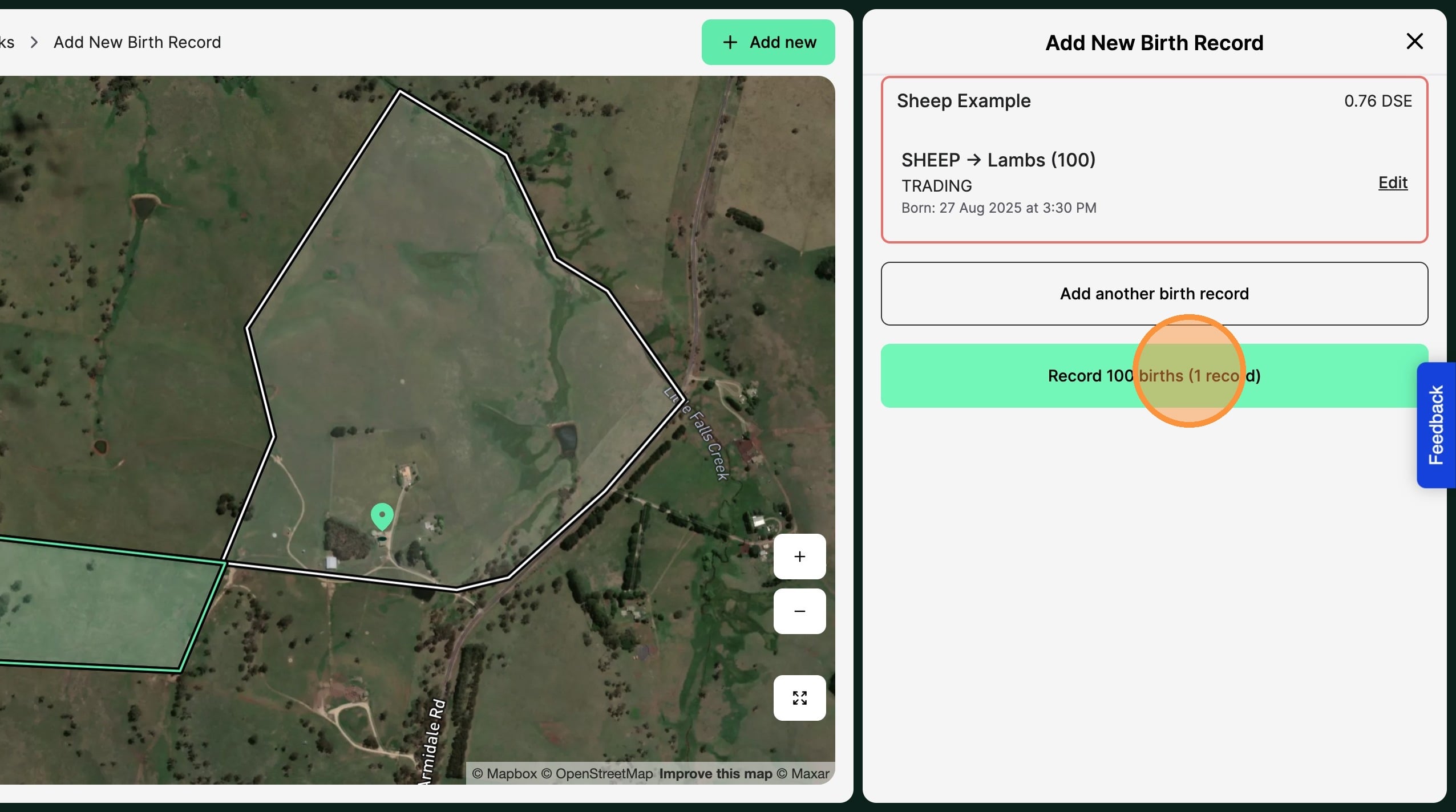
Tip: Tip! Record natural increase of livestock headcount from a birth record.
Note: When to create a birth record is a personal preference. Given the Mothers rating includes feed demand from the offspring, headcount recognition is not required for graze yields until weaning. Producers may choose to recognise headcount at either birth, weaning or branding (marking).
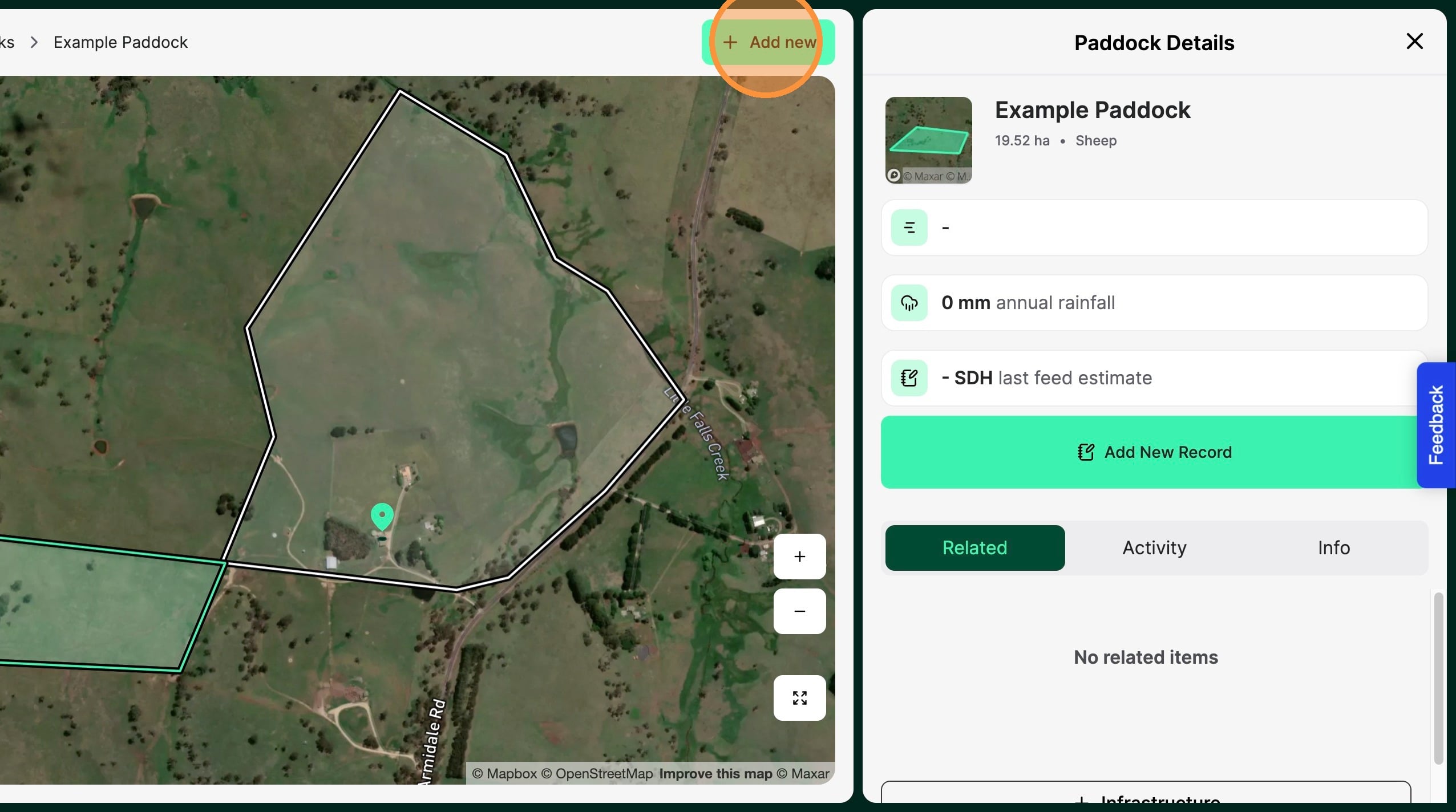
1. From the Home Dashboard Select "Add new"
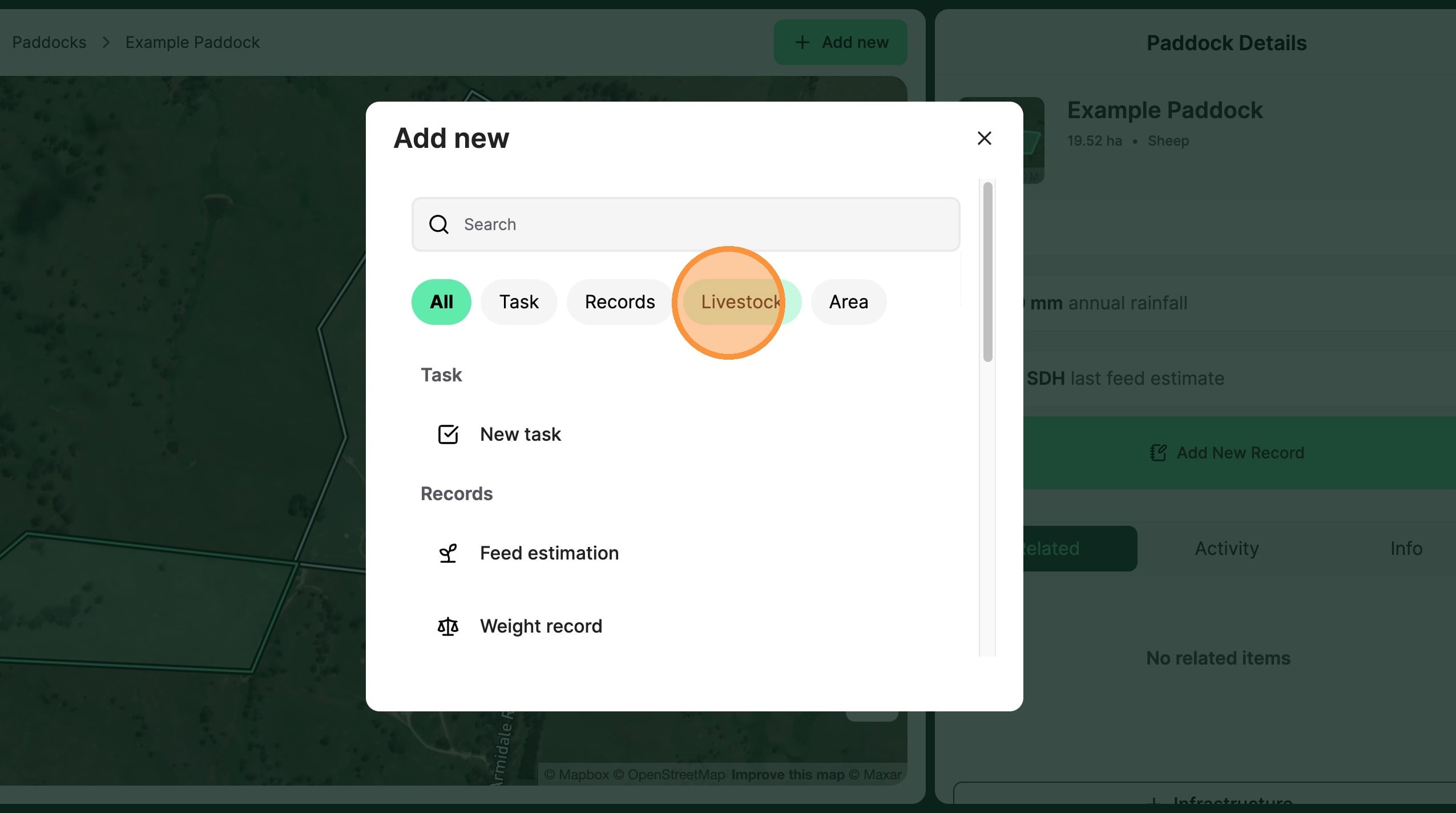
2. Select "Livestock"
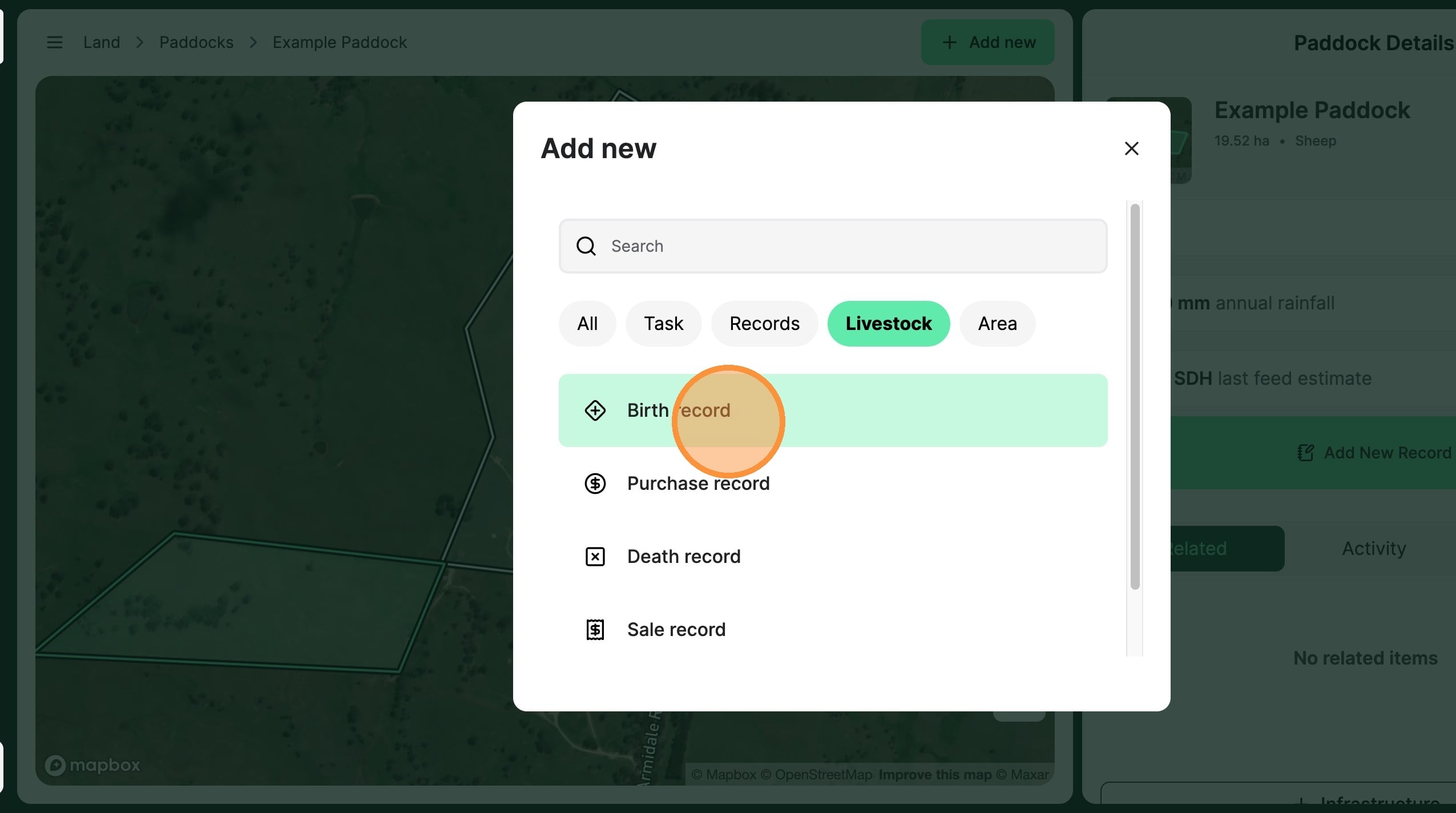
3. Select "Birth record"
4. Record the animal "Birth date"
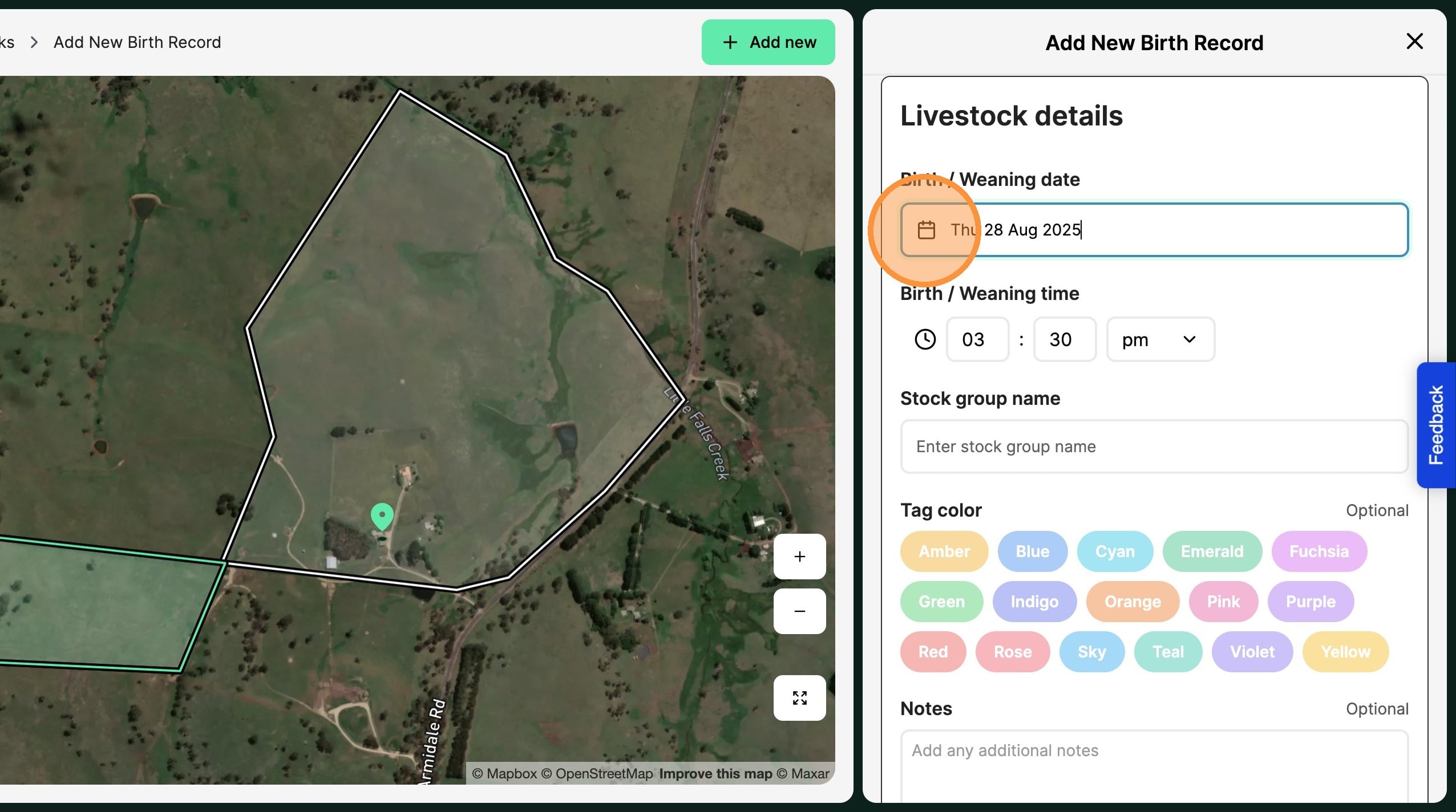
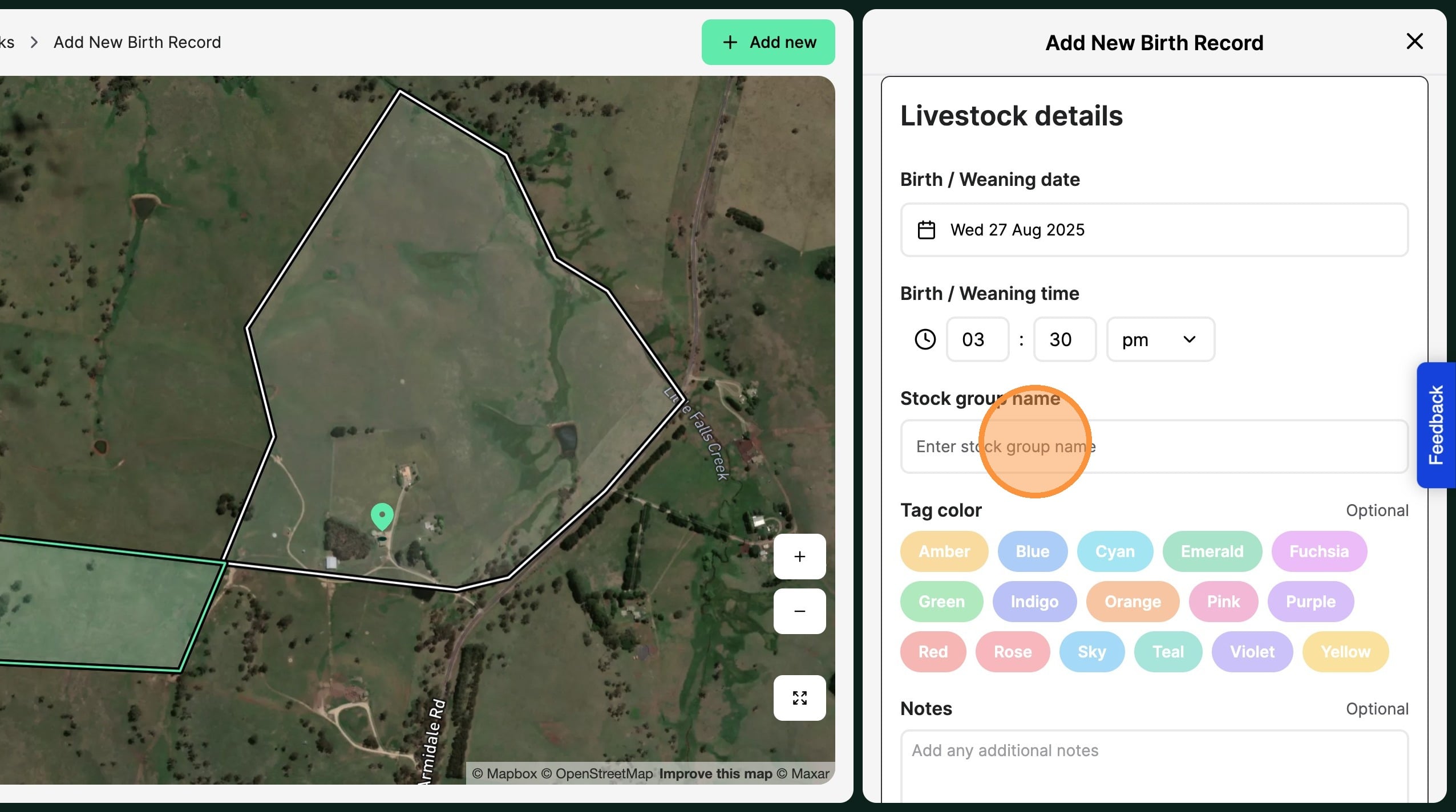
Tip: Tip! Use a naming convention that will make sense to you, eg: 2025 August bred lambs
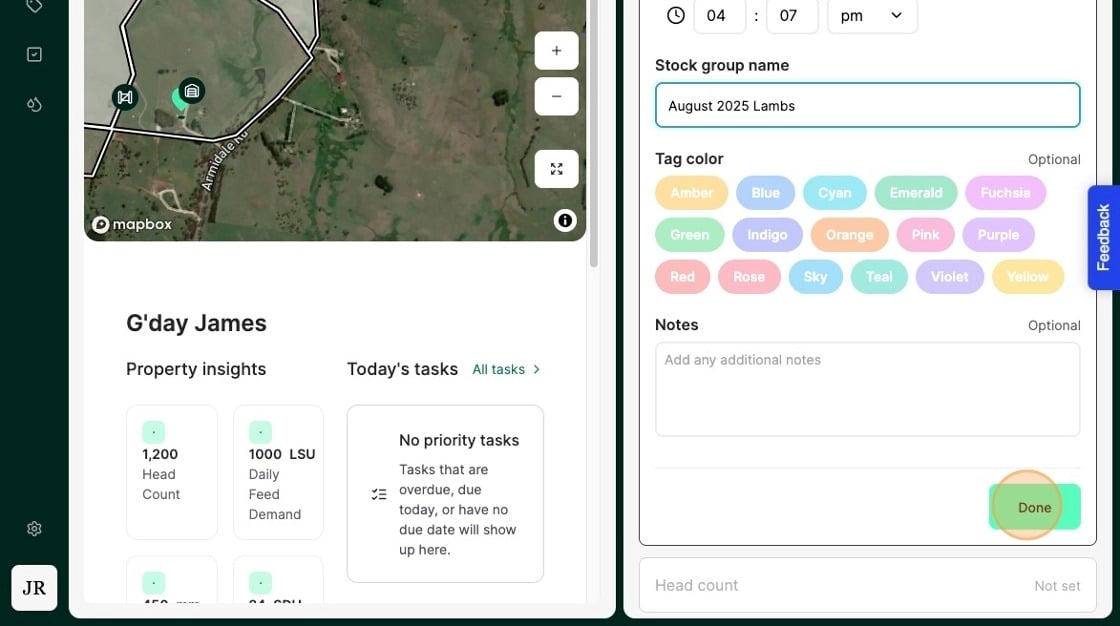
5. Create a stock group to recognise the new headcount.
6. Select "Done"
7. Select "Head count"
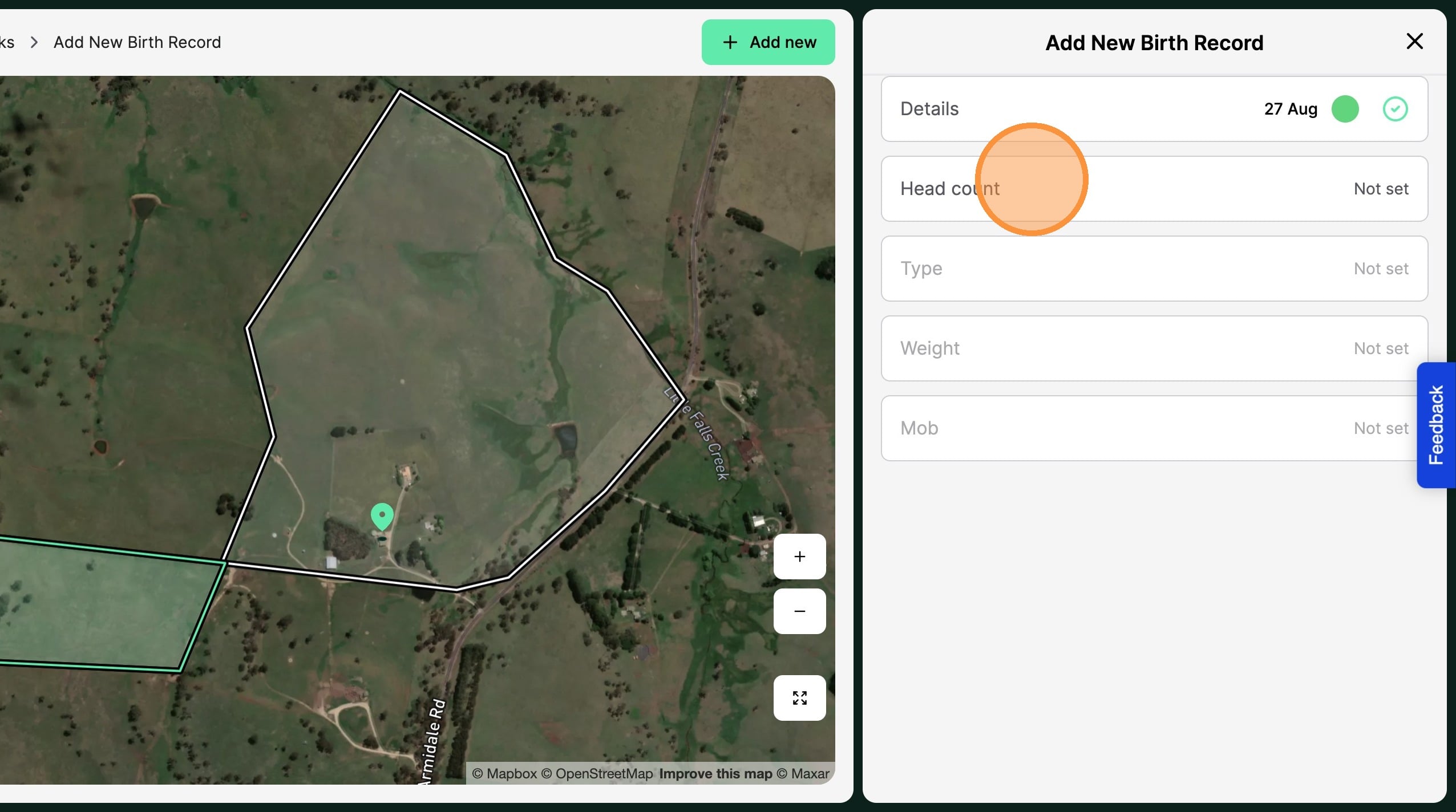
8. Record the "number of animals born"
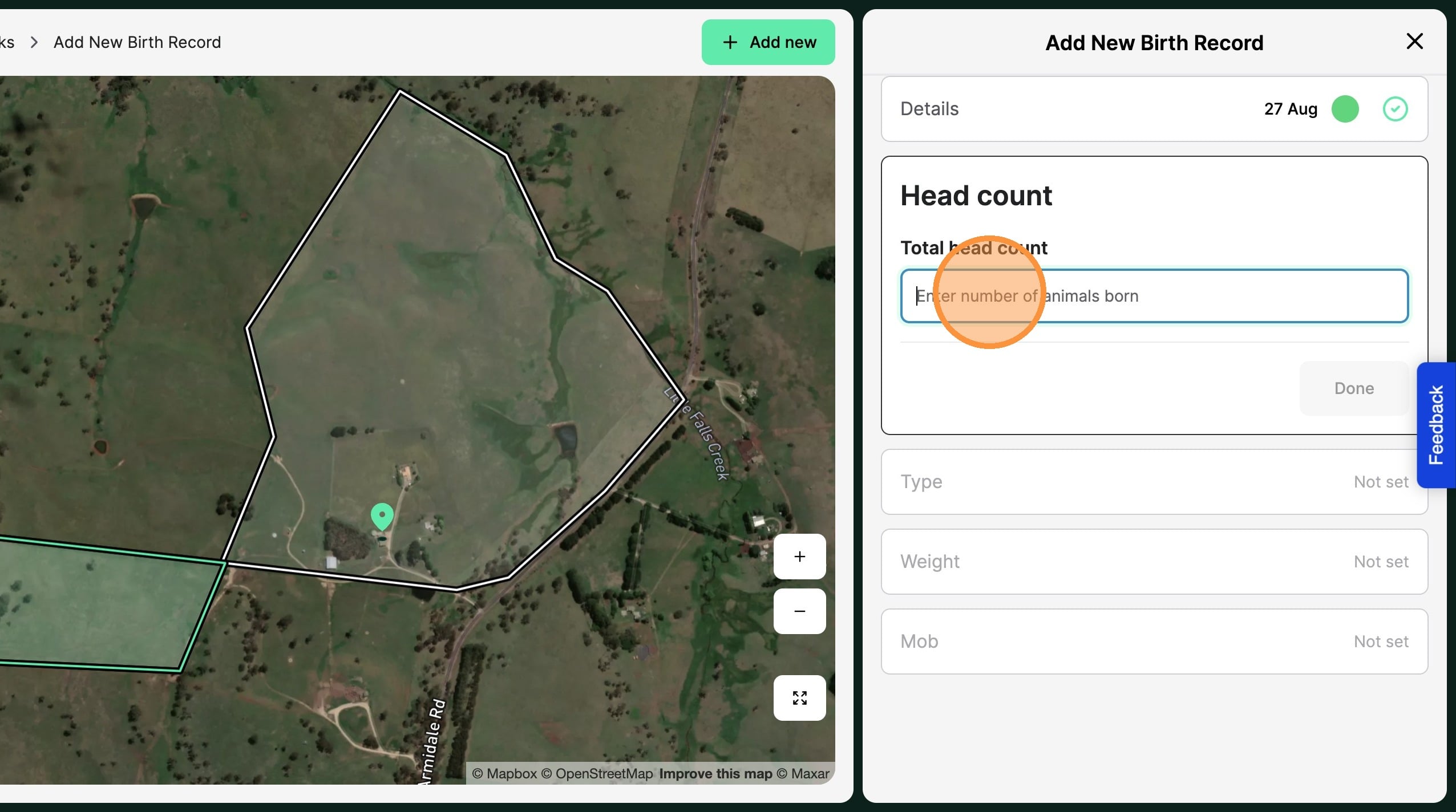
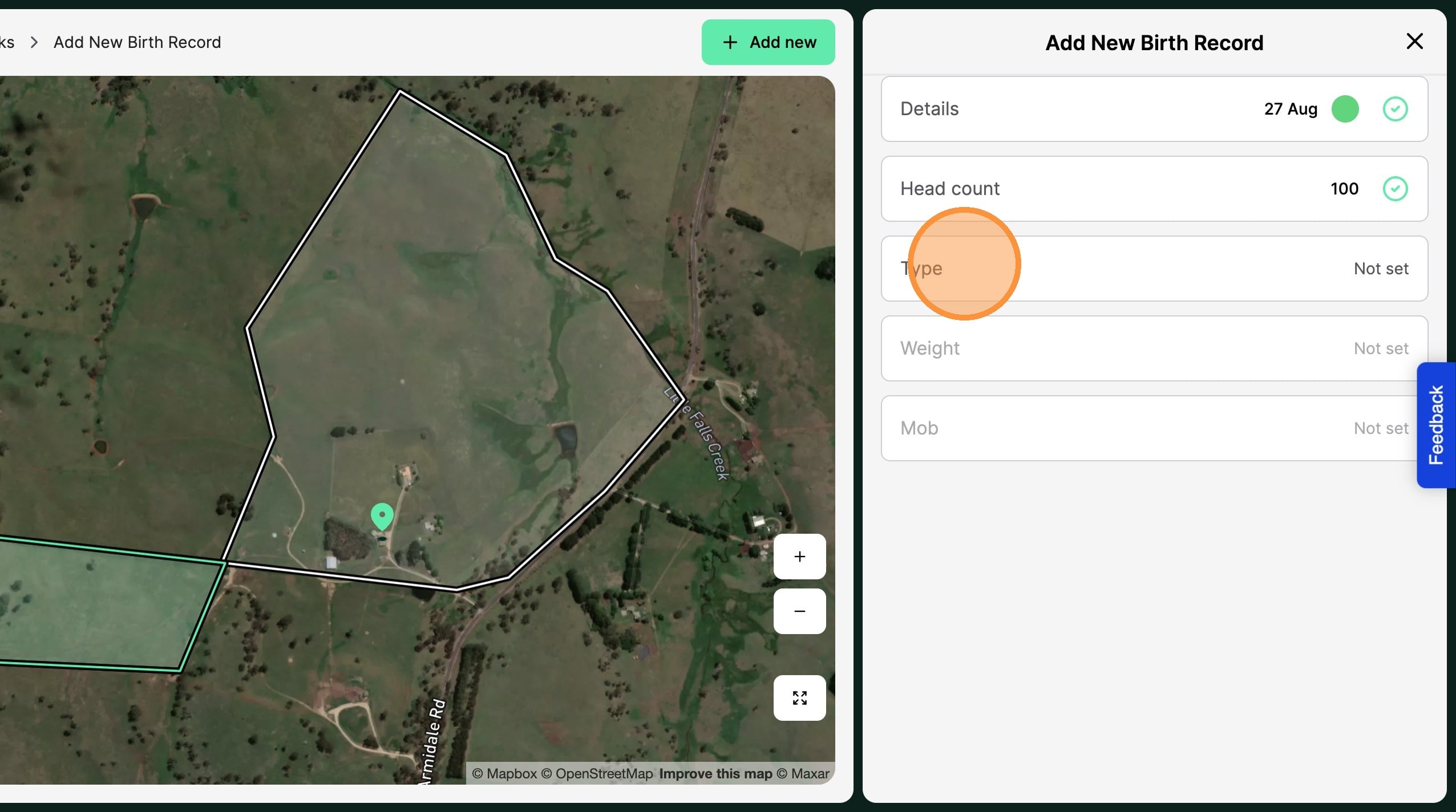
9. Select "Done"
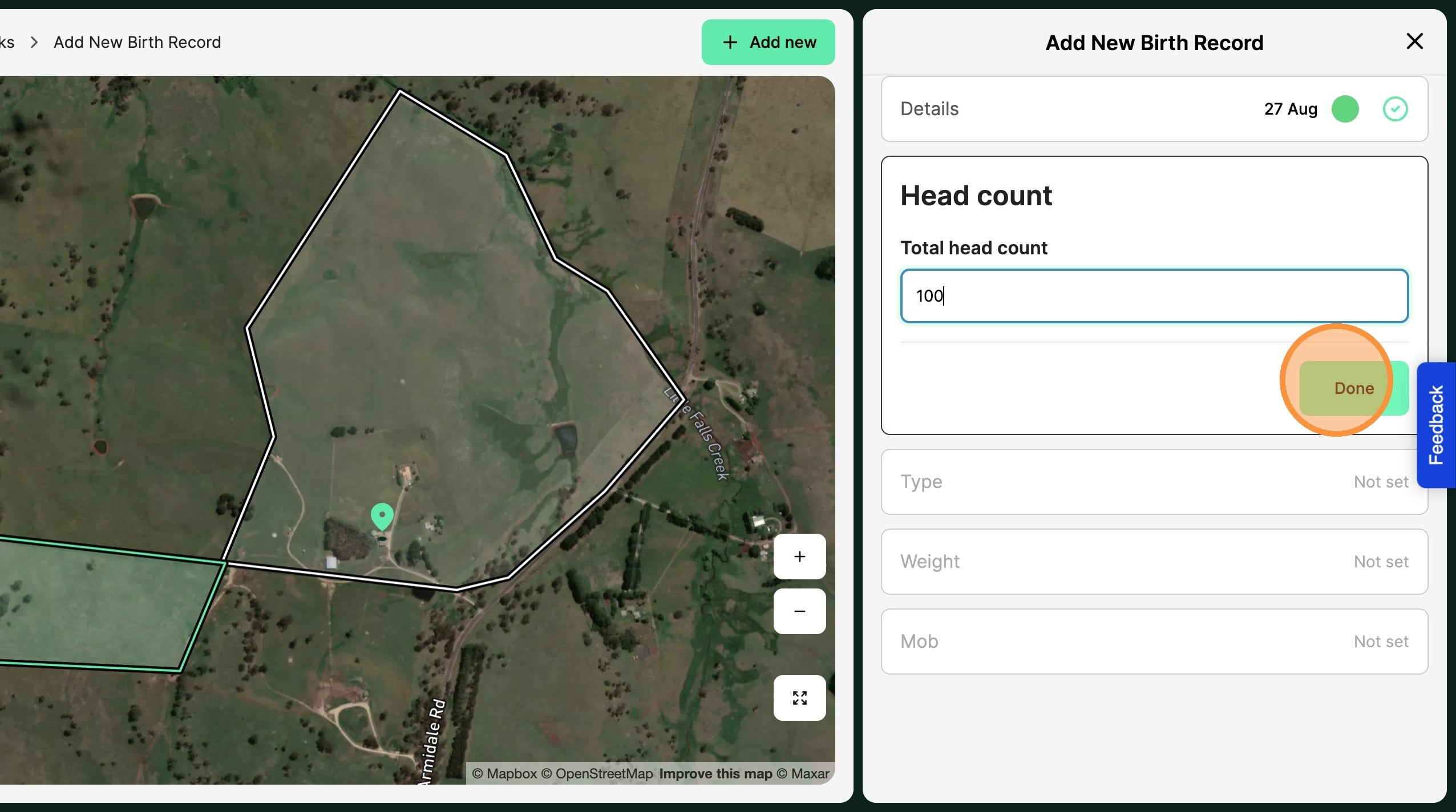
10. Select "Type"
11. Record the Animals "Objective","Species", "Class" and "Breed"
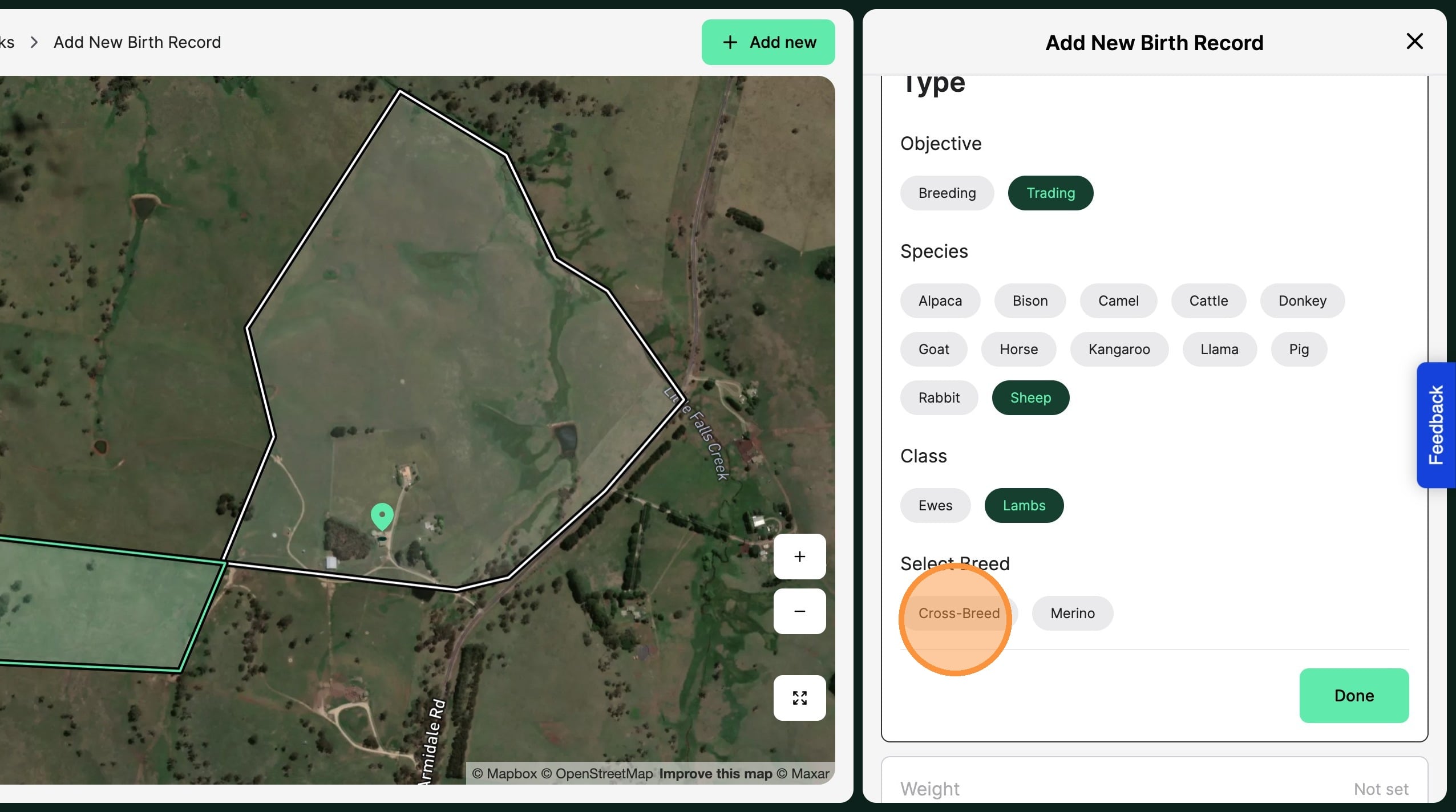
12. Select"Done"
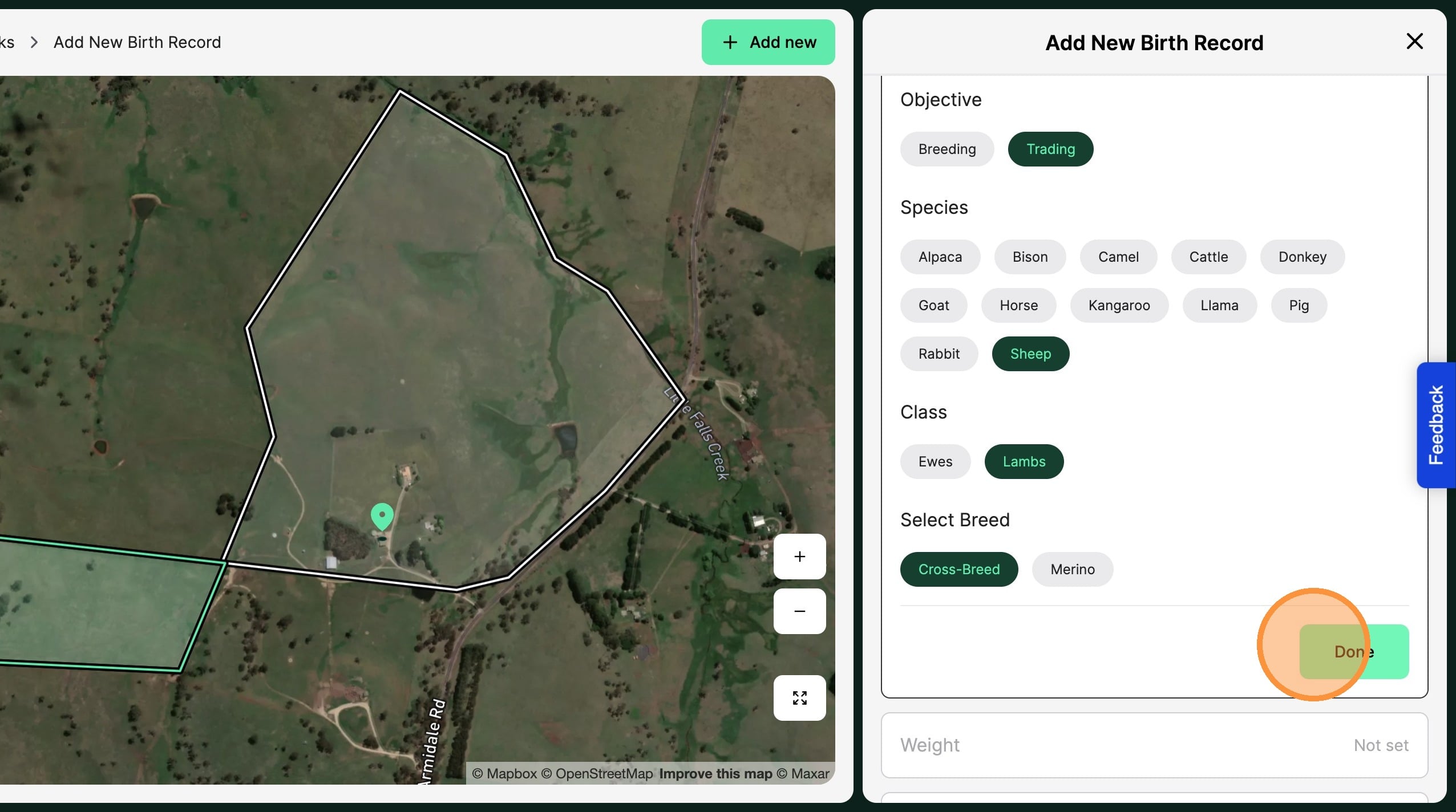
13. Select "Weight"
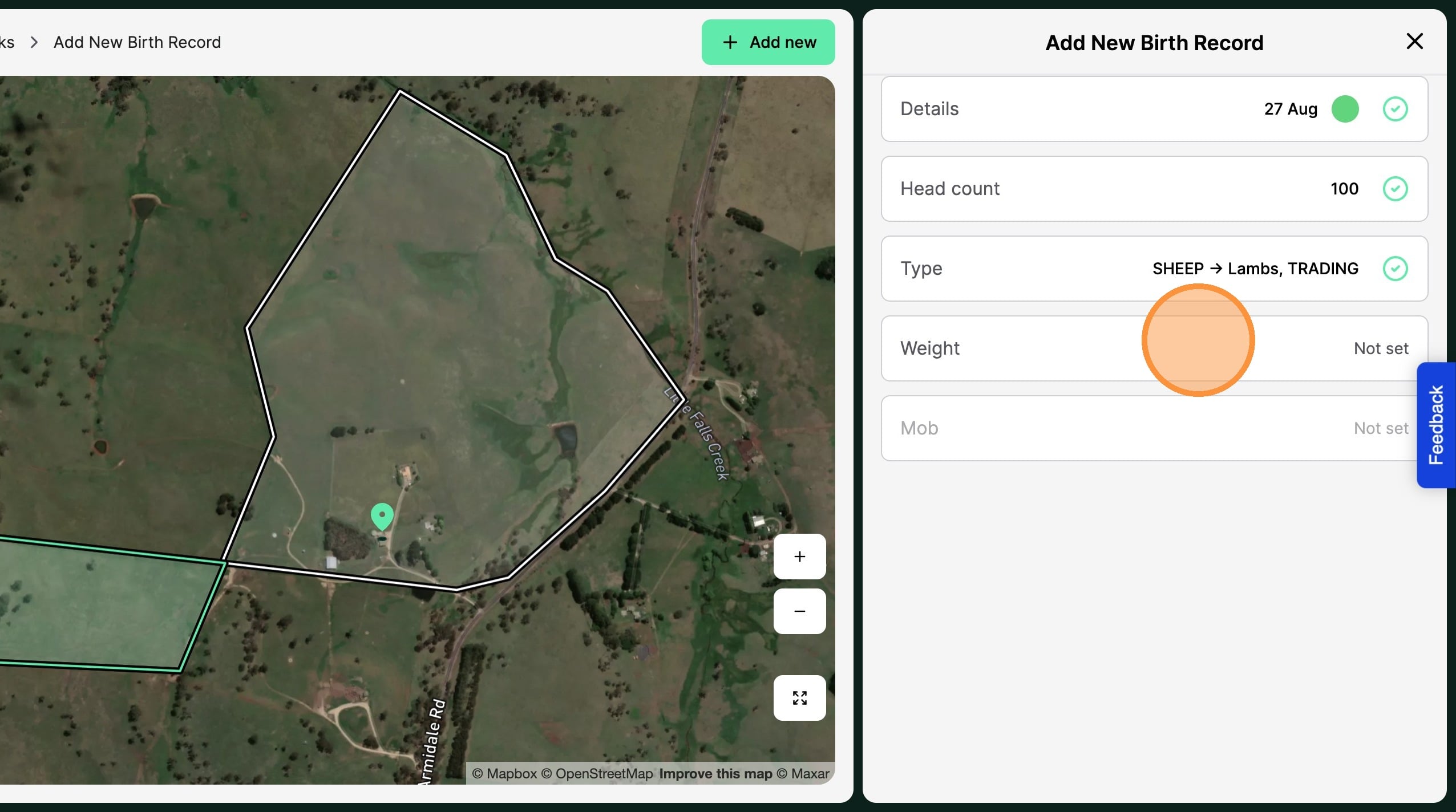
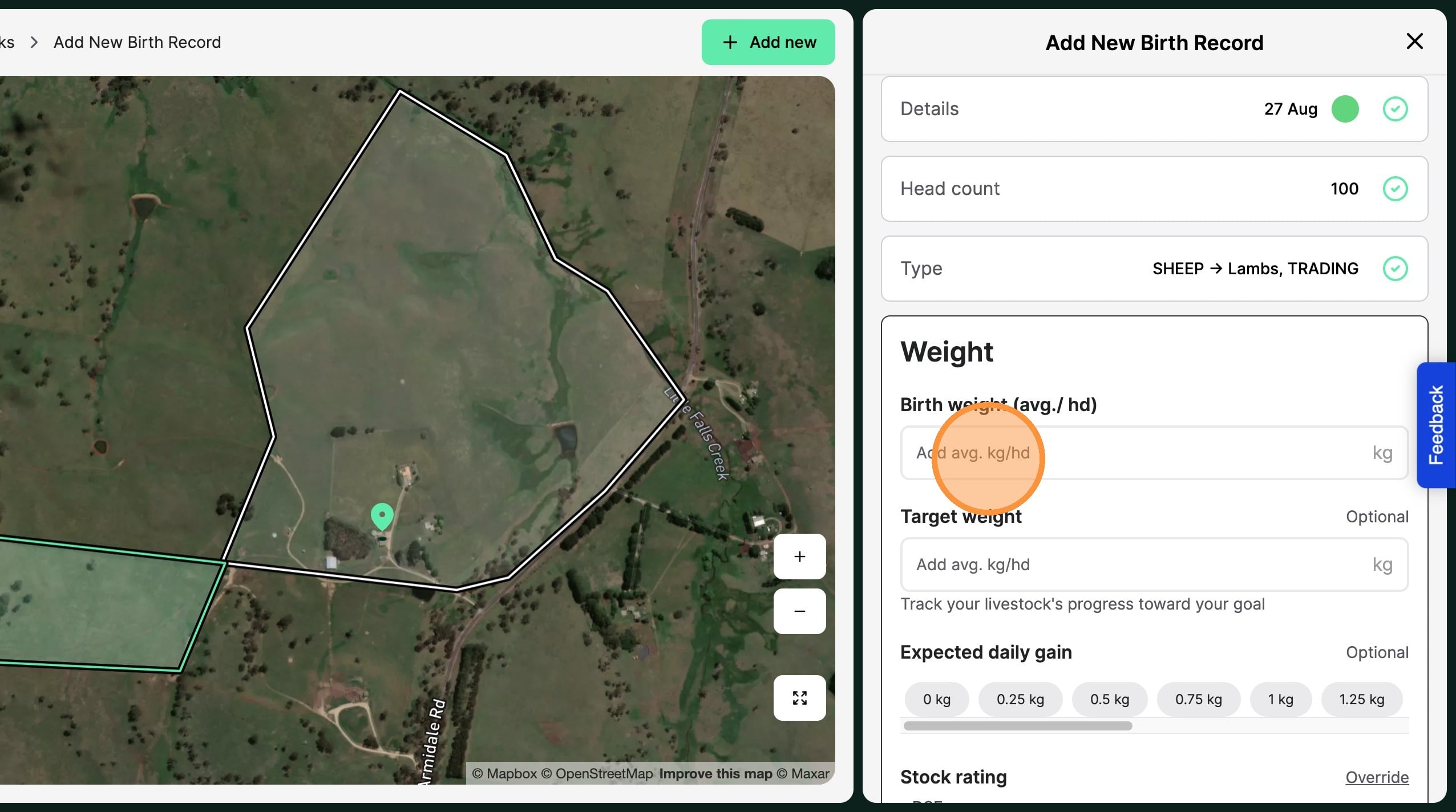
14. Record the animals "Birth weight"
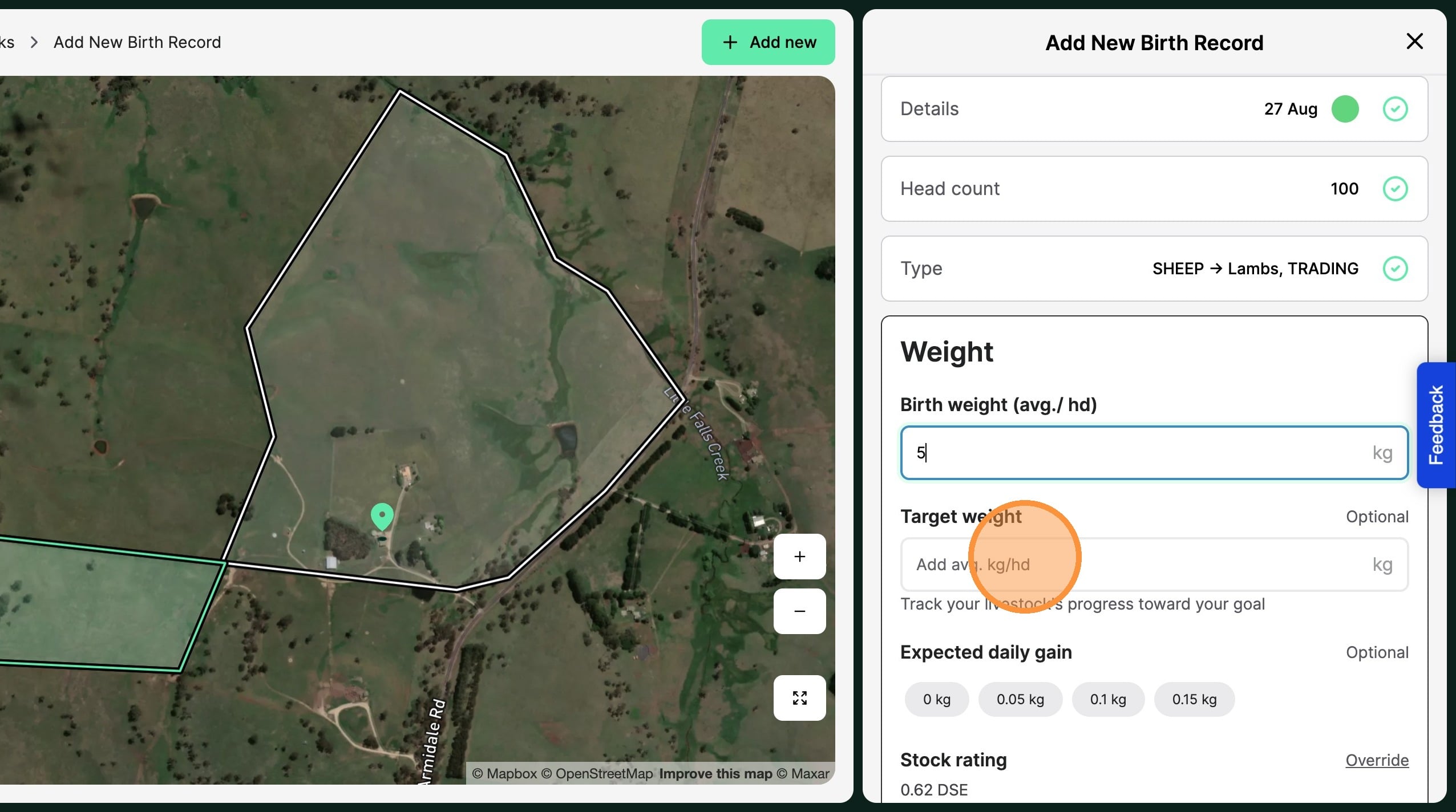
15. Set the animals "Target Weight" and the desired "Daily Gain".
The daily gain can be an estimate, and contributes to the Animal Rating.
16. Select "Done"
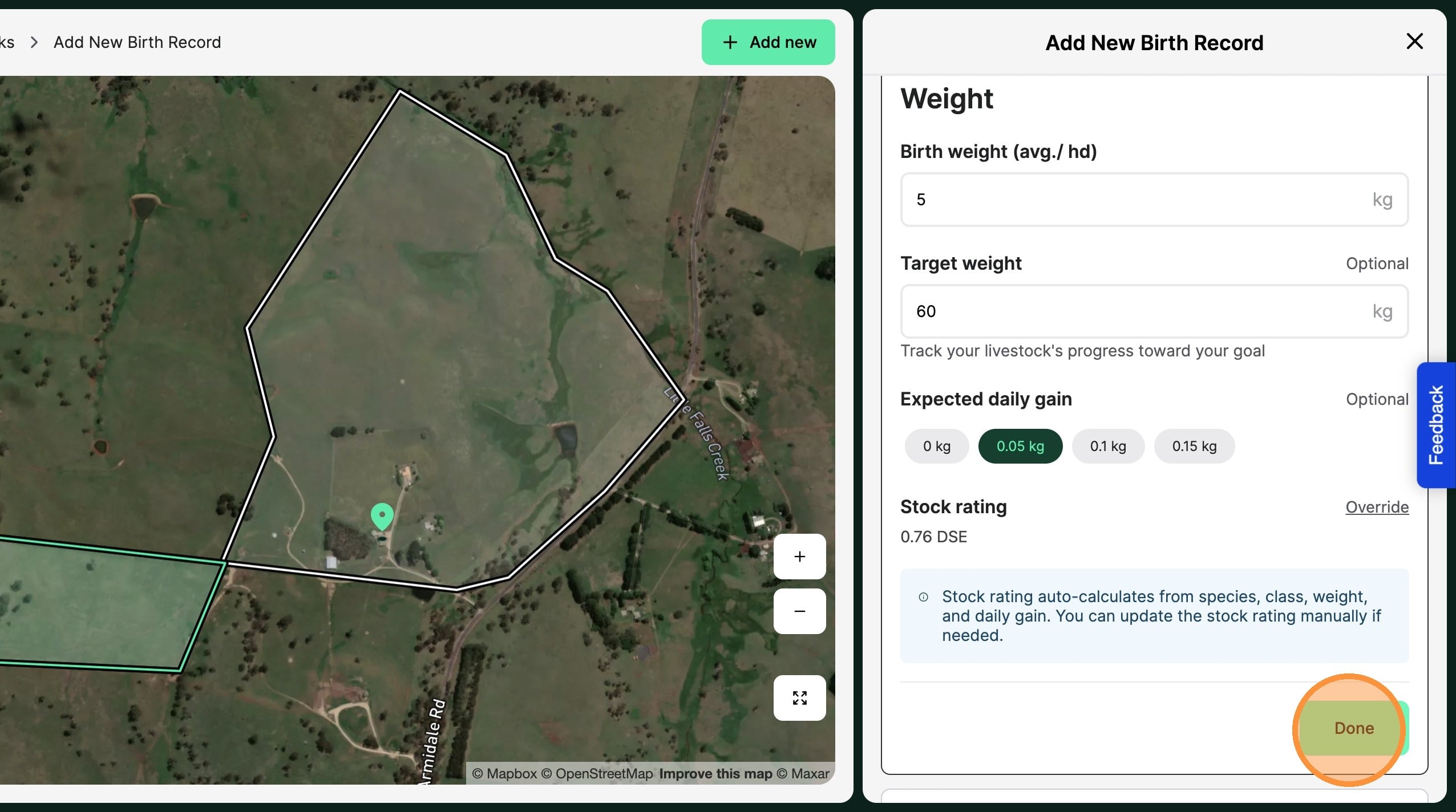
17. Select "Mob"
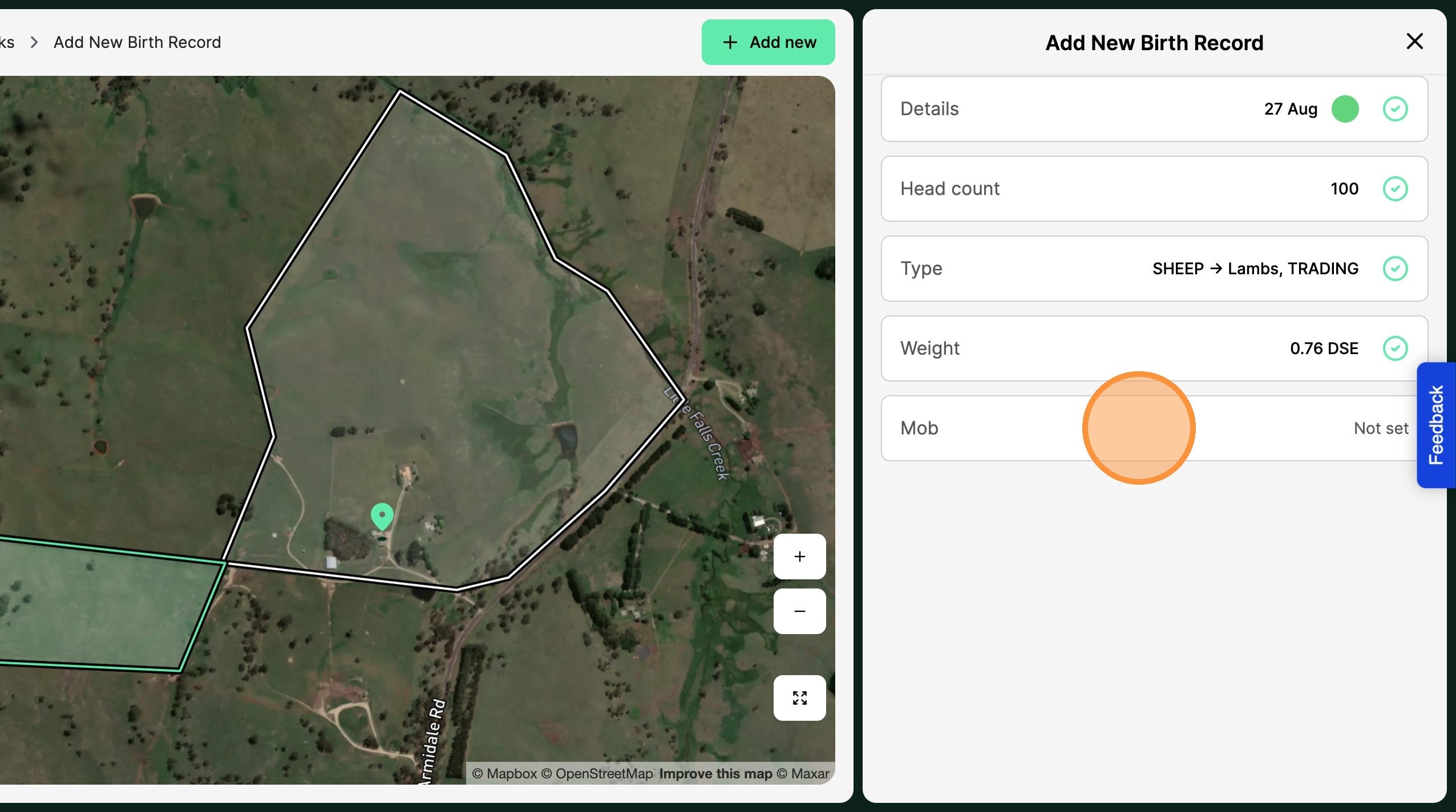
18. Add the animal to an "Exisiting mob" or select "Create New Mob"
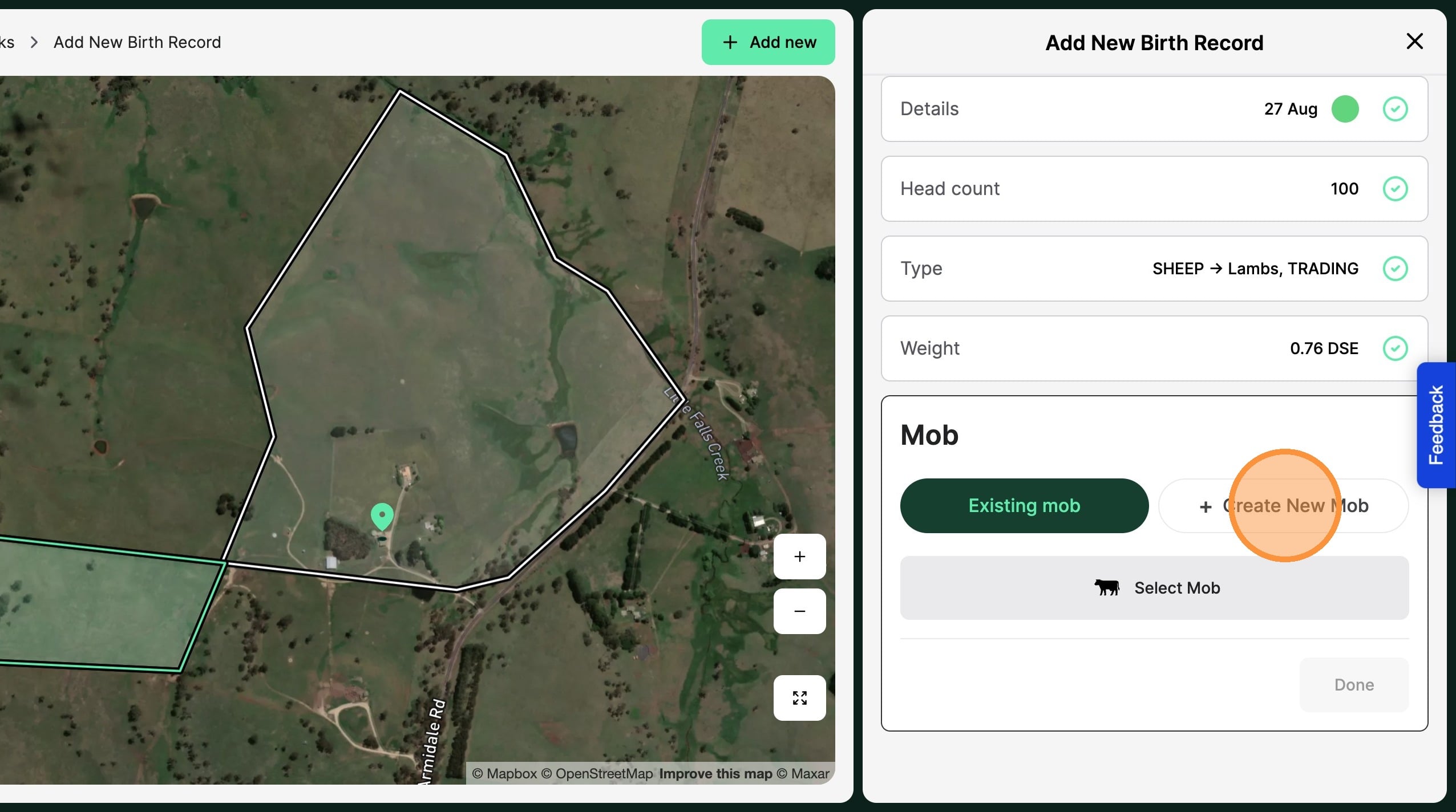
19. If adding the animal to an "existing mob" select from the mobs available
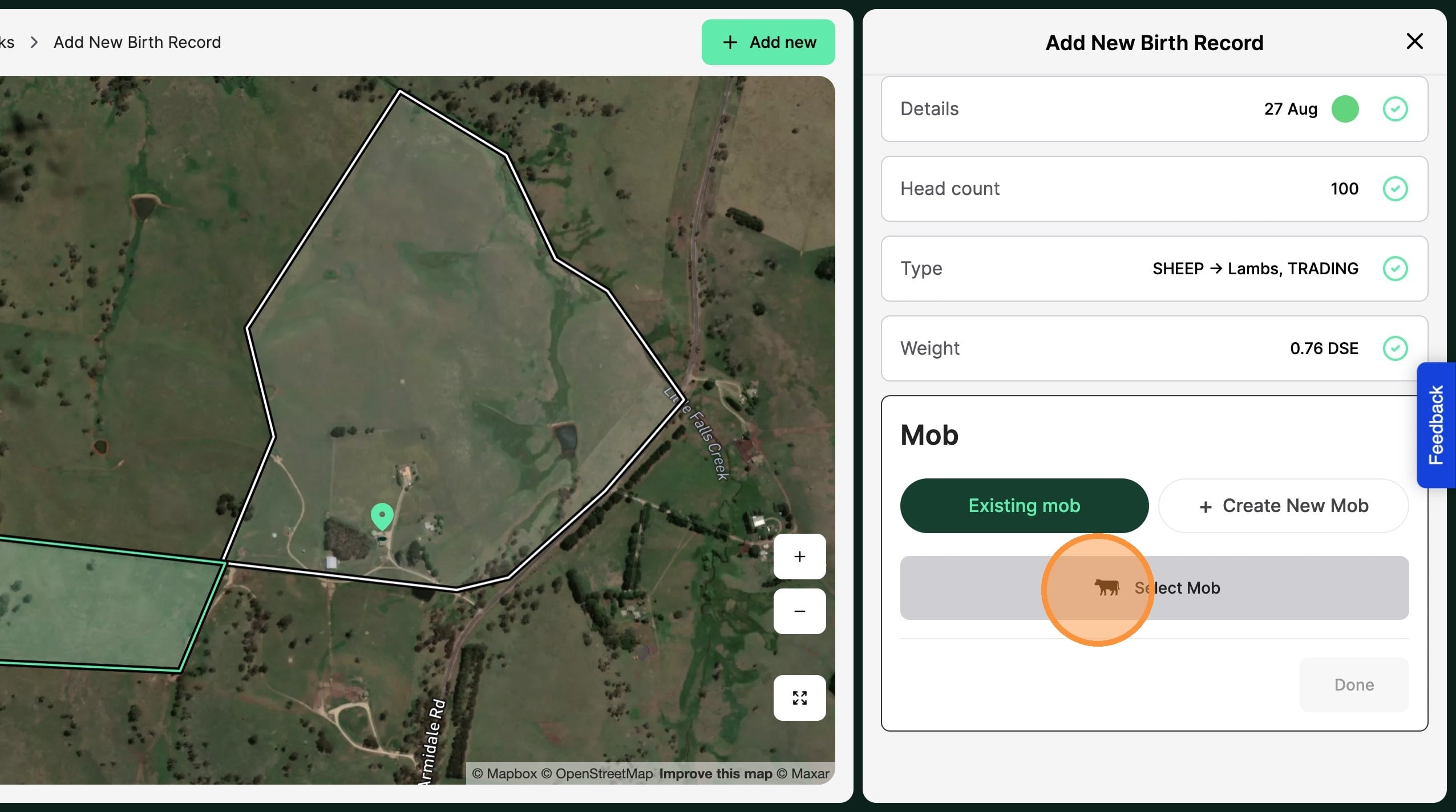
20. If creating a new mob for the animal select "Create New Mob"
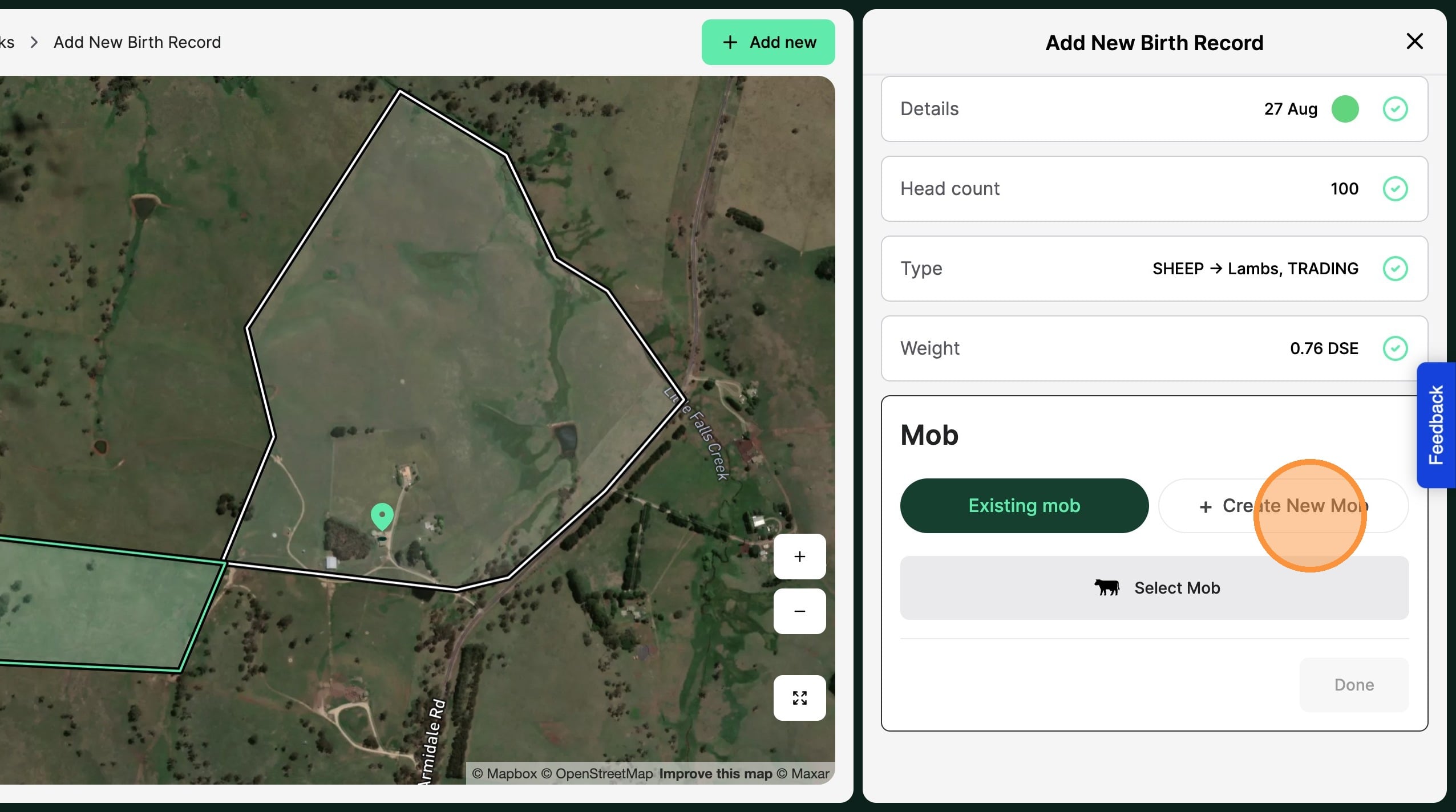
21. Create the new "Mob name"
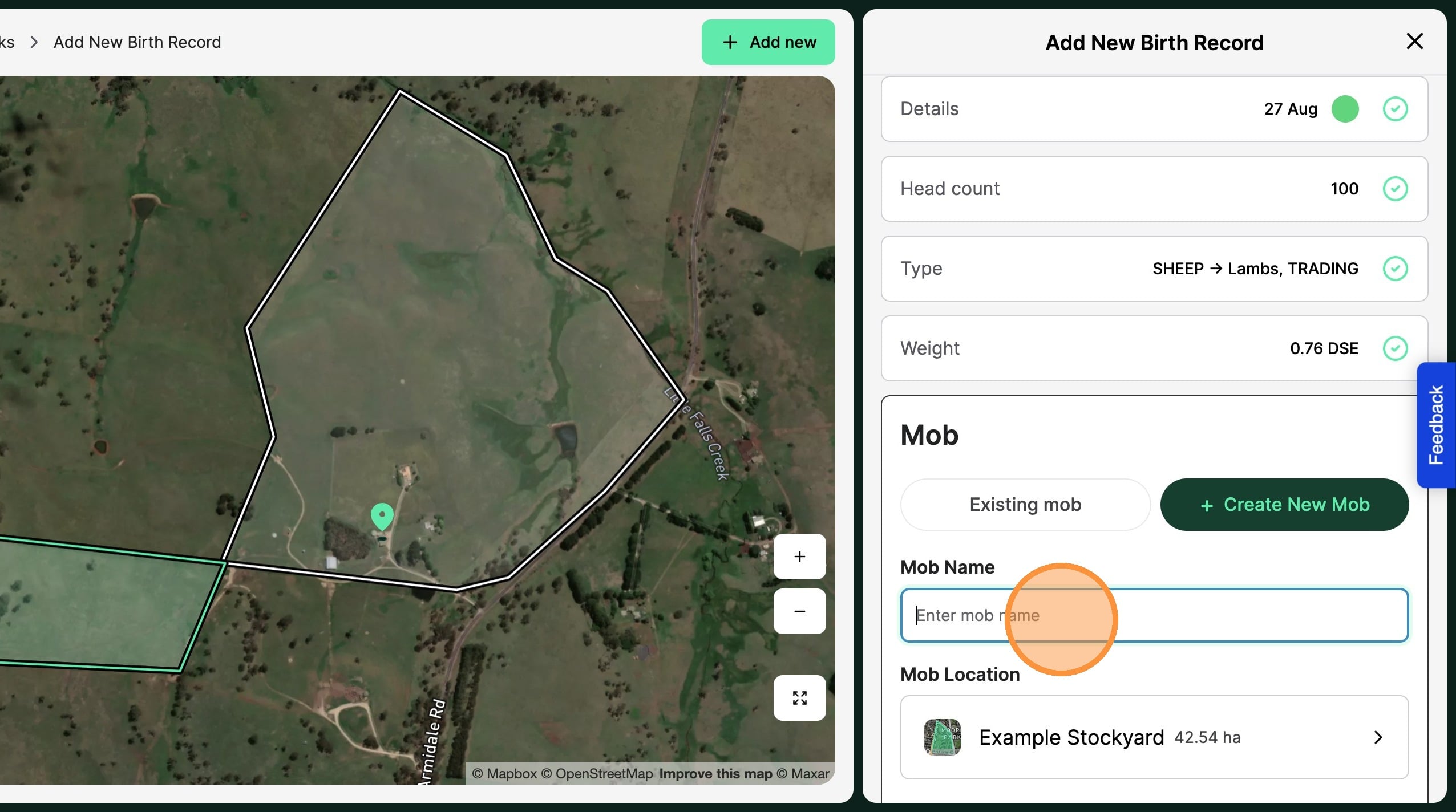
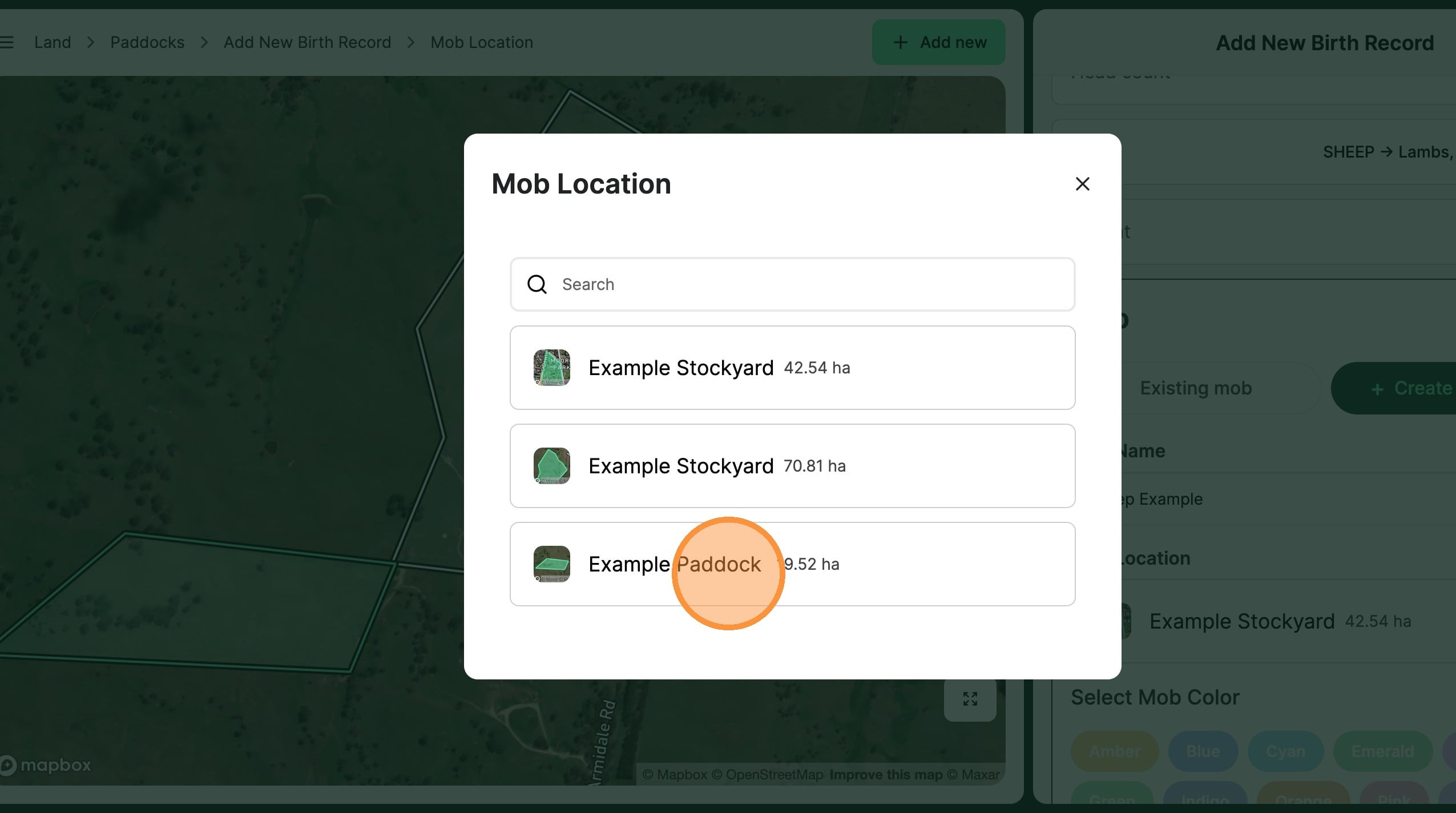
22. Select the paddock location of the new mob
23. Click "Done"
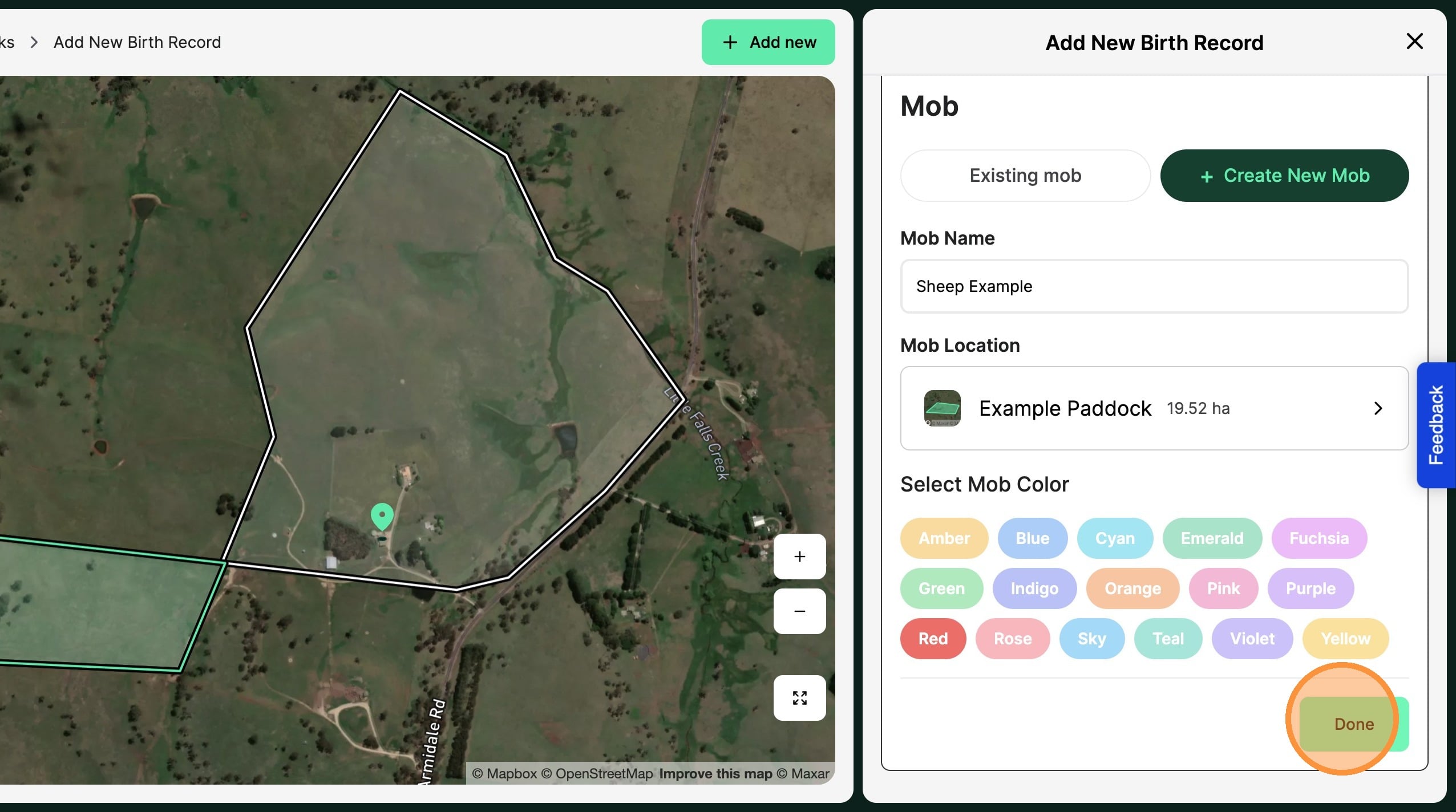
24. If there are multiple groups of births you are wishing to record, “Add another birth record”. This is useful if you are tracking different breeds or stock lines.
When all birthed Stock groups are created, select "Record births" to complete the birth record, and create the new stock groups.