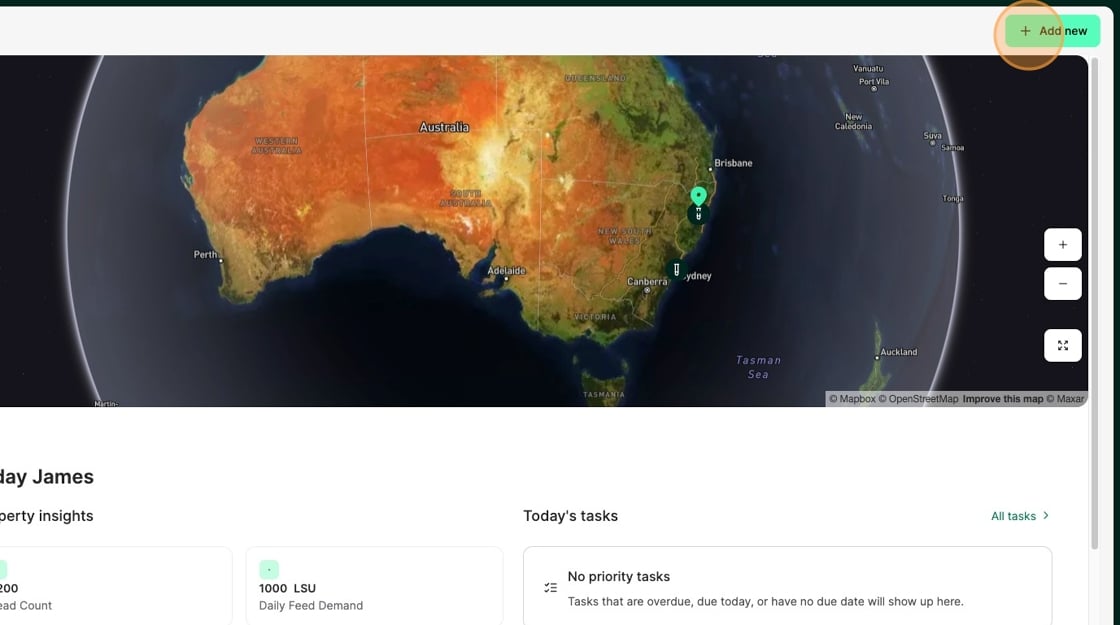
1. From the Home Dashboard Select "Add new"
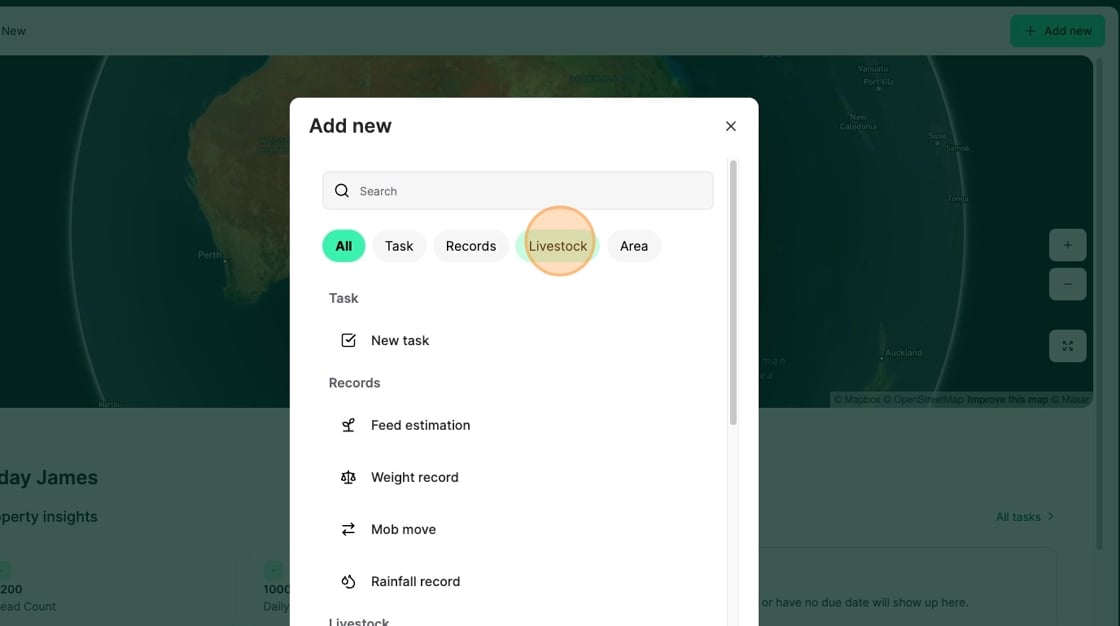
2. Select "Livestock"
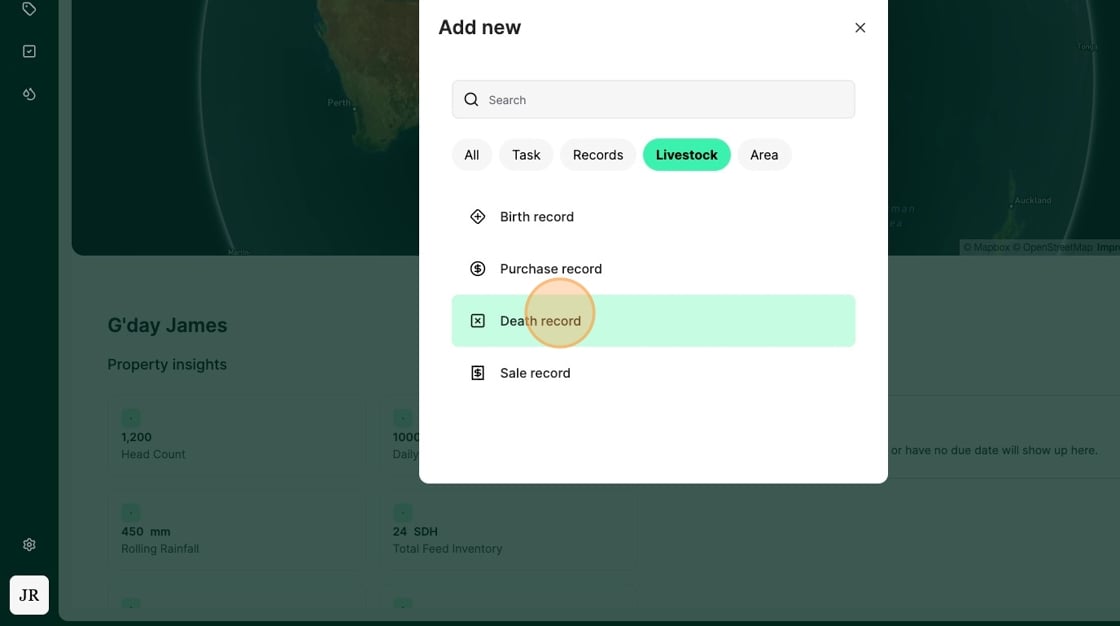
3. Select "Death record"
4. Record the "Death Date" of the livestock
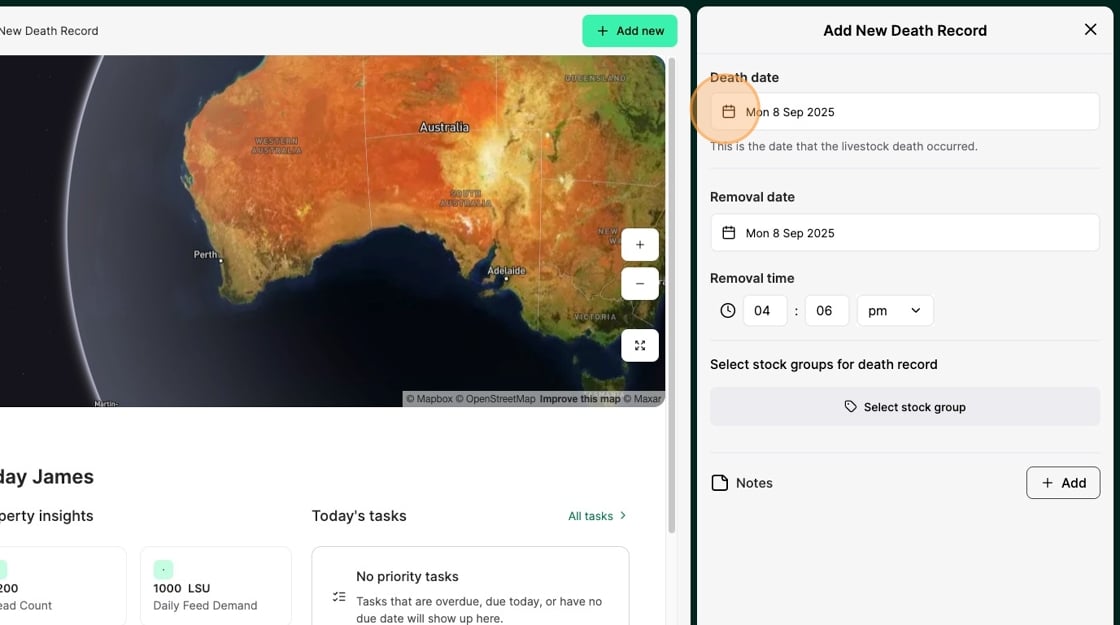
5. Record the "Removal Date" of the livestock
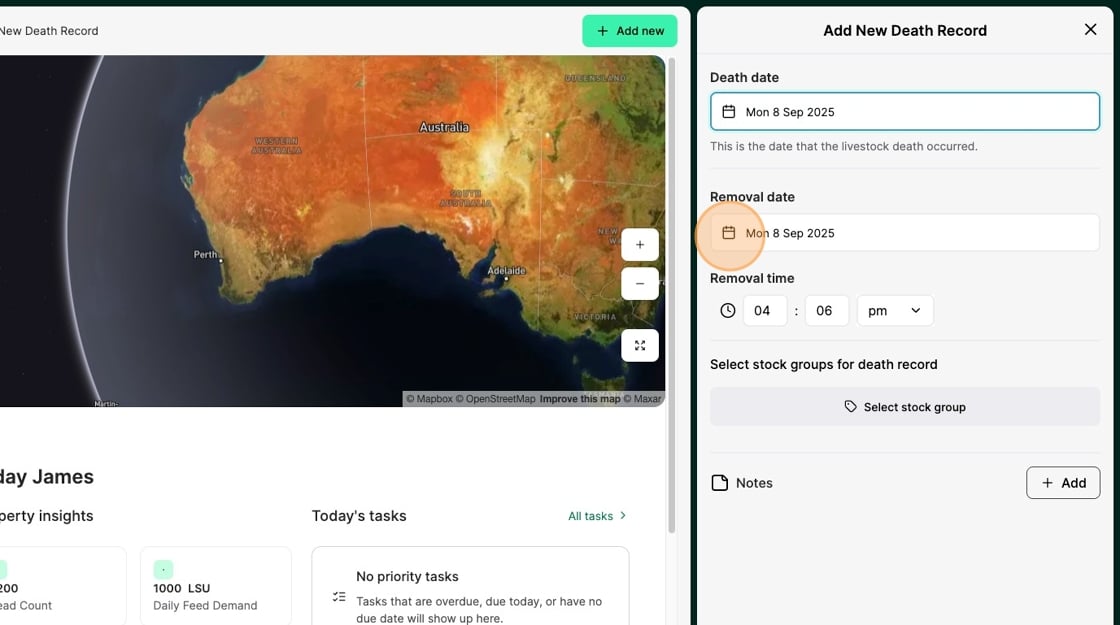
6. Select the "Stock Group" that you want the livestock removed from
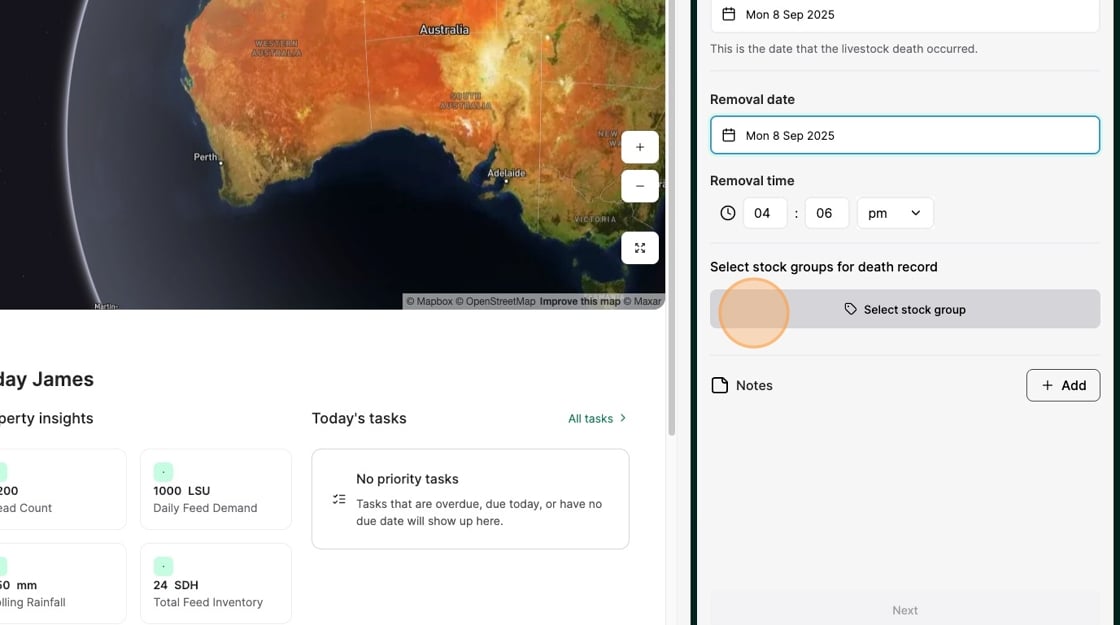
7. Select from available stock groups
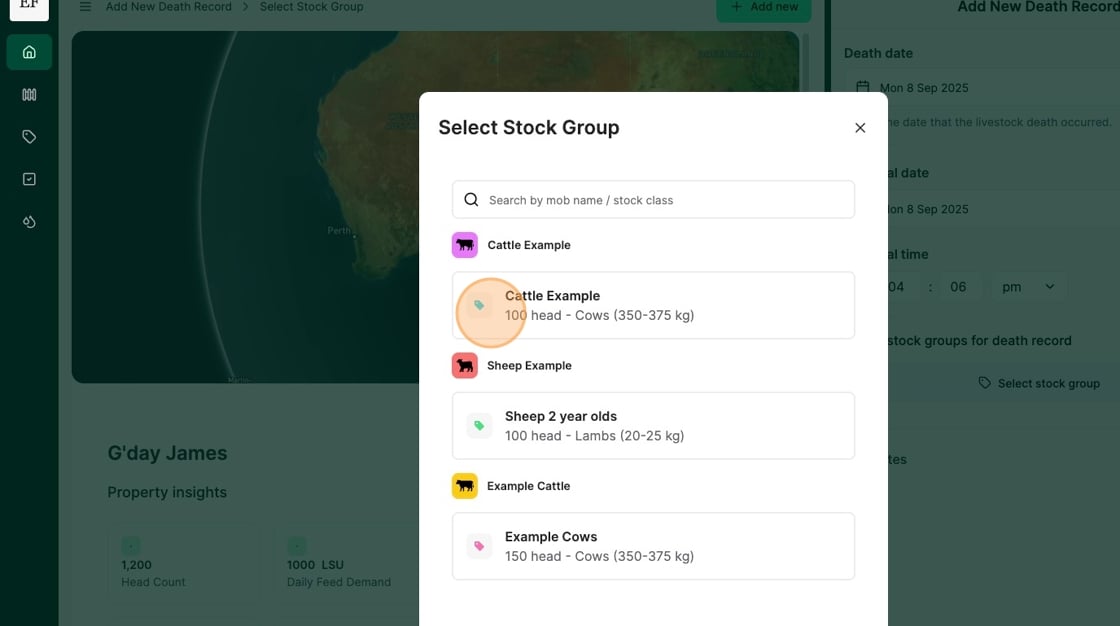
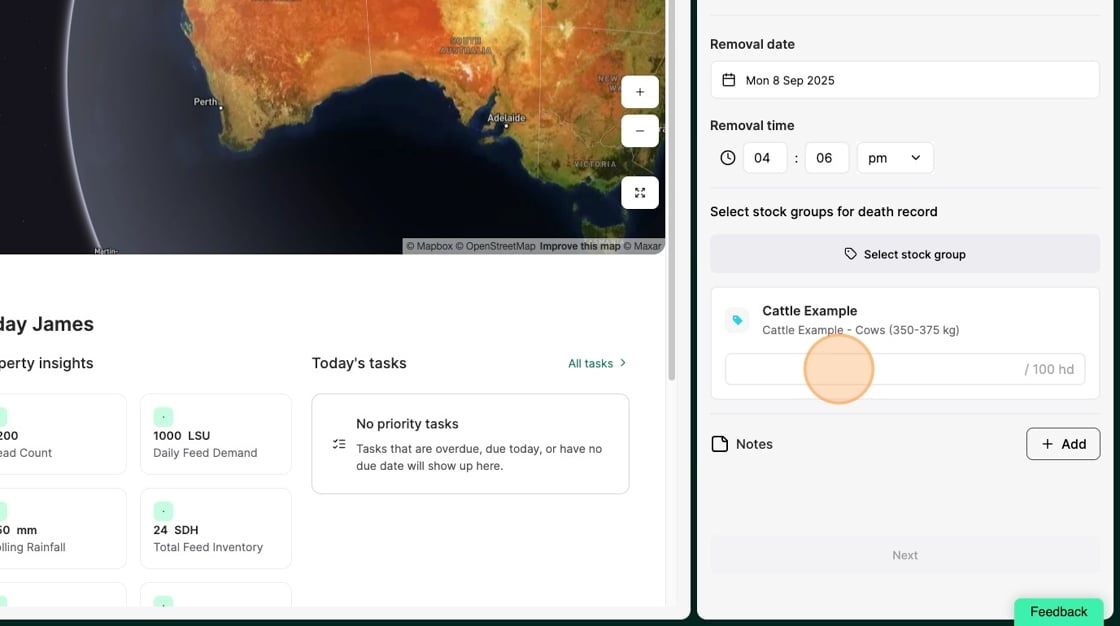
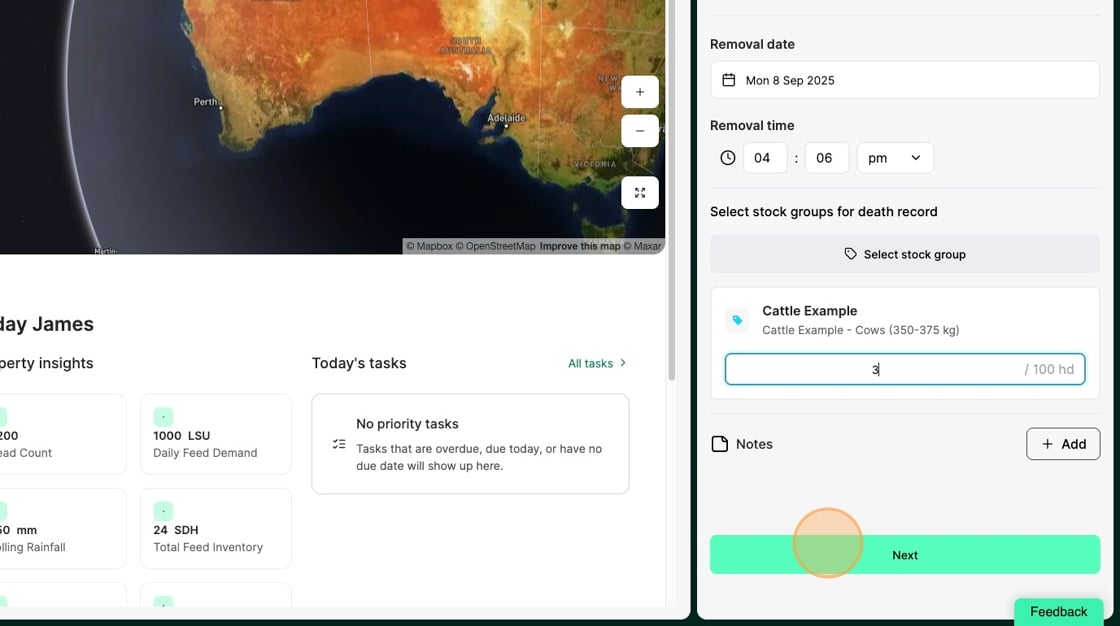
8. Record the number of livestock deaths
9. Select "Next"
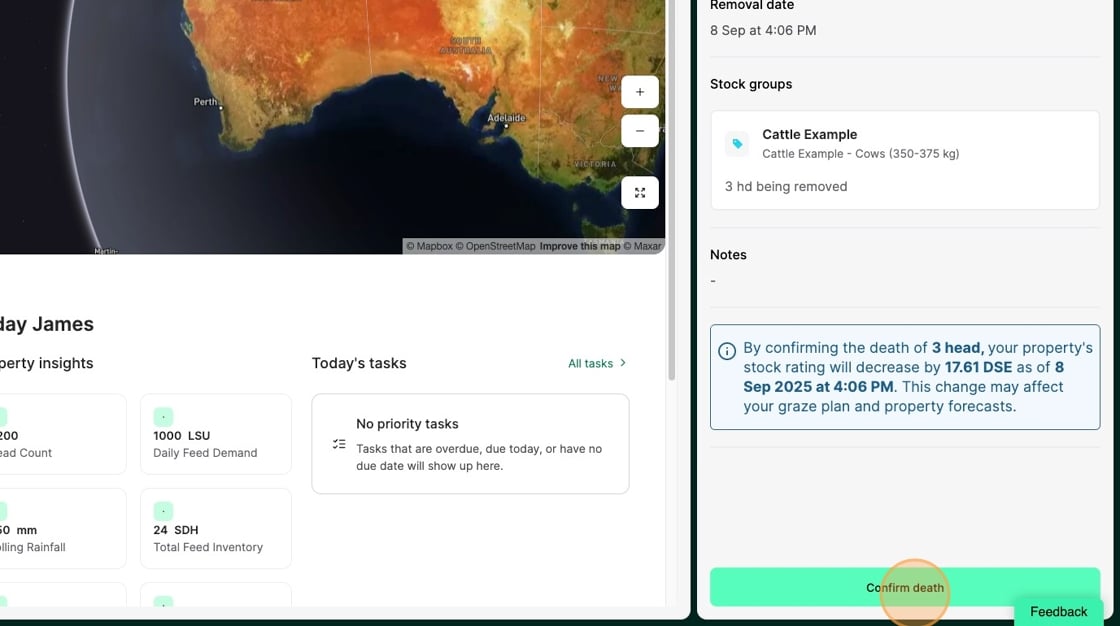
10. Review the death record before selecting "Confirm death" to complete