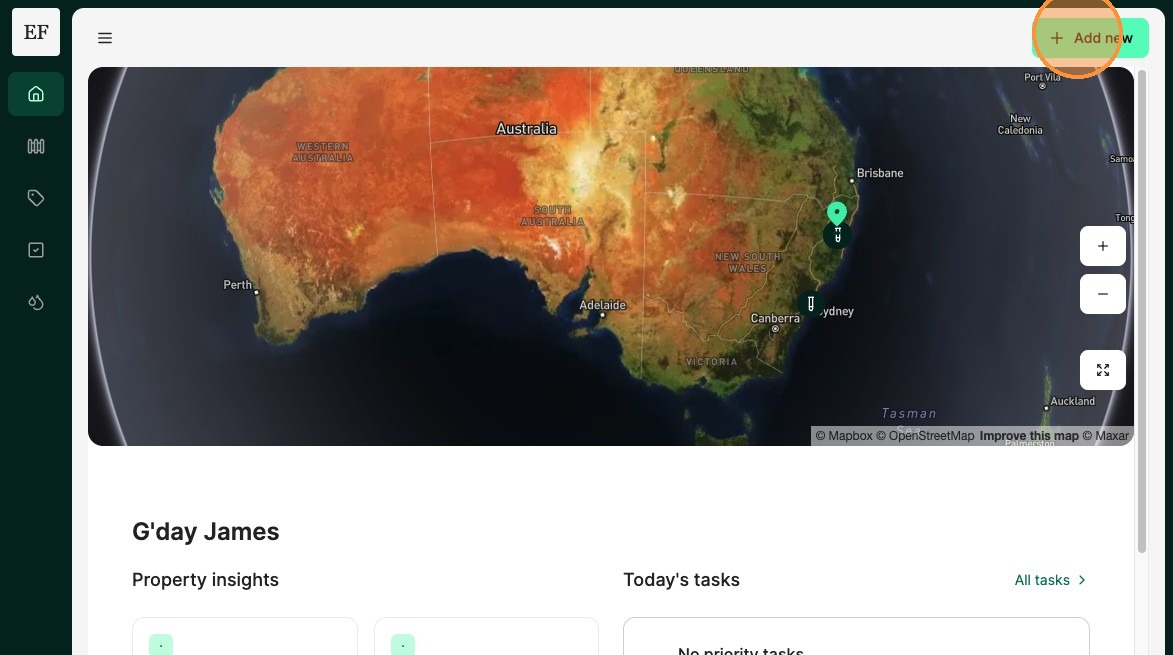
1. From the Home Dashboard Select "Add new"
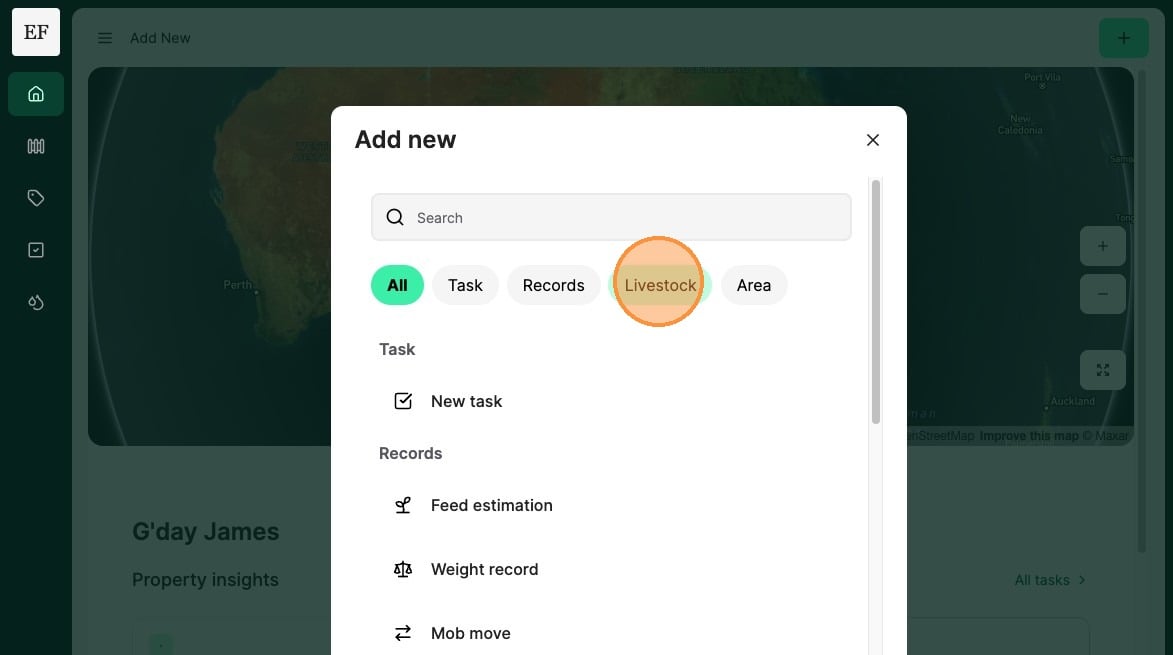
2. Select "Livestock"
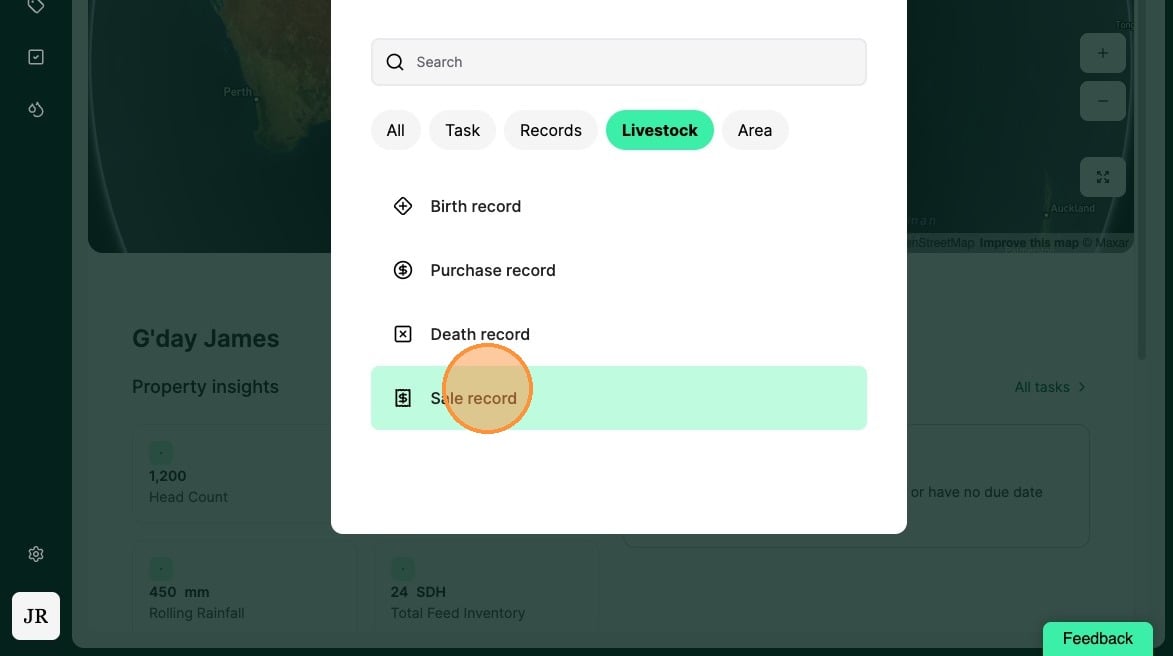
3. Select "Sale record"
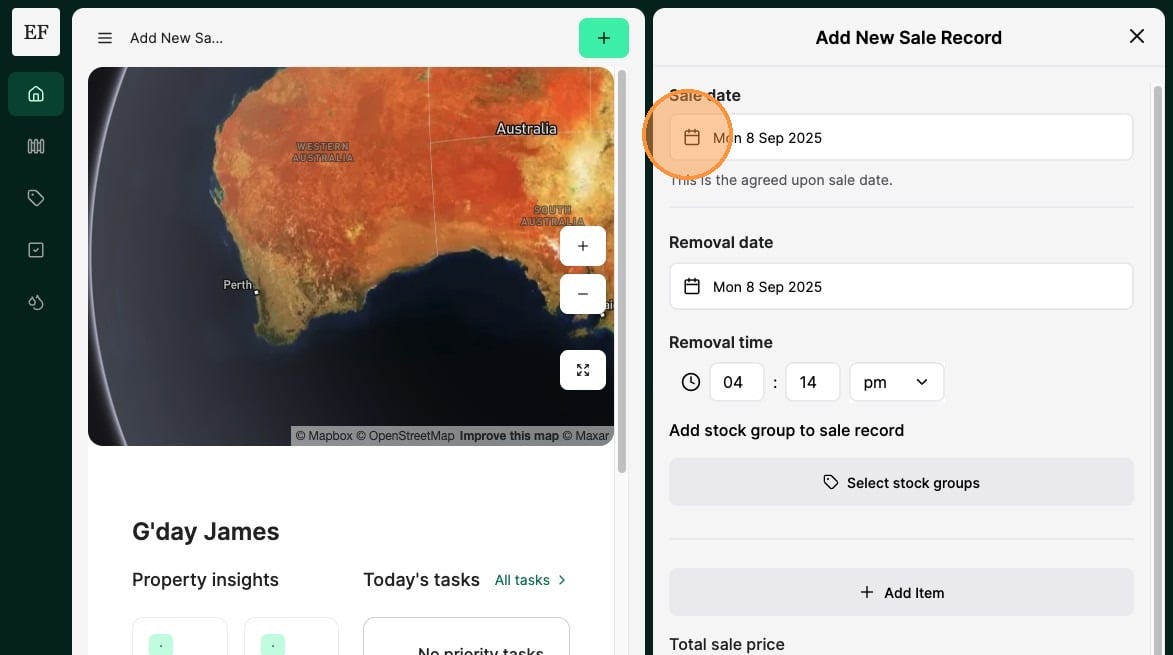
4. Record the "Sale Date" of the livestock.
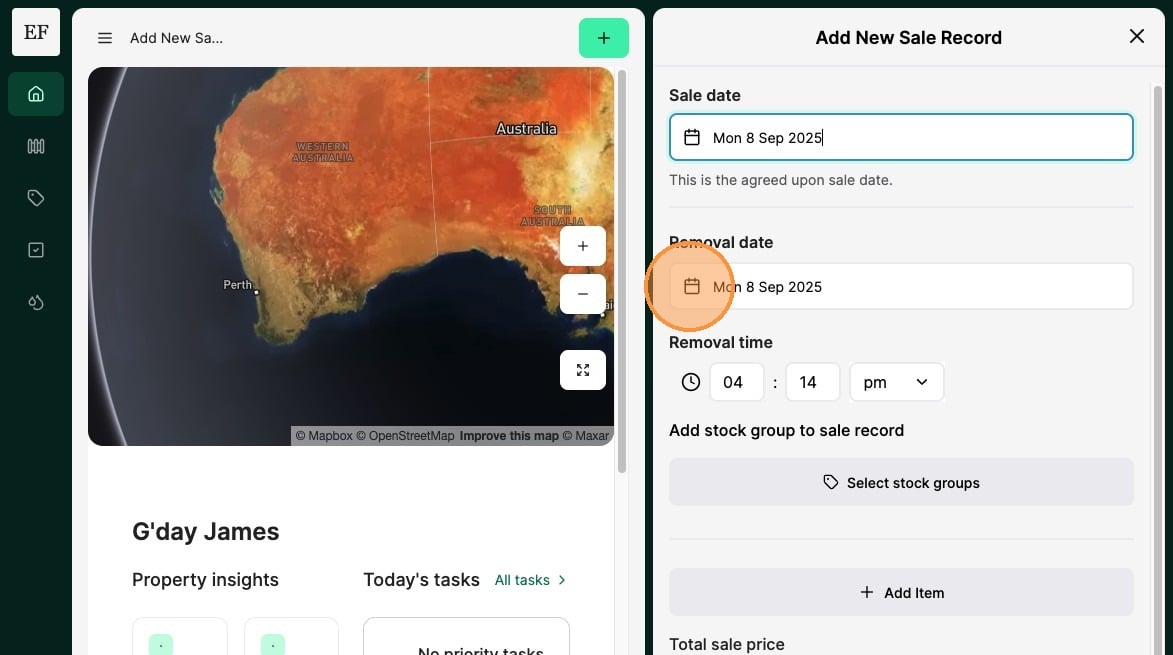
5. Record the "Removal Date" of the livestock.
The removal date is the date at which the demand will be removed from the property. Use this to record when animals are transported.
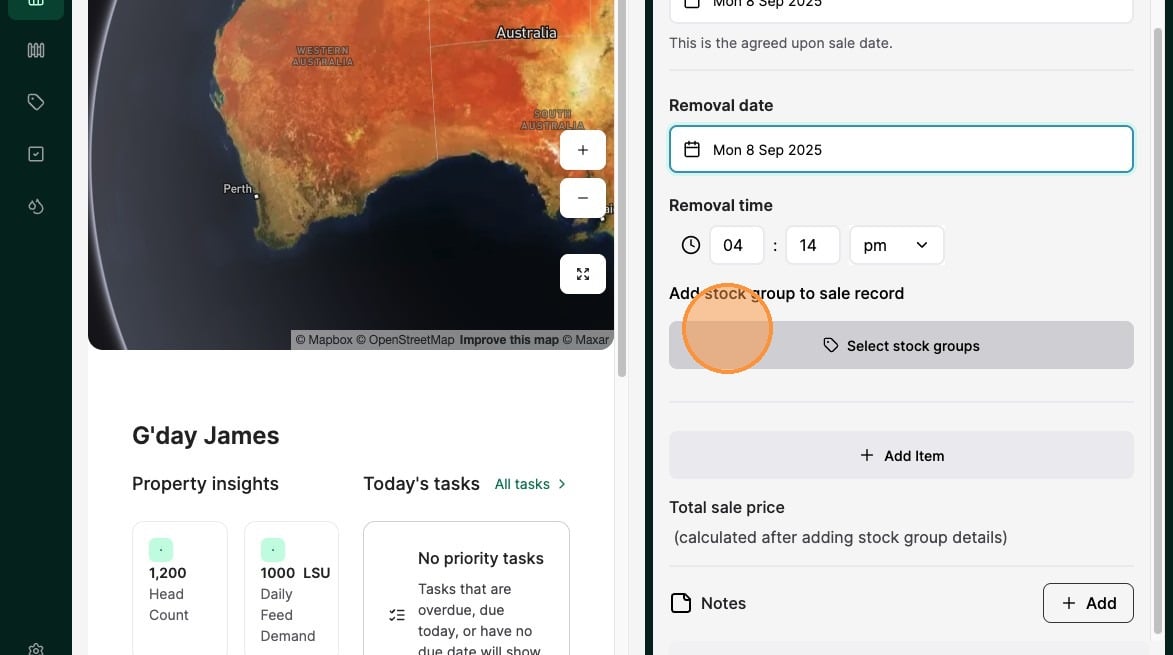
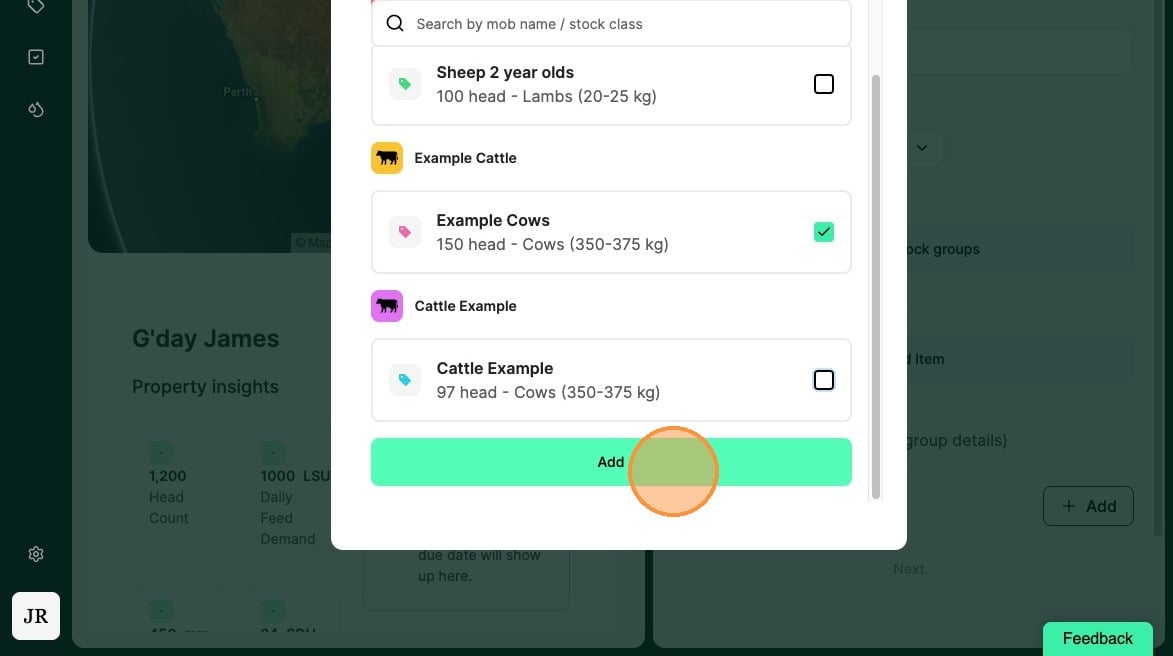
6. Select the "Stock Group" that you want the livestock sale removed from
7. Select from available stock groups
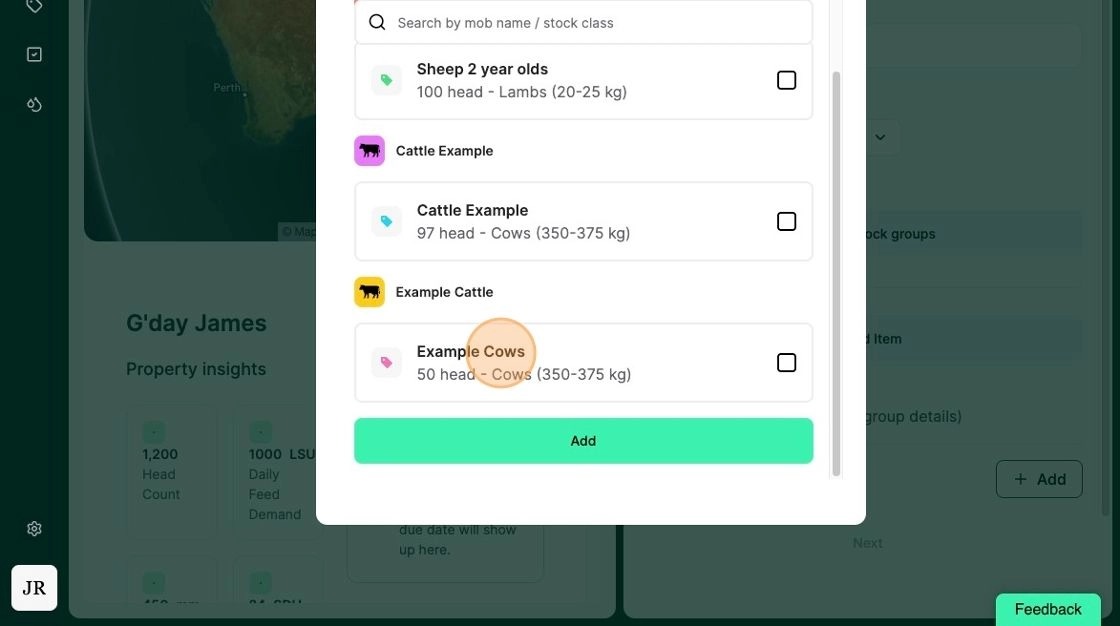
8. Select "Add"
9. Select either "Price per head" or "Price per kg" based on the type of sale.
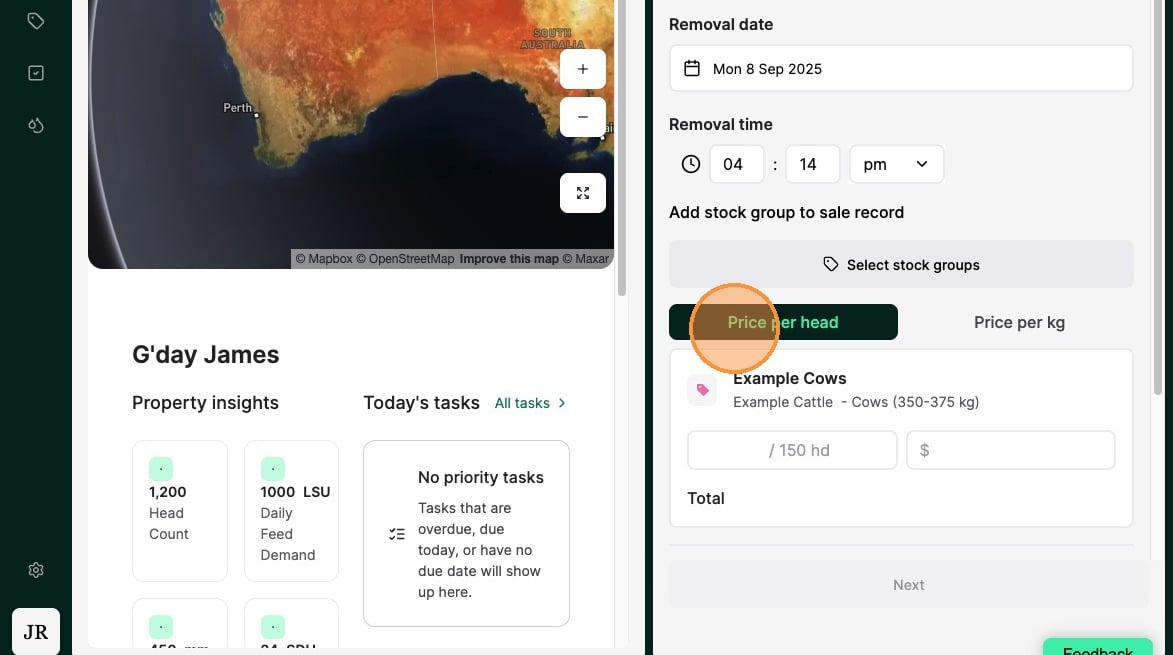
Tip: You can choose to either record the animal sale in "price per head" or "price per kilogram"
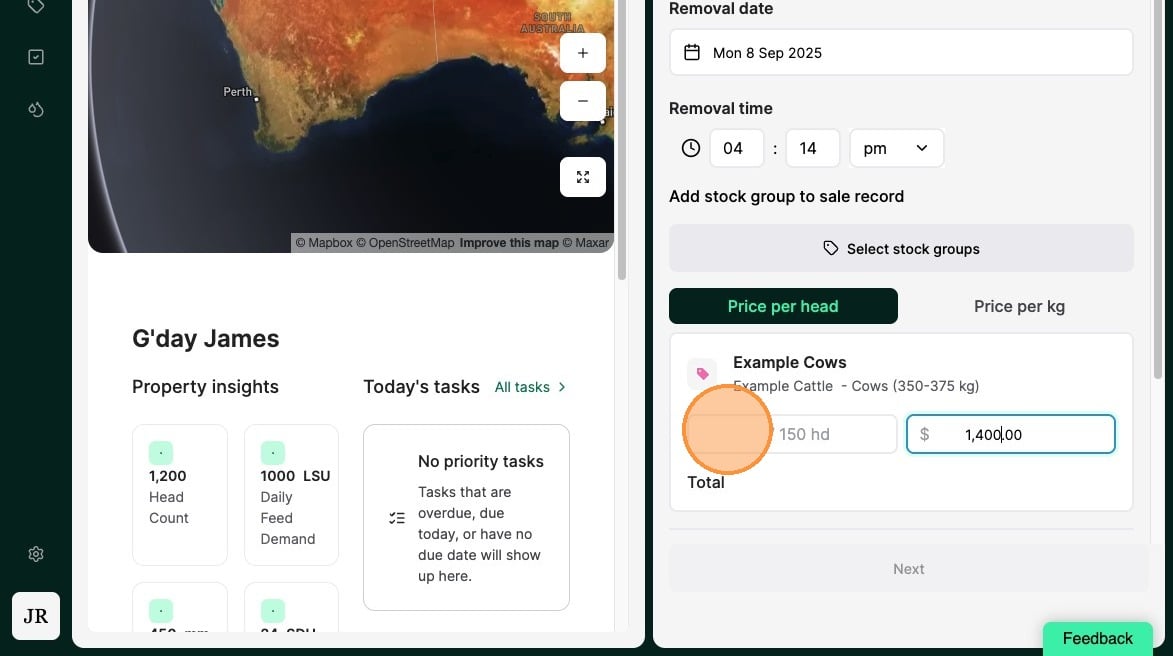
10. Record the number of livestock and unit price
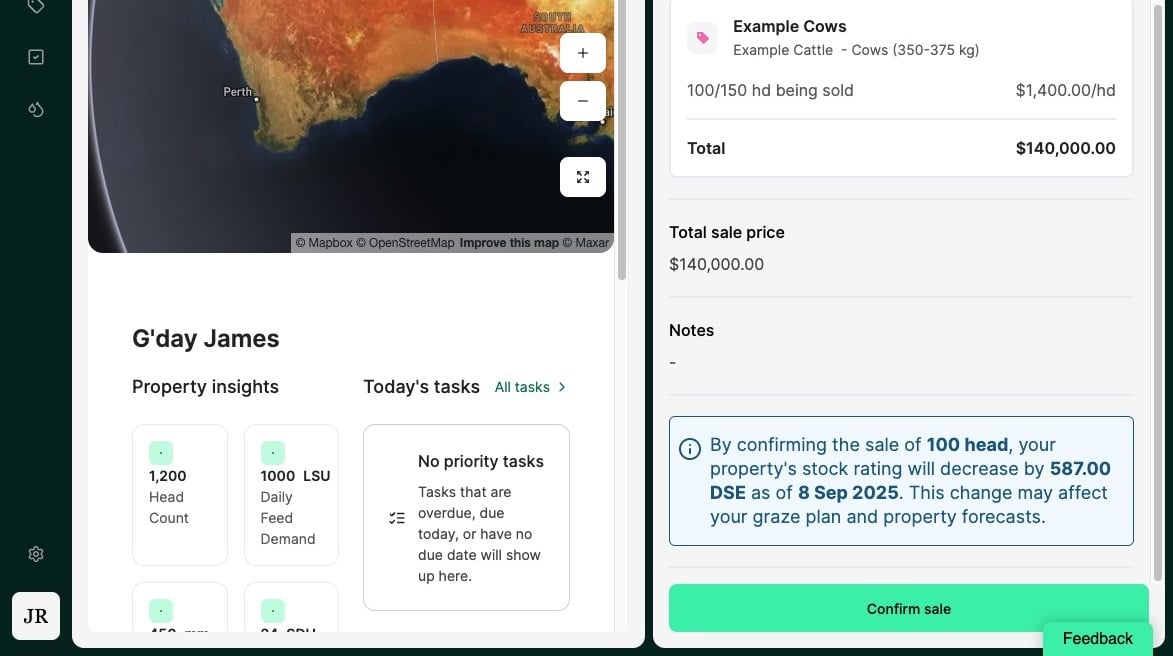
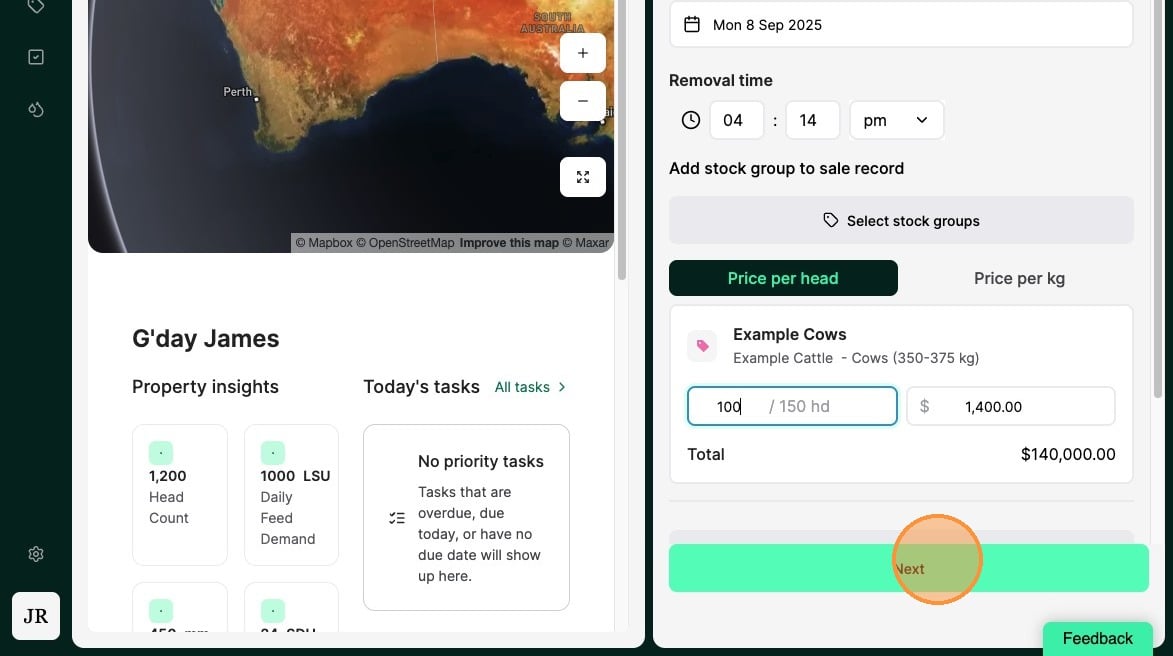
11. Select "Next"
12. Review the sale record before selecting "Confirm sale" to complete